
Flutter Integration Guide
This document explains how to integrate the GliaPlayer Flutter SDK, a WebView-based video ad player, into a Flutter project.
Scenarios
| Ads | Content Video |
|---|---|
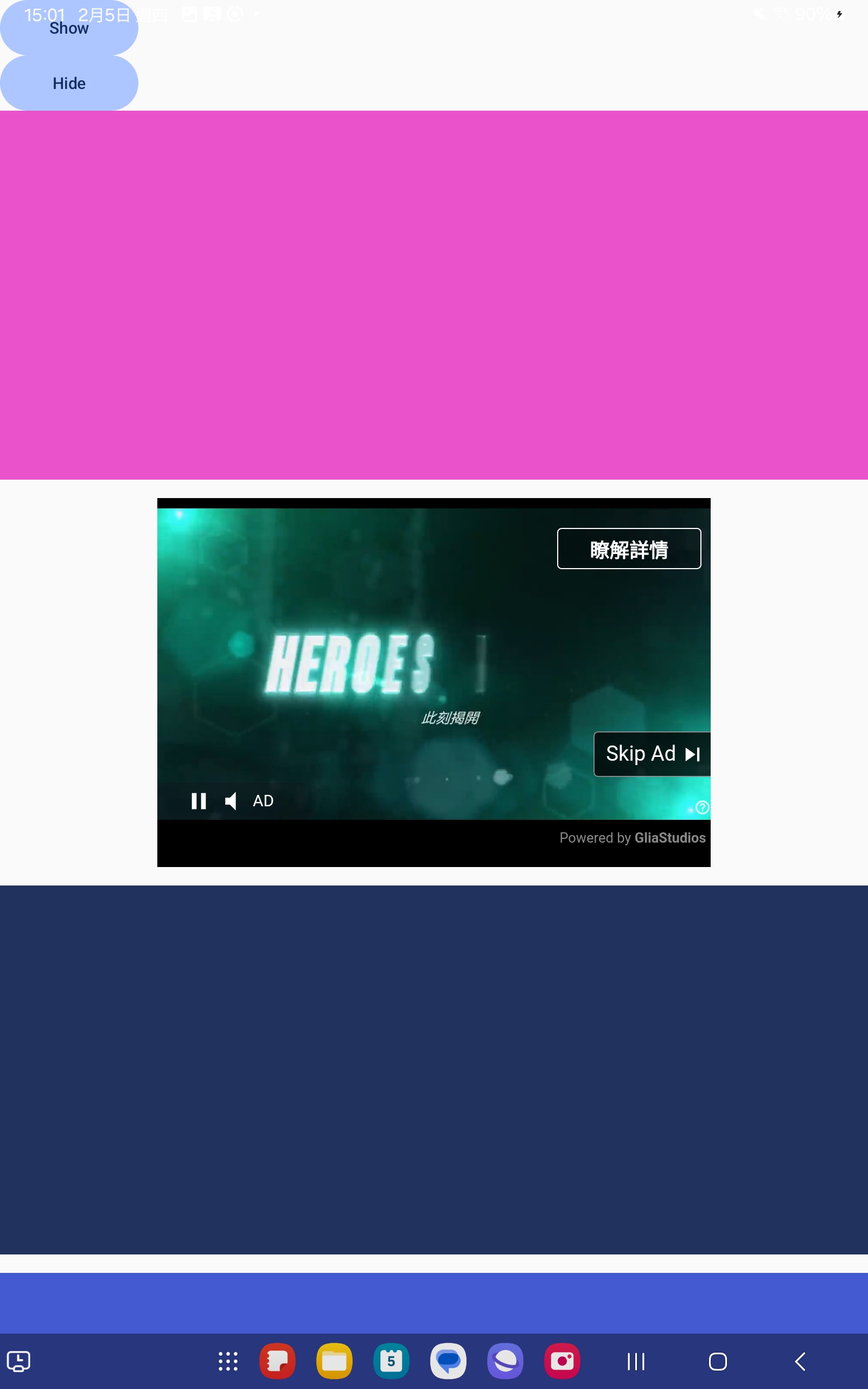 |
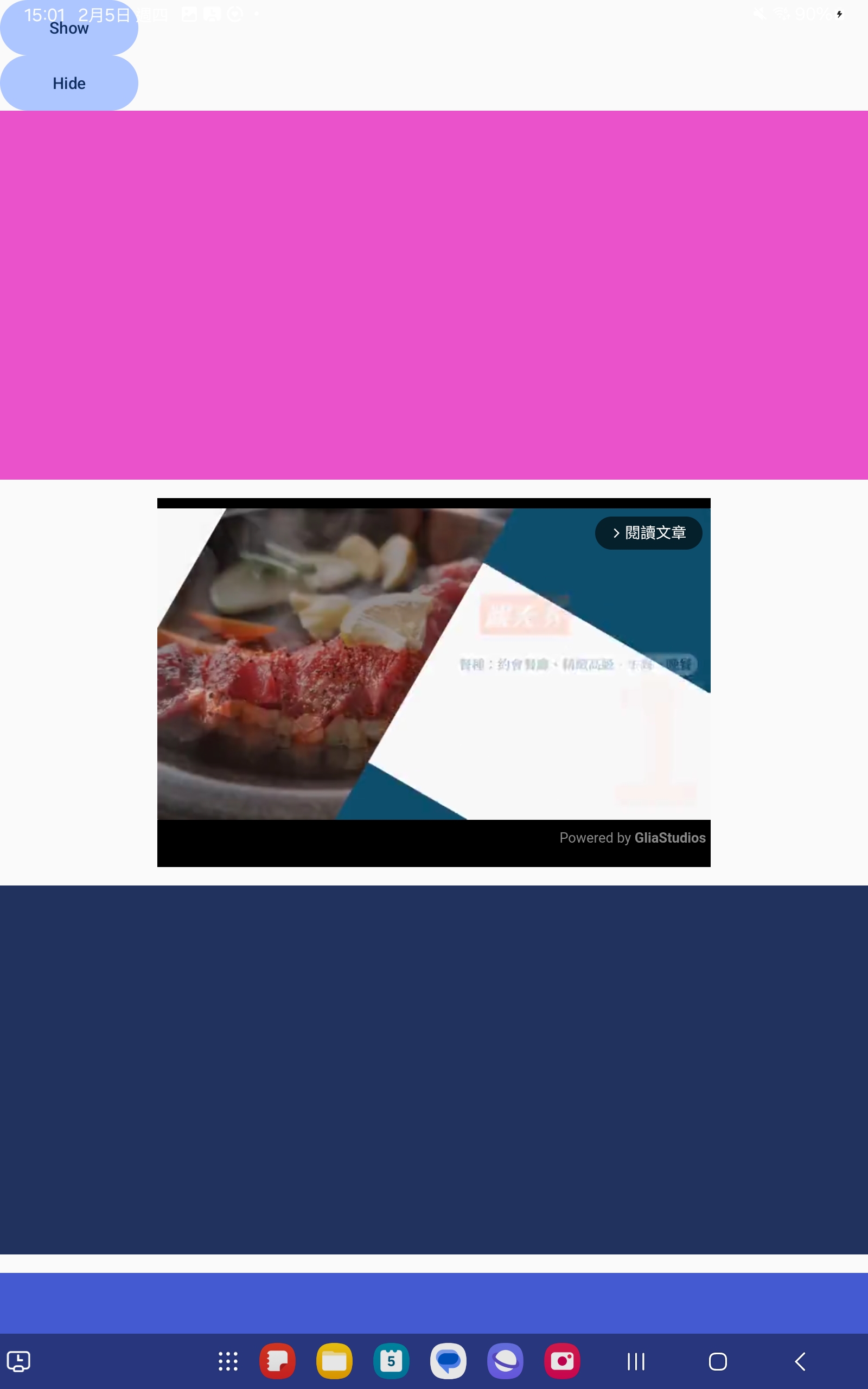 |
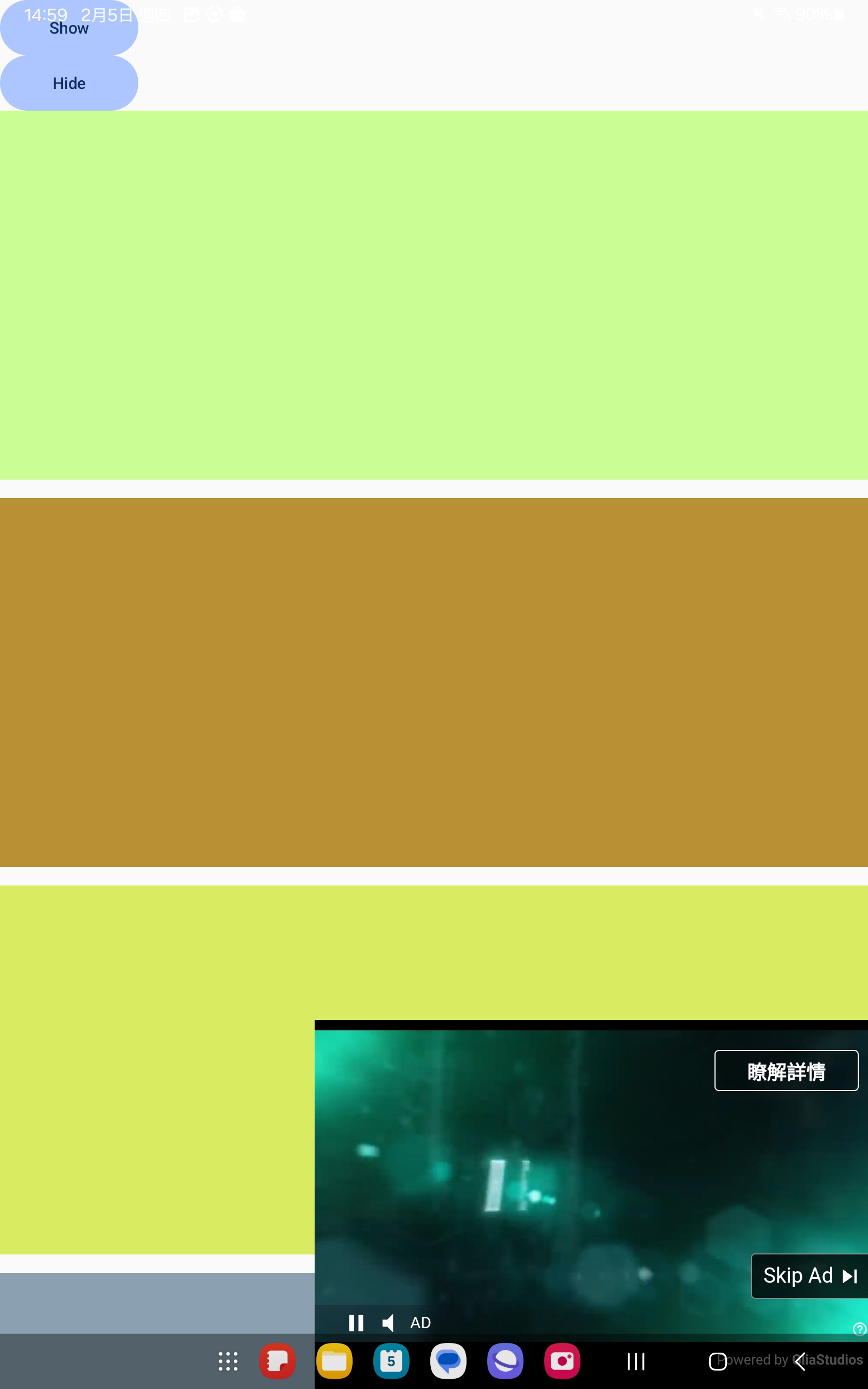 |
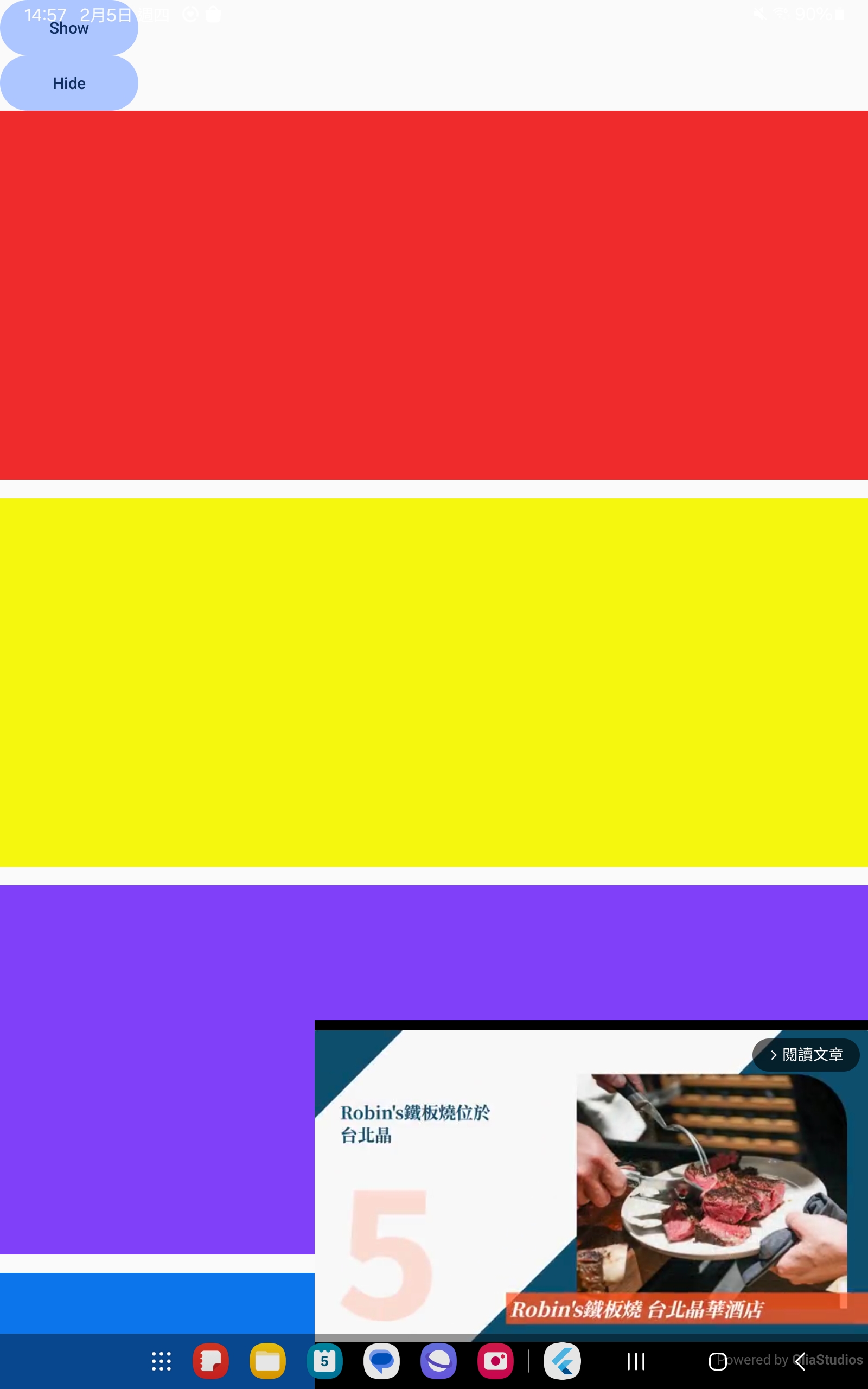 |
Requirements
- Flutter SDK >=3.3.0
- Dart SDK >=3.8
- Android minSdk 23+ (Required by GliaPlayer)
- iOS platform 14+ (Required by GliaPlayer)
Step 1: Add Google Mobile Ads SDK Dependencies
Modify pubspec.yaml, add dependencies
dependencies:
  google_mobile_ads: ^7.0.0
Step 2: Configure Google Mobile Ads SDK
2.1 Android
In android/app/src/main/AndroidManifest.xml, add this config:
<application>
    <meta-data
        android:name="com.google.android.gms.ads.INTEGRATION_MANAGER"
        android:value="webview"/>
</application>
2.2 Create PlatformView
In ios/Runner/Info.plist, add this config:
<dict>
	<key>GADIntegrationManager</key>
	<string>webview</string>
</dict>
Step 3: Initialization
3.1. Ensure that MobileAds is initialized in main.dart:
void main() async {
  WidgetsFlutterBinding.ensureInitialized();
  await MobileAds.instance.initialize();
  runApp(MyApp());
}
3.2. Usage:
import 'package:gliaplayer/gliaplayer.dart';

// In your widget tree
Widget build(BuildContext context) {
  return Column(
    children: [
      // Other widgets...

      // GliaPlayer
      GliaPlayer(
            androidSlotKey: 'gliacloud_app_test',
            iOSSlotKey: 'gliacloud_app_test',
        ),

      // Other widgets...
    ],
  );
}
Verification Steps
- Run
flutter clean && flutter pub get. - Run
flutter runto run on device. - Confirm that the GliaPlayer is displaying correctly.