
gliaplayer 0.0.5  gliaplayer: ^0.0.5 copied to clipboard
Published 4 days ago •  gliacloud.com
gliacloud.comThis repository is for the GliaPlayer Flutter plugin, which enables publishers to monetize Flutter apps using the GliaPlayer SDK.
Flutter Integration Guide #
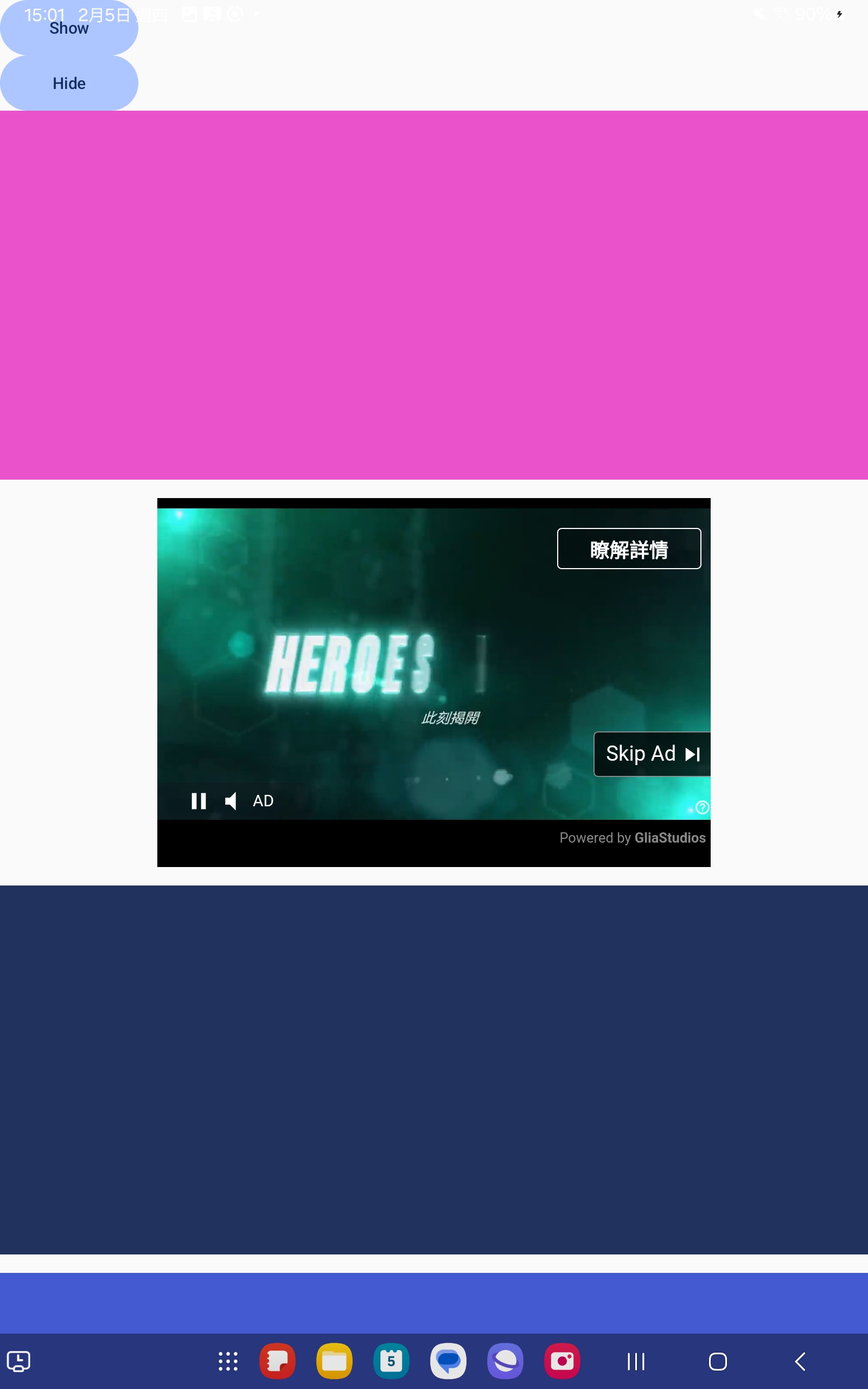
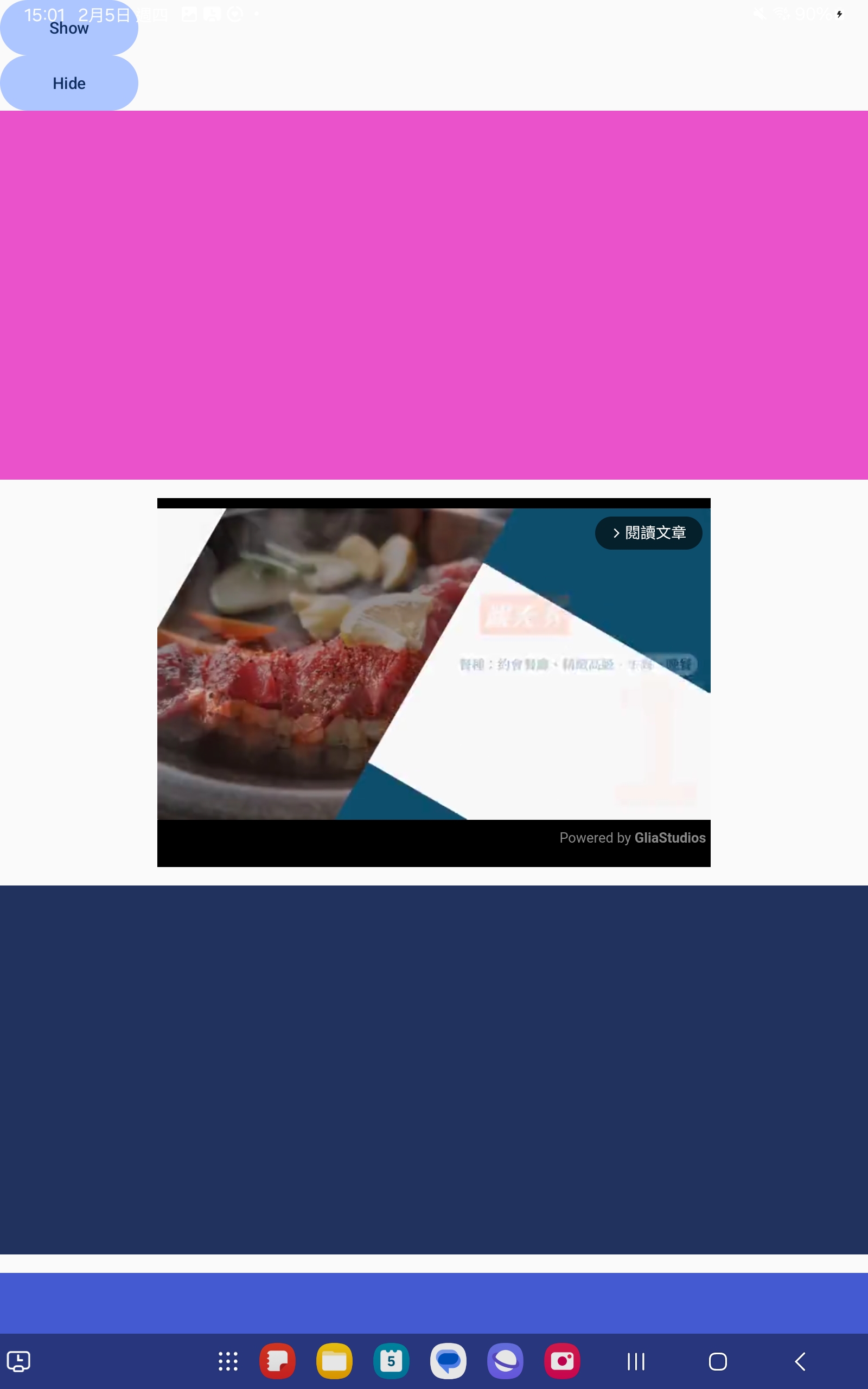
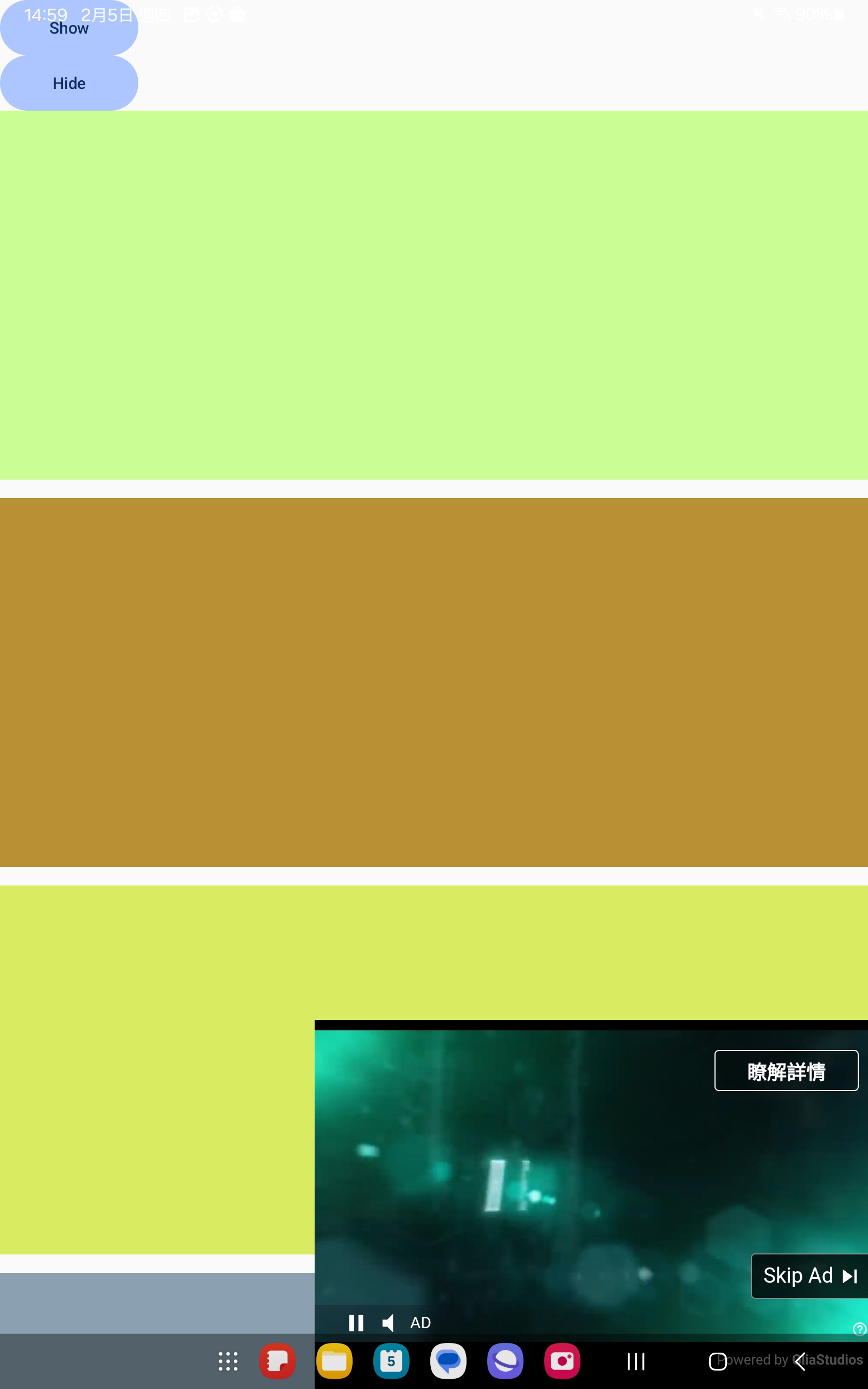
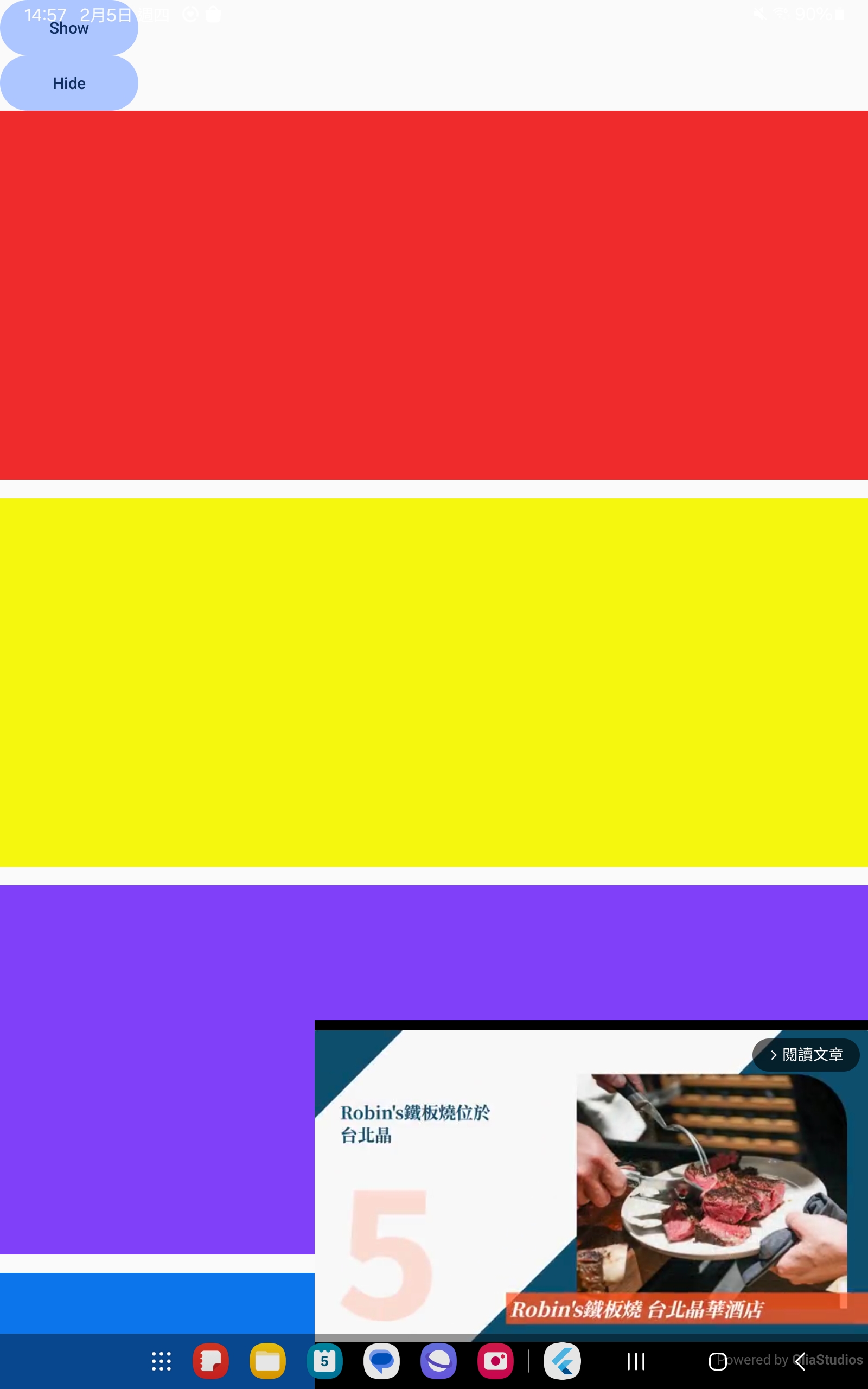
This document explains how to integrate the GliaPlayer Flutter SDK, a WebView-based video ad player, into a Flutter project.
Scenarios #
| Ads | Content Video |
|---|---|
 |
 |
 |
 |
Requirements #
- Flutter SDK >=3.3.0
- Dart SDK >=3.8
- Android minSdk 23+ (Required by GliaPlayer)
- iOS platform 14+ (Required by GliaPlayer)
Step 1: Add Google Mobile Ads SDK Dependencies #
Modify pubspec.yaml, add dependencies #
dependencies:
  google_mobile_ads: ^7.0.0
Step 2: Configure Google Mobile Ads SDK #
2.1 Android #
In android/app/src/main/AndroidManifest.xml, add this config:
<application>
    <meta-data
        android:name="com.google.android.gms.ads.INTEGRATION_MANAGER"
        android:value="webview"/>
</application>
2.2 Create PlatformView #
In ios/Runner/Info.plist, add this config:
<dict>
	<key>GADIntegrationManager</key>
	<string>webview</string>
</dict>
Step 3: Initialization #
3.1. Ensure that MobileAds is initialized in main.dart: #
void main() async {
  WidgetsFlutterBinding.ensureInitialized();
  await MobileAds.instance.initialize();
  runApp(MyApp());
}
3.2. Usage: #
import 'package:gliaplayer/gliaplayer.dart';

// In your widget tree
Widget build(BuildContext context) {
  return Column(
    children: [
      // Other widgets...

      // GliaPlayer
      GliaPlayer(
            androidSlotKey: 'gliacloud_app_test',
            iOSSlotKey: 'gliacloud_app_test',
        ),

      // Other widgets...
    ],
  );
}
Verification Steps #
- Run
flutter clean && flutter pub get. - Run
flutter runto run on device. - Confirm that the GliaPlayer is displaying correctly.
References #
Metadata
0
likes
160
points
418
downloads
Publisher
Weekly Downloads
Metadata
This repository is for the GliaPlayer Flutter plugin, which enables publishers to monetize Flutter apps using the GliaPlayer SDK.
Documentation
License
 BSD-3-Clause (license)
Dependencies
flutter, google_mobile_ads, plugin_platform_interface, url_launcher, webview_flutter, webview_flutter_android, webview_flutter_wkwebview
More
Packages that depend on gliaplayer
Packages that implement gliaplayer

