
versionarte 0.8.3  versionarte: ^0.8.3 copied to clipboard
 kamranbekirov.com
Remotely manage your Flutter app's versioning and availability.
versionarte #
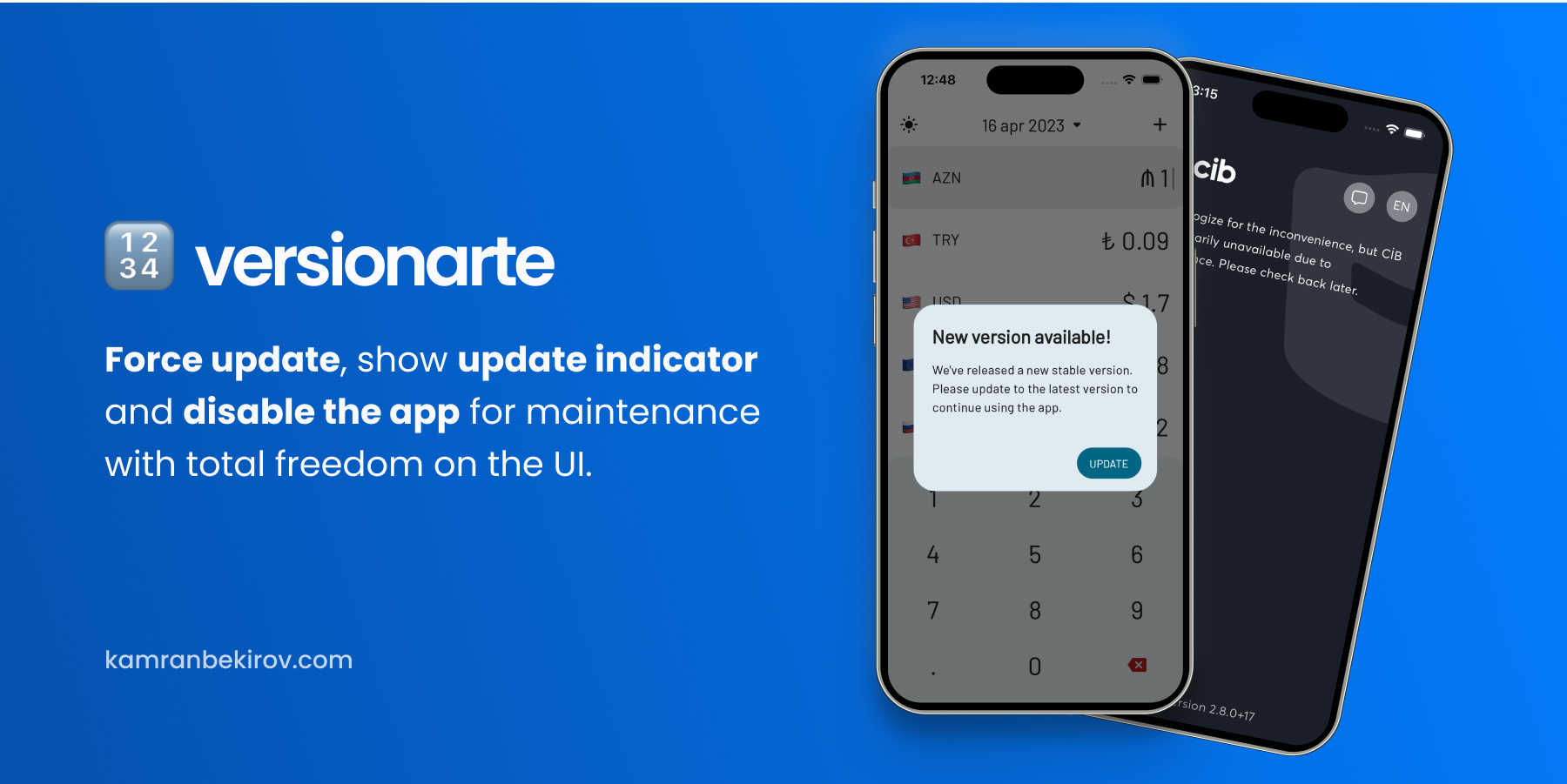
Versionarte allows you to remotely manage your Flutter app's versioning and availability, with a variety of heplful, and in some cases life-saving features with total freedom over the UI allowing you to customize the user experience to fit your app's branding and style.
Features you can implement with versionarte:
- 😈 Force users to update to the latest version of your app before continuing.
- 💆🏻♂️ Have different minimum, latest versions and availability status for each platform.
- 🚧 Disable your app for maintenance with custom information text.
- 🆕 Inform users when a new, optional update is available..
- 🔗 Launch the App Store on iOS and Play Store on Android.
🚀 Motivation #
Mobile application development is unique in that any changes, whether it be adding new features, fixing bugs, or disabling the app for maintenance, requires submitting a new version to the stores and waiting for approval. Even after approval, users may still need to manually update their app to have the latest version.
To simplify the app versioning process, versionarte offers remote management of app versioning and availability. This makes the app development process more controllable.
🕹️ Usage #
Before you use, bear in mind that this package uses a specific, not editable JSON format to convey the app's version and availability status to the package. See the JSON format
Versionarte package helps check the version of the app on a device against the version available on the store. The package uses package_info_plus to get the package information and pub_semver to parse and compare version numbers.
Getting VersionarteResult object #
To get the VersionarteResult object, you need to call the Versionarte.check method. This method takes a VersionarteProvider instance as a parameter, which is responsible for fetching the versioning information from the remote service. The Versionarte.check method returns a VersionarteResult object, which contains the result of the versioning check.
There are two built-in providers that you can use to fetch the versioning information from the remote service: RemoteConfigVersionarteProvider and RestfulVersionarteProvider. You can also create your own custom provider by extending the VersionarteProvider class.
Using Firebase Remote Config
The RemoteConfigVersionarteProvider class uses the Firebase Remote Config service to fetch the versioning information. You need to set up the Firebase Remote Config service before using this provider. You can find the official documentation for setting up Firebase Remote Config here.
Below is a example of how to use Versionarte with Firebase Remote Config:
final result = await Versionarte.check(
    versionarteProvider: RemoteConfigVersionarteProvider(),
);
The RemoteConfigVersionarteProvider has 1 optional parameter:
keyName: used to specify the key name for the Firebase Remote Config to fetch. By default, it's set to "versionarte". If you want to upload the configuration JSON using different key name, you can use this parameter to specify the key name.
Using RESTful API
final result = await Versionarte.check(
    versionarteProvider: RestfulVersionarteProvider(
        url: 'https://myapi.com/getVersioning',
    ),
);
Using custom VersionarteProvider
If you want to use a custom provider, say you use some other remote service to provide versioning details of your app, you can extend the VersionarteProvider class and override the getStoreVersioning method. This method is responsible for fetching the versioning information from the remote service and returning it as a StoreVersioning object.
class MyCustomVersionarteProvider extends VersionarteProvider {
  @override
  Future<StoreVersioning> getStoreVersioning() async {
    final result = MyCustomService.fetchVersioning();

    final decodedResult = jsonDecode(result);

    return StoreVersioning.fromJson(decodedResult);
  }
Then, you can use your custom provider in the Versionarte.check method:
final result = await Versionarte.check(
    versionarteProvider: MyCustomVersionarteProvider(),
);
Handling the result #
Then, based on the versioning state, you can decide what to do next. Here's an example of how to handle the different cases:
if (result == VersionarteResult.inactive) {
    final message = result.status.getMessageForLanguage('en');
    // TODO: Handle the case where the app is inactive
} else if (result == VersionarteResult.mustUpdate) {
    // TODO: Handle the case where an update is required
} else if (result == VersionarteResult.shouldUpdate) {
    // TODO: Handle the case where an update is optional
}
There are two other values that you can receive as a result: VersionarteStatus.upToDate and VersionarteStatus.unknown. But these two are never used mostly.
Note that you don't need to try-catch the Versionarte.check function, as the called function catches all the errors inside. If anything goes wrong, an instance of VersionarteResult is still returned, with a message property containing the error message. Also, be sure to check the debug console to see the debug-only prints that the package prints.
Maybe you want to use Firestore, Graphql or any other service to provider StoreVersioning? Extend VersionarteProvider, override getStoreVersioning, fetch serverside data, parse it into a StoreVersioning instance using StoreVersioning.fromJson factory constructor:
Redirecting to the store #
The Versionarte.launchStore method is a utility method provided by the Versionarte package that opens the app's store page in the device's app store app.
See the example directory for a complete sample app.
🖋️ JSON format #
versionarte has a specific JSON format, which you must use to provide the versioning details remotely. Whether you're using RemoteConfigVersionarteProvider, RestfulVersionarteProvider, or a custom VersionarteProvider, you must always use the structured JSON below:
{
    "android": {
        "version": {
            "minimum": "2.7.0",
            "latest": "2.8.0"
        },
        "status": {
            "active": true,
            "message": {
                "en": "App is in maintanence mode, please come back later.",
                "es": "La aplicación está en modo de mantenimiento, vuelva más tarde."
            }
        }
    },
    "iOS": {
        // same data we used for "android"
    }
    "macOS": {
        // same data we used for "android"
    }
}
This JSON object represents the versioning information for an app, including its minimum and latest versions, and the maintenance status of the app. The information is stored separately for three different platforms: Android, iOS, and macOS.
Each platform contains two objects:
version: An object that contains information about the minimum and latest version of the app.minimum: The minimum version of the app that users can use.latest: The latest version of the app that is available.
status: An object that contains information about the availability of the app.active: A boolean that indicates whether the app is currently in active or not.message: A map that contains the maintenance messages for different languages. The keys of the map represent the language codes (e.g., "en" for English, "es" for Spanish), and the values represent the corresponding maintenance message in that language. If the app is not in maintenance mode, this field may be null or empty.
🚜 Configuring Firebase Remote Config #
🐞 Bugs/Requests #
If you encounter any problems please open an issue. If you feel the library is missing a feature, please raise a ticket on GitHub and we'll look into it. Pull requests are welcome.
📃 License #
Metadata
Publisher
Weekly Downloads
Metadata
Remotely manage your Flutter app's versioning and availability.
Repository (GitHub)
View/report issues
License
 unknown (license)
Dependencies
firebase_remote_config, flutter, http, package_info_plus, pub_semver, url_launcher

