
tip_dialog 2.1.0  tip_dialog: ^2.1.0 copied to clipboard
 inrush.cn
A Flutter Tip Dialog
TipDialog #
A Flutter Tip Dialog
| Loading Type Dialog | Success Tye Dialog | Fail Type Dialog |
|---|---|---|
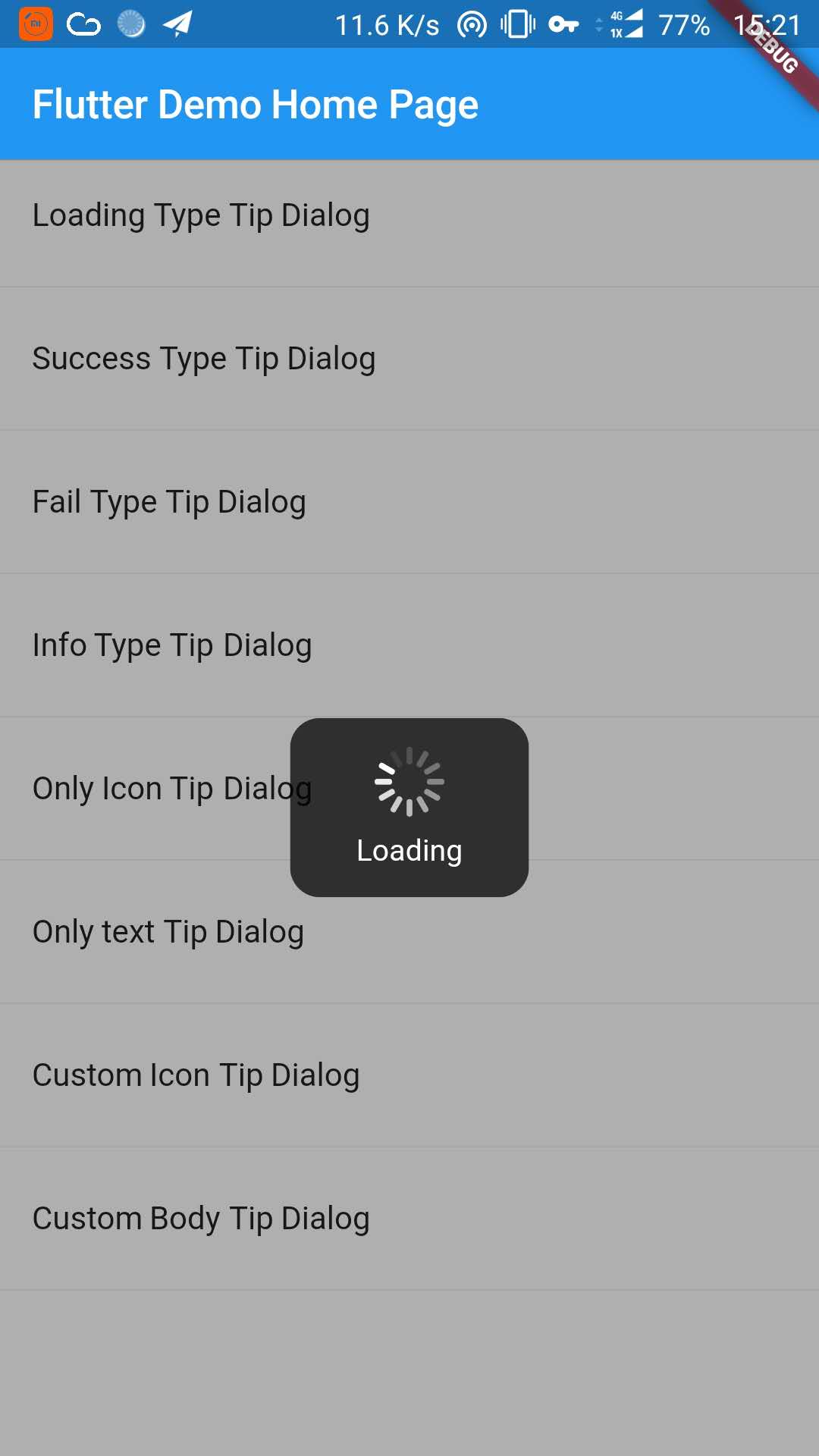 |
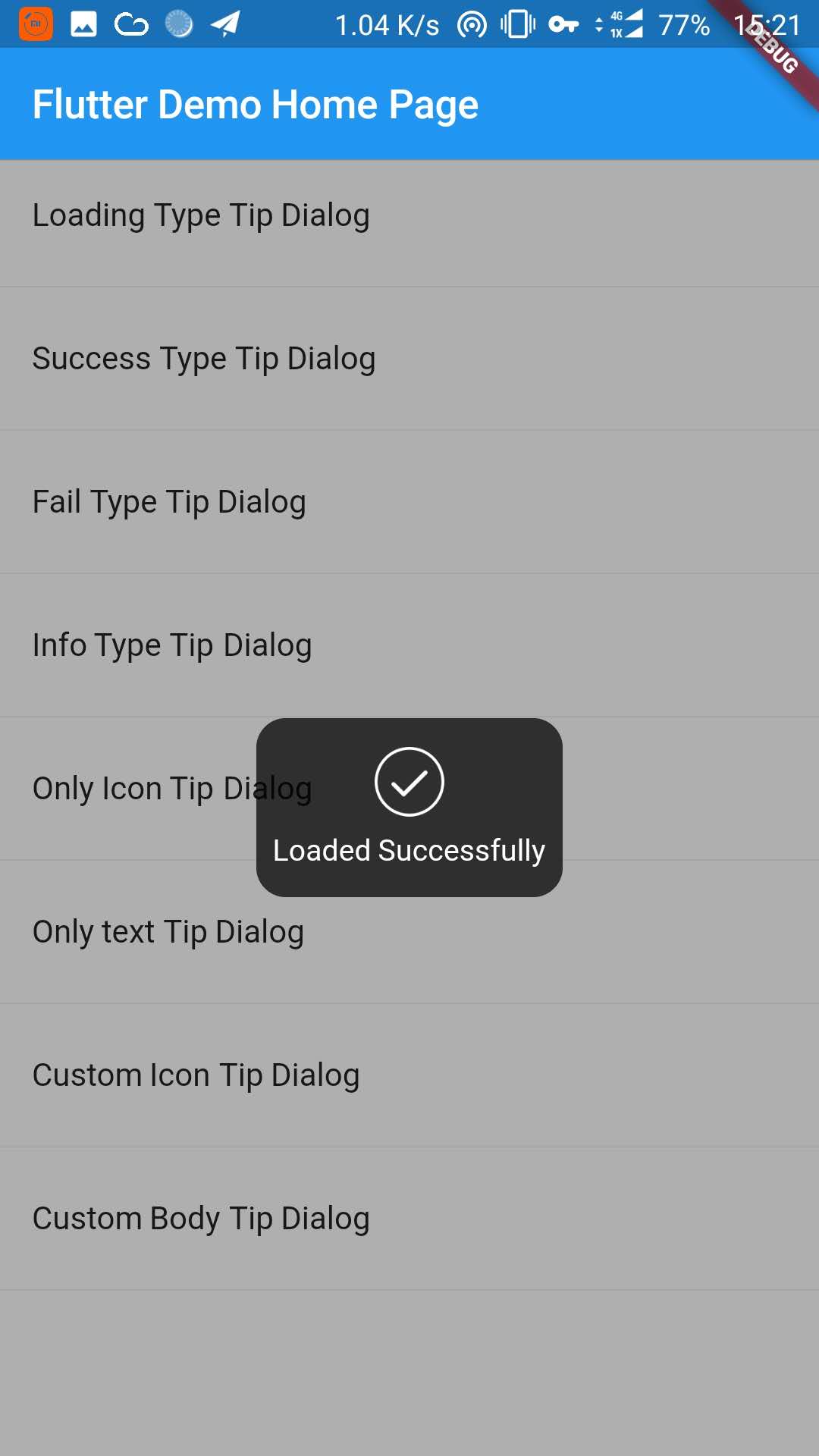 |
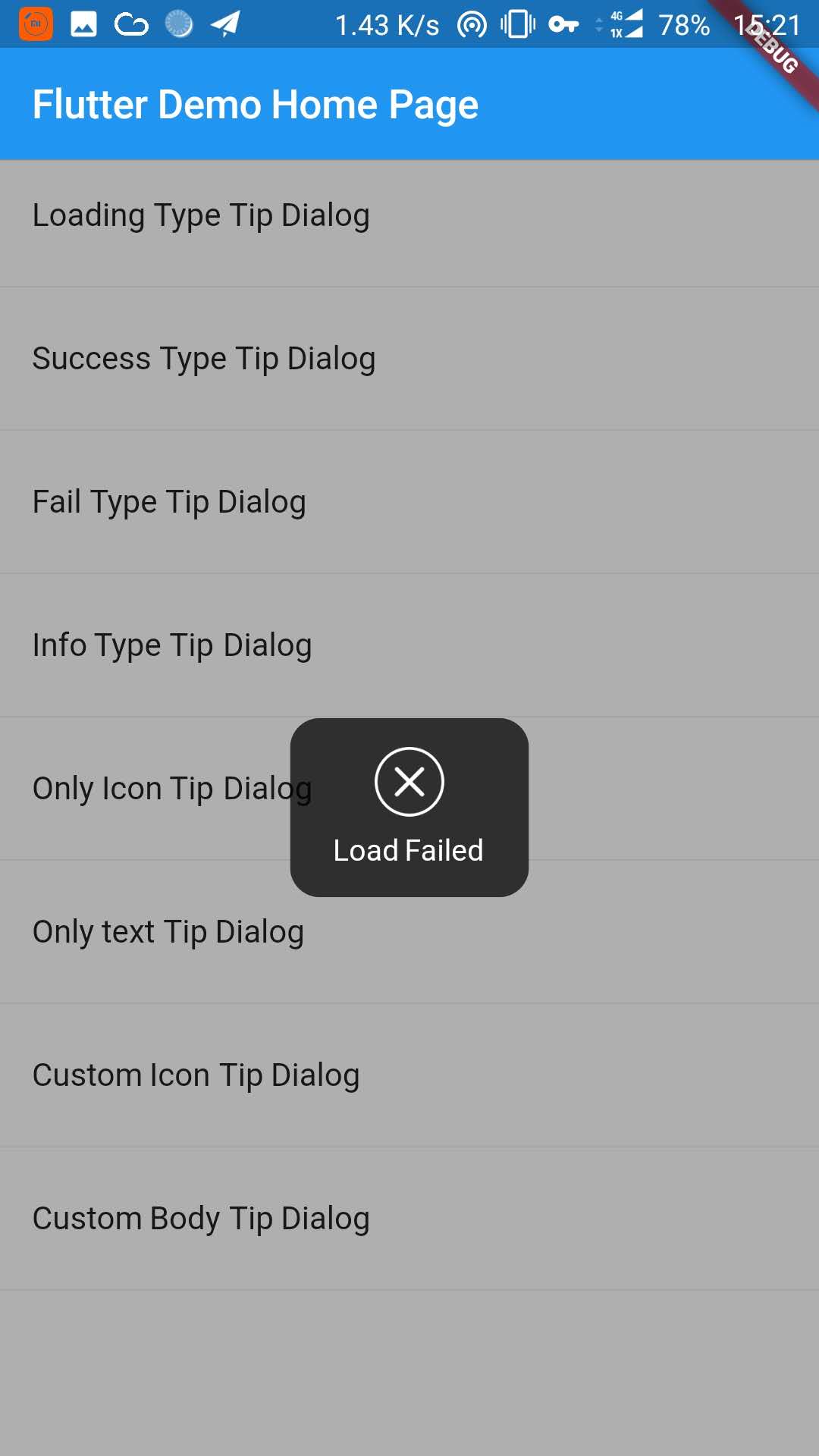 |
| Info Type Dialog | Only Icon Dialog | Onl Text Dialog |
|---|---|---|
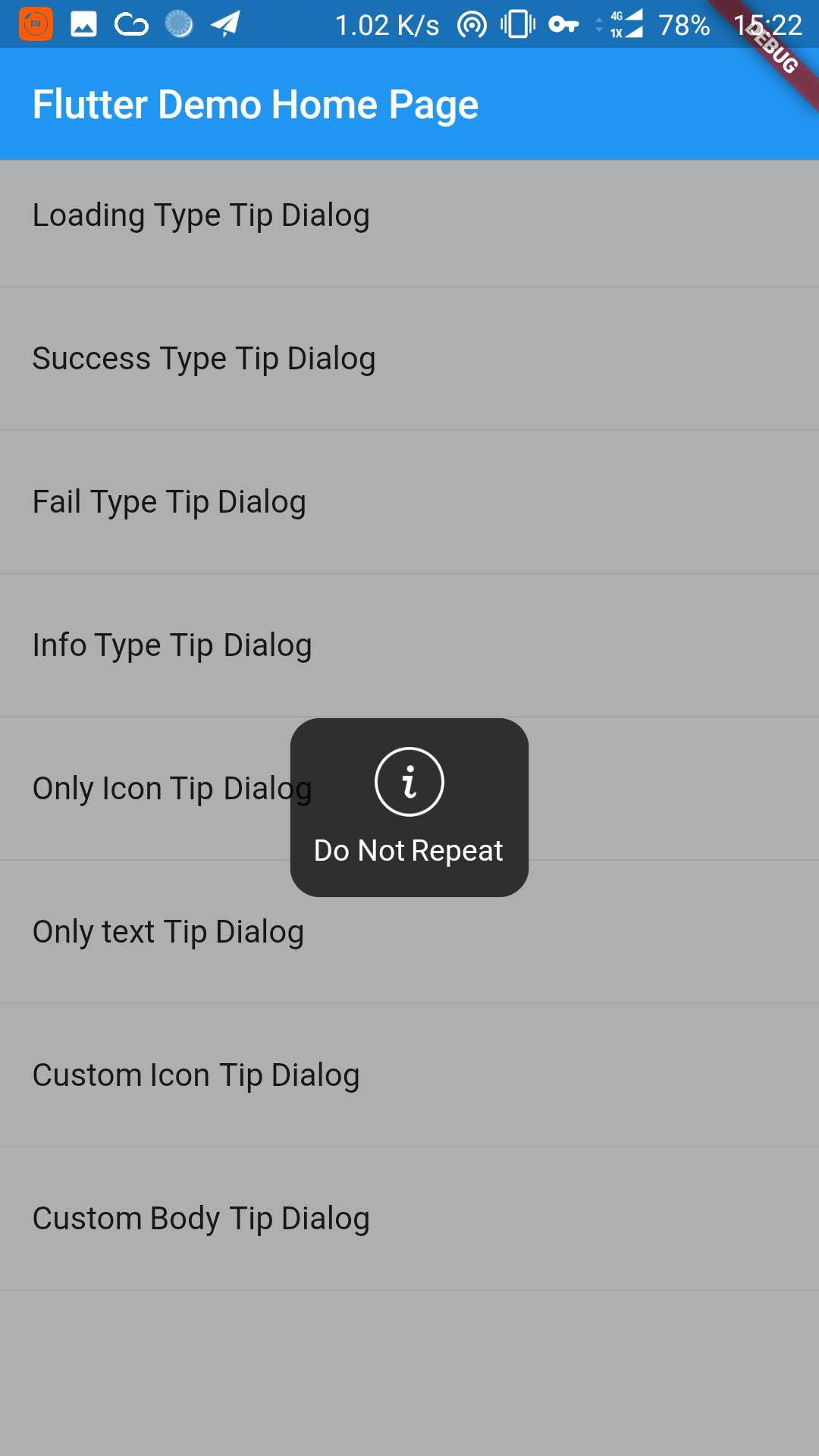 |
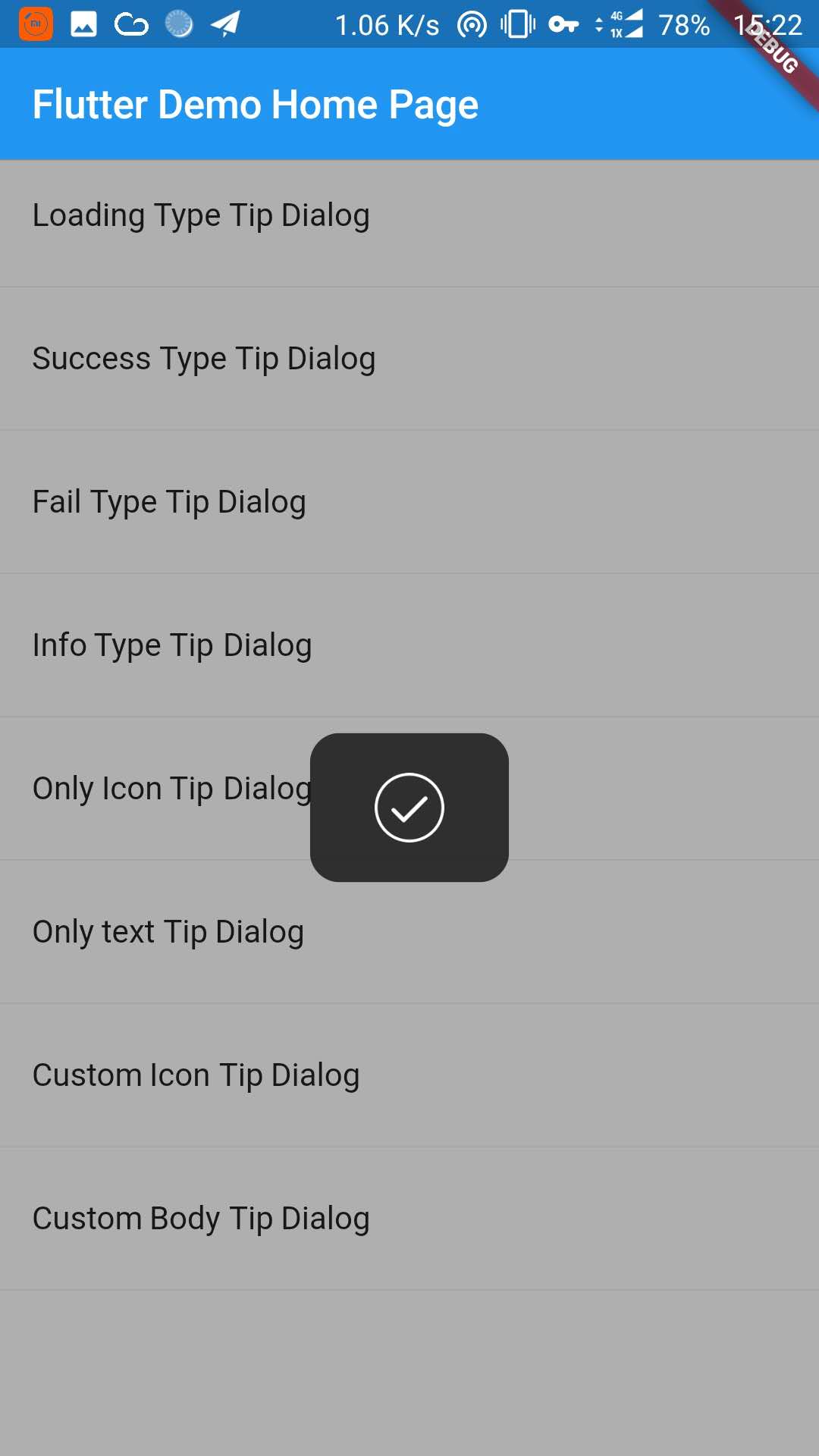 |
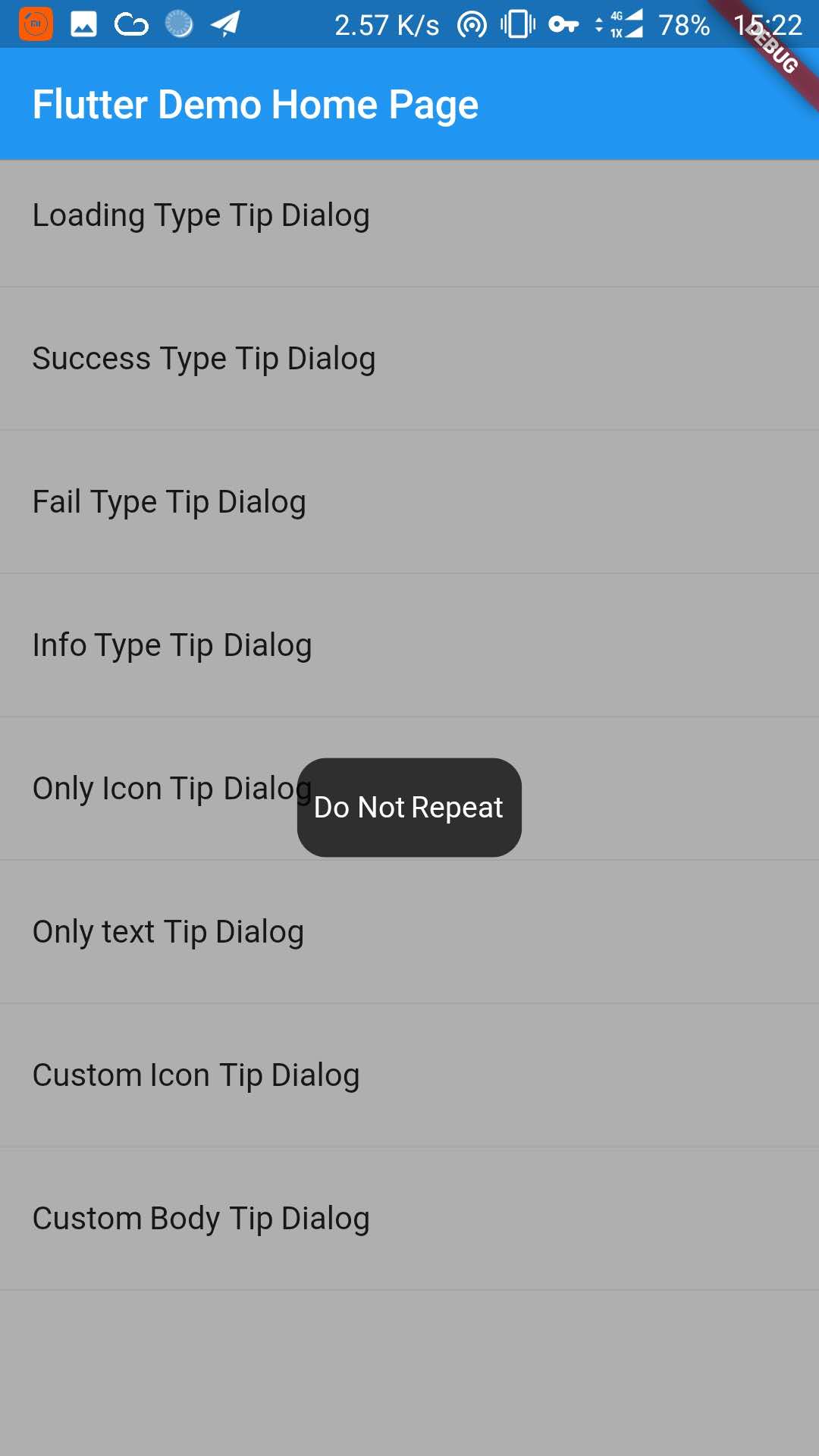 |
| Custom Icon Dialog | Custom Body Dialog |
|---|---|
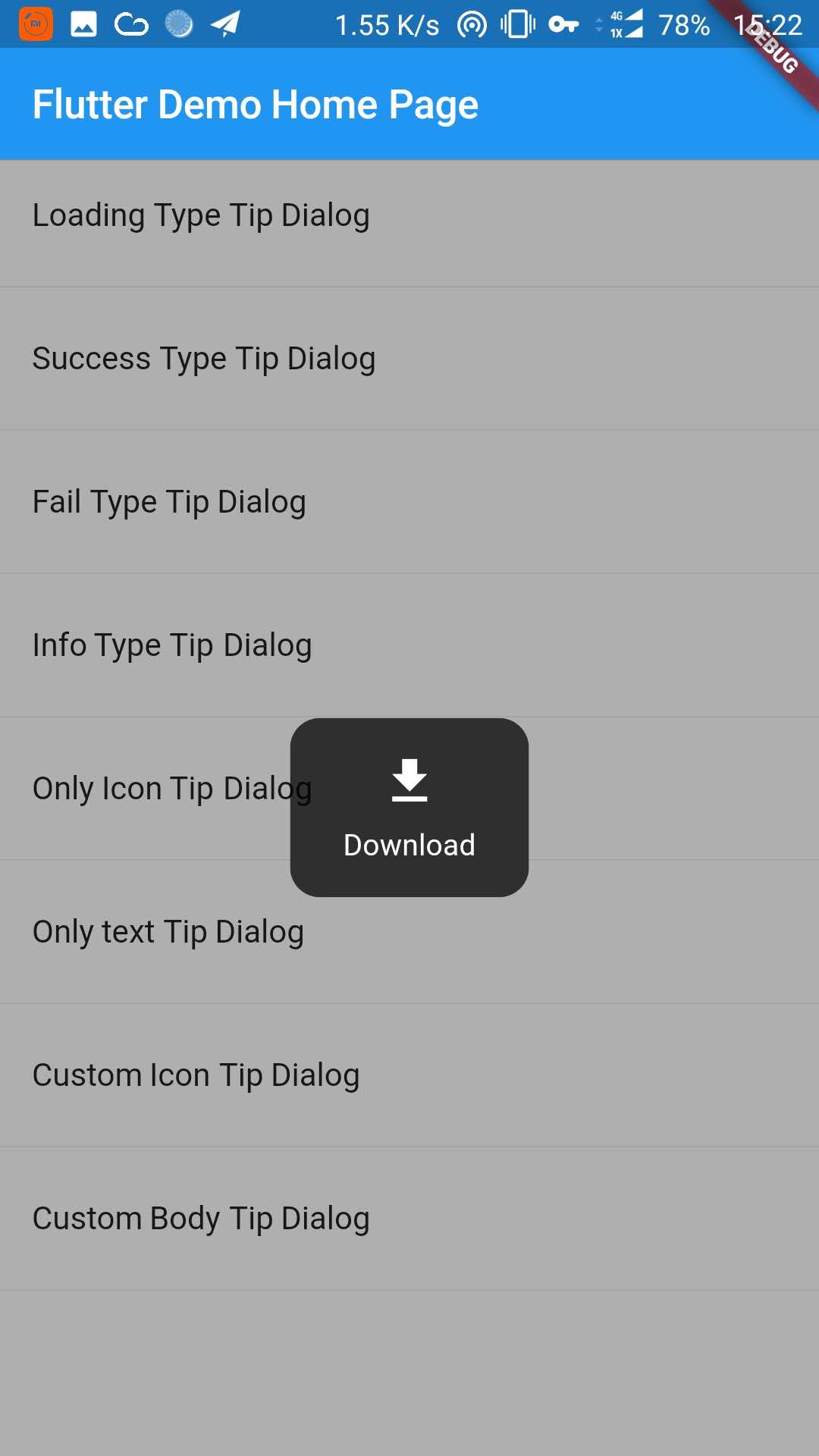 |
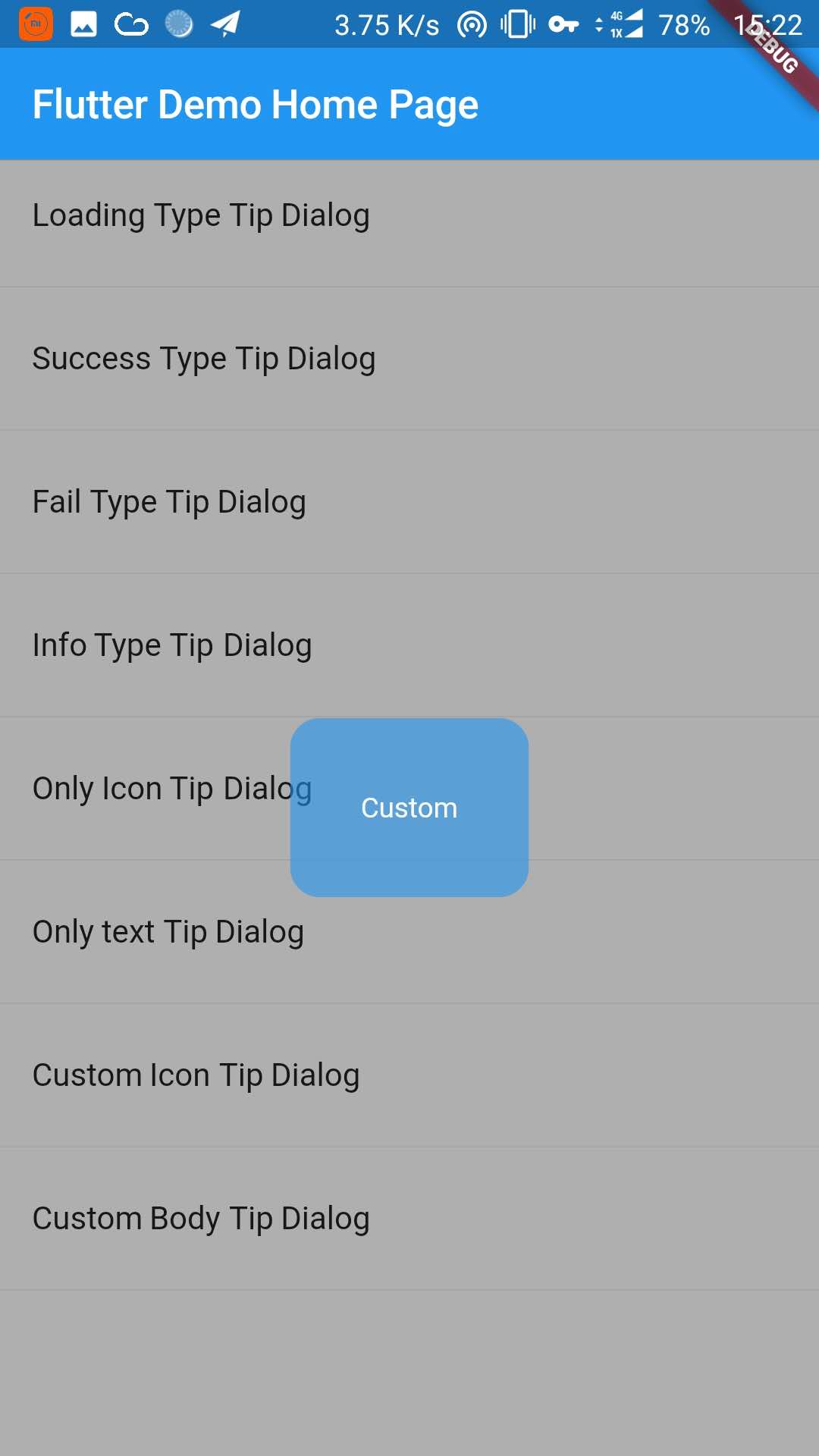 |
1. Depend on it #
Add this to your package's pubspec.yaml file:
dependencies:
  tip_dialog: ^2.1.0
2. Install it #
You can install packages from the command line: with Flutter:
$ flutter packages get
3. Import it #
Now in your Dart code, you can use:
import 'package:tip_dialog/tip_dialog.dart';
4. Use #
Available attributes
/// [TipDialogContainer]
@required this.child,
/// automatically disappear time
this.duration: const Duration(seconds: 3),
/// mask layer alpha
this.maskAlpha: 0.3
Global Use (2.1.0)
/// Use [TipDialogContainer] globally
/// This widget can be globally supported
void main() => runApp(new MyApp());
class MyApp extends StatelessWidget {
  // This widget is the root of your application.
  @override
  Widget build(BuildContext context) {
    return new TipDialogContainer(
        child: new MaterialApp(
          title: 'TipDialog Demo',
          theme: new ThemeData(),
          home: new MyHomePage(title: 'TipDialog Demo Home Page'),
        ));
  }
}
/// use TipDialogHelper to show tip
 Widget build(BuildContext context) {
    return new Scaffold(
      appBar: new AppBar(
        title: new Text(widget.title),
        elevation: 0.5,
      ),
      body: new ListView(children: <Widget>[
        _buildItem("Loading Type Tip Dialog", () async {
          TipDialogHelper.loading(context, "Loading");
          await new Future.delayed(new Duration(seconds: 5));
          TipDialogHelper.dismiss(context);
        }),
        new Divider(),
        _buildItem("Success Type Tip Dialog", () async {
          TipDialogHelper.success(context, "Loaded Successfully");
        }),
        new Divider(),
        _buildItem("Fail Type Tip Dialog", () async {
          TipDialogHelper.fail(context, "Load Failed");
        }),
        new Divider(),
        _buildItem("Info Type Tip Dialog", () async {
          TipDialogHelper.info(context, "Do Not Repeat");
        }),
        new Divider(),
        _buildItem("Only Icon Tip Dialog", () async {
          TipDialogHelper.show(context,
              tipDialog: new TipDialog(
                type: TipDialogType.SUCCESS,
              ));
        }),
        new Divider(),
        _buildItem("Only text Tip Dialog", () async {
          TipDialogHelper.show(context,
              tipDialog: new TipDialog(
                type: TipDialogType.NOTHING,
                tip: "Do Not Repeat",
              ));
        }),
        new Divider(),
        _buildItem("Custom Icon Tip Dialog", () async {
          TipDialogHelper.show(context,
              tipDialog: new TipDialog.customIcon(
                icon: new Icon(
                  Icons.file_download,
                  color: Colors.white,
                  size: 30.0,
                  textDirection: TextDirection.ltr,
                ),
                tip: "Download",
              ));
        }),
        new Divider(),
        _buildItem("Custom Body Tip Dialog", () async {
          TipDialogHelper.show(context,
              tipDialog: new TipDialog.builder(
                bodyBuilder: (context) {
                  return new Container(
                    width: 120.0,
                    height: 90.0,
                    alignment: Alignment.center,
                    child: new Text(
                      "Custom",
                      style: new TextStyle(color: Colors.white),

                      /// if TipDialogContainer are outside of MaterialApp,
                      /// here is a must to set
                      textDirection: TextDirection.ltr,
                    ),
                  );
                },
                color: Colors.blue.withAlpha(150),
              ));
        }),
        new Divider(),
      ])
    );
  }
Global Use (deprecated on 2.1.0)
/// Use [TipDialogContainer] globally
/// This widget can be globally supported
void main() => runApp(new MyApp());
class MyApp extends StatelessWidget {
  // This widget is the root of your application.
  @override
  Widget build(BuildContext context) {
    return new TipDialogContainer(
        child: new MaterialApp(
          title: 'TipDialog Demo',
          theme: new ThemeData(),
          home: new MyHomePage(title: 'TipDialog Demo Home Page'),
        ));
  }
}

/// Use [TipDialogConnector] to obtain [TipDialogController]
Widget build(BuildContext context) {
    return new Scaffold(
      appBar: new AppBar(
        title: new Text(widget.title),
        elevation: 0.5,
      ),
      body: new TipDialogConnector(
        builder: (context, tipController) {
          return new ListView(children: <Widget>[
            _buildItem("Loading Type Tip Dialog", () async {
              tipController.show(
                  tipDialog: new TipDialog(type: TipDialogType.LOADING, tip: "Loading"),
                  isAutoDismiss: false);
              await new Future.delayed(new Duration(seconds: 3));
              tipController.dismiss();
            }),
            new Divider(),
            _buildItem("Success Type Tip Dialog", () async {
              tipController.show(
                  tipDialog: new TipDialog(
                    type: TipDialogType.SUCCESS,
                    tip: "Loaded Successfully",
                  ));
            }),
          ]);
        },
      )
    );
  }
Use a custom widget when using [TipDialogContainer] globally, there may be appear some unexpected errors. such as Text or Icon, will appear similar to the following error.
No Directionality widget found.
Just set TextDirection just fine. See the custom Widget in the example for details.
5. Default Dialog Type #
enum TipDialogType { NOTHING, LOADING, SUCCESS, FAIL, INFO }

NONTHING: no icon
LOADING: have a loading icon
SUCCESS: have a success icon
FAIL: have a fail icon
INFO: have a info icon
6. State And TipDialogController Method #
/// tipDialog: Need to display the widget
///
/// isAutoDismiss: decide whether to disappear automatically, default is true
/// if true, the dialog will not automatically disappear
/// otherwise, the dialog will automatically disappear after the [Duration] set by [TipDialogContainer]
void show({@required Widget tipDialog, bool isAutoDismiss: true});

/// dismiss dialog
void dismiss();
See the example directory for more details.
7. Change log #
[2.1.0] #
- add TipDialogHelper and deprecated TipDialogConnector
[2.0.1] #
- fix dismiss bug
- upgrade android build gradle to 5.1.1
[2.0.0] #
- set default auto dismiss duration as 2 seconds
- delete [TipDialogContainer] Partial parameters -- show -- outSideTouchable -- defaultTip -- defaultType
- change show method parameter isLoading to isAutoDismiss
- force display mask layer
[1.1.2] - (MODIFY) #
- fix infinite call dismiss bug
- fixed an issue where setting the isLoading value is invalid
[1.1.1] - (MODIFY) #
- fix bugs that occur when using globally
[1.1.0] - (FUNCTION CHANGE) #
- add tip dialog global support
[1.0.1] - (MODIFY). #
- fix loading view version bug.
- set default loading duration
[1.0.0] - first release. #
- add release.
Metadata
28
likes
30
points
31
downloads
Publisher
Weekly Downloads
Metadata
A Flutter Tip Dialog
Repository (GitHub)
View/report issues
License
 GPL-3.0 (license)

