
screenshot_plus 0.0.3  screenshot_plus: ^0.0.3 copied to clipboard
A native way for taking screenshots of the entire screen on (Android & iOS).
screenshot_plus #
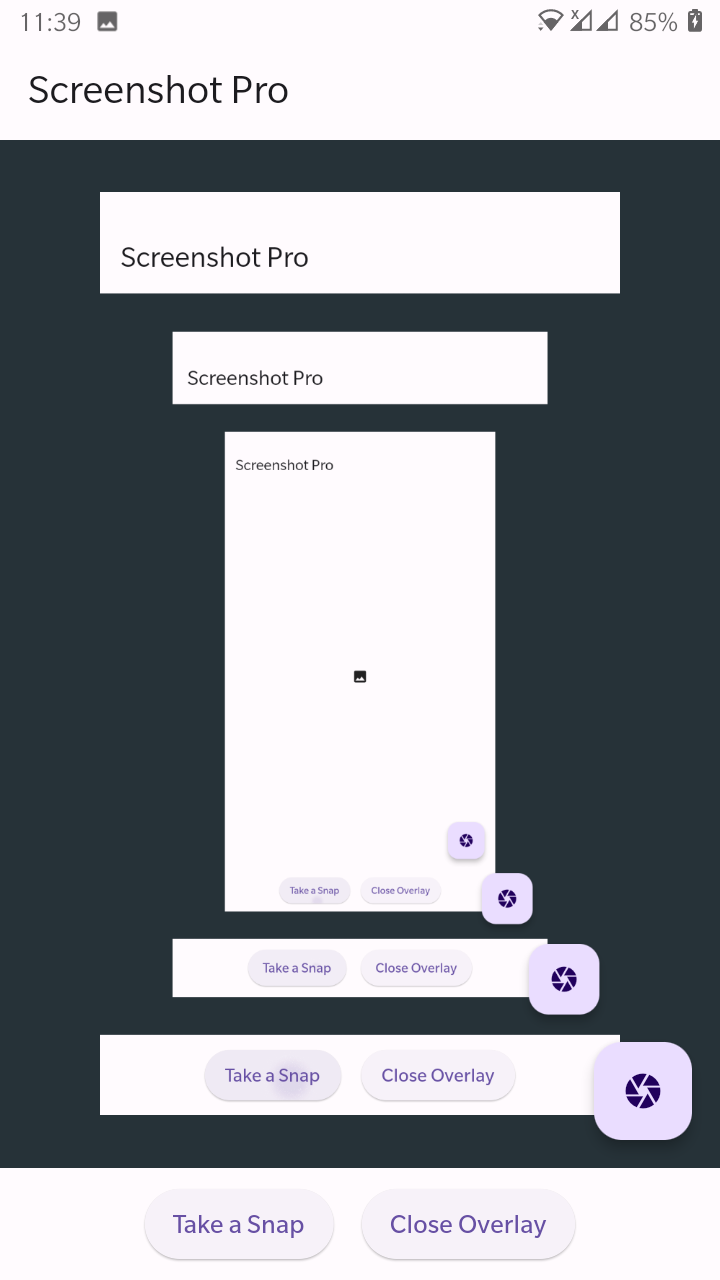
Screenshot Plus is a Dart package for taking screenshots on Android and iOS. This package provides a simple API to capture the current screen and save it as an image file in the device's storage. The captured image can then be used for various purposes such as sharing, printing, or analyzing app behavior. The package is easy to use and integrates seamlessly with existing Flutter projects. This plugin saves the image and returns the path. Also working on almost all version of **Android** or **iOS**.




Instalation #
Run this command in terminal:
flutter pub add screenshot_plus
Or add this on pubspec.yaml file.
screenshot_plus:
Android #
You must grant Write permission on Storage
<uses-permission android:name="android.permission.WRITE_EXTERNAL_STORAGE" />
to your AndroidManifest.xml inside android/src/main/ directory.
Also you need to add a property to application tag to fix an issue with permissions writing to EXTERNAL_STORAGE:
android:requestLegacyExternalStorage="true"
iOS #
If don't add
<key>NSPhotoLibraryAddUsageDescription</key>
<string>Take pretty screenshots and save it to the PhotoLibrary.</string>
to your info.plist file inside ios/Runner directory, the application will crash.
Use #
Import the library:
import 'package:screenshot_plus/screenshot_plus.dart';
and take a screenshot:
//Get the absolute path
String path = await ScreenshotPlus.takeShot();
debugPrint('Screenshot taken: $path');
In error case the function returns empty path to Show the captured image use this widget
//imageFilepath is the absolute File(path)
Image.file(imageFilepath)
🔗 Follow #



Metadata
Publisher
unverified uploader
Weekly Downloads
Metadata
A native way for taking screenshots of the entire screen on (Android & iOS).
Documentation
License
 Apache-2.0 (license)
Dependencies
flutter, plugin_platform_interface
More
Packages that depend on screenshot_plus
Packages that implement screenshot_plus

