
neon_widgets 0.1.2  neon_widgets: ^0.1.2 copied to clipboard
The complete neon solution. This package provides Neon widgets with and without flicker effect.

Neon Widgets💡
Most commonly used flutter widgets in neon version.


Live Example : https://myportfolio-67882.web.app/#/ #
Getting started #
Readme Changelog Installing Versions Scores Admin Activity log Use this package as a library Depend on it Run this command:
Run this command:
With Dart:
$ dart pub add neon_widgets
With Flutter:
$ flutter pub add neon_widgets
This will add a line like this to your package's pubspec.yaml (and run an implicit dart pub get):
dependencies:
  neon_widgets: ^0.1.2
Alternatively, your editor might support dart pub get or flutter pub get. Check the docs for your editor to learn more.
Import it Now in your Dart code, you can use:
import 'package:neon_widgets/neon_widgets.dart';
Features #
ExampleApp #
Neon Widgets :
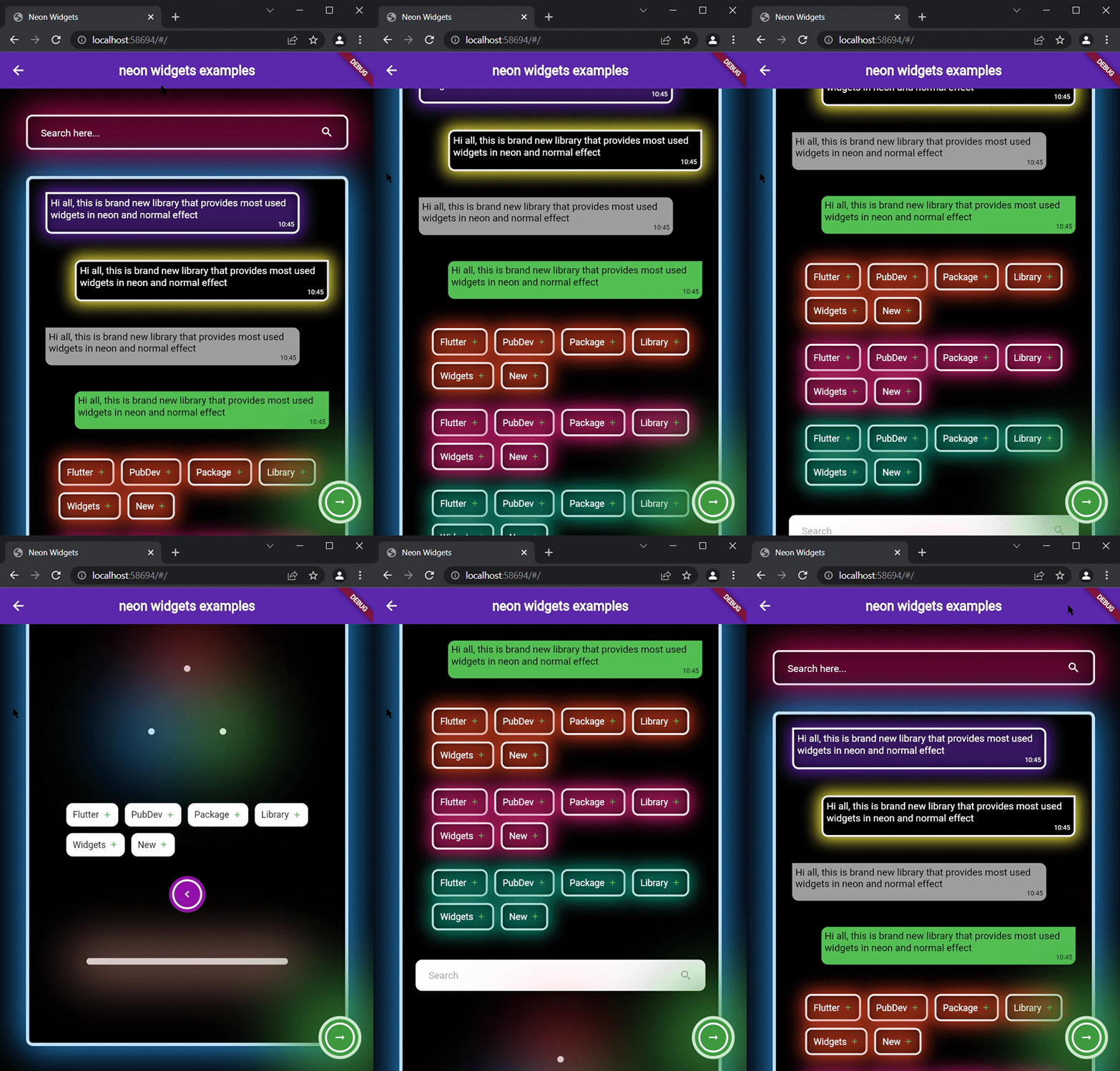
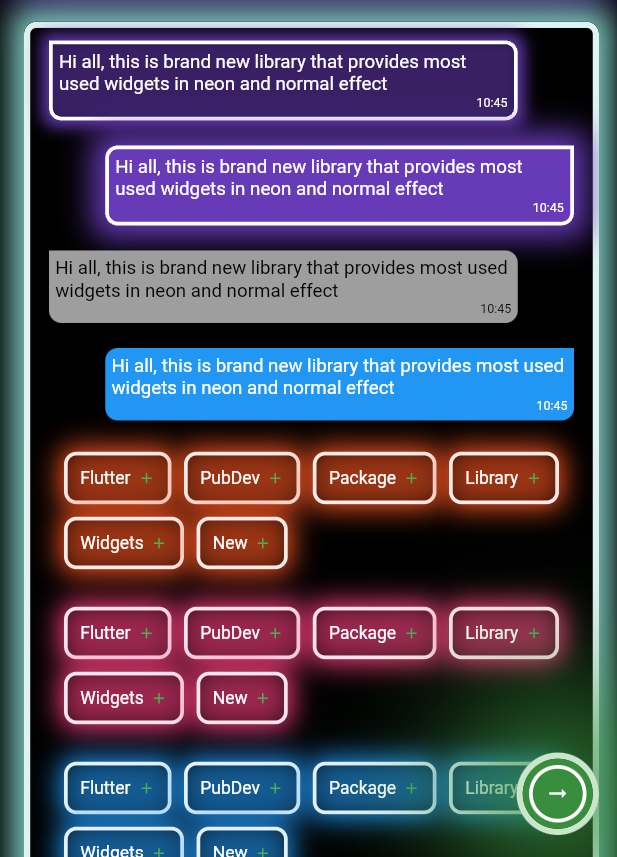
Flickering Neon Widgets (with random flicker rate) :
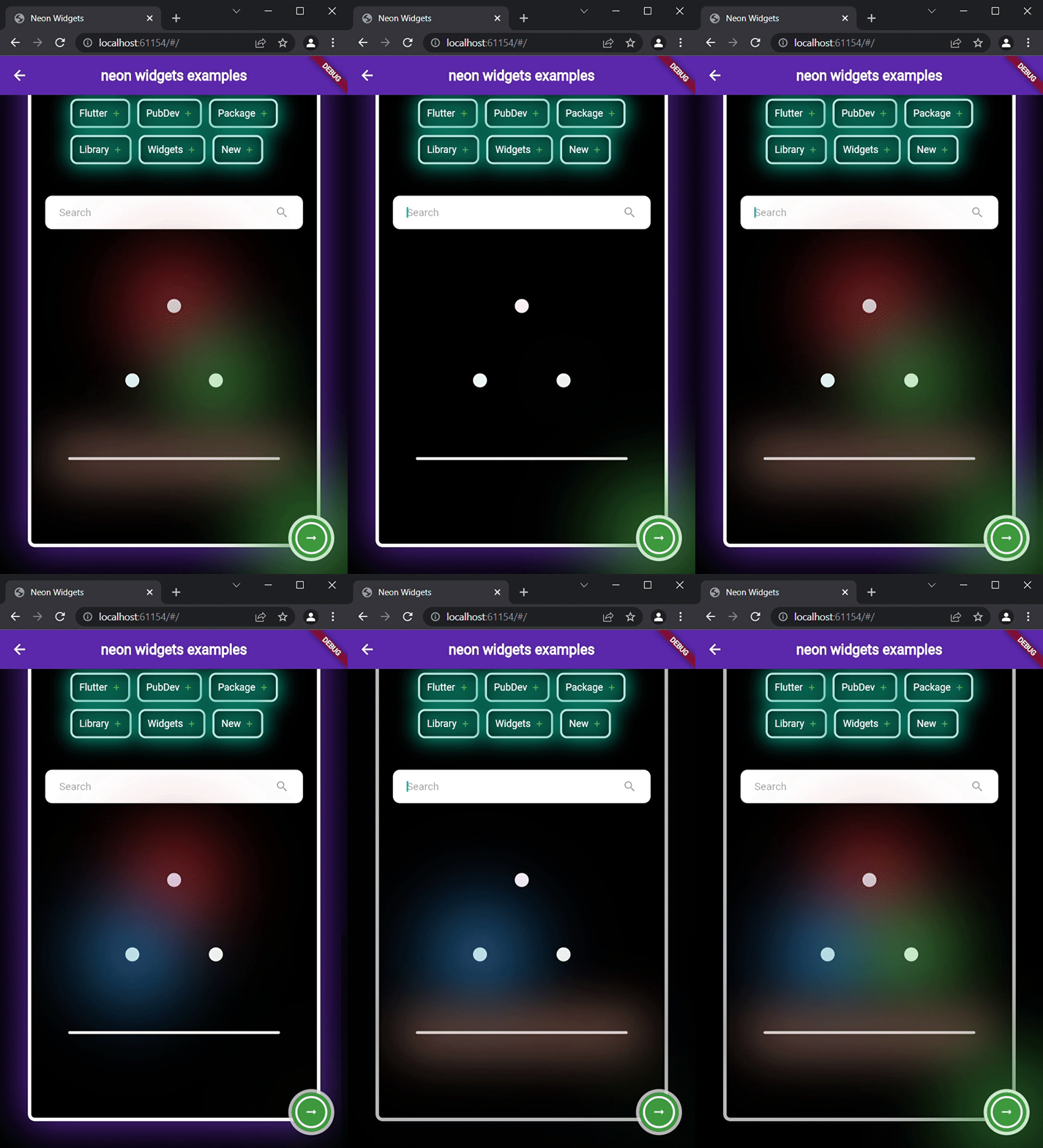
Loaders :
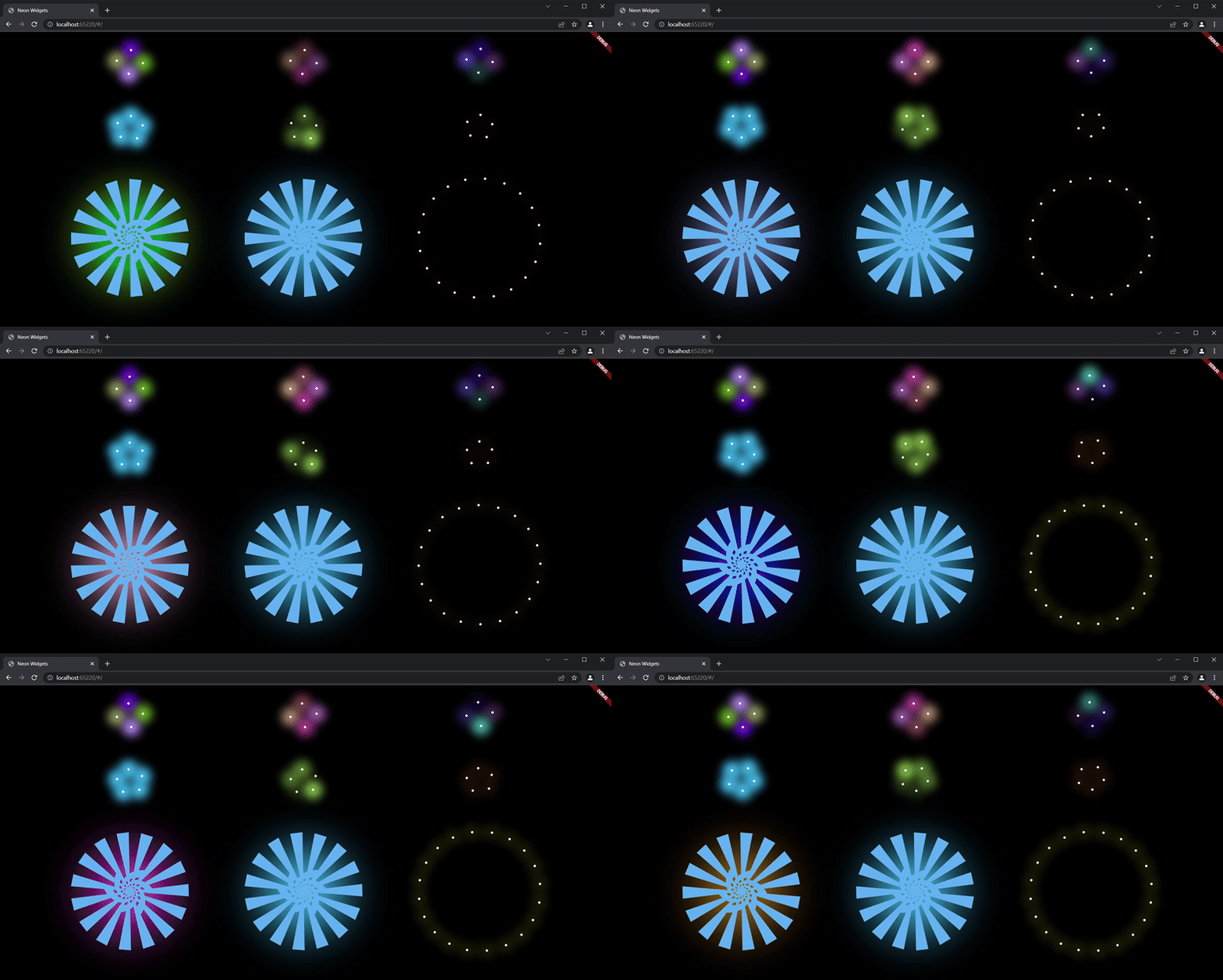
Widgets #
neonText :

// neon text

 oNeonText(
   text: "Neon text",
   spreadColor: Colors.pink,
   blurRadius: 20,
   textSize: 74,
   textColor: Colors.white,
 ),

// flickering neon text

 oFlickerNeonText(
   text: "Flicker neon text",
   flickerTimeInMilliSeconds: 600,
   spreadColor: Colors.blue,
   blurRadius: 20,
   textSize: 74,
 ),
neonSearchBar :
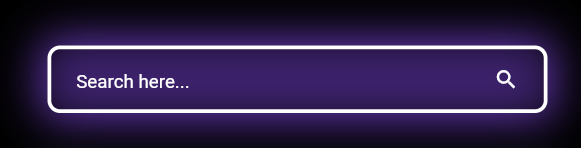
oNeonSearchBar()
Chat widgets :
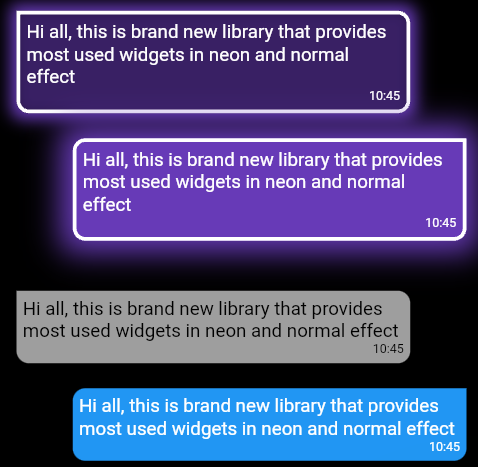
// Left message card in neon theme
oNeonLeftMsgCard(
  lightBlurRadius: 20,
  lightSpreadRadius: 5,
  msg:
      "Hi all, this is brand new library that provides most used widgets in neon and normal effect",
  time: "10:45",
),

const SizedBox(
  height: 20,
),

// Right message card in neon theme
oNeonRightMsgCard(
    lightBlurRadius: 20,
    lightSpreadRadius: 10,
    backgroundColor: Colors.deepPurple,
    msg:
    "Hi all, this is brand new library that provides most used widgets in neon and normal effect",
    time: "10:45",
 ),

const SizedBox(
  height: 20,
),

// Left massage card

oLeftMsgCard(
    msg:
    "Hi all, this is brand new library that provides most used widgets in neon and normal effect",
    time: "10:45",
),

const SizedBox(
  height: 20,
),

// Right massage card

oRightMsgCard(
    msg:
    "Hi all, this is brand new library that provides most used widgets in neon and normal effect",
    time: "10:45",
),

const SizedBox(
  height: 20,
),
Add items widget :
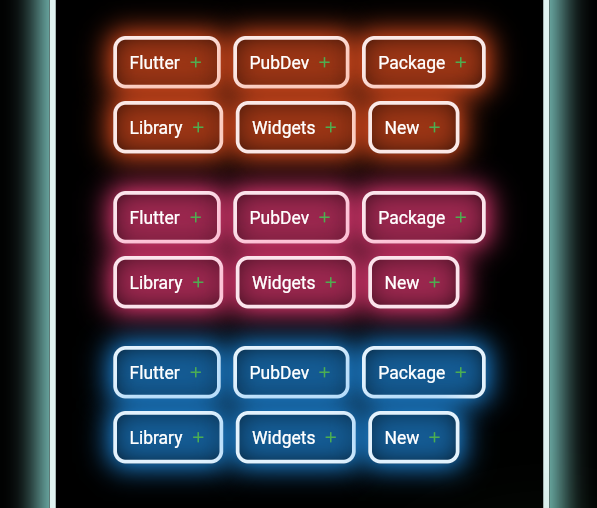
Wrap(
direction: Axis.horizontal,
children: <Widget>[
  ...(searchedResults.map((e) =>
      oNeonAddItemButton(
          data: e,
          borderColor: Colors.deepOrange.shade50,
          spreadColor: Colors.deepOrange,
          lightSpreadRadius: 3,
          lightBlurRadius: 18))),
],
),
oNeonPoint widget :
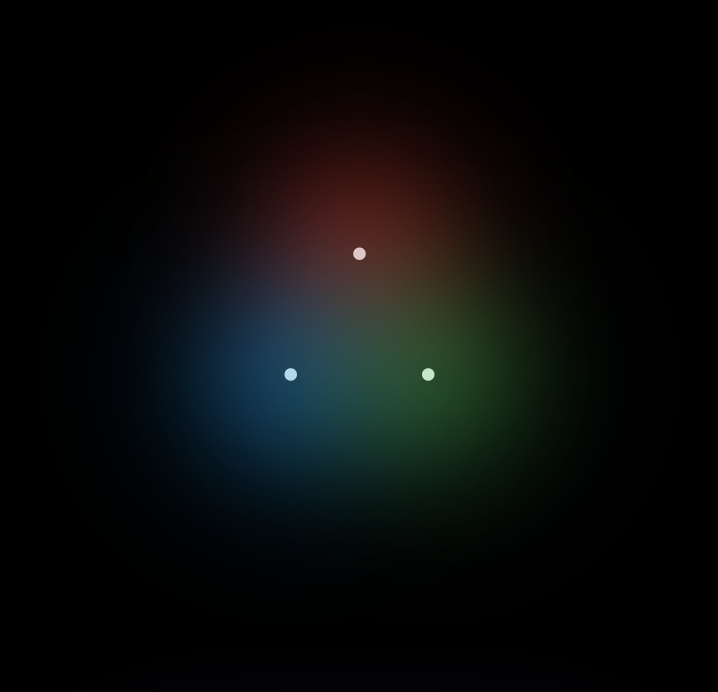
oNeonPoint(
  pointSize: 00,
  pointColor: Colors.red.shade100,
  spreadColor: Colors.red,
),
oNeonLine widget :
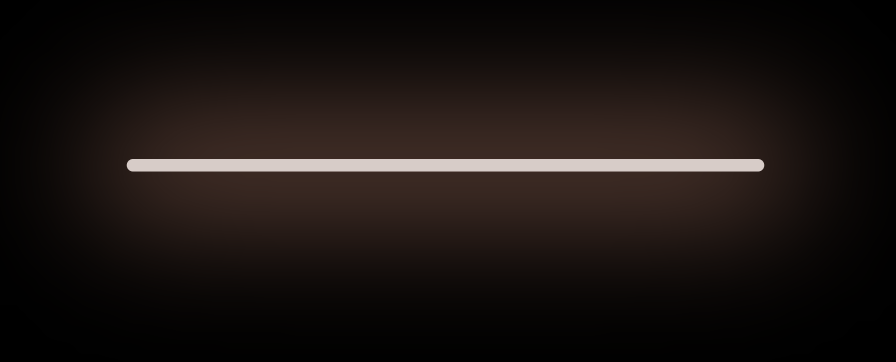
oNeonLine(
  spreadColor: Colors.brown,
  lightSpreadRadius: 30,
  lightBlurRadius: 90,
  lineWidth: 400,
  lineHeight: 0.02,
  lineColor: Colors.brown.shade100,
),
Flickering Neon widgets :
// Flickering neon line
oFlickerNeonLine(
  spreadColor: Colors.brown,
  lightSpreadRadius: 30,
  lightBlurRadius: 60,
  lineWidth: 300,
  lineHeight: 2,
  lineColor: Colors.brown.shade100,

  // flicker rate which is selects a random value by default
  randomFlicker: false,
  flickerTimeInMilliSeconds: 1000,
),
// Flickering neon point
oFlickerNeonPoint(
  pointSize: 010,
  pointColor: Colors.blue.shade100,
  spreadColor: Colors.blue,
),
// Flickering neon container
oFlickerNeonContainer(
    spreadColor: Colors.green.shade700,
    child: WIDGET
),
Loaders :
 //loader type 1 : loader made of polynomial of n number of side
 oNeonShapeVerticesProgressBar(number: 4)

 //loader type 2 : triangle shape with all colors customizable
 oNeonTriangleVerticesProgressBar()

 //loader type 3 : square shape with all colors customizable
 oNeonSquareVerticesProgressBar()

 //loader type 4 : image
 oImageProgressBar(image : "assets/images/abc.png")
Non Neon widgets :
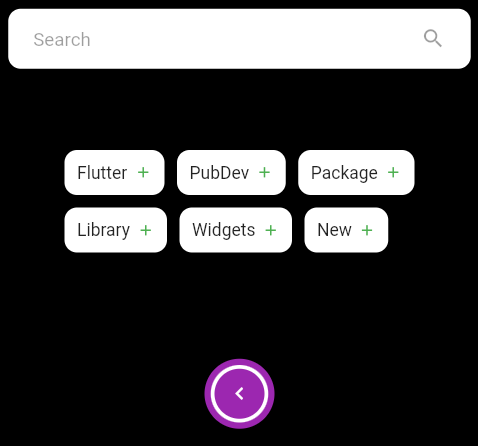
oSearchBar(),
const SizedBox(
  height: 20,
),
Wrap(
  direction: Axis.horizontal,
  children: <Widget>[
    ...(searchedResults
        .map((e) => oAddItemButton(data: e))),
  ],
),
const SizedBox(
  height: 20,
),
Container(
  padding: const EdgeInsets.all(20),
  child: oCircumscribingIconButton(
      icon: Icons.keyboard_arrow_left_sharp,
      onTap: () {},
      backgroundColor: Colors.purple),
),
Usage #
Example code provided
oNeonContainer(
  spreadColor: Colors.green.shade700,
  child: oCircumscribingIconButton(
        icon: Icons.arrow_right_alt_sharp,
        onTap: () {},
        backgroundColor: Colors.green.shade700),
    borderRadius: BorderRadius.circular(100),
    lightBlurRadius: 100,
    lightSpreadRadius: 50,
  borderColor: Colors.green.shade100
)
Additional information #
Wanna improve this package? Contribute to project on
github : https://github.com/ojasjain24/neon_widgets_flutter
create issue : https://github.com/ojasjain24/neon_widgets_flutter/issues
Contributing rules : #
1 : create an issue describing the feature.
2 : comment on this issue that you are interested in resolving this issue.
Metadata
Publisher
unverified uploader
Weekly Downloads
Metadata
The complete neon solution. This package provides Neon widgets with and without flicker effect.
Repository (GitHub)
View/report issues
Documentation
License
 MIT (license)

