intro_views_flutter 2.8.1  intro_views_flutter: ^2.8.1 copied to clipboard
 ayushagarwal.ml
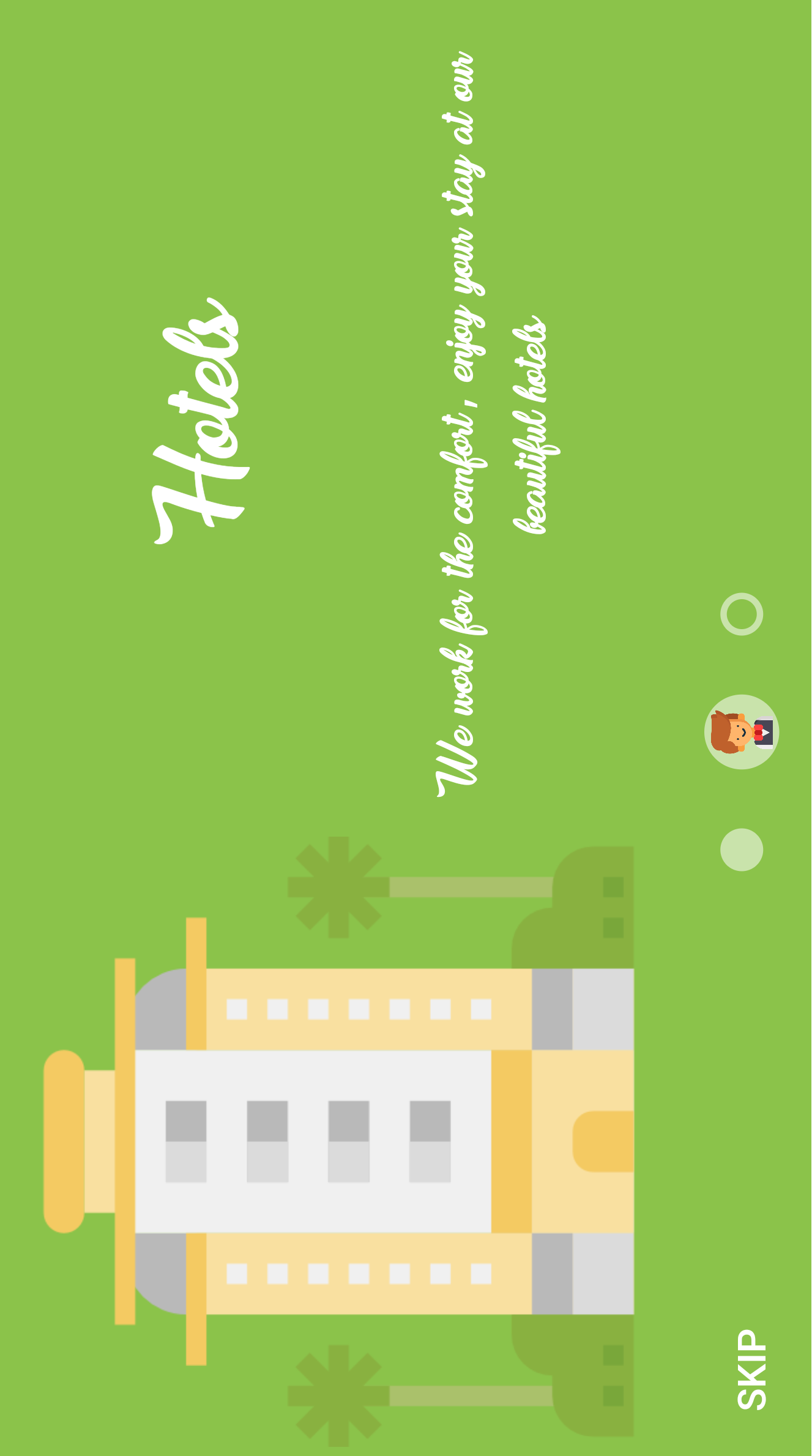
A Flutter package for simple material design app intro screens with some cool animations.







IntroViews is inspired by Paper Onboarding and developed with love from scratch. I decided to rewrite almost all the features in order to make it available to the flutter developers and extensible as possible.
Table of contents #

Features #
-
Easy addition of pages.
-
Circular page reveal.
-
Cool Animations.
-
Animation control, if the user stops sliding in the midway.
-
Skip button, for skipping the app intro.
-
Custom font selection.
-
Material Design.
Getting Started #
You should ensure that you add the intro_views_flutter as a dependency in your flutter project.
dependencies:
  intro_views_flutter: '^2.8.1'
You can also reference the git repository directly if you want:
dependencies:
  intro_views_flutter:
    git: git://github.com/aagarwal1012/IntroViews-Flutter
You should then run flutter packages get in your terminal so as to get the package.
Usage #

-
IntroViewsFlutterwidget require alistofPageViewModel, and some other parameters. Refer the code below to create a PageViewModel page.Final page = new PageViewModel( pageColor: const Color(0xFF607D8B), iconImageAssetPath: 'assets/taxi-driver.png', iconColor: null, bubbleBackgroundColor: null, body: Text( 'Easy cab booking at your doorstep with cashless payment system', ), title: Text('Cabs'), mainImage: Image.asset( 'assets/taxi.png', height: 285.0, width: 285.0, alignment: Alignment.center, ), titleTextStyle: TextStyle(fontFamily: 'MyFont', color: Colors.white), bodyTextStyle: TextStyle(fontFamily: 'MyFont', color: Colors.white), ); -
Now refer the code below to get the
IntroViewsFlutterwidget.final Widget introViews = new IntroViewsFlutter( [page], onTapDoneButton: (){ //Void Callback }, showSkipButton: true, pageButtonTextStyles: new TextStyle( color: Colors.white, fontSize: 18.0, fontFamily: "Regular", ), );For further usage refer the
exampleavailable.For
Landscapepreview click the link.Note : If you added more than four pages in the list then there might be overlapping between
page iconsandskip button, so my suggestion is just make theshowSkipButton: false.
Documentation #
PageViewModel Class #
| Dart attribute | Datatype | Description | Default Value |
|---|---|---|---|
| pageColor | Color | Set color of the page. | Null |
| mainImage | Image / Widget | Set the main image of the page. | Null |
| title | Text / Widget | Set the title text of the page. | Null |
| body | Text / Widget | Set the body text of the page. | Null |
| iconImageAssetPath | String | Set the icon image asset path that would be displayed in page bubble. | Null |
| iconColor | Color | Set the page bubble icon color. | Null |
| bubbleBackgroundColor | Color | Set the page bubble background color. | Colors.white / Color(0x88FFFFFF) |
| textStyle | TextStyle | Set TextStyle for both title and body | title: color: Colors.white , fontSize: 50.0 body: color: Colors.white , fontSize: 24.0 |
| titleTextStyle | TextStyle | Set TextStyle for title | color: Colors.white , fontSize: 50.0 |
| bodyTextStyle | TextStyle | Set TextStyle for body | color: Colors.white , fontSize: 24.0 |
| bubble | Widget | Set a custom widget for the inner bubble | null |
IntroViewFlutter Class #
| Dart attribute | Datatype | Description | Default Value |
|---|---|---|---|
| pages | List | Set the pages of the intro screen. | Null |
| onTapDoneButton | VoidCallback | Method executes on tapping done button. | Null |
| onTapBackButton | VoidCallback | Method executes on tapping back button. | Null |
| onTapNextButton | VoidCallback | Method executes on tapping next button. | Null |
| showSkipButton | Bool | Show the skip button at the bottom of page. | true |
| showBackButton | Bool | Show the Back button at the bottom of page. Overrides showSkipButton starting from the second page | false |
| showNextButton | Bool | Show the Next button at the bottom of page. Overrides doneButtonPersist. | false |
| pageButtonTextSize | Double | Set the button text size. | 18.0 |
| pageButtonFontFamily | String | Set the font of button text. | Default |
| onTapSkipButton | VoidCallback | Method executes on tapping skip button. | null |
| pageButtonTextStyles | TextStyle | Configure TextStyle for skip, done buttons, overrides pageButtonFontFamily, pageButtonsColor, pageButtonTextSize. | fontSize: 18.0, color: Colors.white |
| skipText | Text / Widget | Override Skip Button Text and styles. | Text('SKIP') |
| doneText | Text / Widget | Override Done Button Text and styles. | Text('DONE') |
| backText | Text / Widget | Override Back Button Text and styles. | Text('BACK') |
| nextText | Text / Widget | Override Next Button Text and styles. | Text('NEXT') |
| doneButtonPersist | Bool | Show done Button throughout pages | false |
| columnMainAxisAlignment | MainAxisAlignment | Control [MainAxisAlignment] for column | MainAxisAlignment.spaceAround |
| fullTransition | double | Adjust scroll distance for full transition | 300.0 |
| background | Color | Set the background color to Colors.transparent if you have your own background image below | null |
For help on editing package code, view the flutter documentation.
Bugs or Requests #
If you encounter any problems feel free to open an issue. If you feel the library is missing a feature, please raise a ticket on GitHub and I'll look into it. Pull request are also welcome.
See Contributing.md.
Donate #
If you found this project helpful or you learned something from the source code and want to thank me, consider buying me a cup of ☕
Contributors #
Thanks goes to these wonderful people (emoji key):
 Tal Jacobson 🚧 📖 📆 |
 marloncepeda 🐛 |
 Kravchenko Igor 🐛 |
 SiDevesh 🤔 |
 Slawa Pidgorny 🤔 |
 Haider Al-Tahan 🤔 |
 Newerton 🐛 |
 Kenneth Gulbrandsøy 🐛 ⚠️ |
 Sahil Kumar ⚠️ |
 Rodrigo Boratto 🐛 |
This project follows the all-contributors specification. Contributions of any kind welcome! See Contributing.md.
License #
IntroViews-Flutter is licensed under MIT license.
Metadata
Publisher
Weekly Downloads
Metadata
A Flutter package for simple material design app intro screens with some cool animations.
Repository (GitHub)
View/report issues
License
 unknown (license)