
inner_glow 1.0.0  inner_glow: ^1.0.0 copied to clipboard
This package allows you to easily create inner glow effect containers, elevating the visual appeal of your Flutter applications.
Inner Glow #
This package allows you to easily create inner glow effects for your containers, elevating the visual appeal of your Flutter applications. With InnerGlowContainers, you can add stunning and eye-catching inner glow effects to your UI elements, unlocking new possibilities for design and aesthetics. Elevate your Flutter projects with the InnerGlowContainers package and unleash your creativity like never before.
Screenshots #
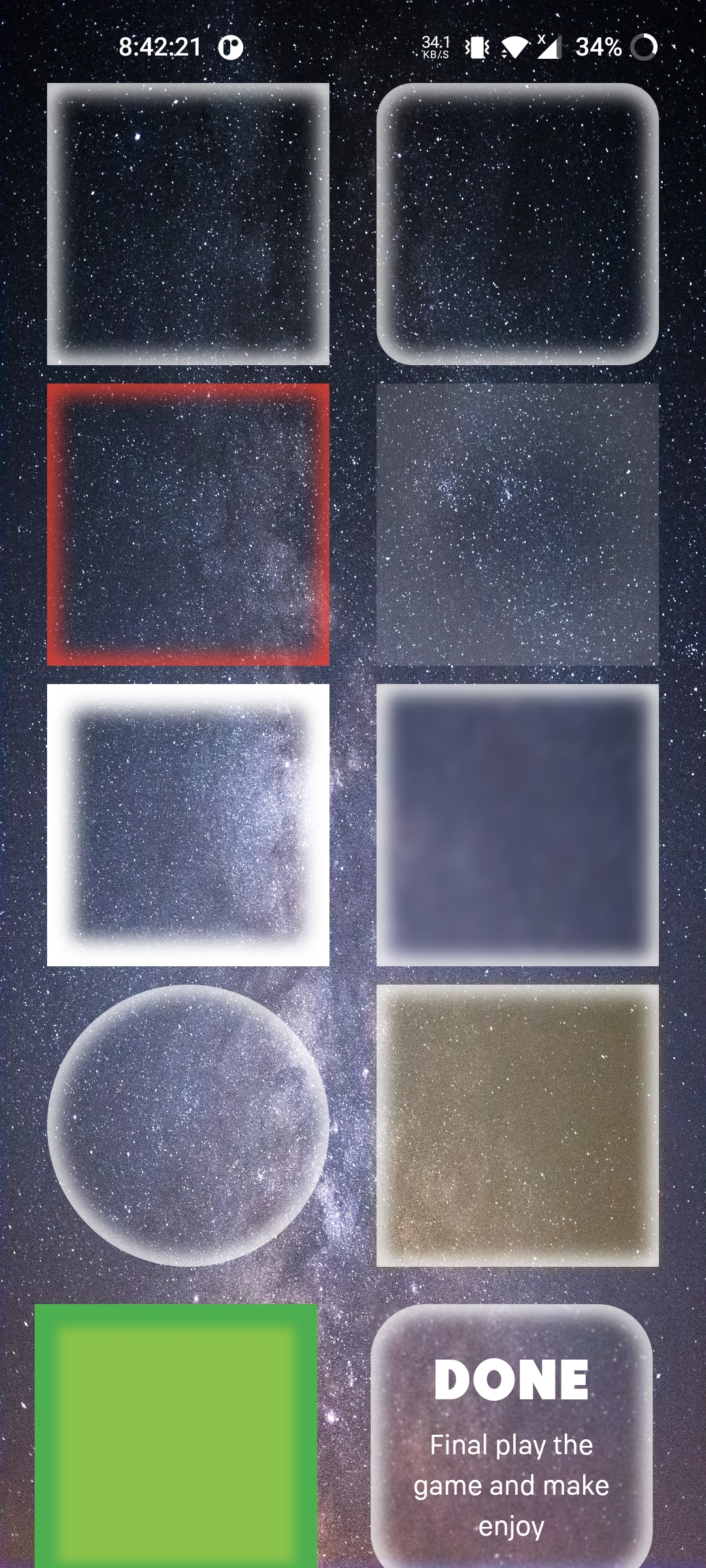
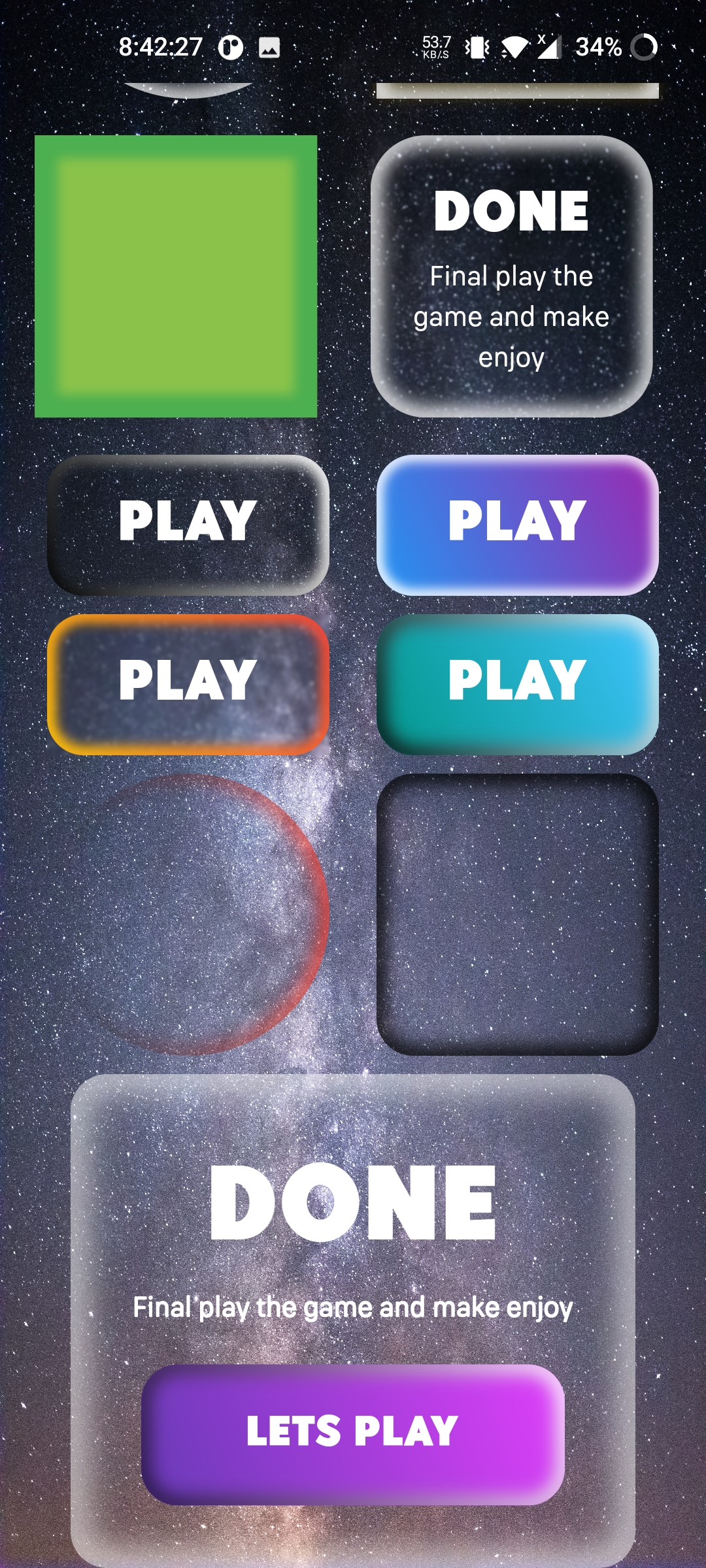
Usage/Examples #
Simple Usage
InnerGlow(
    width: width(context, 0.4),
    height: width(context, 0.4),
),
With Option
InnerGlow(
    width: width(context, 0.4),
    height: width(context, 0.2),
    glowRadius: 20,
    thickness: 10,
    glowBlur: 5,
    strokeLinearGradient: const LinearGradient(
        begin: Alignment.topRight,
        end: Alignment.bottomLeft,
        colors: [Colors.white,Colors.black]
    ),
    baseDecoration: BoxDecoration(
        borderRadius: BorderRadius.circular(20),
        gradient: const LinearGradient(
            begin: Alignment.topRight,
            end: Alignment.bottomLeft,
            colors: [Colors.lightBlueAccent,Colors.teal]
        ),
    ),
    child: Center(
            child: Text('Play',style:
            TextStyle(fontSize: 32,color: Colors.blue,),
        )
    ),
)
Options #
widthdefine the width of the containerheightdefine the height of the containerglowBlurcontrol the blur of the inner glowglowRadiusdefine the radius for the inner glowthicknesscontrol the opacity for the inner glowblurBackgroundthis will blur any thing on the backgroundstrokeLinearGradientgive color to your glow by default it is white, whitebaseDecorationthis will aspect a boxDecoration and allow you to modify like a container by default it is BoxDecoration(color: Colors.transparent)marginthis will give margin to your container by default it is EdgeInsets.all(0)childthis will allow you add child to glow container
Authors #
License #
Contributing #
Contributions are always welcome!
Metadata
13
likes
140
points
491
downloads
Publisher
unverified uploader
Weekly Downloads
Metadata
This package allows you to easily create inner glow effect containers, elevating the visual appeal of your Flutter applications.
Repository (GitHub)
View/report issues
Documentation
License
 MIT (license)

