
flutter_widget_catalogue 2.0.0  flutter_widget_catalogue: ^2.0.0 copied to clipboard
 techvoot.com
Create awesome apps very faster with Flutter's collection of visual, structural, platform, UI, and interactive widgets.
Flutter Widget Catalogue #




A collection of visual, structural, platform-adaptive, and interactive widgets to help you build beautiful and functional Flutter apps faster.
🎯 100% Dart | 💙 Flutter-ready | ✅ Easy to use | 🧩 Modular components
✨ Features #
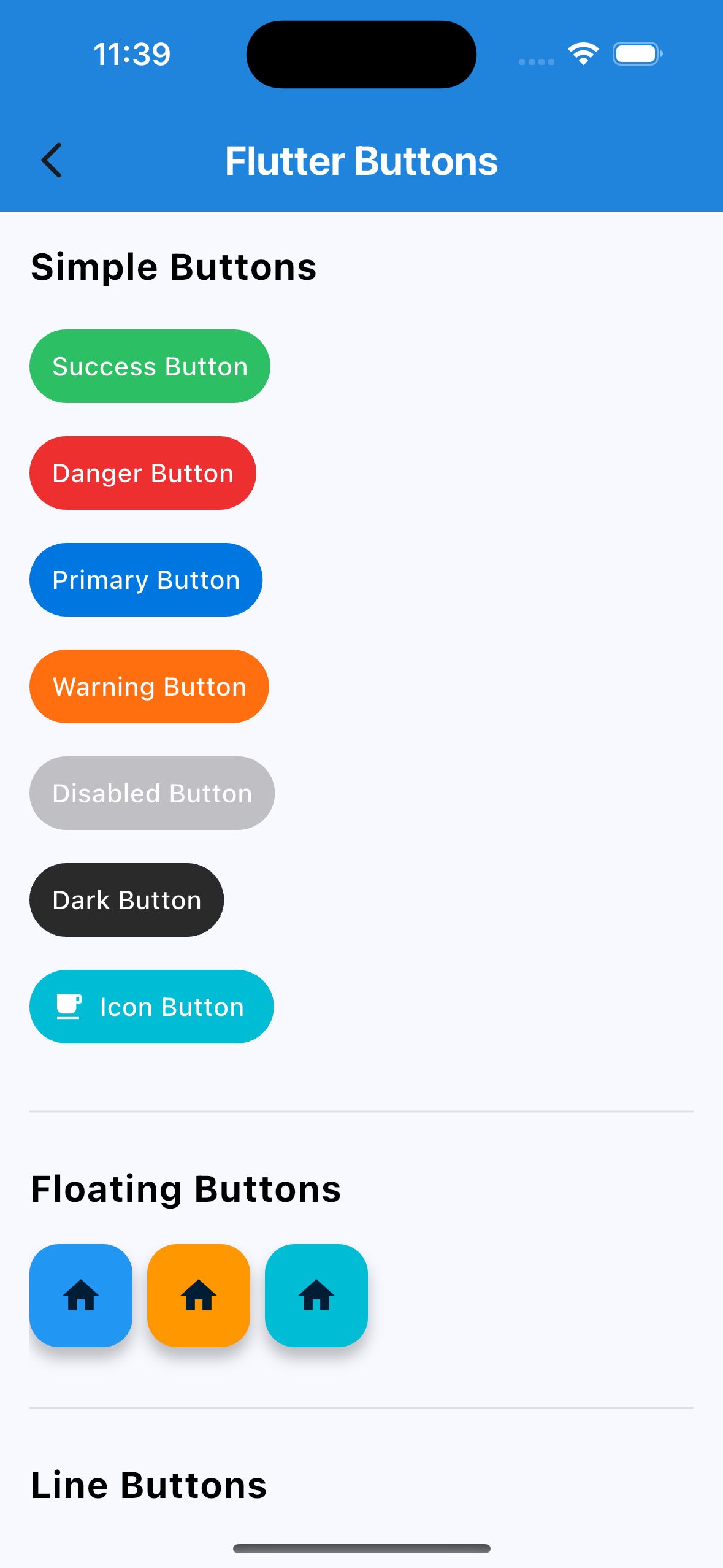
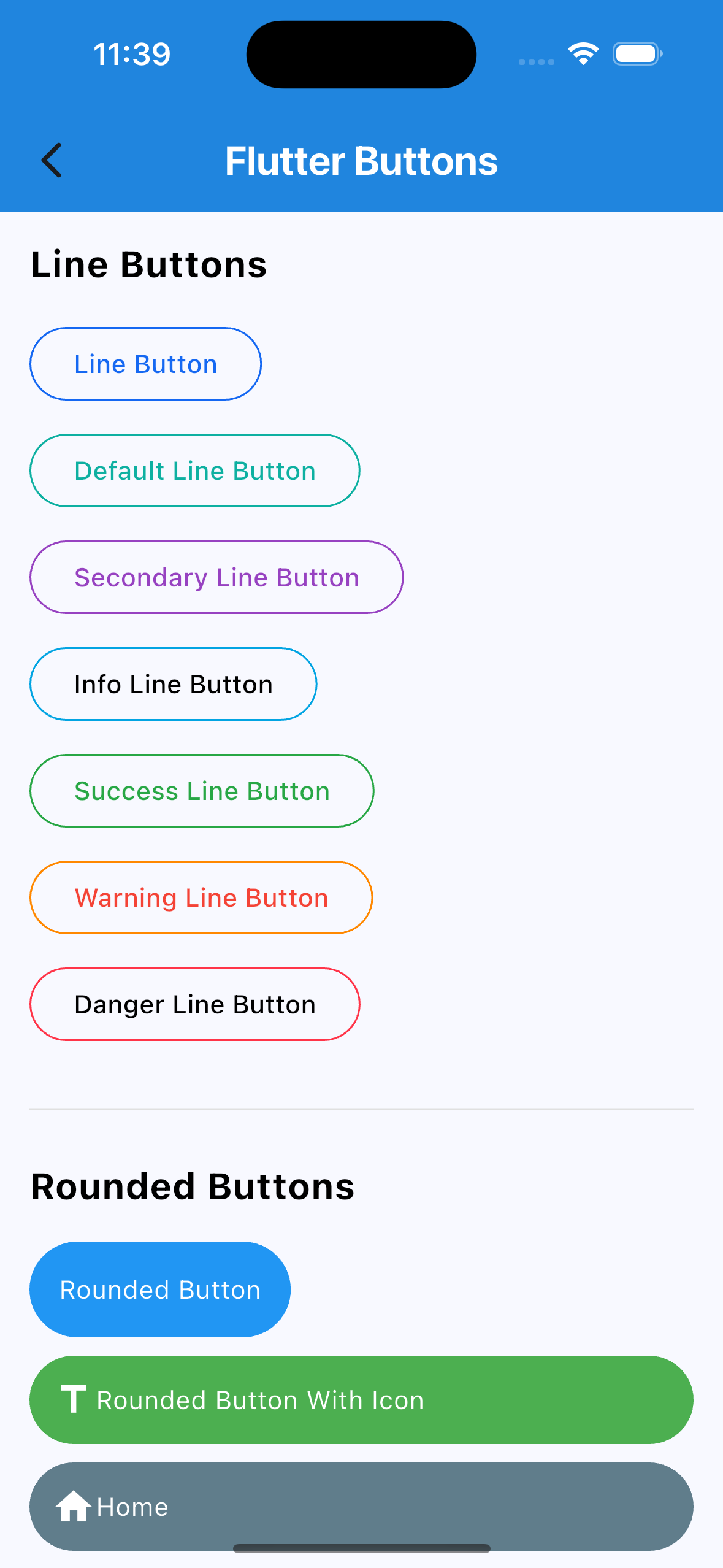
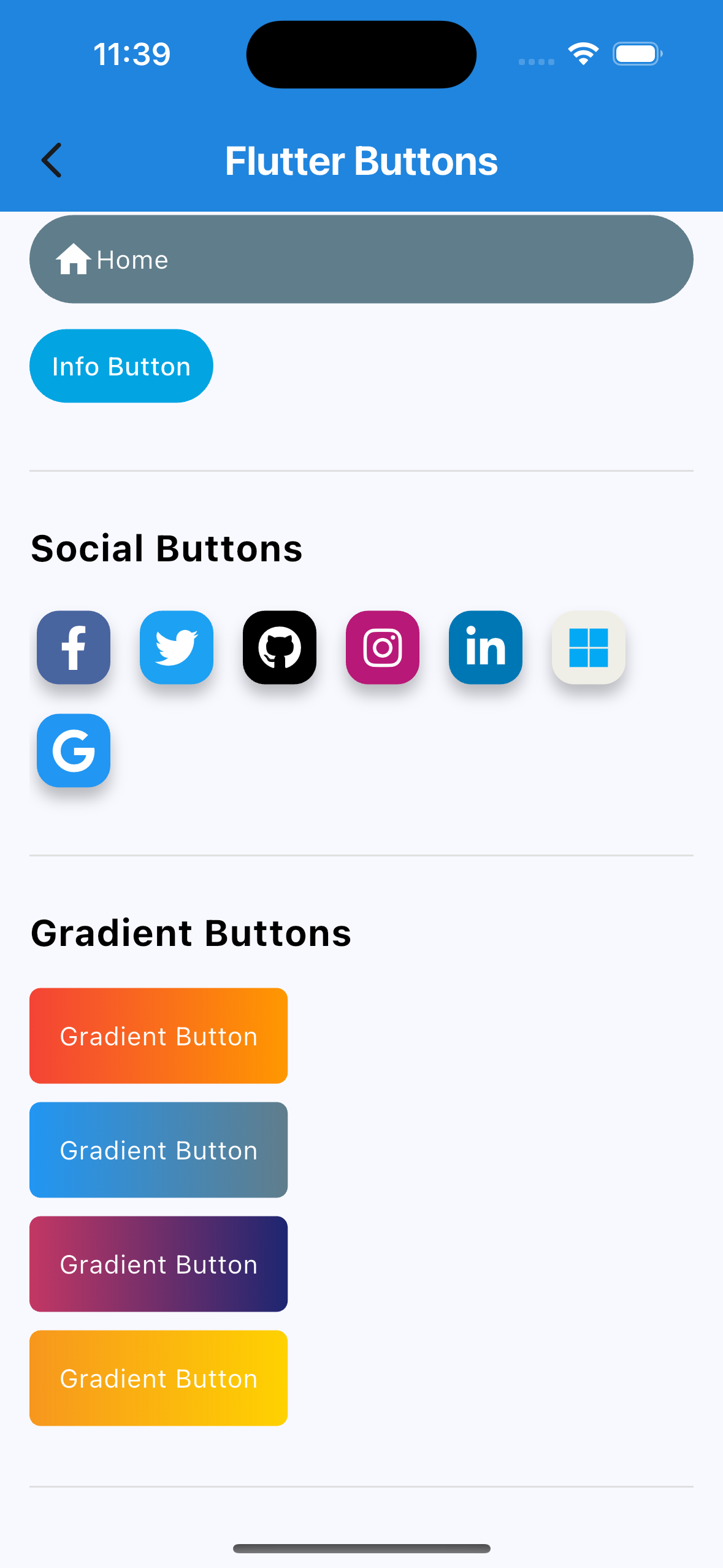
🔘 Buttons #
- Social Auth Buttons (Google, Facebook, Apple, etc.)
- Rounded Buttons
- Icon Buttons
- Line Buttons
- Gradient Buttons
- Many more…
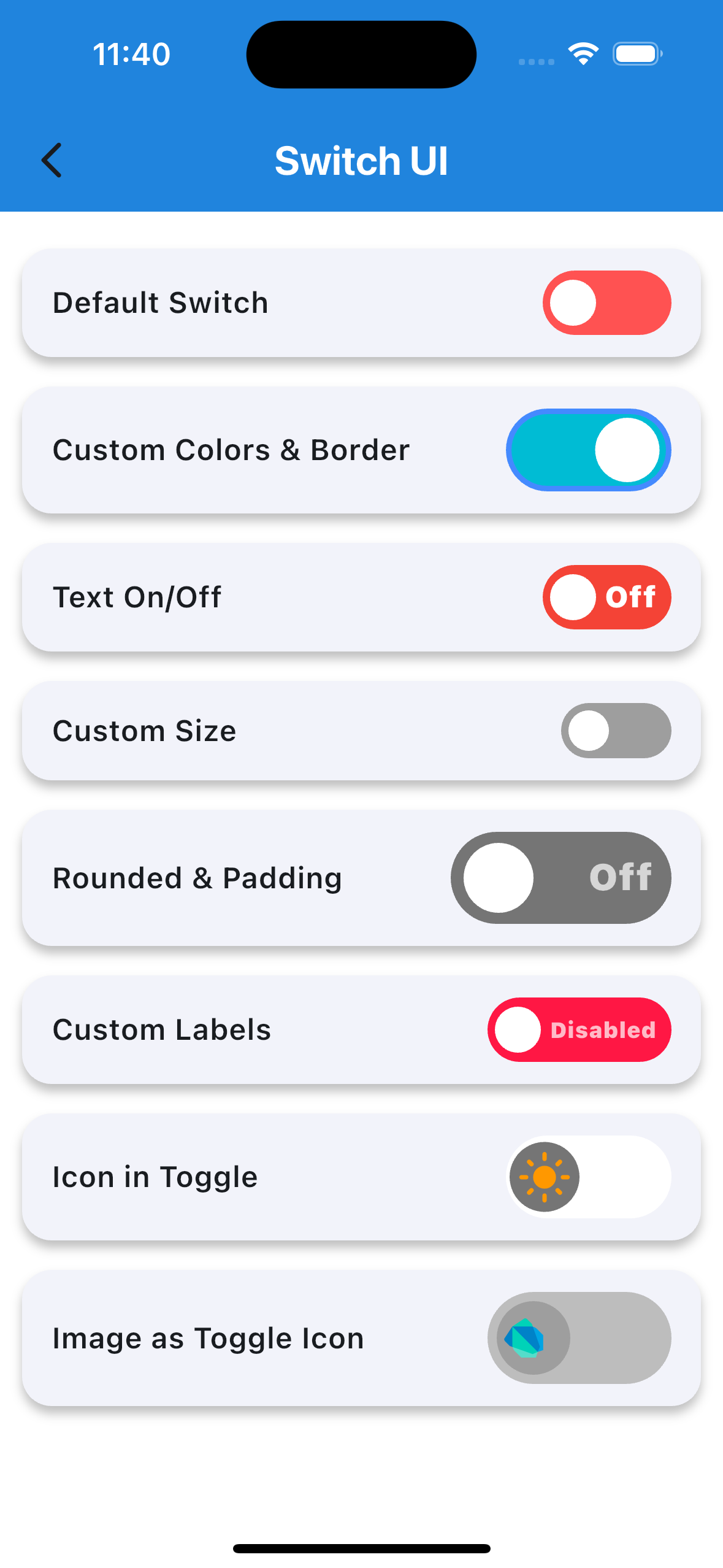
🔄 Custom Switch #
Highly customizable Flutter switch widget:
- Adjustable height, width, toggle size
- Borders, colors, radius, icons, labels
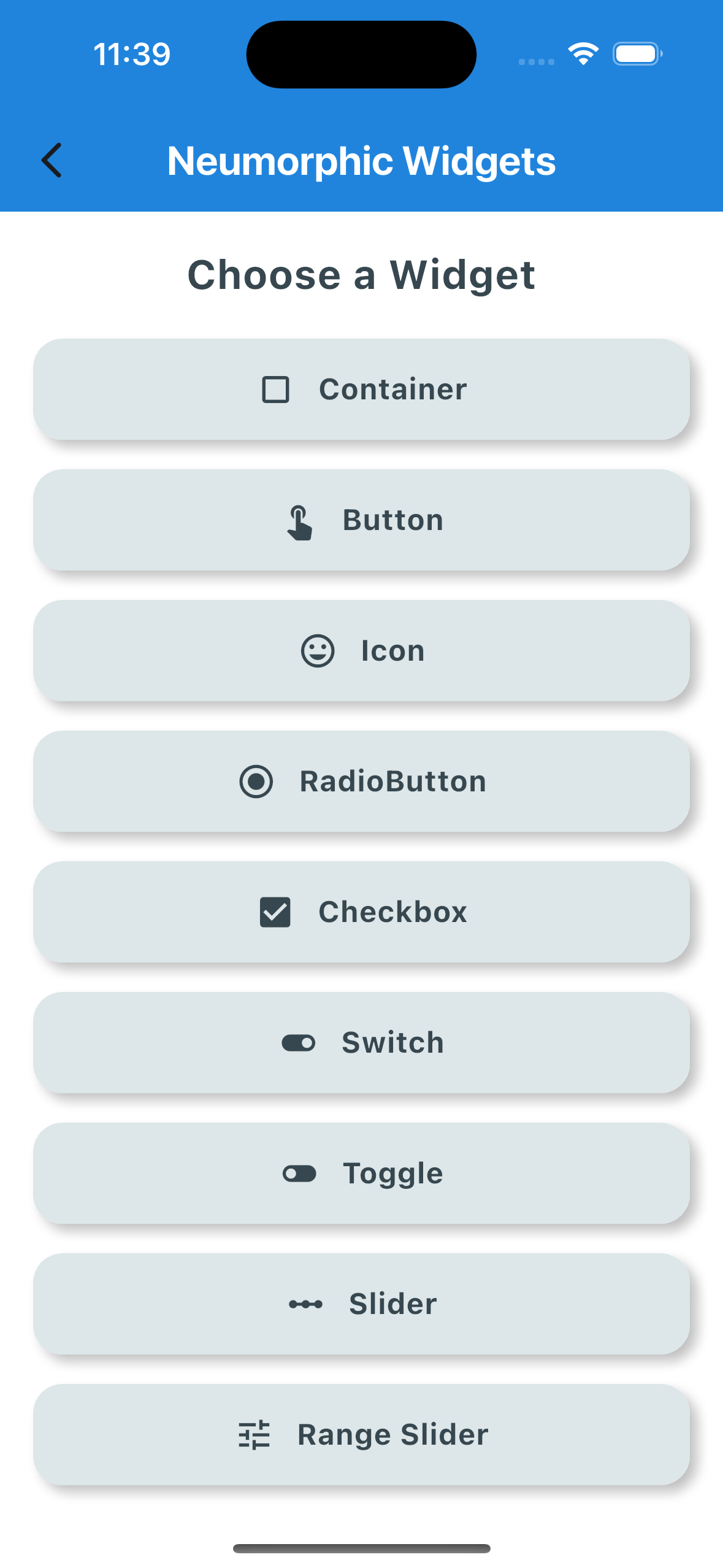
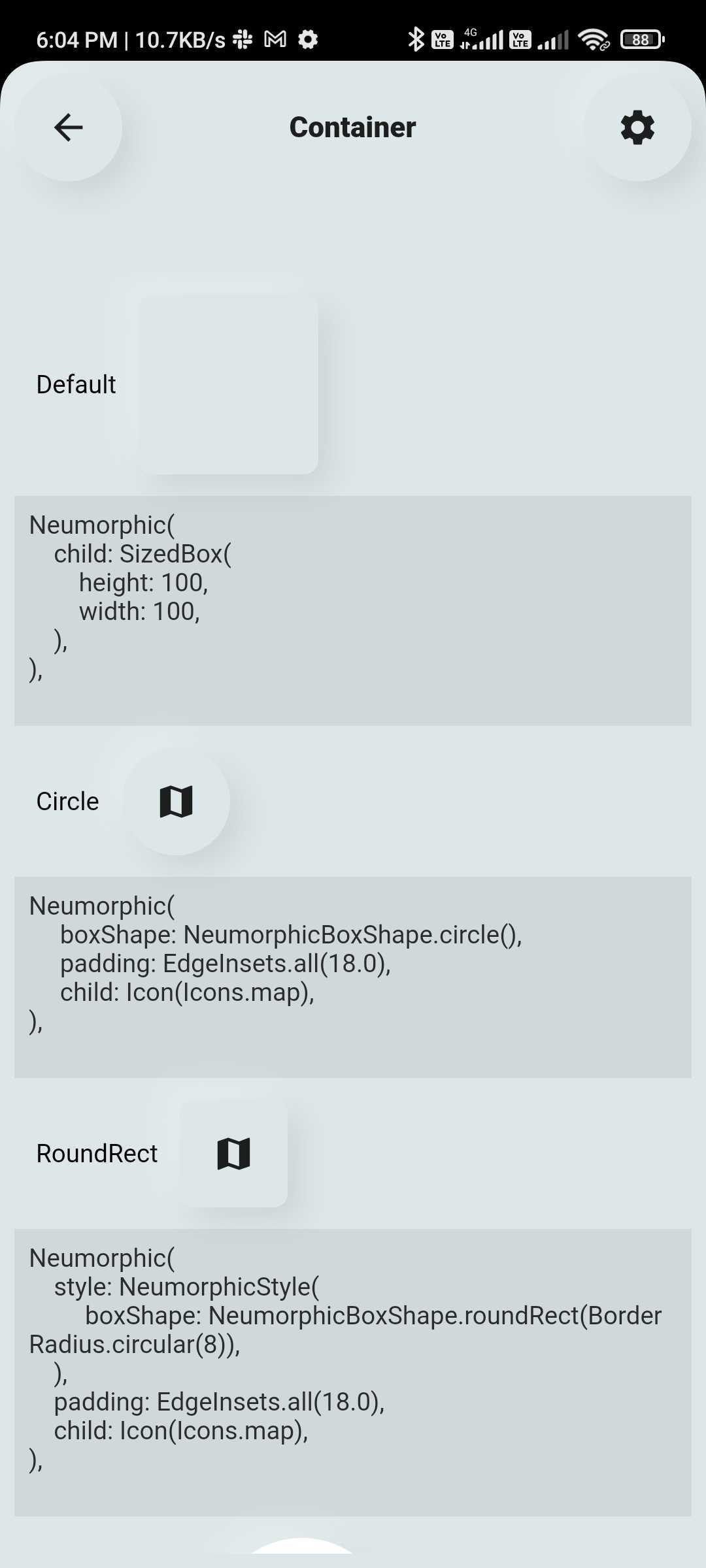
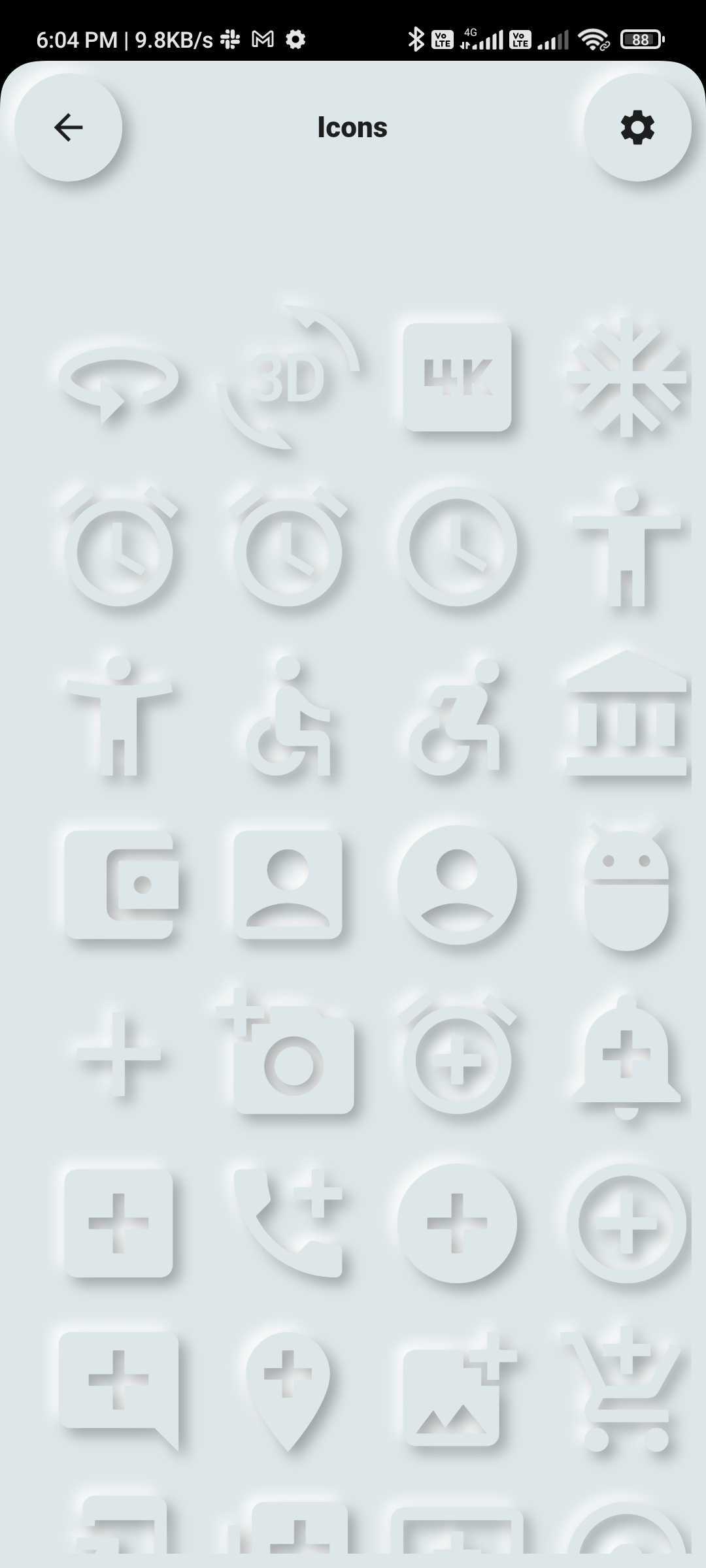
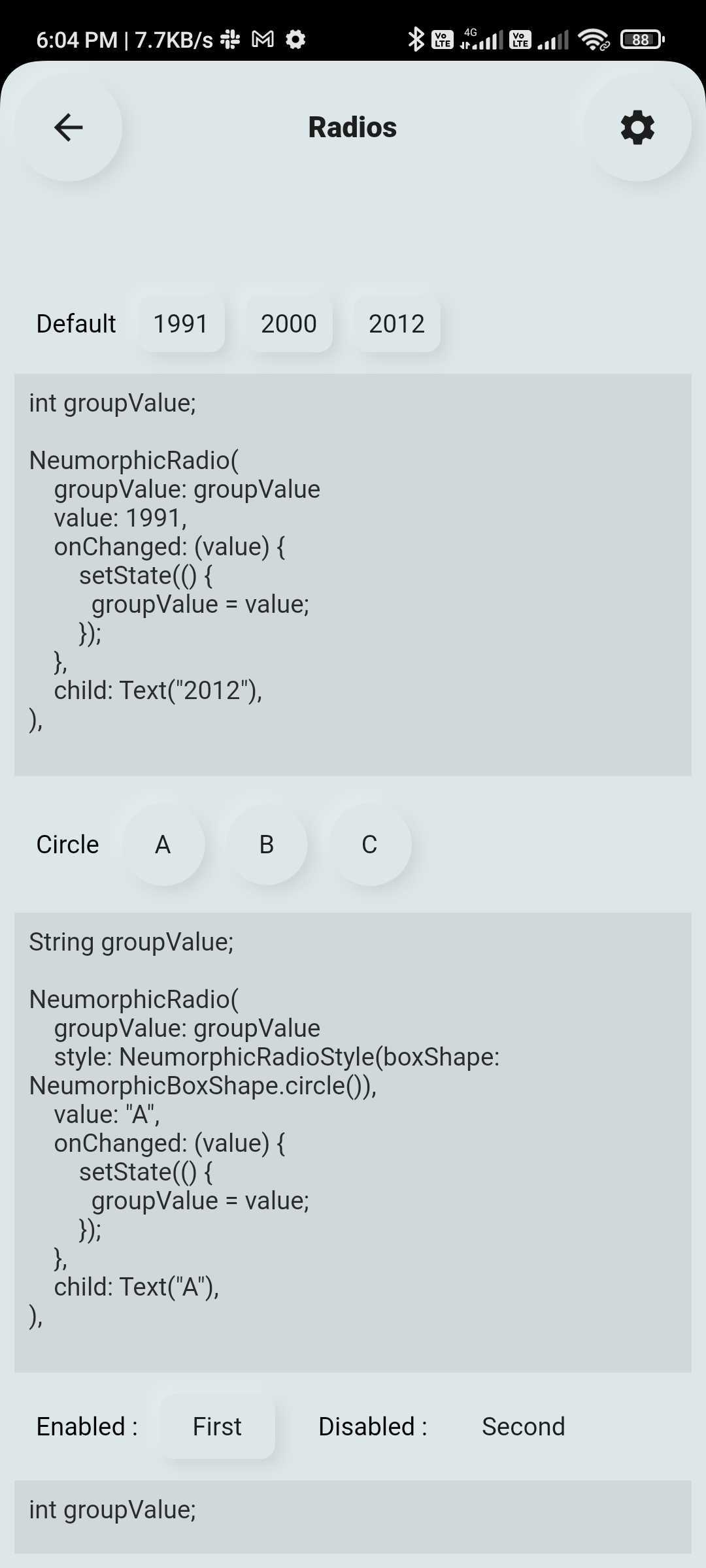
💠 Neumorphic UI Kit #
Ready-to-use Neumorphic-styled widgets:
- Buttons, Switches, Containers, Sliders, Texts, Icons
- Checkboxes, Toggles, Indicators, Range Sliders, and more
📦 Installation #
Add the dependency to your pubspec.yaml:
dependencies:
  flutter_widget_catalogue: <latest-version>
Then import it:
import 'package:flutter_widget_catalogue/flutter_widget_catalogue.dart';
🖼️ Screenshots #
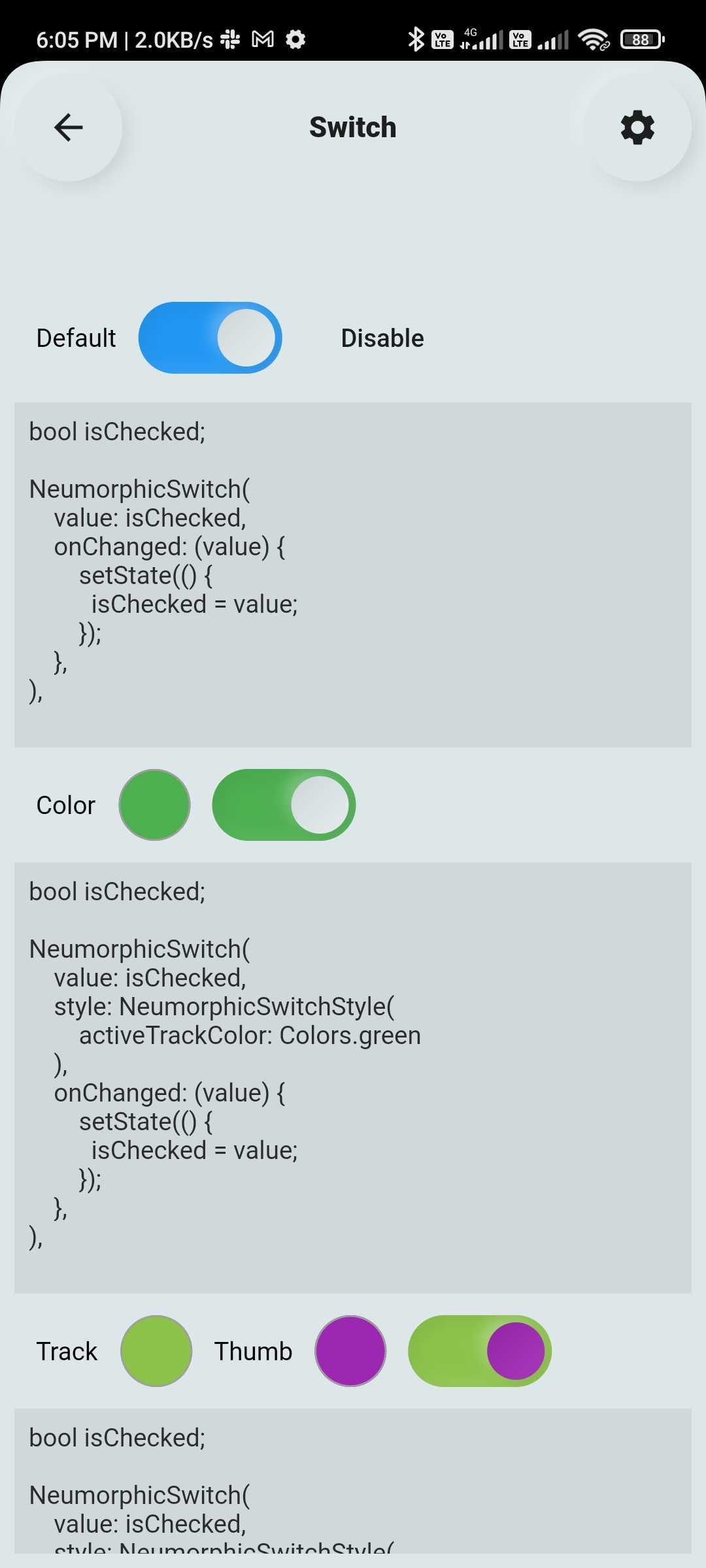
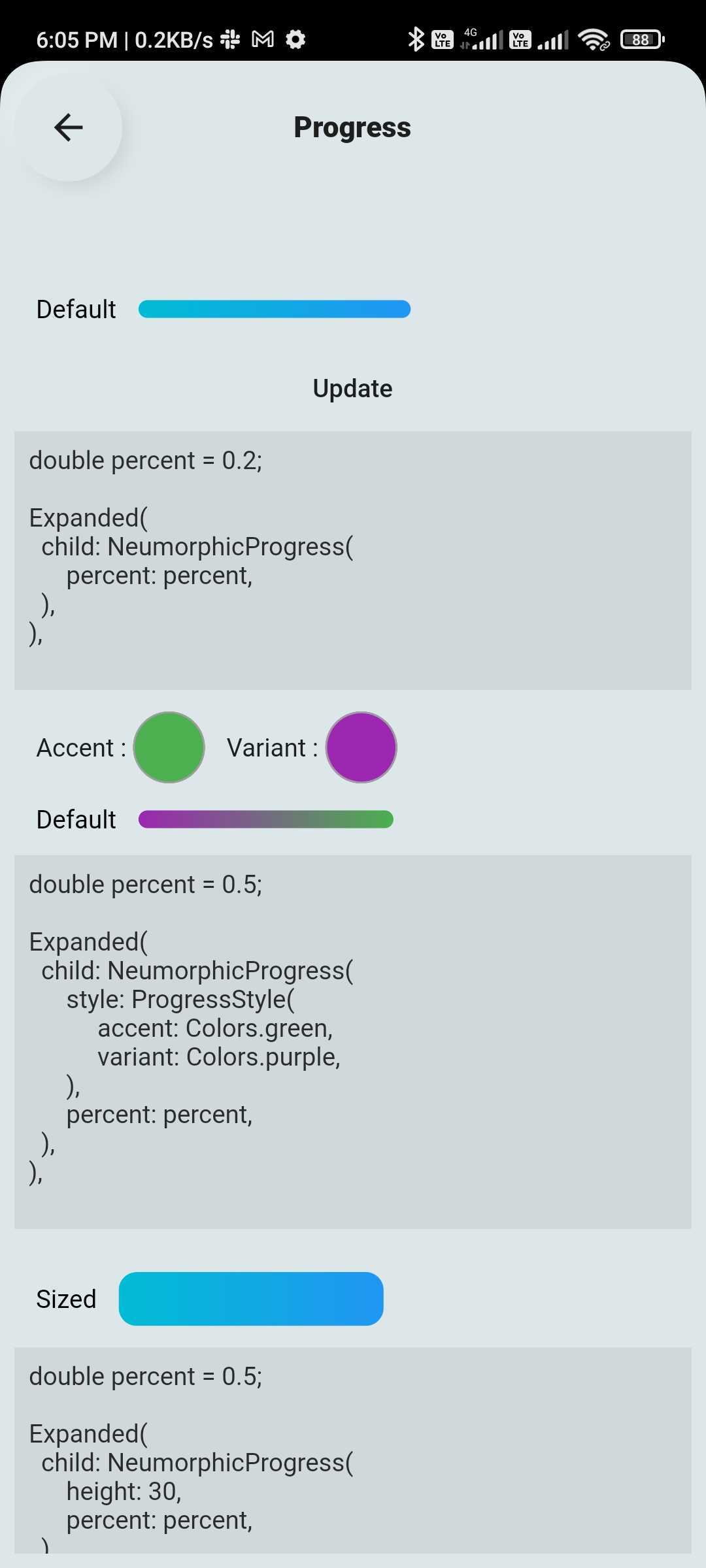
Neumorphic Widgets #
 |
 |
 |
 |
 |
 |
Buttons #
 |
 |
 |
Switch #
 |
🧪 Usage #
Buttons Example #
SuccessButton(title: "Success Button", onPressed: () {});
ButtonWithIcon(
  icon: Icons.local_cafe,
  title: "Icon Button",
  color: Colors.white,
  buttonColor: Colors.cyan,
  onPressed: () {},
);
GradientButton(
  onPressed: () {},
  splashColor: Colors.orange,
  colors: [Colors.red, Colors.orange],
  title: "Gradient Button",
);
Switch Example #
FlutterSwitch(
  width: 90.0,
  height: 45.0,
  toggleSize: 38.0,
  value: status,
  borderRadius: 24.0,
  padding: 2.0,
  toggleColor: Colors.white,
  switchBorder: Border.all(color: Colors.blueAccent, width: 3.0),
  activeColor: Colors.cyan,
  inactiveColor: Colors.grey.shade400,
  onToggle: (val) {
    setState(() {
      status = val;
    });
  },
);
✅ Platform Support #
| Platform | Supported |
|---|---|
| Android | ✅ |
| iOS | ✅ |
| Web | ✅ |
📌 Changelog #
Please see the CHANGELOG.md for a list of recent changes.
👨💻 Contributors #
📃 License #
This project is licensed under the MIT License.
Metadata
32
likes
150
points
22
downloads
Publisher
Weekly Downloads
Metadata
Create awesome apps very faster with Flutter's collection of visual, structural, platform, UI, and interactive widgets.
Repository (GitHub)
View/report issues
Documentation
License
 GPL-3.0 (license)

