
flutter_signature_view 1.1.1  flutter_signature_view: ^1.1.1 copied to clipboard
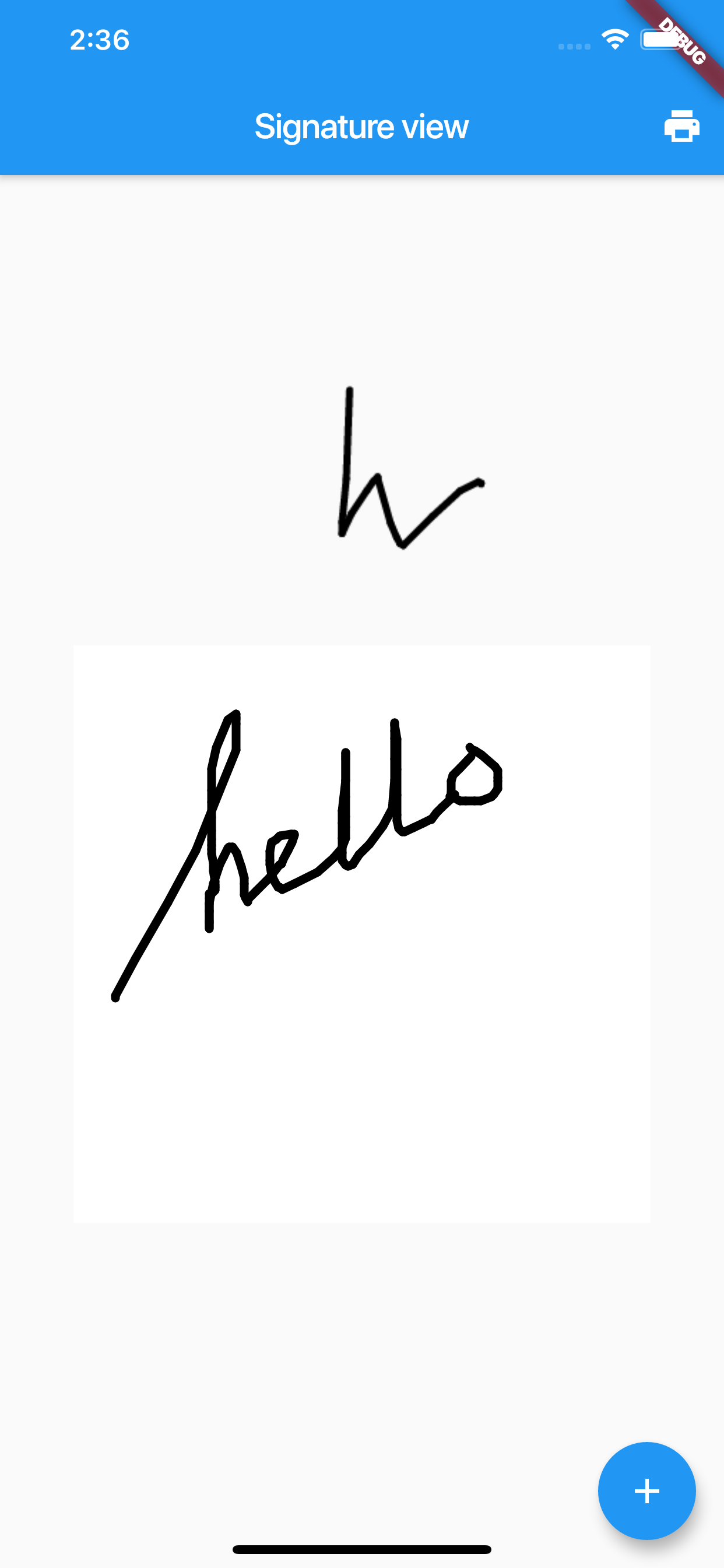
The signature plugin serve place to paint your signature and export it to many differences type to store.
Signature Widget library #
Signature widget library

Installing
You should add the following to your pubspec.yaml file:
dependencies:
   flutter_signature_view: ^1.1.1
Note: If you're using the Flutter master channel, if you encounter build issues, or want to try the latest and greatest then you should use the master branch and not a specific release version. To do so, use the following configuration in your pubspec.yaml:
dependencies:
  flutter_signature_view:
    git:
      url: git://github.com:kzjn10/Flutter_SignatureWidget.git
After adding the dependency to your pubspec.yaml you can run: flutter packages get or update your packages using your IDE.
Usage
Simple init SignatureView
SignatureView _signatureView = SignatureView();
Init with optional params
   SignatureView _signatureView = SignatureView(
      backgroundColor: Colors.yellow,
      penStyle: Paint()
        ..color = Colors.blue
      ..strokeCap = StrokeCap.round
      ..strokeWidth = 5.0,
      onSigned: (data) {
        print("On change $data");
      },
    );
Params
backgroundColor- Color. Canvas background colordata- String. Init your signature view with default data (it will generate after your signed from callback functiononSignedpenStyle- Paint. Custom your Paint styleonSigned- Function(String). Response list offset as String value. You can use it fordatato render default signature view
Access data
- Get list offset as string value
_signatureView.exportListOffsetToString() - Get data as
Bytes_signatureView.exportBytes()->asyncfunction - Get base64 String
_signatureView.exportBase64Image()->asyncfunction - Check empty
_signatureView.isEmpty - Clear current signature
_signatureView.clear()
References
Metadata
Publisher
unverified uploader
Weekly Downloads
Metadata
The signature plugin serve place to paint your signature and export it to many differences type to store.
Repository (GitHub)
View/report issues
License
 MIT (license)

