
flutter_signature_view 1.0.1  flutter_signature_view: ^1.0.1 copied to clipboard
The signature plugin serve place to paint your signature and export it to many differences type to store.
Signature Widget library #
Signature widget library
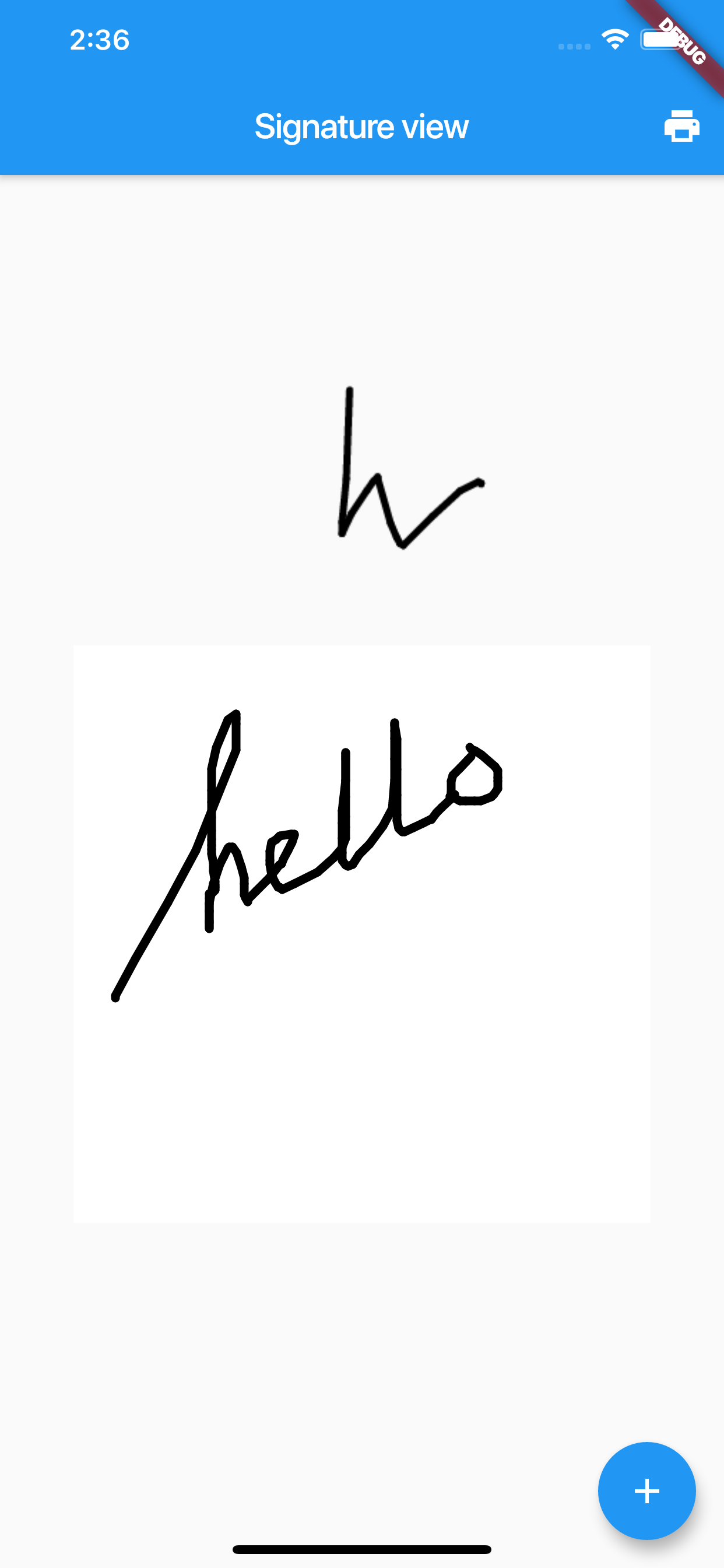
Usage
import 'package:flutter_signature_view/flutter_signature_view.dart';
Simple init SignatureView
SignatureView _signatureView = SignatureView();
Init with optional params
   SignatureView _signatureView = SignatureView(
      backgroundColor: Colors.yellow,
      penStyle: Paint()
        ..color = Colors.blue
      ..strokeCap = StrokeCap.round
      ..strokeWidth = 5.0,
      onSigned: (data) {
        print("On change $data");
      },
    );
Params
backgroundColor- Color. Canvas background colordata- String. Init your signature view with default data (it will generate after your signed from callback functiononSignedpenStyle- Paint. Custom your Paint styleonSigned- Function(String). Response list offset as String value. You can use it fordatato render default signature view
Access data
- Get list offset as string value
_signatureView.exportListOffsetToString() - Get data as
Bytes_signatureView.exportBytes()->asyncfunction - Check empty
_signatureView.isEmpty - Clear current signature
_signatureView.clear()
References
Metadata
6
likes
0
points
166
downloads
Publisher
unverified uploader
Weekly Downloads
Metadata
The signature plugin serve place to paint your signature and export it to many differences type to store.
Homepage
Repository (GitHub)
View/report issues
License
 unknown (license)

