
flutter_callkit_incoming 1.0.0+4  flutter_callkit_incoming: ^1.0.0+4 copied to clipboard
 hiennv.com
Flutter Callkit Incoming to show callkit screen in your Flutter app.
Flutter Callkit Incoming #
A Flutter plugin to show incoming call in your Flutter app(Custom for Android/Callkit for iOS).
⭐ Features #
-
Show an incoming call
-
Start an outgoing call
-
Custom UI Android/Callkit for iOS
🚀 Installation #
- Install Packages
- Run this command:
flutter pub add flutter_callkit_incoming - Add pubspec.yaml:
    dependencies:
      flutter_callkit_incoming: any
- Configure Project
- Android
- AndroidManifest.xml
<manifest...> ... <!-- Using for load image from internet --> <uses-permission android:name="android.permission.INTERNET"/> </manifest> - iOS
- Info.plist
<key>UIBackgroundModes</key>
<array>
    <string>processing</string>
    <string>remote-notification</string>
    <string>voip</string>
</array>
- Usage
-
Import
import 'package:flutter_callkit_incoming/flutter_callkit_incoming.dart'; -
Received an incoming call
this._currentUuid = _uuid.v4(); var params = <String, dynamic>{ 'id': _currentUuid, 'nameCaller': 'Hien Nguyen', 'appName': 'Callkit', 'avatar': 'https://i.pravatar.cc/100', 'handle': '0123456789', 'type': 0, 'duration': 30000, 'extra': <String, dynamic>{'userId': '1a2b3c4d'}, 'android': <String, dynamic>{ 'isCustomNotification': true, 'isShowLogo': false, 'ringtonePath': 'ringtone_default', 'backgroundColor': '#0955fa', 'backgroundUrl': 'https://i.pravatar.cc/500', 'actionColor': '#4CAF50' }, 'ios': <String, dynamic>{ 'iconName': 'AppIcon40x40', 'handleType': 'generic', 'supportsVideo': true, 'maximumCallGroups': 2, 'maximumCallsPerCallGroup': 1, 'audioSessionMode': 'default', 'audioSessionActive': true, 'audioSessionPreferredSampleRate': 44100.0, 'audioSessionPreferredIOBufferDuration': 0.005, 'supportsDTMF': true, 'supportsHolding': true, 'supportsGrouping': false, 'supportsUngrouping': false, 'ringtonePath': 'Ringtone.caf' } }; await FlutterCallkitIncoming.showCallkitIncoming(params); -
Started an outgoing call
this._currentUuid = _uuid.v4(); var params = <String, dynamic>{ 'id': this._currentUuid, 'nameCaller': 'Hien Nguyen', 'handle': '0123456789', 'type': 1, 'extra': <String, dynamic>{'userId': '1a2b3c4d'}, 'ios': <String, dynamic>{'handleType': 'generic'} }; await FlutterCallkitIncoming.startCall(params); -
Ended an incoming/outgoing call
var params = <String, dynamic>{'id': this._currentUuid}; await FlutterCallkitIncoming.endCall(params); -
Ended all calls
await FlutterCallkitIncoming.endAllCalls(); -
Get active calls. iOS: return active calls from Callkit, Android: only return last call
await FlutterCallkitIncoming.activeCalls();Output
[{"id": "8BAA2B26-47AD-42C1-9197-1D75F662DF78"}] -
Listen events
  FlutterCallkitIncoming.onEvent.listen((event) {
    switch (event!.name) {
      case CallEvent.ACTION_CALL_INCOMING:
        // TODO: received an incoming call
        break;
      case CallEvent.ACTION_CALL_START:
        // TODO: started an outgoing call
        // TODO: show screen calling in Flutter
        break;
      case CallEvent.ACTION_CALL_ACCEPT:
        // TODO: accepted an incoming call
        // TODO: show screen calling in Flutter
        break;
      case CallEvent.ACTION_CALL_DECLINE:
        // TODO: declined an incoming call
        break;
      case CallEvent.ACTION_CALL_ENDED:
        // TODO: ended an incoming/outgoing call
        break;
      case CallEvent.ACTION_CALL_TIMEOUT:
        // TODO: missed an incoming call
        break;
      case CallEvent.ACTION_CALL_CALLBACK:
        // TODO: only Android - click action `Call back` from missed call notification
        break;
      case CallEvent.ACTION_CALL_TOGGLE_HOLD:
        // TODO: only iOS
        break;
      case CallEvent.ACTION_CALL_TOGGLE_MUTE:
        // TODO: only iOS
        break;
      case CallEvent.ACTION_CALL_TOGGLE_DMTF:
        // TODO: only iOS
        break;
      case CallEvent.ACTION_CALL_TOGGLE_GROUP:
        // TODO: only iOS
        break;
      case CallEvent.ACTION_CALL_TOGGLE_AUDIO_SESSION:
        // TODO: only iOS
        break;
    }
  });
-
Properties
Prop Description Default idUUID identifier for each call. UUID should be unique for every call and when the call is ended, the same UUID for that call to be used. suggest using uuid Required nameCallerCaller's name. None appNameApp's name. using for display inside Callkit(iOS). App Name avatarAvatar's URL used for display for Android. /android/src/main/res/drawable-xxxhdpi/ic_default_avatar.pngNone handlePhone number/Email/Any. None type0 - Audio Call, 1 - Video Call 0durationIncoming call/Outgoing call display time (second). If the time is over, the call will be missed. 30000extraAny data added to the event when received. {}androidAndroid data needed to customize UI. Below iosiOS data needed. Below
-
Android
Prop Description Default isCustomNotificationUsing custom notifications. falseisShowLogoShow logo app inside full screen. /android/src/main/res/drawable-xxxhdpi/ic_logo.pngfalseringtonePathFile name ringtone. put file into /android/app/src/main/res/raw/ringtone_default.pm3ringtone_defaultbackgroundColorIncoming call screen background color. #0955fabackgroundUrlUsing image background for Incoming call screen. None actionColorColor used in button/text on notification. #4CAF50
-
iOS
Prop Description Default iconNameApp's Icon. using for display inside Callkit(iOS) falsehandleTypeType handle call generic,number,emailgenericsupportsVideotruemaximumCallGroups2maximumCallsPerCallGroup1audioSessionModeNone audioSessionActivetrueaudioSessionPreferredSampleRate44100.0audioSessionPreferredIOBufferDuration0.005supportsDTMFtruesupportsHoldingtruesupportsGroupingtruesupportsUngroupingtrueringtonePathAdd file to root project xcode /ios/Runner/Ringtone.cafand Copy Bundle Resources(Build Phases)Ringtone.caf
-
Source code
please checkout repo github
https://github.com/hiennguyen92/flutter_callkit_incoming
- Todo
-
Add
WakeLock(background tasks) for Android -
Switch using
servicefor Android
💡 Demo #
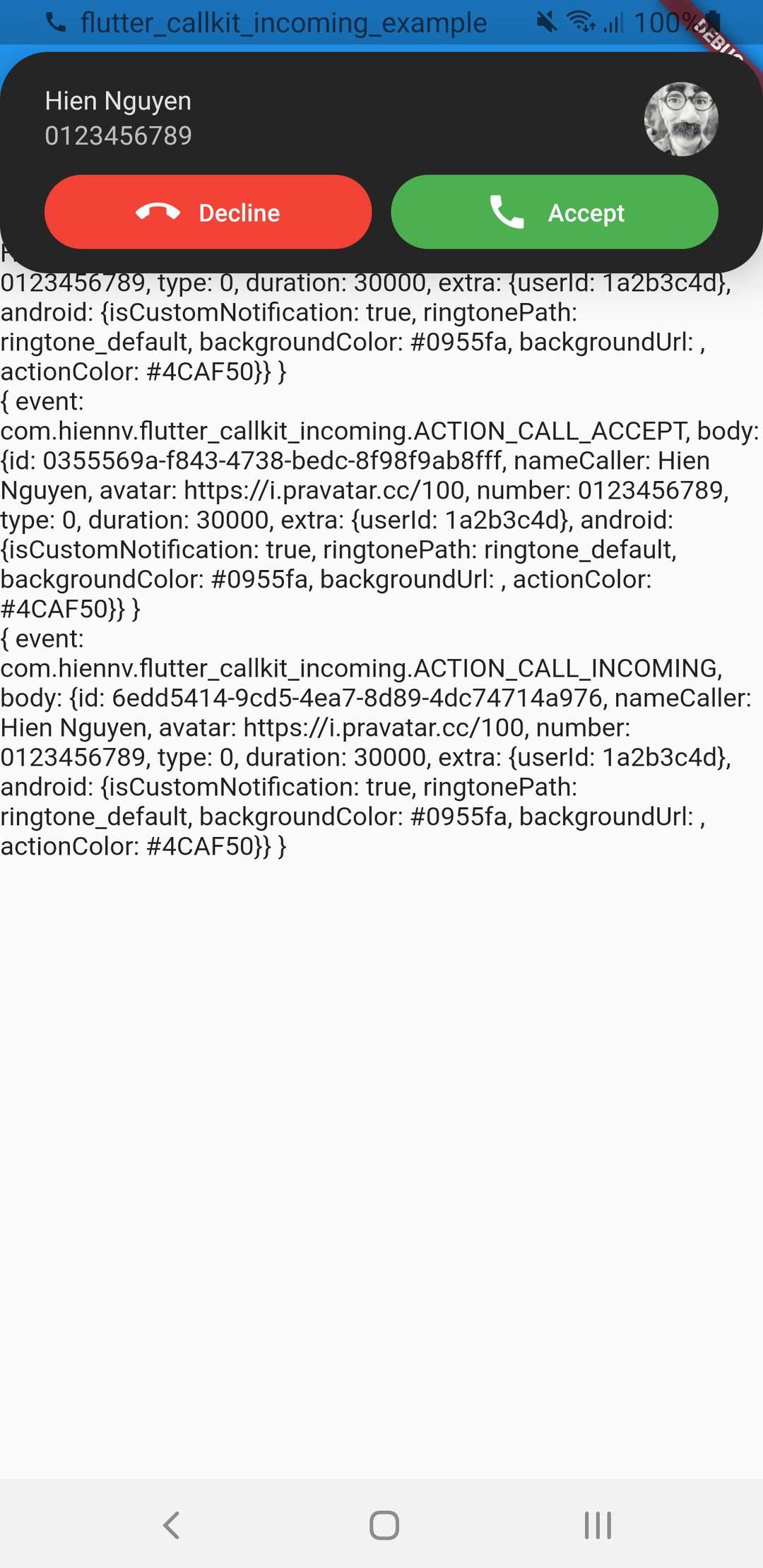
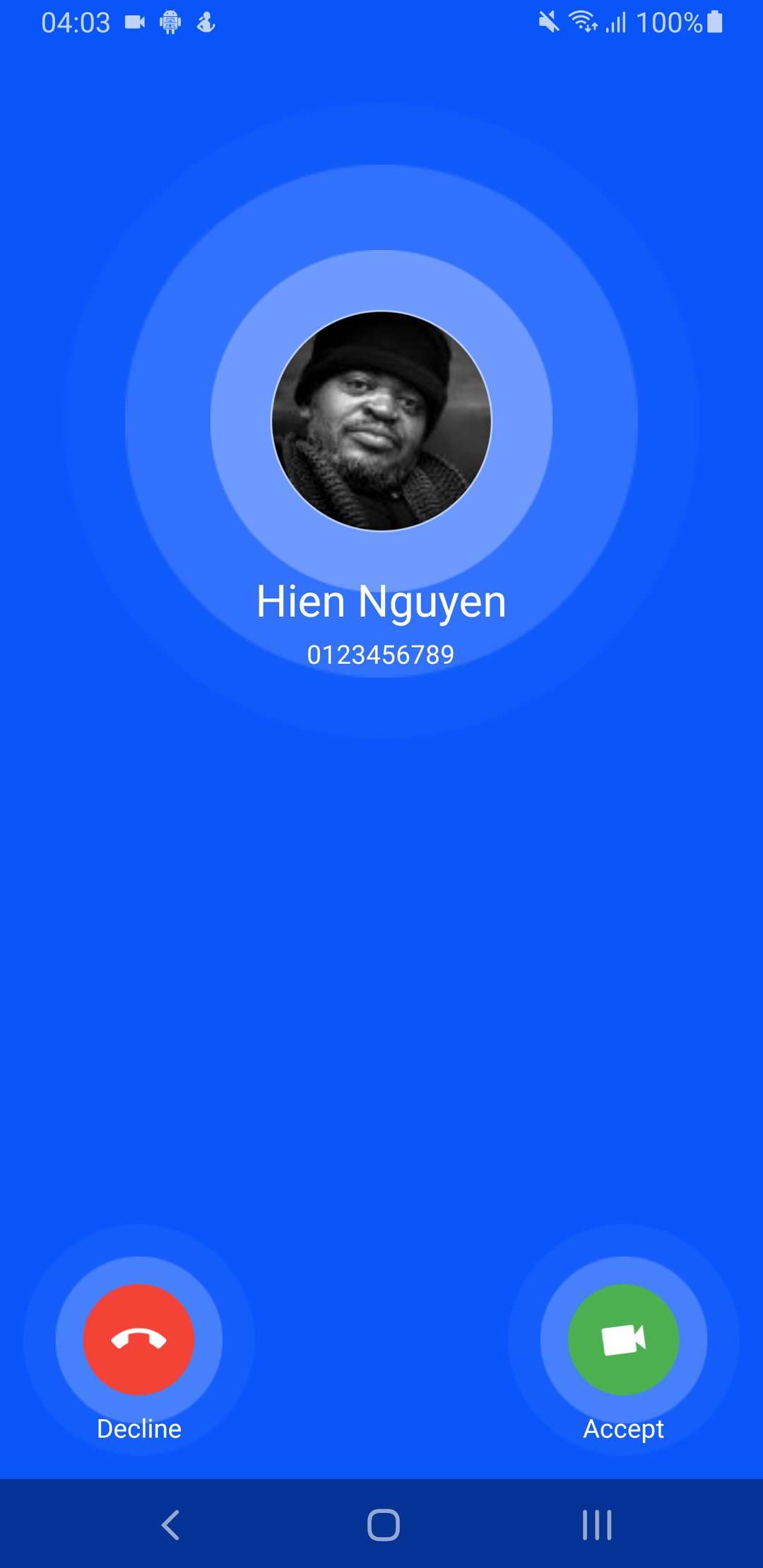
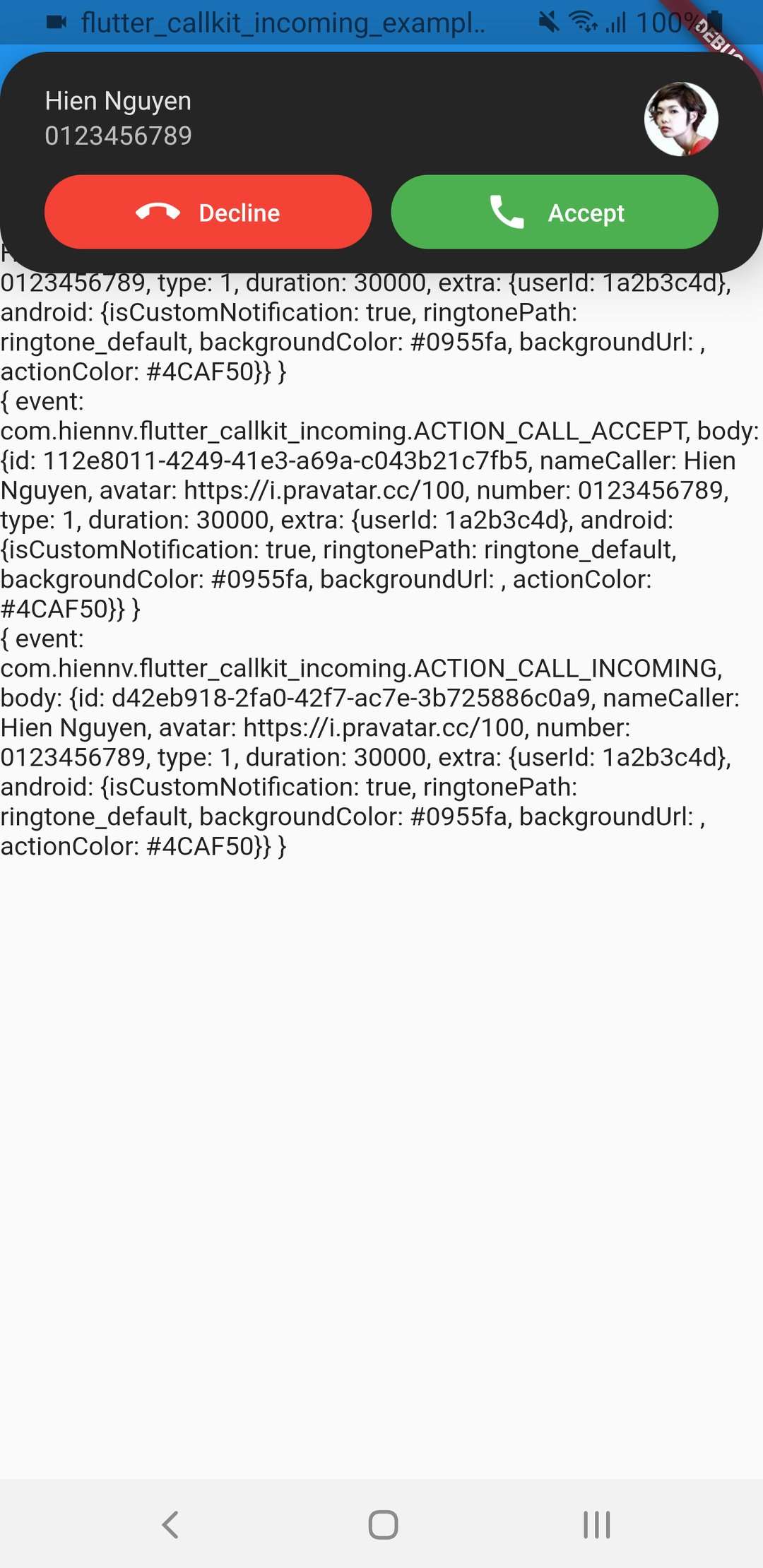
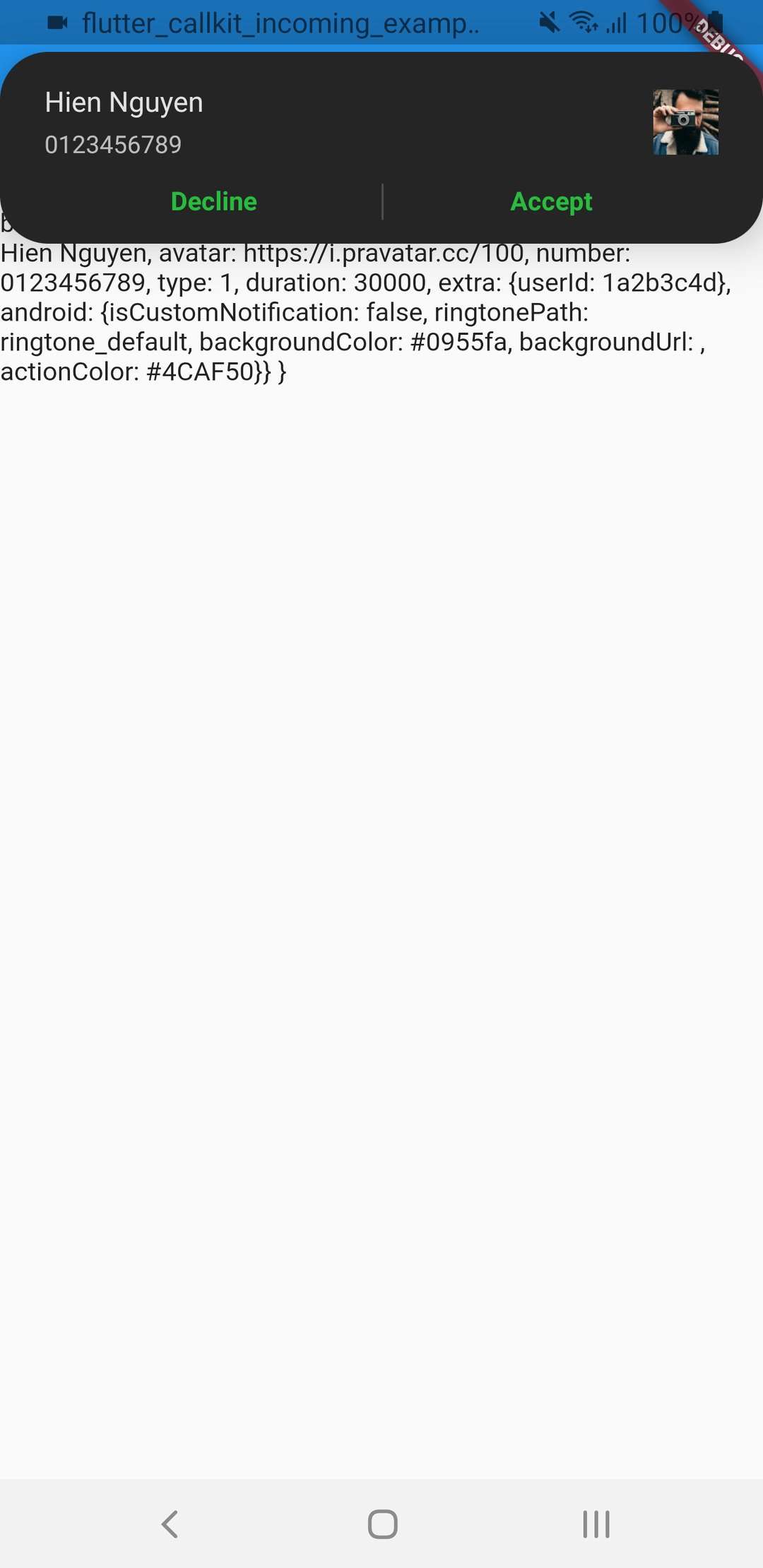
- Demo Illustration:
- Image
| iOS(Lockscreen) | iOS(full screen) | iOS(Alert) |
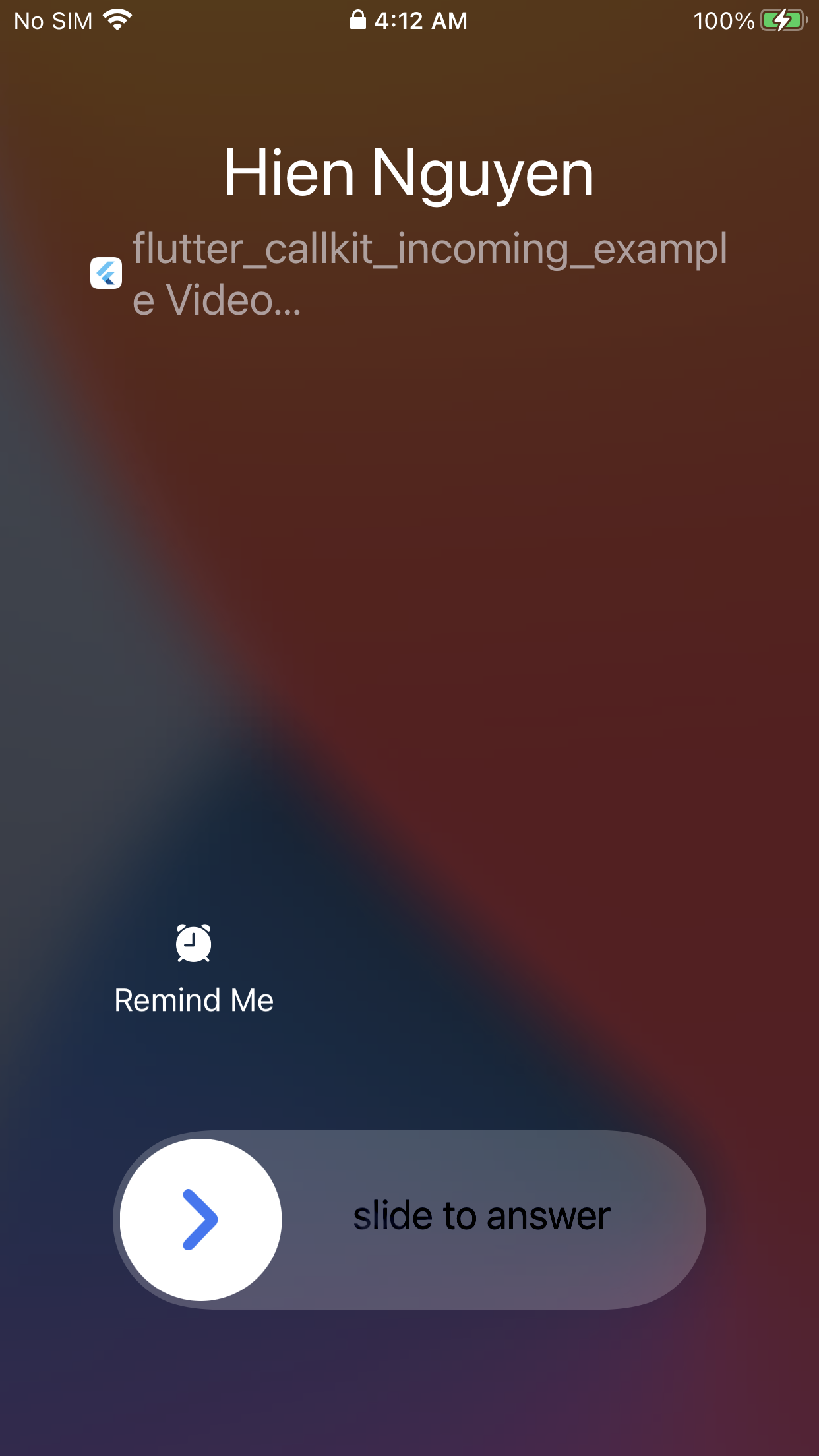
|
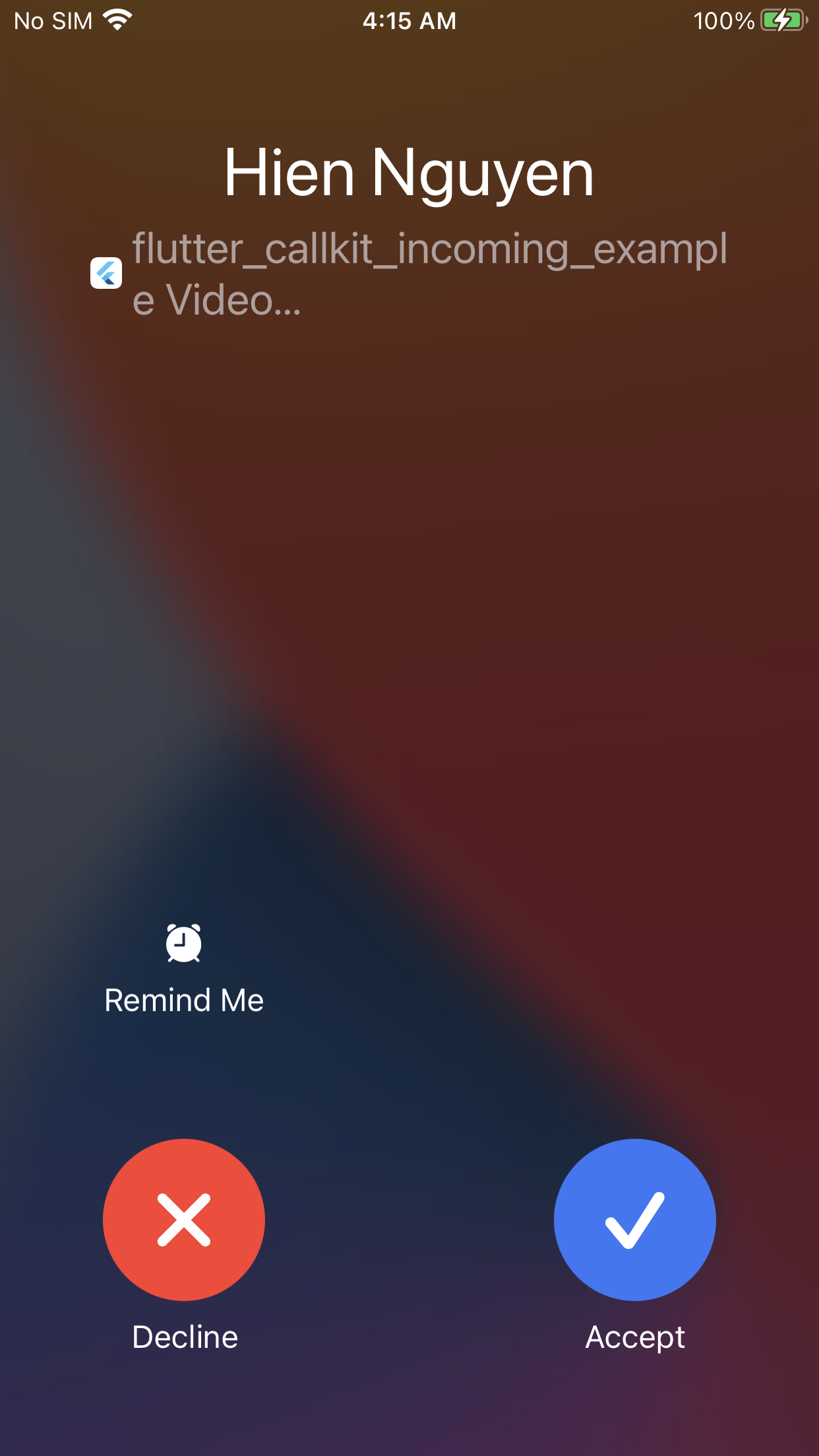
|
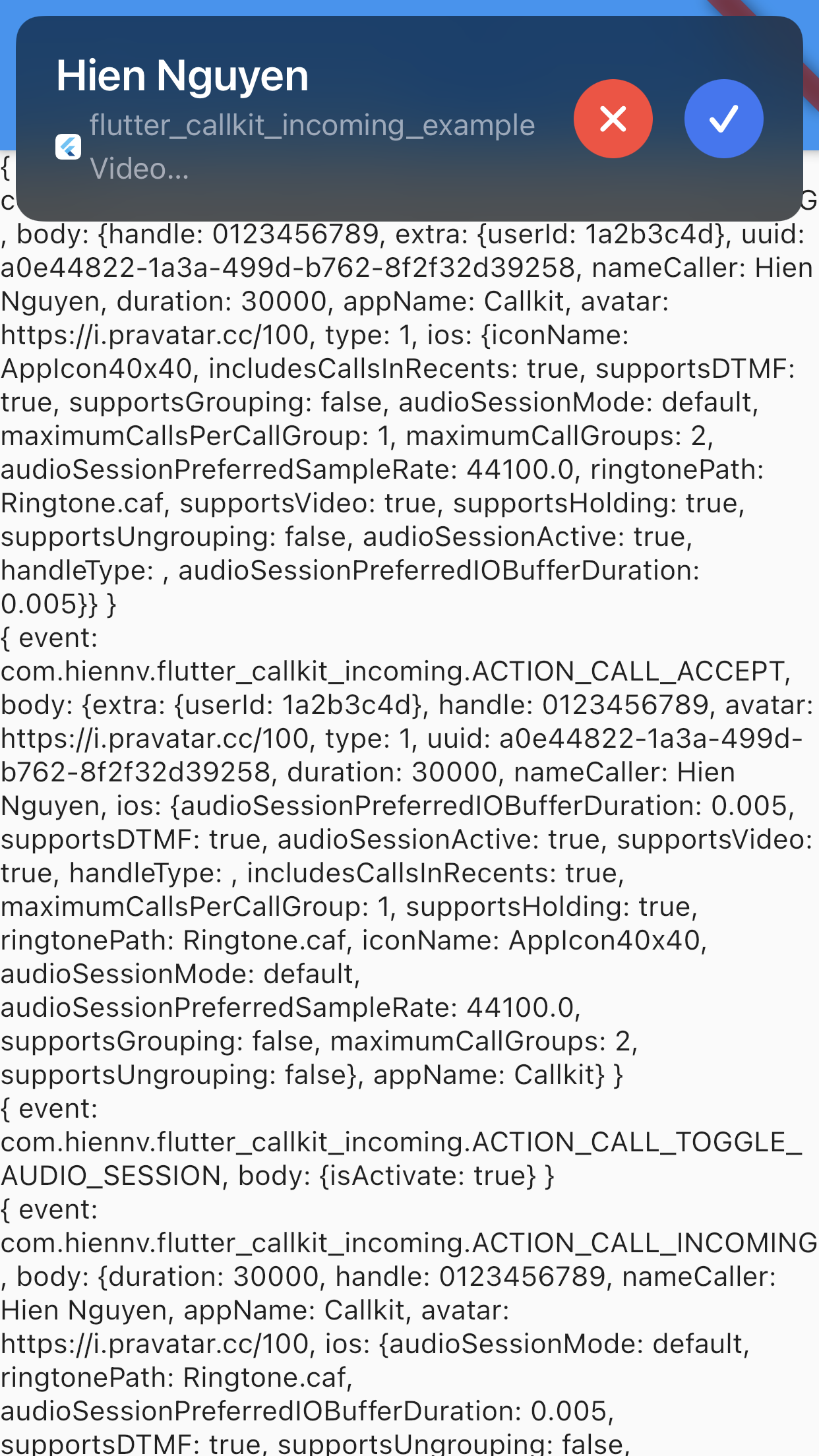
|
| Android(Lockscreen) - Audio | Android(Alert) - Audio | Android(Lockscreen) - Video |
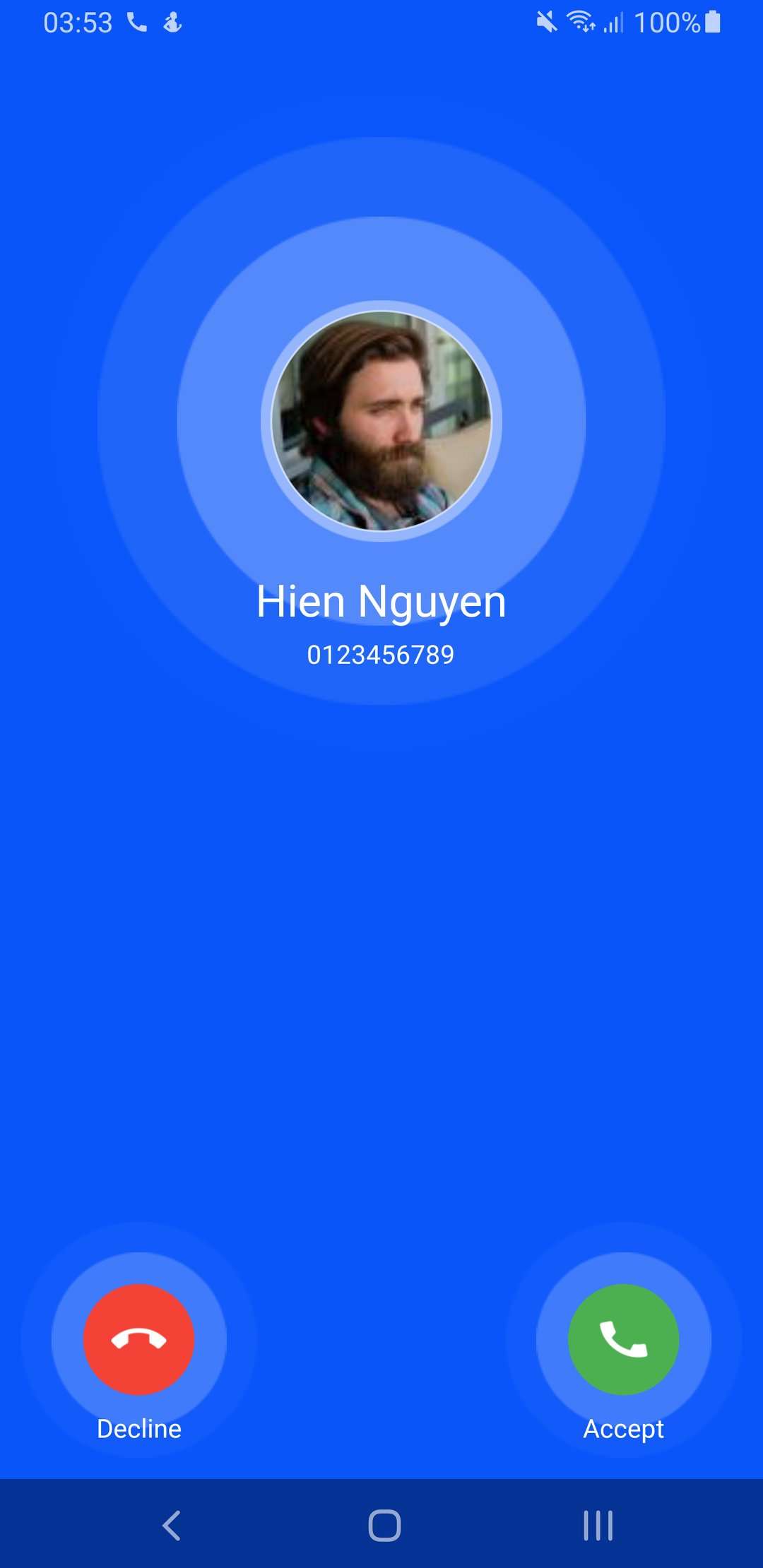
|
|
|
| Android(Alert) - Video | isCustomNotification: false | |
|
|
Metadata
Publisher
Weekly Downloads
Metadata
Flutter Callkit Incoming to show callkit screen in your Flutter app.
Repository (GitHub)
View/report issues
License
 unknown (license)
Dependencies
More
Packages that depend on flutter_callkit_incoming
Packages that implement flutter_callkit_incoming

