
flexify 2.0.0  flexify: ^2.0.0 copied to clipboard
AFlexify is a Flutter package for responsive design and simplified navigation. Easily adapt interfaces to any screen size and smooth page transitions with customizable animations.
Flexify #
Flexify is a comprehensive Flutter package that simplifies the creation of responsive user interfaces and enhances navigation with customizable animations. It allows you to easily adapt your app's layout to various screen sizes while providing a smooth and visually appealing navigation experience. With Flexify, scaling widgets proportionally and implementing advanced navigation transitions become effortless, making it an indispensable tool for Flutter developers.
Features #
- Responsive Design: Scale your UI elements based on the design dimensions you specify.
- Customizable Navigation: Navigate between screens with various animation options.
- Cross-Platform Support: Works seamlessly with both
MaterialAppandCupertinoApp.
Installation #
Add the following line to your pubspec.yaml file:
dependencies:
  flexify: ^2.0.0
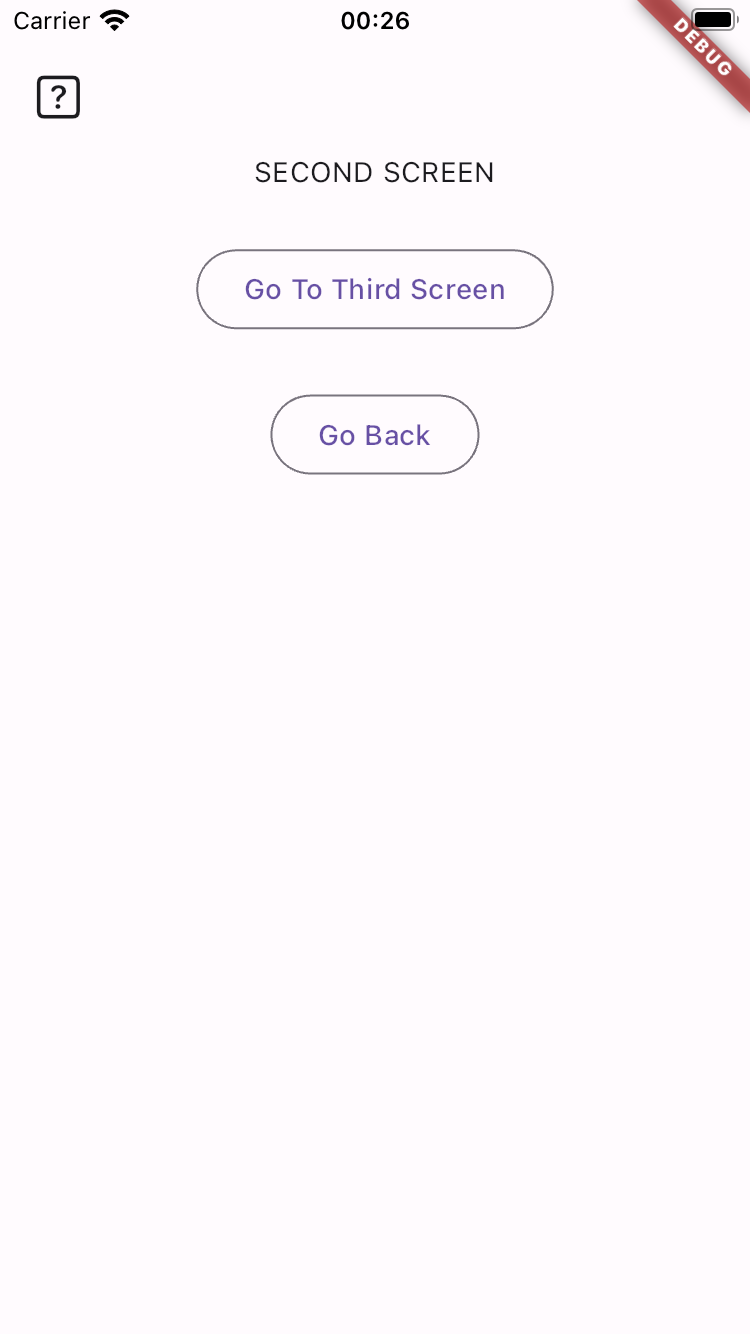
Screenshot #
Usage #
- Initialize :
import 'package:flutter/material.dart';
import 'package:flexify/flexify.dart';

void main() {
  runApp(const MyApp());
}

class MyApp extends StatelessWidget {
  const MyApp({super.key});

  @override
  Widget build(BuildContext context) {
    //Wrap your app with Flexify for initialize
    return Flexify(
      designWidth: 375,
      designHeight: 812,
      app: MaterialApp(
        home: ExampleScreen(),
      ),
    );
  }
}

class ExampleScreen extends StatelessWidget {
  const ExampleScreen({super.key});

  @override
  Widget build(BuildContext context) {
    return Scaffold(
      body: Center(
        child: Column(
          mainAxisAlignment: MainAxisAlignment.center,
          children: [
            Container(
              width: 250.rw, //responsive width
              height: 250.rh, //responsive height
              decoration: BoxDecoration(
                color: Colors.blue,
                borderRadius: BorderRadius.circular(25.rs), // responsive size
              ),
              child: Center(
                child: Text(
                  'This is a Responsive Text',
                  style: TextStyle(
                    fontSize: 22.rt,
                    fontWeight: FontWeight.w700,
                  ),
                ),
              ),
            ),
            20.verticalSpace, // SizedBox(height:20.rh)
            20.horizontalSpace, // SizedBox(width: 20.rw),

            /*

           - Easy Navigations with Animations

             Flexify.go(
              NewScreen(),
              animation: FlexifyRouteAnimations.fade,
              duration: Duration(milliseconds: 500));

             Flexify.goRemove(
              NewScreen(),
              animation: FlexifyRouteAnimations.slide,
              duration: Duration(milliseconds: 500));

             Flexify.goRemoveAll(
               NewScreen(),
               animation: FlexifyRouteAnimations.scale,
               duration: Duration(milliseconds: 500));

             Flexify.back();


           - Available Animations

            FlexifyRouteAnimations.fade
            FlexifyRouteAnimations.slide
            FlexifyRouteAnimations.scale
            FlexifyRouteAnimations.rotate
            FlexifyRouteAnimations.zoom
            FlexifyRouteAnimations.size
            FlexifyRouteAnimations.elastic

            */
          ],
        ),
      ),
    );
  }
}
Metadata
Publisher
unverified uploader
Weekly Downloads
Metadata
AFlexify is a Flutter package for responsive design and simplified navigation. Easily adapt interfaces to any screen size and smooth page transitions with customizable animations.
Homepage
Repository (GitHub)
View/report issues
License
 unknown (license)

