
fastpay_merchant 1.1.3  fastpay_merchant: ^1.1.3 copied to clipboard
FastPay merchant OFFICIAL flutter SDK.
FastPay Flutter SDK #





FastPay Developers Arena #
Accept payments with FastPay's APIs. Our simple and easy-to-integrate APIs allow for less effort in processing payments. This is an official support channel, but our APIs support both Android and iOS.
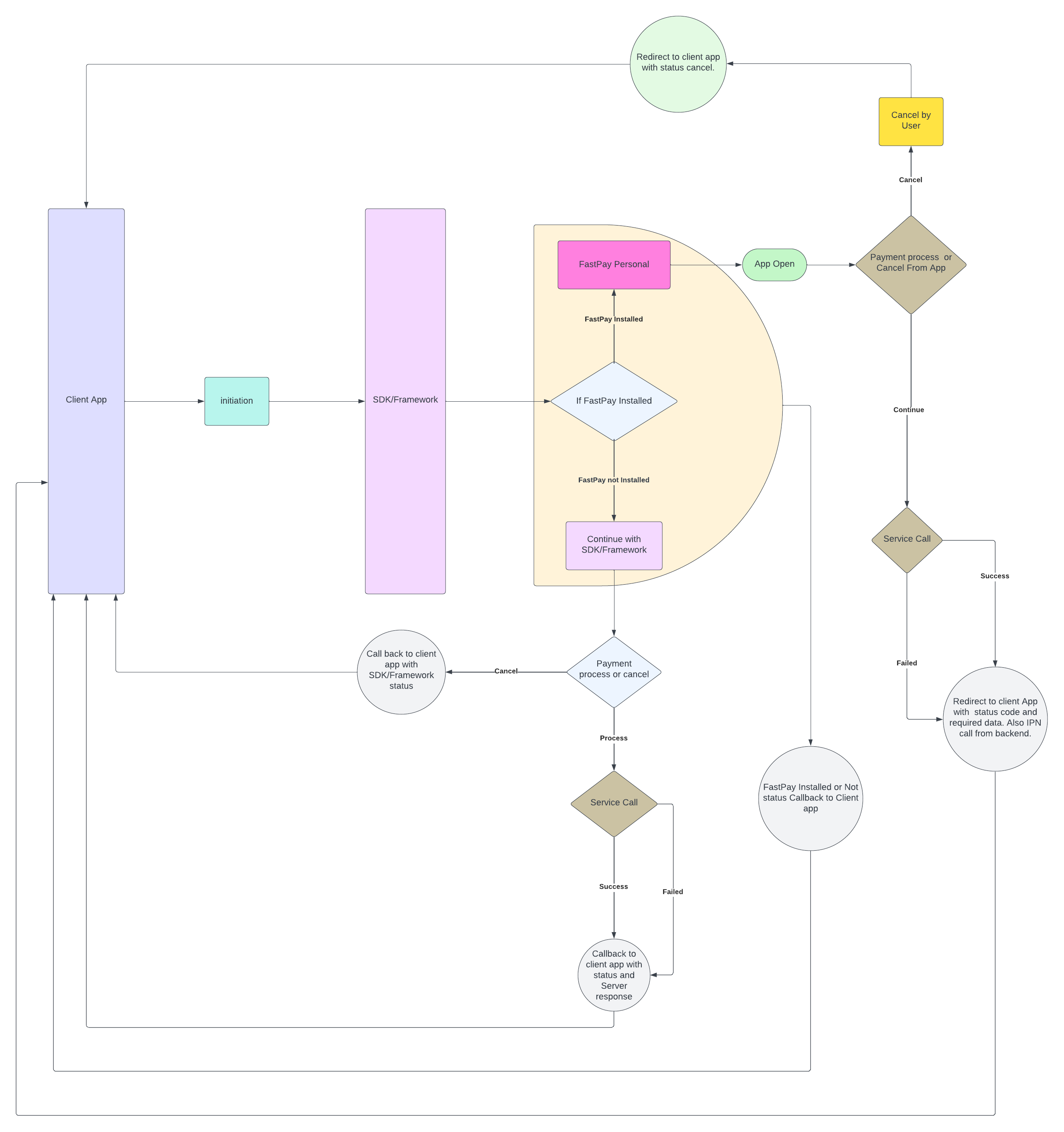
SDK flow #
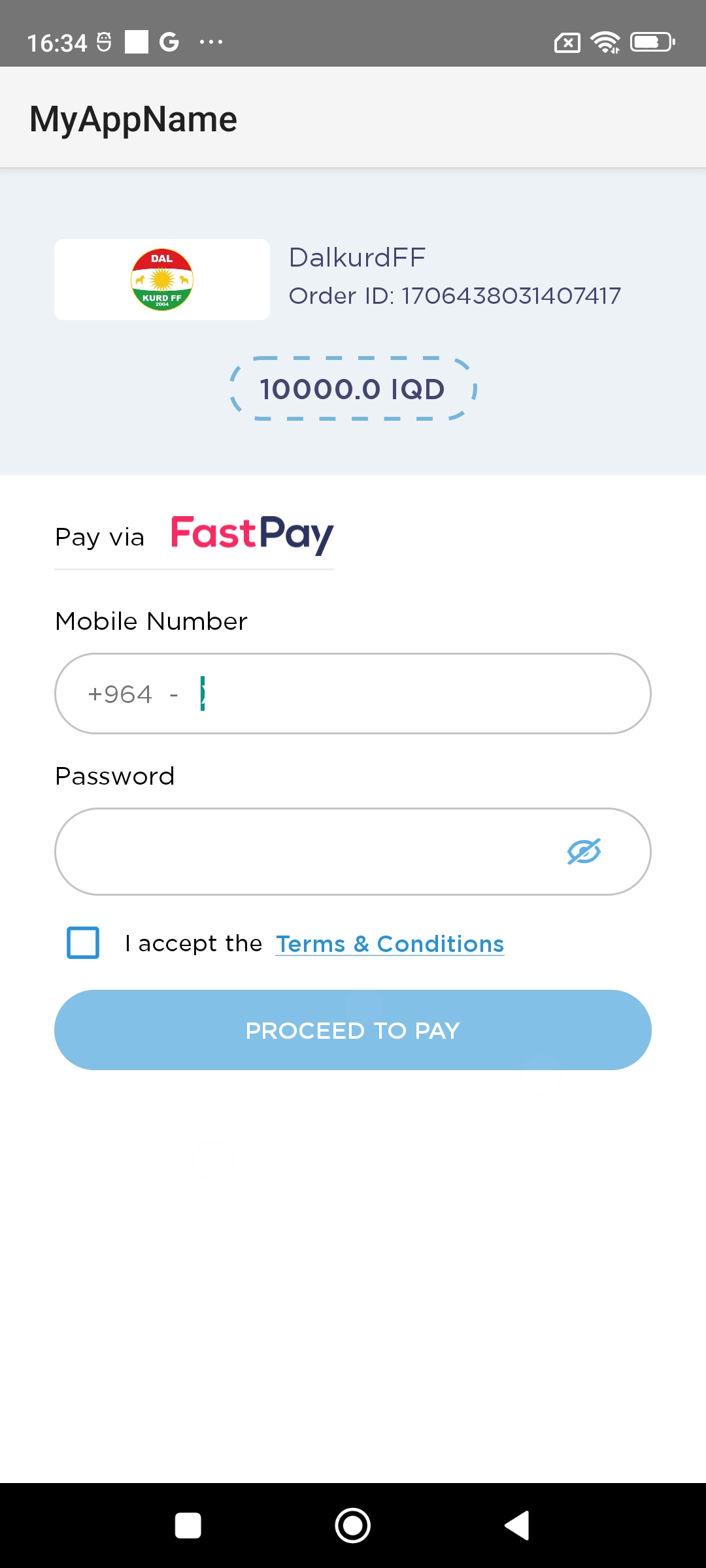
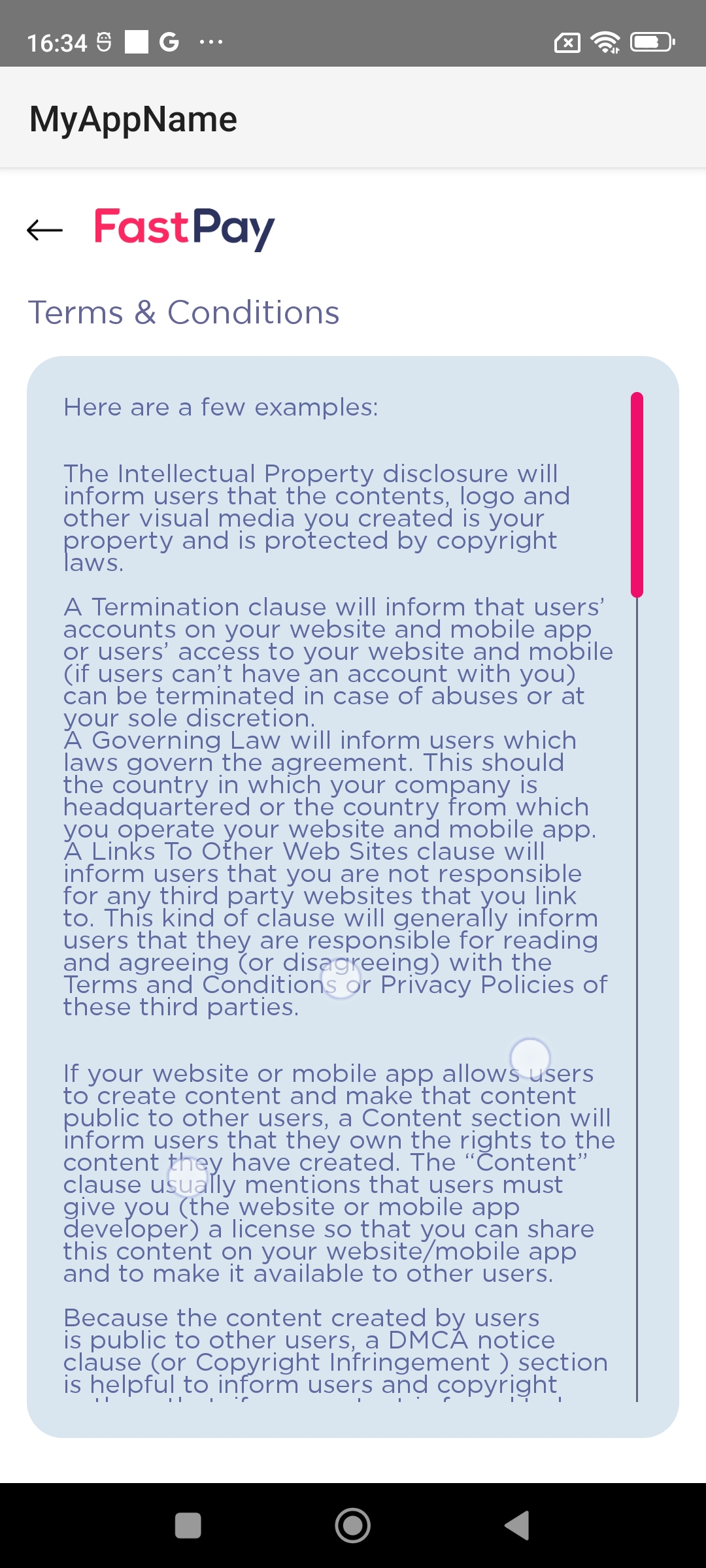
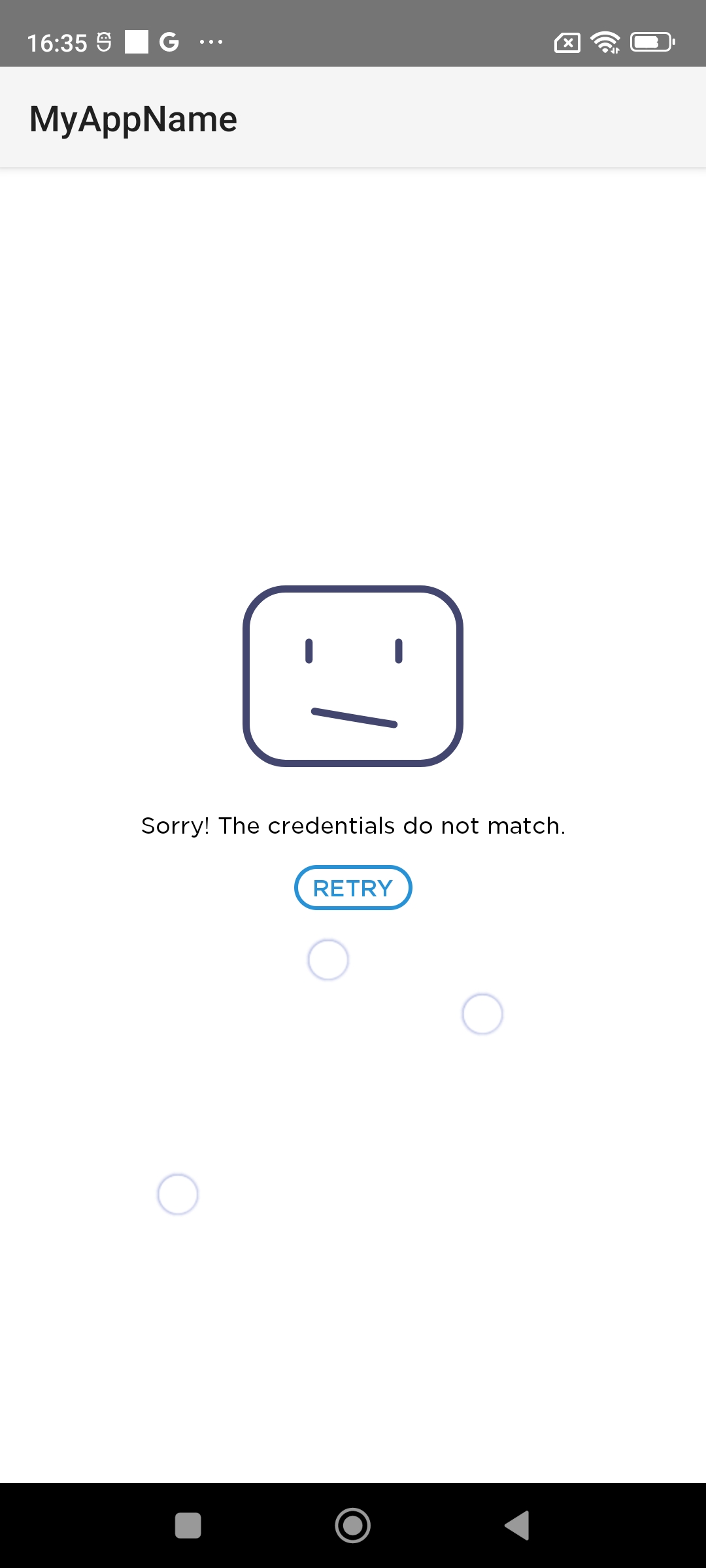
Screenshots #
 |
 |
 |
|---|
Quick Glance #
- This plugin is official. FastPay Developers Portal.
- You need to contact FastPay to get a storeID and Password.
Installation #
dependencies:
  fastpay_merchant: ^1.1.3
  #To handle callbacks (Redirection) from fastpay wallet application.
  app_links: ^4.0.0
⚠️ iOS only supports real device you can't test it on simulator because FastPay SDK not support simulator
Initiate FastPaySDK #
- Store ID : Merchant’s Store Id to initiate transaction
- Store Password : Merchant’s Store password to initiate transaction
- Order ID : Order ID/Bill number for the transaction, this value should be unique in every transaction
- Amount : Payable amount in the transaction ex: “1000”
- isProduction : Payment Environment to initiate transaction (false for test & true for real life transaction)
- Call back Uri's: When the SDK redirect to the fastpay application for payment and after payment cancel or failed it throws a callback with this uri. It is used for deeplinking with the client app for catching callbacks from fastpay application. Both android and ios has platform specific call back uri's.
- Callback( Sdk status, message, FastpayResult): There are four sdk status (e.g. FastpayRequest.SDKStatus.INIT) , status message show scurrent status of the SDK and the result is fastpay SDK payment result.
  enum SDKStatus{
      INIT,
      PAYMENT_WITH_FASTPAY_APP,
      PAYMENT_WITH_FASTPAY_SDK,
      CANCEL,
      SUCCESS,
      FAILED
 }
Examples #
- Initiate payment in init method of your flutter widget:
import 'package:fastpay_merchant/fastpay_flutter_sdk.dart';
import 'package:fastpay_merchant/models/fastpay_payment_request.dart';

/*
*
* Add this code on init method
*/
FastpayFlutterSdk.instance.fastpayPaymentRequest = FastpayPaymentRequest(
  "******STORE ID*****",  //(Required)
  "******STORE PASSWORD****", //(Required)
  "450",  //AMOUNT
  "YOUR ORDER ID",  //order Id
  "sdk://fastpay-sdk.com/callback",  // Android callback URI (Required)
  "appfpclientFastpayFlutterSdk",  // IOS callback URI(Required)
  false,// is production  (Required)
  (status, message, {result}) {
    debugPrint('PRINT_STACK_TRACE::MESSAGE.....................: ${message}');
    debugPrint('PRINT_STACK_TRACE.....................: ${result.toString()}');
  },
);
- Start the journey by navigating the app to the SDK:
/*
*
* Use this code to navigate to flutter SDK
*/
Navigator.of(context).push(MaterialPageRoute(builder: (_) => const SdkInitializeScreen()));
SDK callback Uri (Optional) #
//Using app_links
import 'package:app_links/app_links.dart';

Future<void> _handleIncomingIntent() async {
    final _appLinks = AppLinks();
    final uri = await _appLinks.getLatestAppLink();
    final allQueryParams = uri?.queryParameters;
    final status = allQueryParams?['status'];
    final orderId = allQueryParams?['order_id'];
    debugPrint("..........................STATUS::: "+status.toString()+", OrderId:::"+orderId.toString());
  }
Android setup
Add the callback uri to the AndroidManifest file as shown below.
<application
    <activity
        android:name=".MainActivity"...>
        ...
        <intent-filter>
            <action android:name="android.intent.action.MAIN"/>
            <category android:name="android.intent.category.LAUNCHER"/>
        </intent-filter>
        <intent-filter>
            <data android:scheme="sdk" android:host="fastpay-sdk.com" android:pathPrefix="/callback"/>
            <action android:name="android.intent.action.VIEW" />
            <category android:name="android.intent.category.DEFAULT" />
            <category android:name="android.intent.category.BROWSABLE" />
        </intent-filter>
        ...
    </activity>
      ...
</application>
IOS setup
Add the callback uri to the manifest file as shown below.
- Create URI Create a URI with a unique name (our suggestion is to provide your app name with prefix text "appfpclient", for example, if your app name is "FaceLook", your URI should be appfpclientFaceLook)
- Add URI to your
info.plistNow add this URI to your app info.plist file
  <key>CFBundleURLTypes</key>
  <array>
    <dict>
      <key>CFBundleURLSchemes</key>
      <array>
    < string>appfpclientFastpayFlutterSdk</string>
      </array>
    </dict>
  </array>
When FastPayRequest call open FastPay SDK then after payment return FastpayResult that contains:
Payment Result #
FastpayPaymentResponse class contains these params:
- isSuccess : return true for a successful transaction else false.
- errorMessage : if transaction failed return failed result
- transactionStatus : Payment status weather it is success / failed.
- transactionId : If payment is successful then a transaction id will be available.
- orderId : Unique Order ID/Bill number for the transaction which was passed at initiation time.
- paymentAmount : Payment amount for the transaction. “1000”
- paymentCurrency : Payment currency for the transaction. (IQD)
- payeeName : Payee name for a successful transaction.
- payeeMobileNumber : Number: Payee name for a successful transaction.
- paymentTime : Payment occurrence time as the timestamp.
Callback Uri via app deeplinks results. #
callback URI pattern (SUCCESS): sdk://your.website.com/further/paths?status=success&transaction_id=XXXX&order_id=XXXX&amount=XXX¤cy=XXX&mobile_number=XXXXXX&time=XXXX&name=XXXX
callback URI pattern (FAILED): sdk://your.website.com/further/paths?status=failed&order_id=XXXXX
Metadata
Publisher
unverified uploader
Weekly Downloads
Metadata
FastPay merchant OFFICIAL flutter SDK.
Repository (GitHub)
View/report issues
License
 unknown (license)
Dependencies
external_app_launcher, flutter, google_fonts, http, plugin_platform_interface, url_launcher
More
Packages that depend on fastpay_merchant
Packages that implement fastpay_merchant

