
evntaly_flutter 1.0.1  evntaly_flutter: ^1.0.1 copied to clipboard
Official Evntaly Flutter SDK
Evntaly
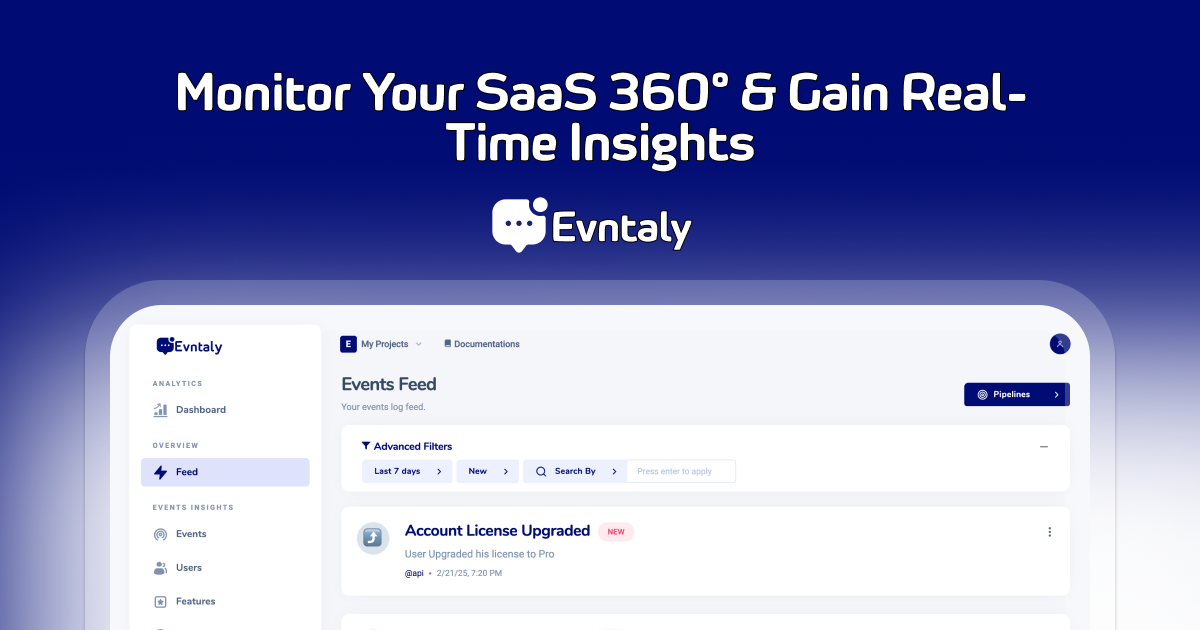
An advanced event tracking and analytics platform designed to help developers capture, analyze, and react to user interactions efficiently.


evntaly-flutter #
Evntaly Flutter SDK is a Flutter client for interacting with the Evntaly event tracking platform. It provides methods to initialize tracking, log events, identify users, and check API usage limits with automatic device and location detection.
Features #
- Initialize the SDK with a developer secret and project token
- Track events with typed event models and IntelliSense support
- Identify users for personalization and analytics
- Automatic detection of device information, location, battery, network, and screen
- Enable or disable tracking globally
- IP-based location fallback when GPS is unavailable
Installation #
Add evntaly_flutter to your pubspec.yaml:
dependencies:
  evntaly_flutter: ^0.0.1
Then run:
flutter pub get
Platform Setup #
Android
Add location permissions to android/app/src/main/AndroidManifest.xml:
<uses-permission android:name="android.permission.ACCESS_FINE_LOCATION" />
<uses-permission android:name="android.permission.ACCESS_COARSE_LOCATION" />
iOS
Add location permissions to ios/Runner/Info.plist:
<key>NSLocationWhenInUseUsageDescription</key>
<string>This app needs location access to provide location context for analytics</string>
Usage #
Initialization #
Initialize the SDK with your developer secret and project token:
import 'package:evntaly_flutter/evntaly_flutter.dart';

void main() {
  runApp(MyApp());

  // Initialize Evntaly SDK
  Evntaly.init(
    developerSecret: 'YOUR_DEVELOPER_SECRET',
    projectToken: 'YOUR_PROJECT_TOKEN',
    verbose: true, // Enable verbose logging (optional)
  );
}
Automatic Screen Tracking #
Add EvntalyNavigatorObserver to your MaterialApp for automatic screen tracking:
MaterialApp(
  navigatorObservers: [EvntalyNavigatorObserver()],
  // ... rest of your app
)
Tracking Events #
Track events using typed EvntalyEvent class (recommended for IntelliSense support):
await Evntaly.track(
  EvntalyEvent(
    title: "Payment Received",
    description: "User completed a purchase",
    message: "Order #12345",
    user: EvntalyUser(
      id: "67890",
    ),
    data: {
      "amount": 149.99,
      "currency": "USD",
      "payment_method": "Credit Card",
      "email_verified": true,
    },
    sessionID: "20750ebc-dabf-4fd4-9498-443bf30d6095_bsd",
    feature: "Checkout",
    topic: "@Sales",
  ),
);
Or use a Map for flexible custom events:
await Evntaly.track({
  'title': 'Custom Event',
  'customField': 'value',
});
Identifying Users #
Identify users using typed EvntalyUser class:
await Evntaly.identifyUser(
  EvntalyUser(
    id: "12345",
    email: "user@example.com",
    fullName: "John Doe",
    organization: "ExampleCorp",
    data: {
      "location": "USA",
      "timezone": "America/New_York",
      "subscription_plan": "Premium",
      "last_login": "2025-02-24T15:30:00Z",
    },
  ),
);
Or use a Map:
await Evntaly.identifyUser({
  'id': '12345',
  'email': 'user@example.com',
  'full_name': 'John Doe',
});
Enabling/Disabling Tracking #
Control event tracking globally:
Evntaly.disableTracking();  // Disables tracking
Evntaly.enableTracking();   // Enables tracking
Checking API Limits #
Check if you can track events based on usage limits:
final canTrack = await Evntaly.checkLimit();
if (canTrack) {
  await Evntaly.track(/* event */);
}
Automatic Data Collection #
The SDK automatically collects the following information:
Request Context #
- Device Info: Model, brand, device ID, OS version
- App Info: App version, build number
- Network: Network type (wifi, cellular, etc.)
- Battery: Battery level and charging status
- Screen: Current screen/page (with NavigatorObserver)
- Location: GPS coordinates, country, city, region (with IP fallback)
Context #
- SDK Info: SDK version, runtime, runtime version
All this data is automatically included in every tracked event.
API Reference #
Evntaly Class #
Evntaly.init()- Initialize the SDKEvntaly.track()- Track an eventEvntaly.identifyUser()- Identify a userEvntaly.checkLimit()- Check API usage limitsEvntaly.enableTracking()- Enable trackingEvntaly.disableTracking()- Disable trackingEvntaly.setVerboseLogging()- Enable/disable verbose logging
EvntalyEvent Class #
title- Event titledescription- Event descriptionmessage- Event messageuser- User information (EvntalyUser)data- Custom event data (Map)sessionID- Session identifierfeature- Feature nametopic- Topic/namespaceicon
EvntalyUser Class #
id- User IDemail- User emailfullName- User full nameorganization- User organizationdata- Custom user data (Map)
License #
This project is licensed under the MIT License.
Note: Replace 'YOUR_DEVELOPER_SECRET' and 'YOUR_PROJECT_TOKEN' with actual credentials.
Metadata
Publisher
unverified uploader
Weekly Downloads
Metadata
Official Evntaly Flutter SDK
Homepage
Repository (GitHub)
View/report issues
Documentation
License
 MIT (license)
Dependencies
battery_plus, connectivity_plus, device_info_plus, flutter, geocoding, geolocator, http, package_info_plus, plugin_platform_interface
More
Packages that depend on evntaly_flutter
Packages that implement evntaly_flutter

