
drag_speed_dial 0.0.2  drag_speed_dial: ^0.0.2 copied to clipboard
Flutter package to implement a FAB and dynamic Material Design Speed Dial, draggable, multi-directional children and much more.
Drag Speed Dial #
This package provides a highly customizable and interactive floating action button (FAB) that not only responds to taps but also offers a dynamic drag-to-reveal feature. Perfect for apps seeking to enhance navigation efficiency and user engagement without compromising on aesthetics.
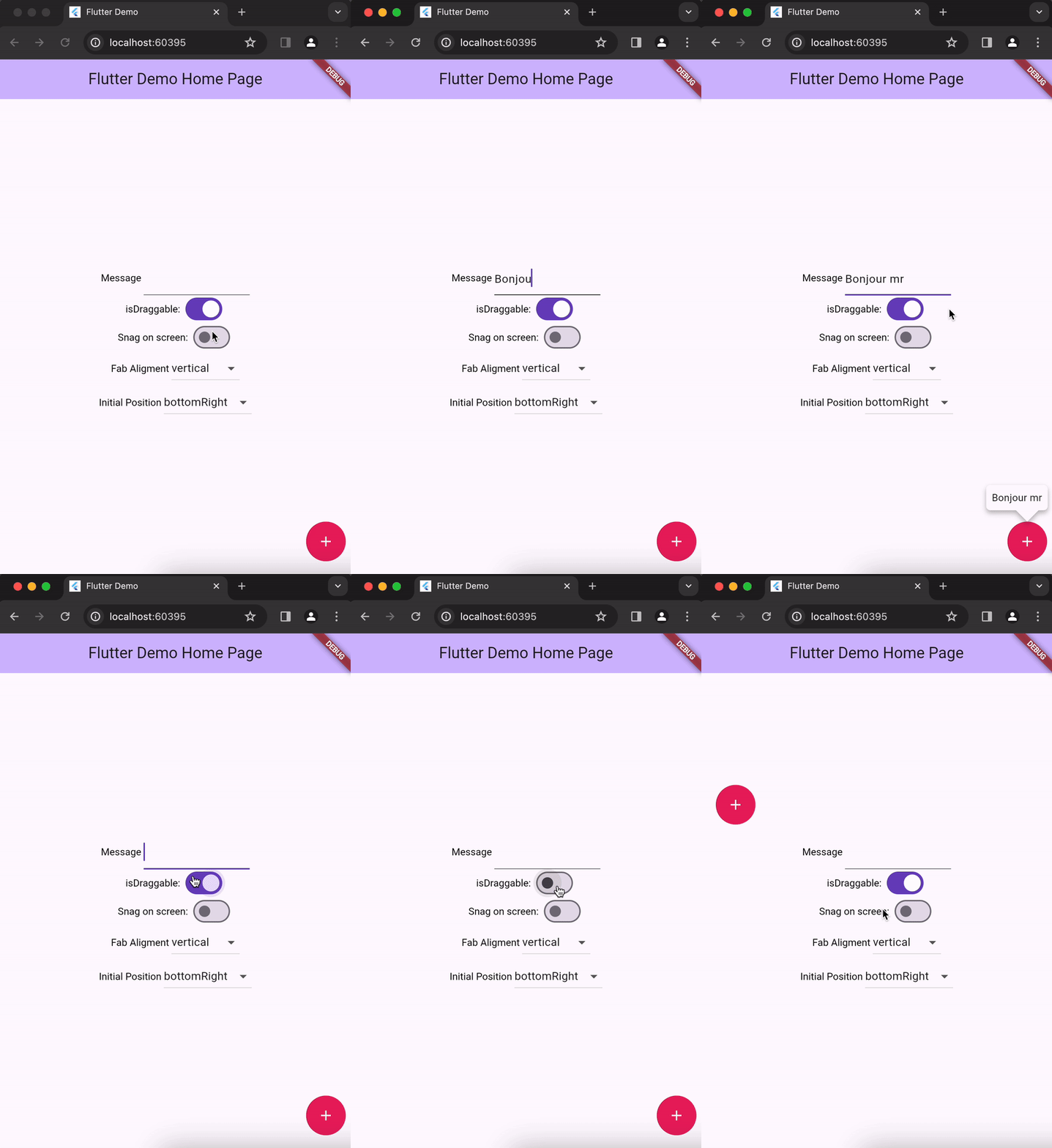
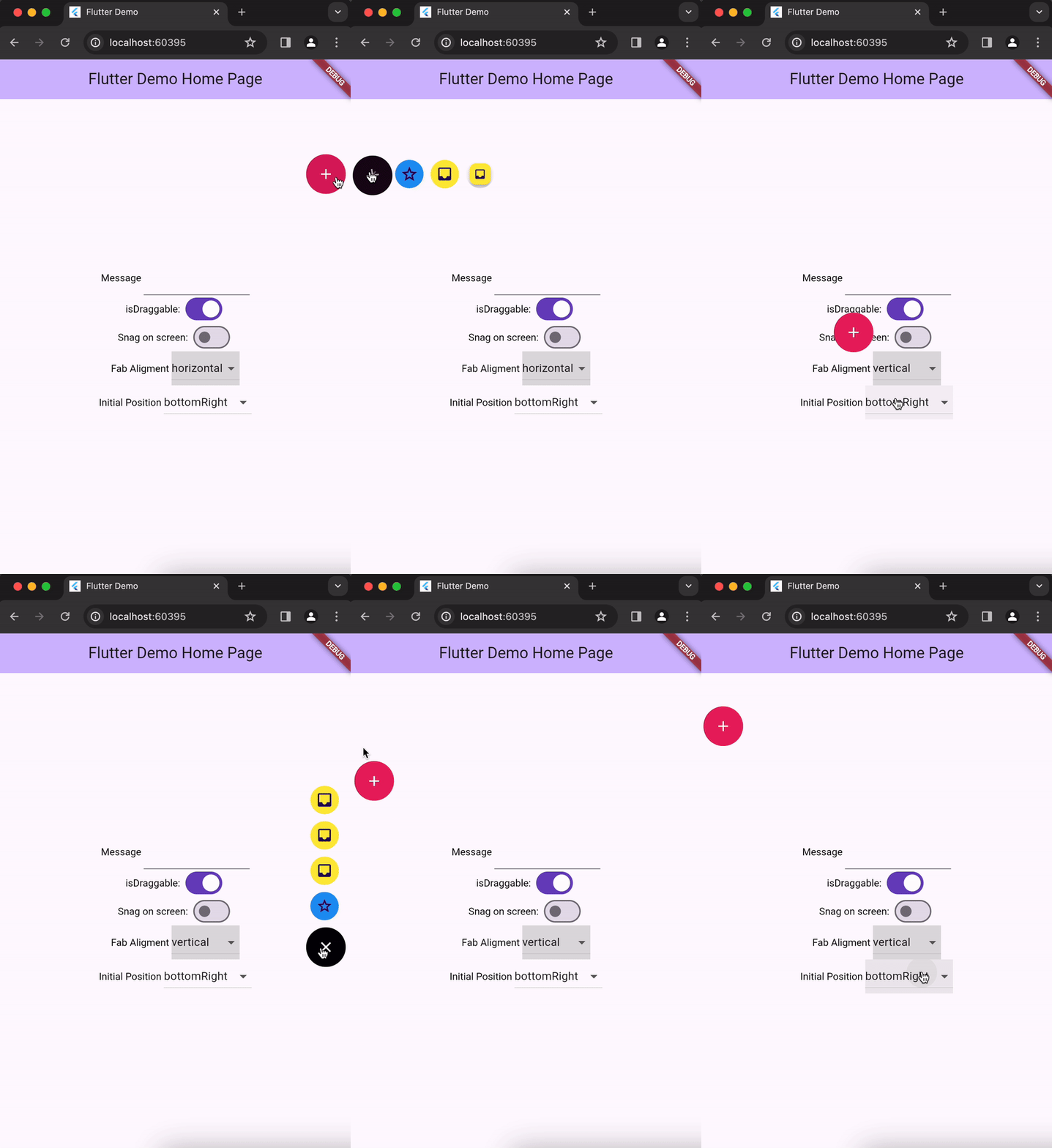
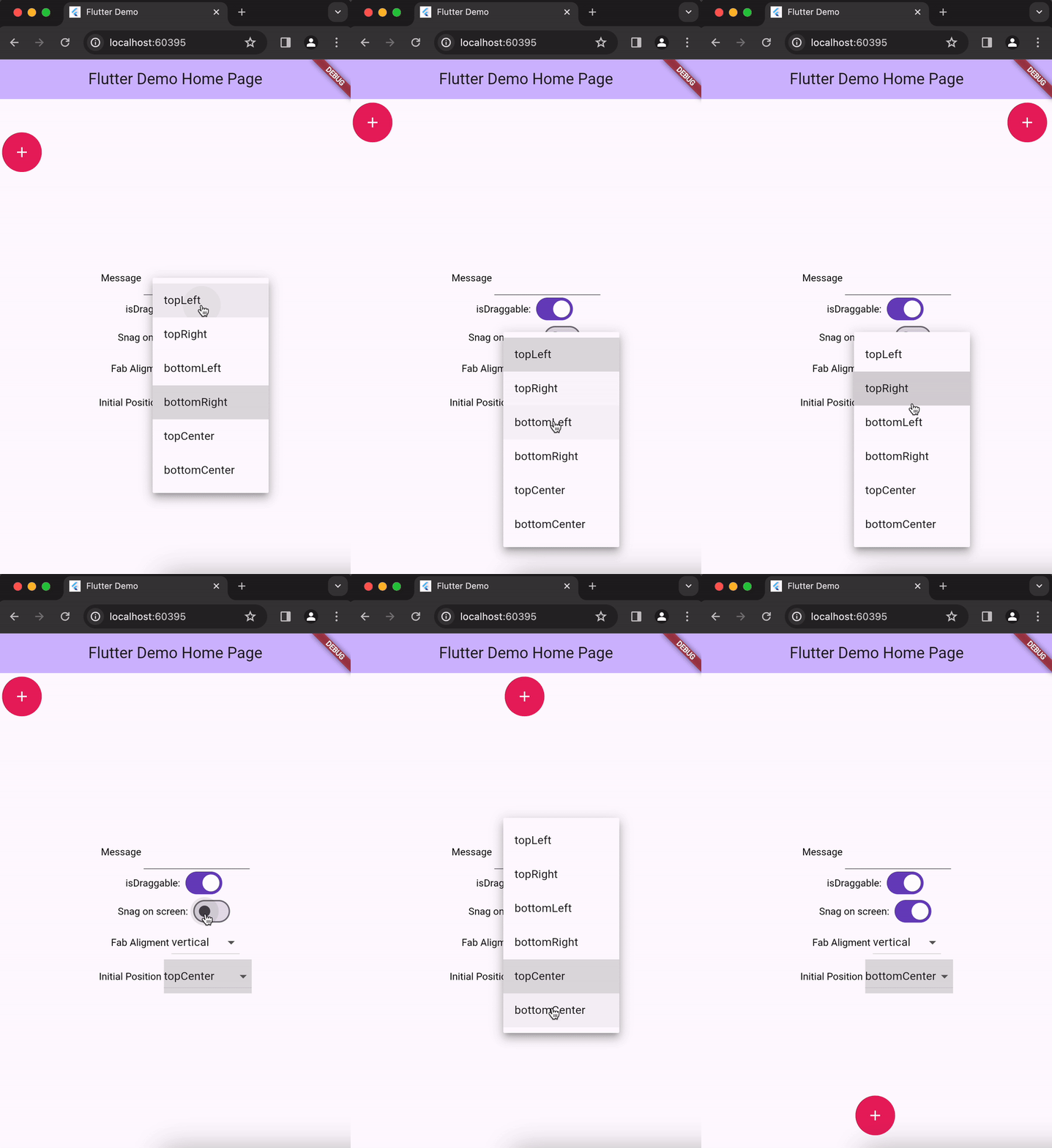
💻 Installation #
In the dependencies: section of your pubspec.yaml, add the following line:
dependencies:
  drag_speed_dial: <latest version>
❔ Usage #
Import this class
import 'package:drag_speed_dial/drag_speed_dial.dart';
Simple Implementation
DragSpeeDial(
    startMessage: "Hello 👋",
    fabIcon: const Icon(
        Icons.add,
        color: Colors.white,
    ),
    dragSpeedDialChildren: [
        DrapSpeedDialChild(
          onPressed: () {
            print("bonjour");
          },
          bgColor: Colors.blue,
          icon: const Icon(Icons.grade_outlined),
        ),
        DrapSpeedDialChild(
          onPressed: () {
            print("salut");
          },
          bgColor: Colors.yellow,
          icon: const Icon(Icons.inbox),
        ),
    ],
),
Main Properties #
| Attribute | Type | Default | Description |
|---|---|---|---|
| isDraggable | bool | true | Whether the FAB can be dragged |
| snagOnScreen | bool | false | Whether the FAB should snap on screen. |
| aligment | DrapSpeedDialChilrendAligment | DrapSpeedDialChilrendAligment.horizontal | represents the aligment style of drag speed children |
| dragSpeedDialChildren | DrapSpeedDialChild[] | Children widgets of the FAB. | |
| initialPosition | DrapSpeedDialPosition | / | Initial position of the FAB |
Metadata
12
likes
0
points
20
downloads
Publisher
unverified uploader
Weekly Downloads
Metadata
Flutter package to implement a FAB and dynamic Material Design Speed Dial, draggable, multi-directional children and much more.
Repository (GitHub)
View/report issues
License
 unknown (license)

