
drag_anim 1.1.0  drag_anim: ^1.1.0 copied to clipboard
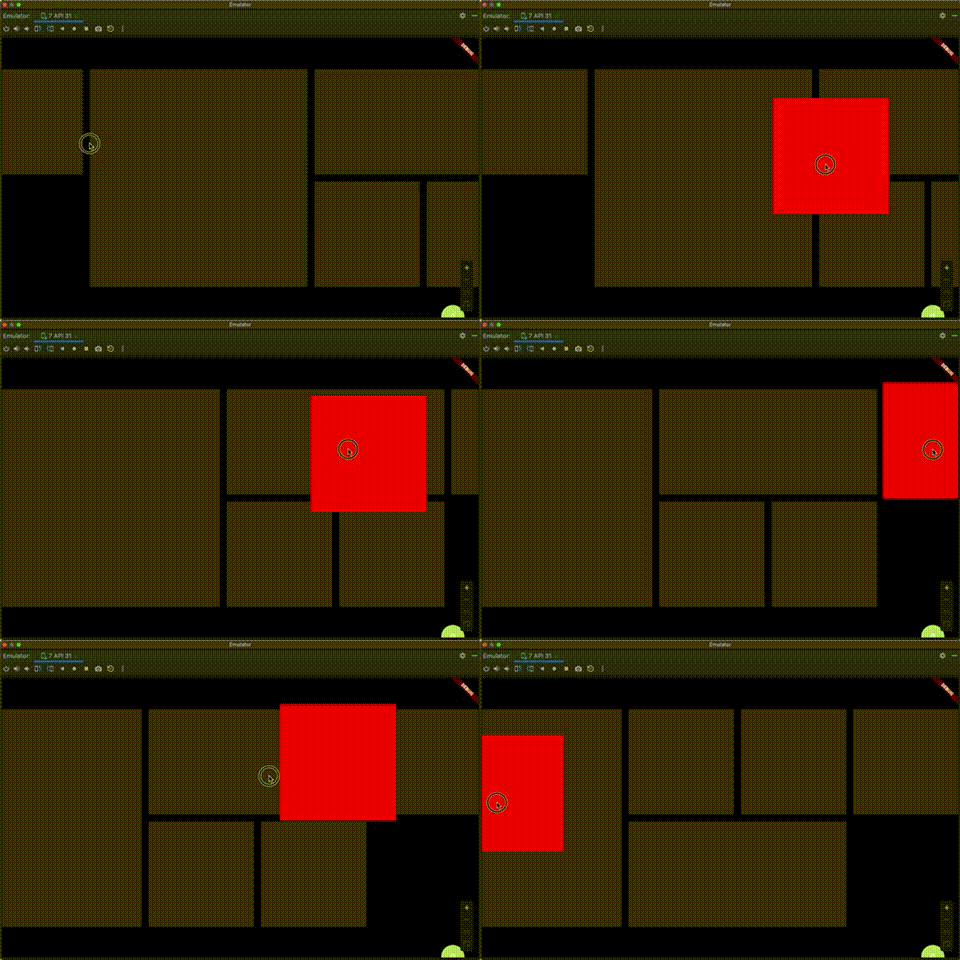
一个自动检查位置改变的动画widget
drag_anim #
注意事项
- 自动检测位置变化进行位移动画
- 是滑动组件时候需要传scrollController、scrollDirection,不然无法到边缘自动滚动
- 理论支持所有widget,已经测试flutter_staggered_grid_view、listView、GridView
dependencies:
  ...
  drag_anim: <latest_version>
import 'package:drag_anim/drag_anim.dart';
import 'package:flutter/material.dart';

void main() {
  runApp(const MyApp());
}

class MyApp extends StatelessWidget {
  const MyApp({super.key});

  // This widget is the root of your application.
  @override
  Widget build(BuildContext context) {
    return MaterialApp(
      title: 'Flutter Demo',
      theme: ThemeData(colorScheme: ColorScheme.fromSeed(seedColor: Colors.deepPurple)),
      home: const MyHomePage(title: 'Flutter Demo Home Page'),
    );
  }
}

class MyHomePage extends StatefulWidget {
  const MyHomePage({super.key, required this.title});

  final String title;

  @override
  State<MyHomePage> createState() => _MyHomePageState();
}

class _MyHomePageState extends State<MyHomePage> {
  List<String> items = [
    'a',
    'b',
    'c',
    'd',
    'e',
    'f',
    'g',
    'h',
    'i',
    'j',
    'k',
    'l',
    'm',
    'n',
    'o',
    'p',
    'q',
    'r',
    's',
    't',
    'u',
    'v',
    'w',
    'x',
    'y',
    'z',
  ];
  ScrollController scrollController = ScrollController();

  @override
  Widget build(BuildContext context) {
    return Scaffold(
      appBar: AppBar(backgroundColor: Theme.of(context).colorScheme.inversePrimary, title: Text(widget.title)),
      body: DragAnim(
        scrollController: scrollController,
        scrollDirection: Axis.vertical,
        buildItems: (dragItems) {
          return GridView.builder(
            controller: scrollController,
            gridDelegate: const SliverGridDelegateWithFixedCrossAxisCount(
              crossAxisCount: 6,
              mainAxisSpacing: 10,
              crossAxisSpacing: 10,
            ),
            itemBuilder: (_, index) {
              return dragItems(
                data: items[index],
                child: Container(
                  color: Colors.red,
                  alignment: Alignment.center,
                  child: Text(
                    items[index],
                    style: const TextStyle(fontSize: 30, color: Colors.white, decoration: TextDecoration.none),
                  ),
                ),
                key: ValueKey<String>(items[index]),
              );
            },
            itemCount: items.length,
          );
        },
        dataList: items,
      ),
    );
  }
}
Metadata
11
likes
0
points
155
downloads
Publisher
unverified uploader
Weekly Downloads
Metadata
一个自动检查位置改变的动画widget
Repository (GitHub)
View/report issues
License
 unknown (license)

