
confetti 0.1.2  confetti: ^0.1.2 copied to clipboard
 funwith.app
Blast colorful confetti all over the screen. Celebrate in app achievements with style. Control the velocity, angle and amount of confetti.
Blast some confetti all over the screen and celebrate user achievements!
Demo #
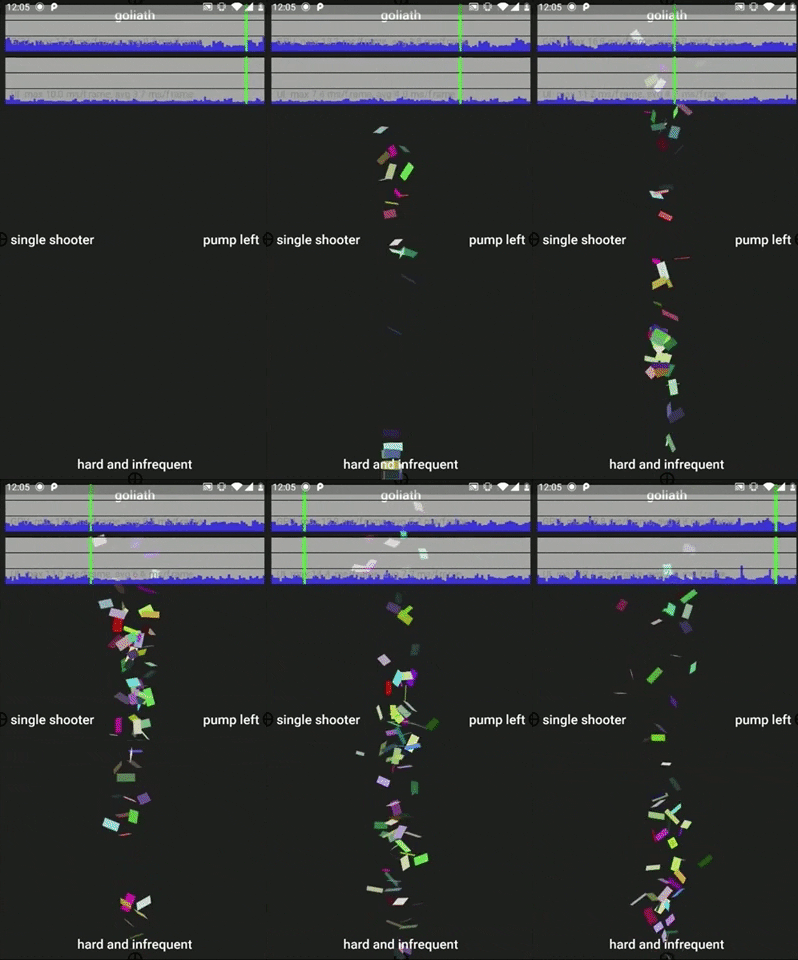
A video walkthrough is available here.
Getting Started #
To use this plugin, add confetti as a dependency in your pubspec.yaml file.
See the example to get started quickly.
To begin you need to instantiate a ConfettiController variable and pass in a Duration argument. The ConfettiController can be instantiated in the initState method and disposed in the dispose method.
In the build method return a ConfettiWidget. The only attribute that is required is the ConfettiController.
Other attributes that can be set are:
blastDirection-> a radial value to determine the direction of the particle emission. The default is set toPI(180 degrees). A value ofPIwill emit to the left of the canvas/screen.emissionFrequency-> should be a value between 0 and 1. The higher the value the higher the likelihood that particles will be emitted on a single frame. Default is set to0.02(2% chance)numberOfParticles-> the number of particles to be emitted per emission. Default is set to10shouldLoop-> determines if the emission will reset after the duration is completed, which will result in continues particles being emitted, and the animation loopingmaxBlastForce-> will determine the maximum blast force applied to a particle within it's first 5 frames of life. The defaultmaxBlastForceis set to20minBlastForce-> will determine the minimum blast force applied to a particle within it's first 5 frames of life. The defaultminBlastForceis set to5displayTarget-> iftruea crosshair will be displayed to show the location of the particle emitter
Enjoy the confetti.
NOTE: Don't be greedy with the number of particles. Too many will result in performance issues. Future versions might be more performant. Use wisely and carefully.
Metadata
Publisher
Weekly Downloads
Metadata
Blast colorful confetti all over the screen. Celebrate in app achievements with style. Control the velocity, angle and amount of confetti.
Repository (GitHub)
View/report issues
License
 unknown (license)
Dependencies
flutter, random_color, vector_math

