
color_mesh 0.0.7  color_mesh: ^0.0.7 copied to clipboard
 hamzahayak.dev
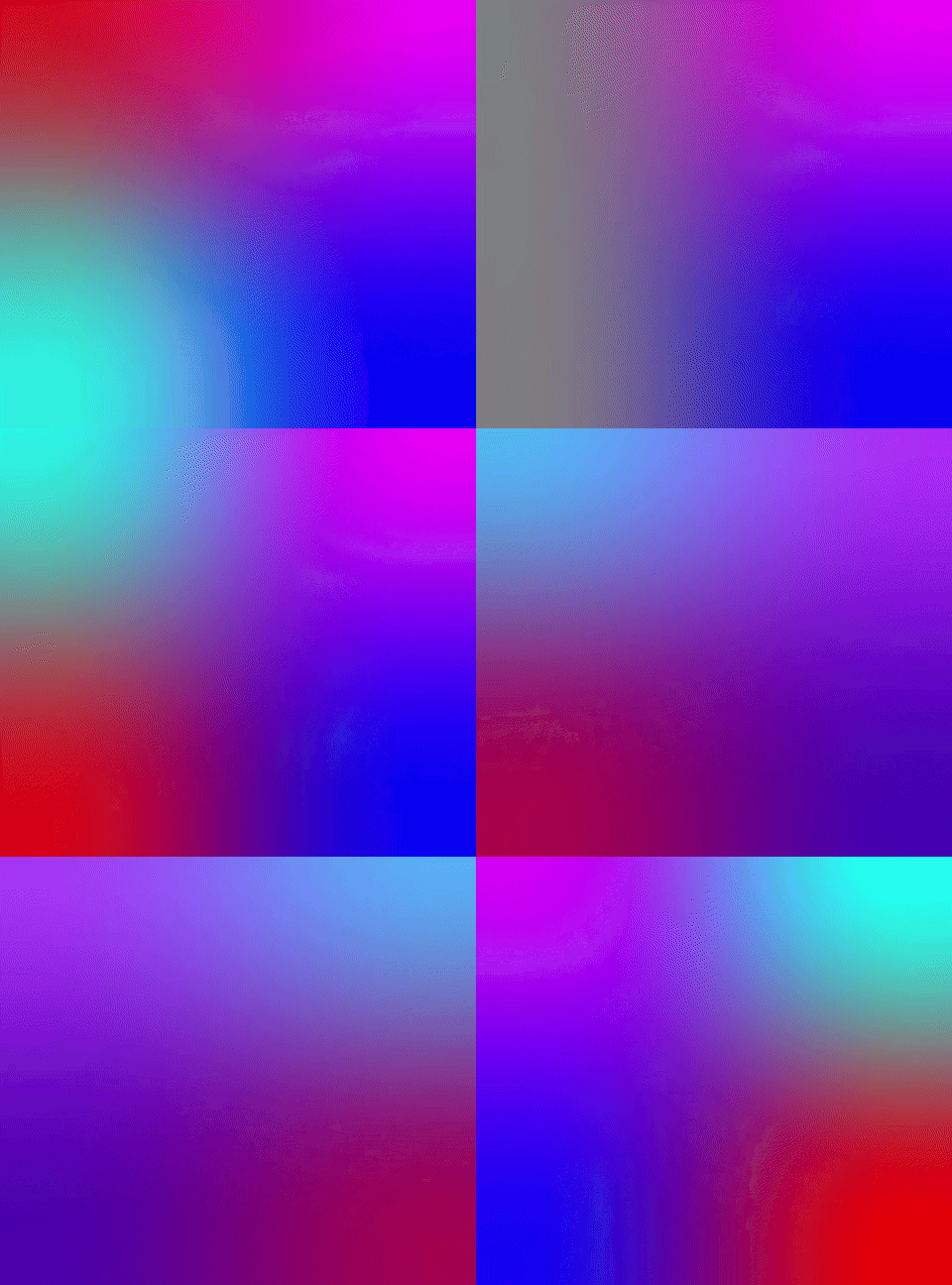
A mesh (multi-point) gradient that can be used like RadialGradient and LinearGradient.
Provides a mesh gradient that works similarly to LinearGradient and RadialGradient. You can use MeshGradient in decorations and animations.
You can check a live preview in this blog post!
- The color mesh is defined with 4 colors and 4 offsets.
Webis supported in Flutter versions< 3.19- watching how this issue develops
Features #
MeshGradient- a class that extendsGradientand aims to be used similarly toRadialGradientandLinearGradient.- You can choose 4 colors.
- You can choose 4 offsets - where the colors are positioned.
- It supports lerping, so you can animate it with
BoxDecoration+AnimatedContainerfor example.
MeshGradientContainer- a simple Container with a MeshGradient decoration.AnimatedMeshGradientContainer- an animated container that shuffles the gradient colors periodically.

Getting started #
To use MeshGradient, you have to initialize the shader that powers it. Simply await for MeshGradient.precacheShader()
in your app startup, or through a FutureBuilder for example.
Future<void> main() async {
  await MeshGradient.precacheShader();
  runApp(const MyApp());
}
Note: MeshGradientContainer will load the shader on your behalf, if it wasn't done previously.
Usage #
The 'Example' tab shows how to implement an animated mesh gradient.
An example using MeshGradient as part of the decoration for a Container.
Future<void> main() async {
  await MeshGradient.precacheShader();
  runApp(const MyApp());
}

// ... MyApp() ...

class MyMeshContainer extends StatelessWidget {
  const MyMeshContainer({super.key});

  @override
  Widget build(BuildContext context) {
    return Container(
      decoration: BoxDecoration(
        gradient: MeshGradient(
          colors: const [
            Colors.red,
            Colors.green,
            Colors.yellow,
            Colors.blue,
          ],
          offsets: const [
            Offset(0, 0), // topLeft
            Offset(0, 1), // topRight
            Offset(1, 0), // bottomLeft
            Offset(1, 1), // bottomRight
          ],
        ),
      ),
    );
  }
}
Additional information #
Any contribution is welcome!
You can use the Github repository to report bugs by opening issues, or help implement new features by opening new pull requests.
Thank you!
Metadata
Publisher
Weekly Downloads
Metadata
A mesh (multi-point) gradient that can be used like RadialGradient and LinearGradient.
Repository (GitHub)
View/report issues
Topics
#mesh #gradient #color #ui #animation
License
 unknown (license)

