
calendar_day_view 5.0.0-dev  calendar_day_view: ^5.0.0-dev copied to clipboard
 samderlust.com
This package is dedicated to calendar day view. This is a complement to calendar to make your app better
Calendar Day View #




A powerful and customizable Flutter library for displaying calendar events in day view format. Perfect for applications requiring detailed daily event visualization.
🚨 Breaking Changes #
Version 5.0.0 introduces significant changes. Please refer to the Changelog for detailed migration instructions.
📱 Live Demo #
Check out the live demo at: https://samderlust.github.io/calendardayview
✨ Features #
View Types #
- Category Overflow Day View: Display events across multiple time slots within categorized columns
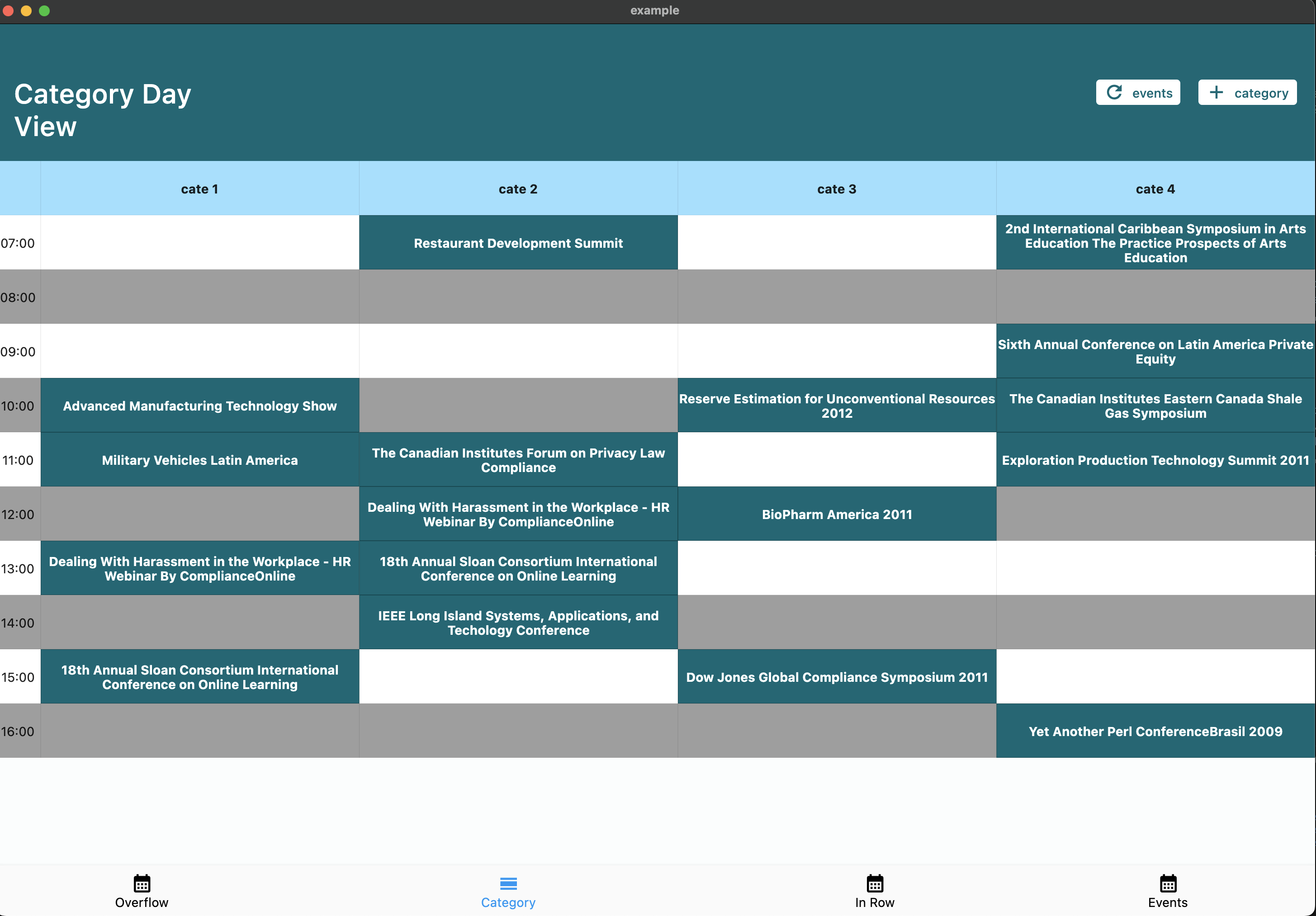
- Category Day View: Organize events by categories (e.g., meeting rooms, resources)
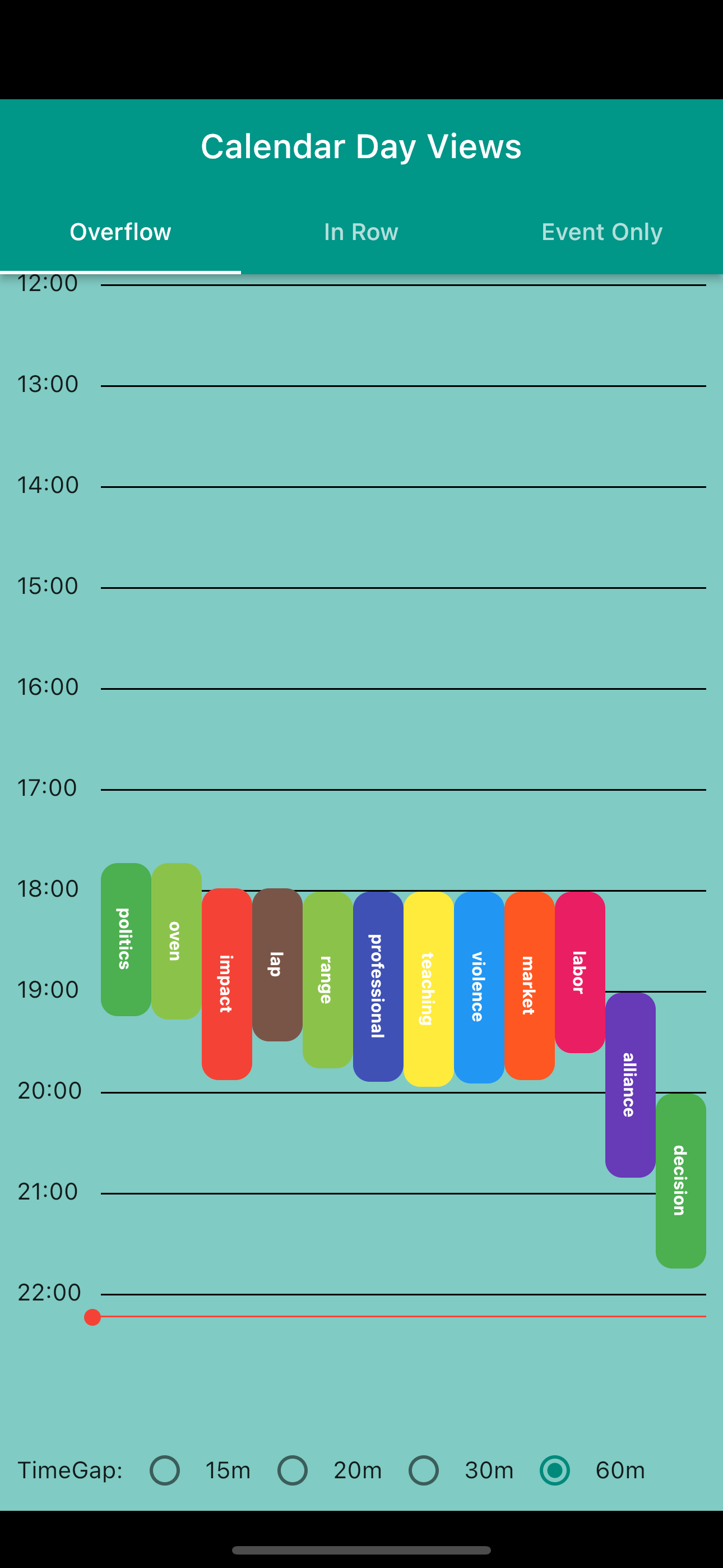
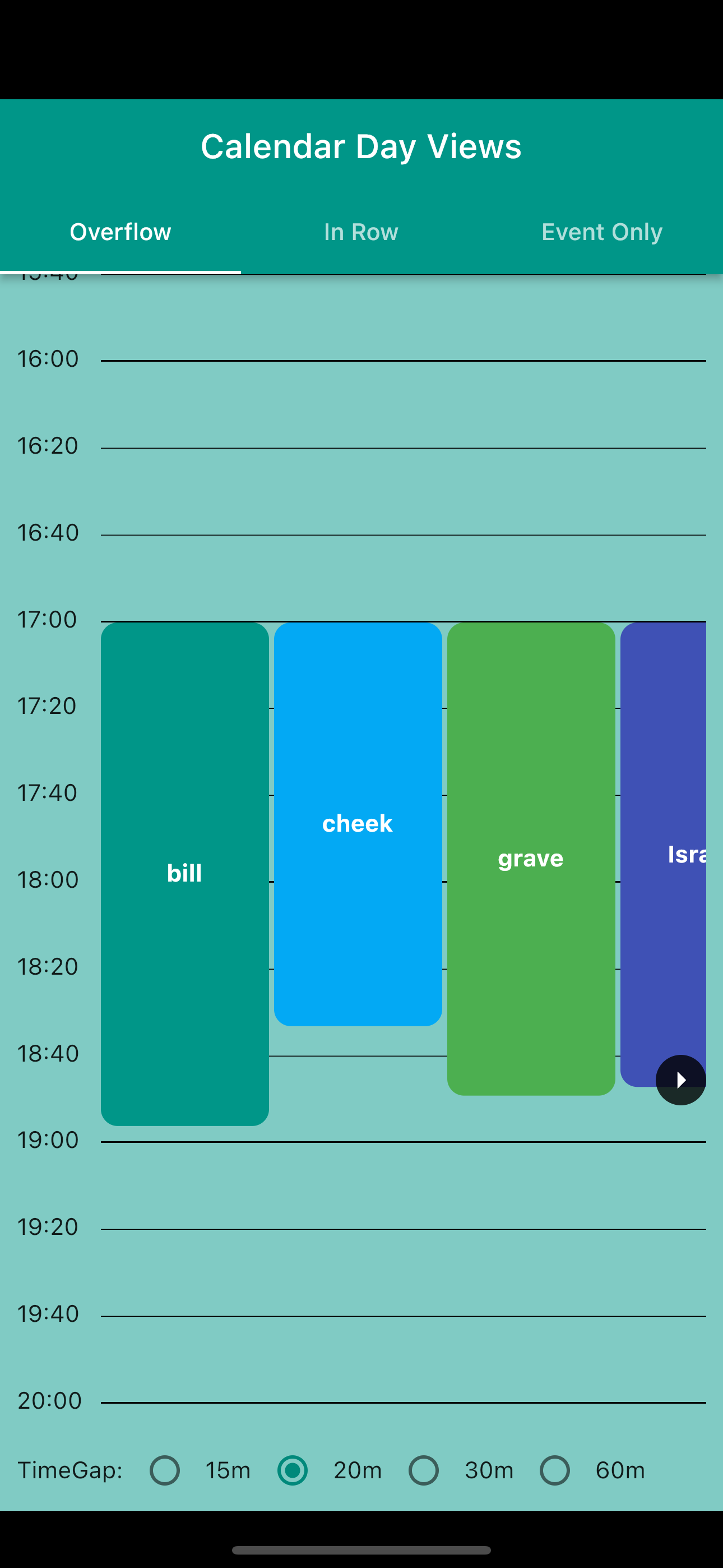
- Overflow Day View: Traditional calendar view with events spanning multiple time slots
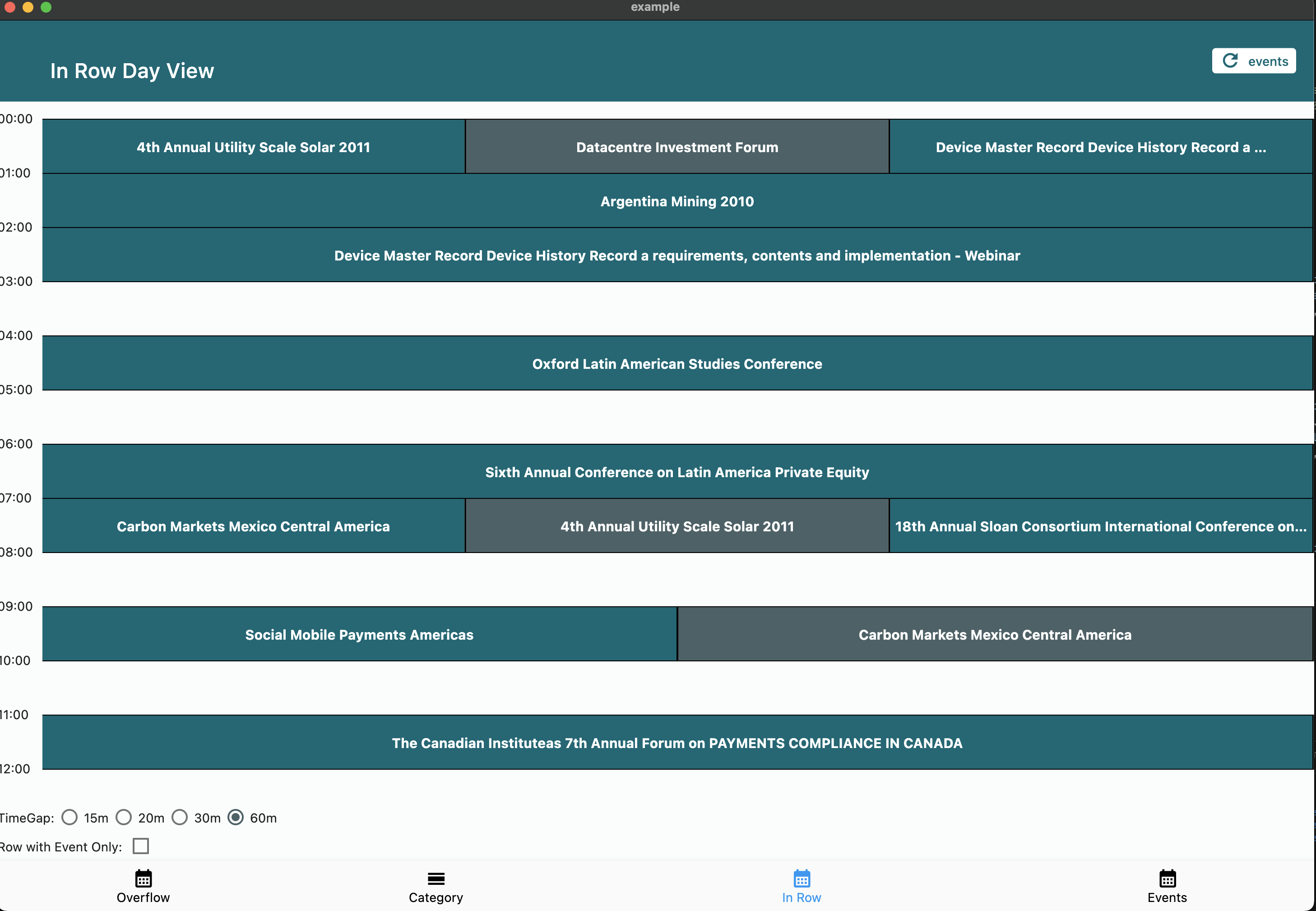
- In Row Day View: Group events starting in the same time window
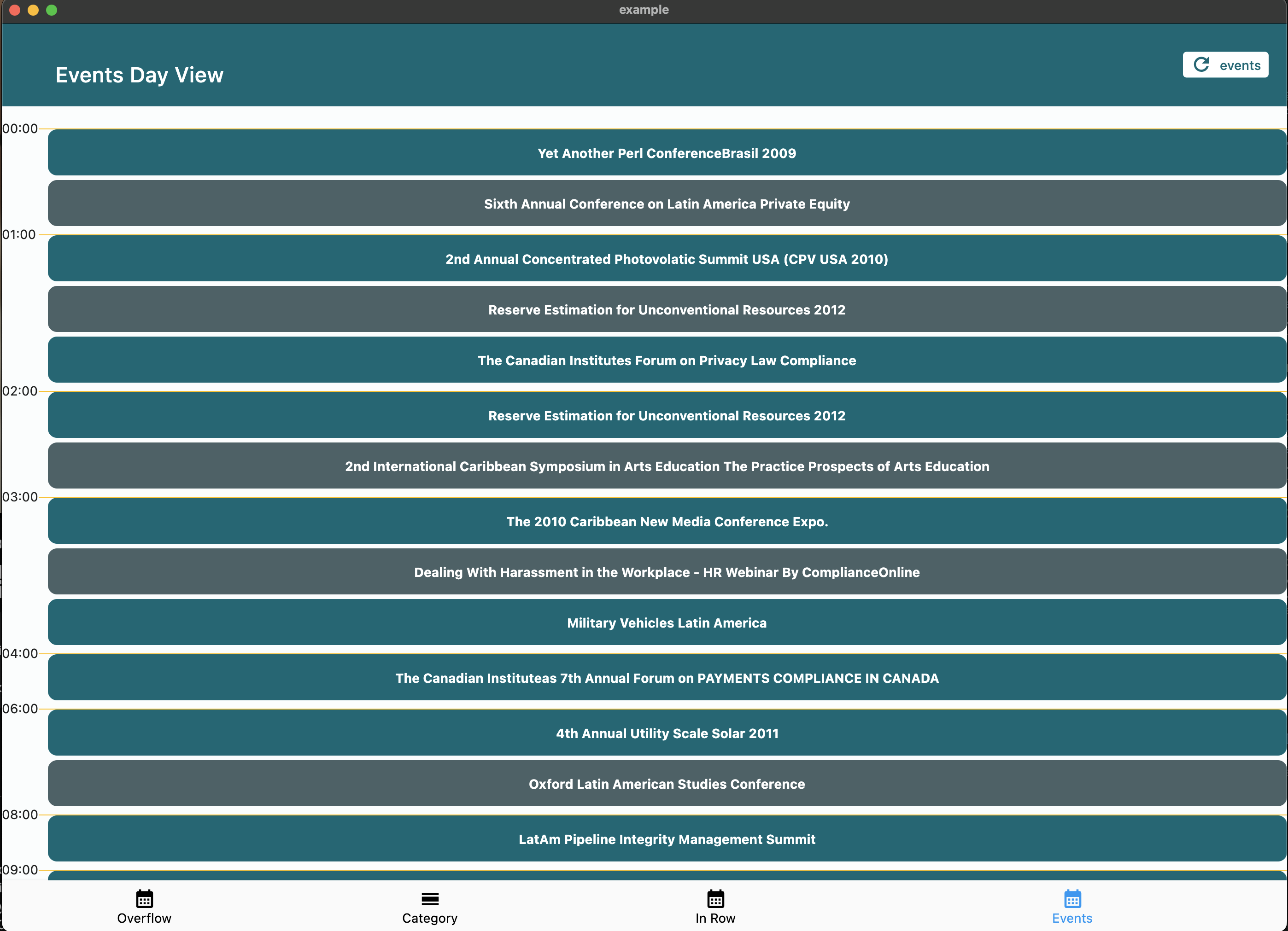
- Event Day View: Simple chronological list of daily events
Customization Options #
- ⏰ Customizable day start and end times
- ⏱️ Adjustable time slot duration
- 🕒 Current time indicator
- 👆 Interactive time slot tapping
- 🎨 Fully customizable event widgets
- 📱 Responsive design support
📦 Installation #
Add the package to your pubspec.yaml:
dependencies:
  calendar_day_view: <latest_version>
Then import it in your Dart code:
import 'package:calendar_day_view/calendar_day_view.dart';
🚀 Usage #
Category Day View #
Perfect for displaying events across multiple categories (e.g., meeting rooms, resources).
CalendarDayView.category(
  config: CategoryDavViewConfig(
    time12: true,
    allowHorizontalScroll: true,
    columnsPerPage: 2,
    currentDate: DateTime.now(),
    timeGap: 60,
    heightPerMin: 1,
    evenRowColor: Colors.white,
    oddRowColor: Colors.grey[200],
    headerDecoration: BoxDecoration(
      color: Colors.lightBlueAccent.withOpacity(.5),
    ),
    logo: const Padding(
      padding: EdgeInsets.all(8.0),
      child: CircleAvatar(child: Text("C")),
    ),
  ),
  categories: categories,
  events: events,
  onTileTap: (category, time) {
    // Handle time slot tap
  },
  controlBarBuilder: (goToPreviousTab, goToNextTab) => YourControlBar(),
  eventBuilder: (constraints, category, _, event) => YourEventWidget(),
);
Overflow Day View #
Display events with duration visualization across multiple time slots.
CalendarDayView.overflow(
  config: OverFlowDayViewConfig(
    currentDate: DateTime.now(),
    timeGap: 60,
    heightPerMin: 2,
    endOfDay: const TimeOfDay(hour: 20, minute: 0),
    startOfDay: const TimeOfDay(hour: 4, minute: 0),
    renderRowAsListView: true,
    time12: true,
  ),
  onTimeTap: (time) => handleTimeTap(time),
  events: UnmodifiableListView(events),
  overflowItemBuilder: (context, constraints, itemIndex, event) => YourEventWidget(),
);
Event Only Day View #
Simple chronological list of events.
CalendarDayView.eventOnly(
  config: EventDayViewConfig(
    showHourly: true,
    currentDate: DateTime.now(),
  ),
  events: events,
  eventDayViewItemBuilder: (context, event) => YourEventWidget(),
);
In Row Day View #
Group events starting in the same time window.
CalendarDayView.inRow(
  config: InRowDayViewConfig(
    heightPerMin: 1,
    showCurrentTimeLine: true,
    dividerColor: Colors.black,
    timeGap: 60,
    showWithEventOnly: true,
    currentDate: DateTime.now(),
    startOfDay: TimeOfDay(hour: 3, minute: 00),
    endOfDay: TimeOfDay(hour: 22, minute: 00),
  ),
  events: UnmodifiableListView(events),
  itemBuilder: (context, constraints, event) => YourEventWidget(),
);
📸 Screenshots #
Category Day View #
Overflow Day View #
| Normal | ListView |
|---|---|
 |
 |
Event Only Day View #
In Row Day View #
🤝 Contributing #
We welcome contributions! Please feel free to submit a Pull Request. For major changes, please open an issue first to discuss what you would like to change.
- Fork the repository
- Create your feature branch (
git checkout -b feature/amazing-feature) - Commit your changes (
git commit -m 'Add some amazing feature') - Format your code with
dart format --line-length 200 lib/ test/ example/ - Push to the branch (
git push origin feature/amazing-feature) - Open a Pull Request
📝 License #
This project is licensed under the MIT License - see the LICENSE file for details.
🙏 Acknowledgments #
- Thanks to all contributors who have helped improve this package
- Special thanks to the Flutter team for creating such an amazing framework
Metadata
Publisher
Weekly Downloads
Metadata
This package is dedicated to calendar day view. This is a complement to calendar to make your app better
Repository (GitHub)
View/report issues
Topics
#calendar #calendar-day-view #calendar-view #day-view
License
 unknown (license)
Dependencies
flutter, two_dimensional_scrollables

