
appsize 1.1.0+1  appsize: ^1.1.0+1 copied to clipboard
 mibus-app.com.ar
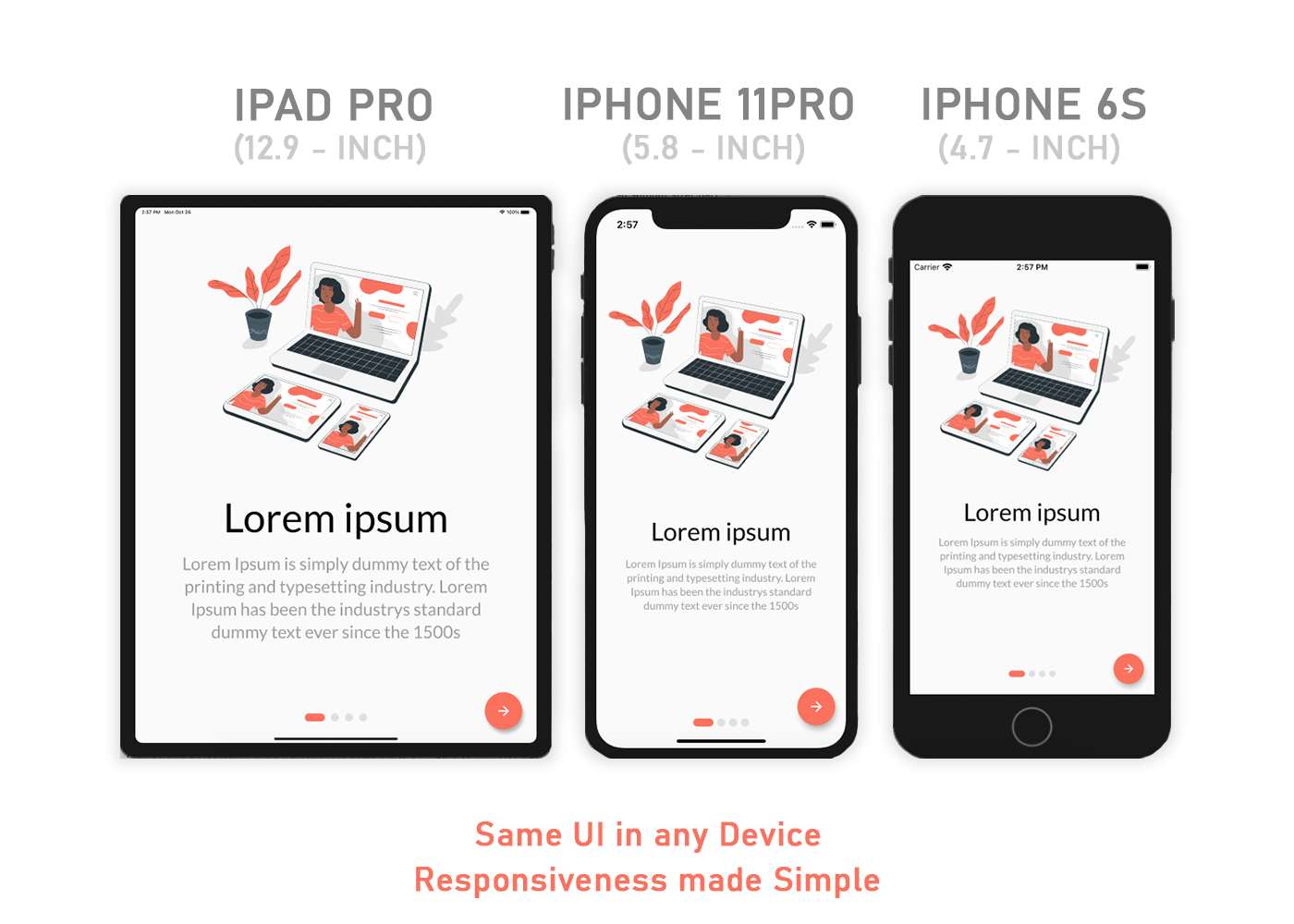
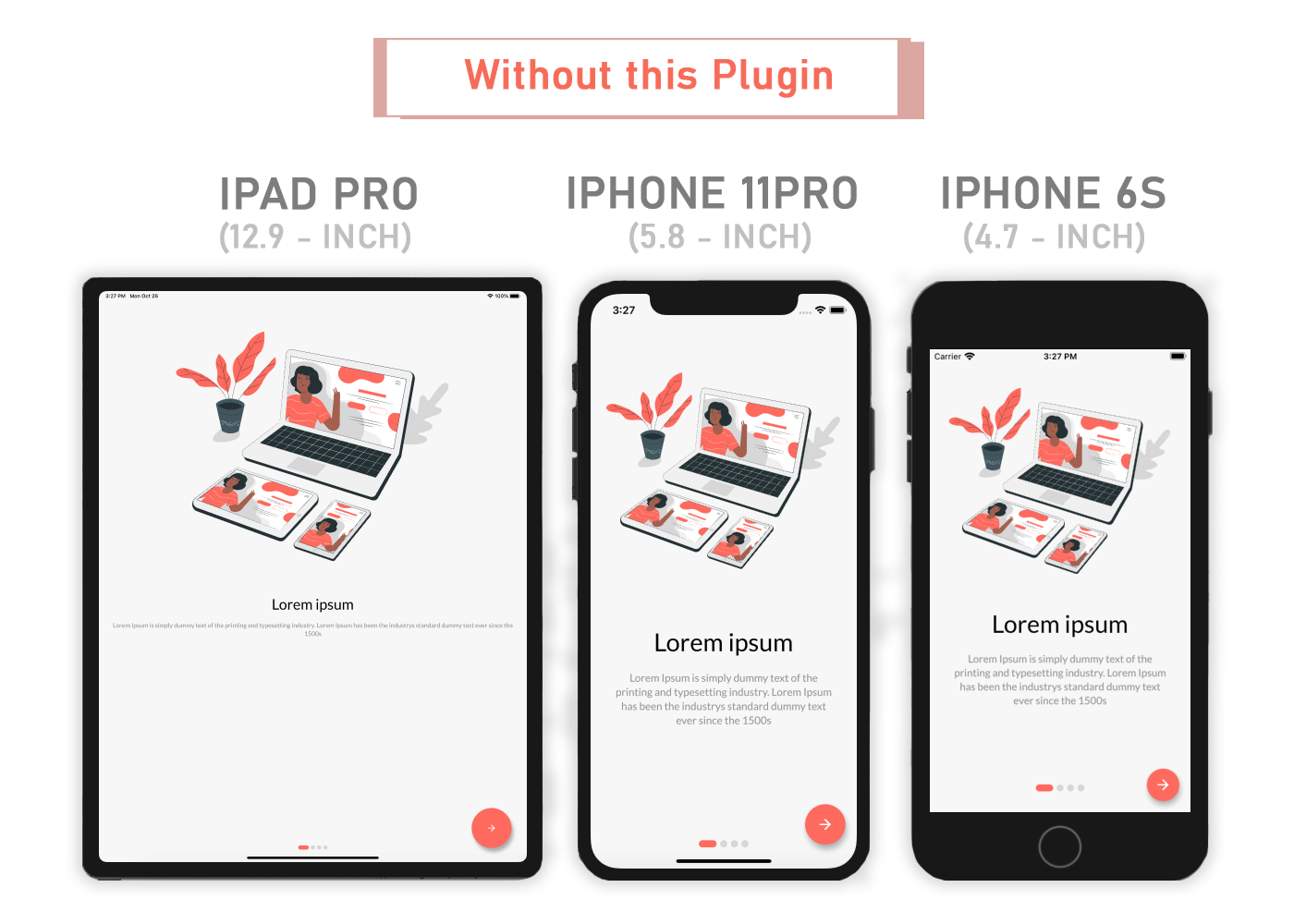
A Flutter package for Easily make Flutter apps responsive. Automatically adapt UI to different screen sizes. Responsiveness made simple.
AppSize #
This is a Fork of the sizer package.
A Flutter package for Easily make Flutter apps responsive. Automatically adapt UI to different screen sizes. Responsiveness made simple.
Content #
Installation ⬇️ #
Add to pubspec.yaml.
dependencies:
  ...
  appsize: ^1.1.0+1
Parameters ⚙️ #
.h- Returns a calculated height based on the app size..w- Returns a calculated width based on the app size..dh- Returns a calculated height based on the device..dw- Returns a calculated width based on the device..sp- Returns a calculated "Sizeable Pixel" width based on the canvas width.AppSizeUtil.orientation- for screen orientation portrait or landscape.AppSizeUtil.deviceType- for device type mobile or tablet.
Usage 💻 #
Add the following imports to your Dart code: #
import 'package:appsize/appsize.dart';
Wrap MaterialApp with ResponsiveAppSize widget #
AppSize(
  canvasWidth: 375,
  builder: (context, orientation, deviceType) {
    return MaterialApp();
  }
)
Optional child builder #
AppSize.child(
  canvasWidth: 375,
  child: MaterialApp(),
)
Size changes when rotating the phone #
Container(
  width: 20.w,    //It will take a 20% of app width
  height: 30.h     //It will take a 30% of app height
)
Size will not change when rotating the phone #
Container(
  width: 20.dw,    //It will take a 20% of screen width
  height: 30.dh    //It will take a 30% of screen height
)
We recommend to use .sp and .dw, even for heights #
Padding(
  padding: EdgeInsets.symmetric(
    vertical: 10.dw,
    horizontal: 5.dw,
  ),
  child: Text(
    'AppSize',
    style: TextStyle(
      fontSize: 15.sp,
    ),
  ),
);
Height in Phones 📏 #
Because most phones vary in height and not in width, using the device height will make the UI change in size between devices. We recommend using it when adding spaces between widgets in a Column().
SizedBox(
  height: 10.dh
)
Orientation 🔄 #
If you want to support both portrait and landscape orientations, use .h and .w, their sizes update when rotated, width becomes height and height becomes width. Extensions .dh and .dw don't share this behavior, they remain the same.
Container(
  width: 100.w,
  height: 12.5.h,
)
DeviceType 📱 #
If you want the same layout to look different in tablet and mobile, use the AppSizeUtil.deviceType method:
AppSizeUtil.deviceType == DeviceType.mobile
  ? Container(   // Widget for Mobile
      width: 100.w,
      height: 20.5.h,
   )
  : Container(   // Widget for Tablet
      width: 100.w,
      height: 12.5.h,
   )
Suggestion #
Orientation
If you want to give support for both portrait and landscape then make separate widget for both like orientation example.
DeviceType
If you want to give support for both mobile and tablet then make separate widget for both like deviceType example.
Note #
You need to import appsize package in order to access number.h, number.w, and number.sp
Auto import in VSCode and Android Studio doesn't work for dart extension methods. Typing 10.h would not bring up auto import suggestion for this package
One workaround is to type Device so that the auto import suggestion would show up:
import 'package:appsize/appsize.dart';
Issue and feedback 💭 #
If you have any suggestion for including a feature or if something doesn't work, feel free to open a Github issue for us to have a discussion on it.
Metadata
Publisher
Weekly Downloads
Metadata
A Flutter package for Easily make Flutter apps responsive. Automatically adapt UI to different screen sizes. Responsiveness made simple.
Repository (GitHub)
View/report issues
License
 unknown (license)

