
appforge_cli 0.1.3  appforge_cli: ^0.1.3 copied to clipboard
 ajaychikshetty.dev
A powerful CLI to generate production-ready Flutter apps with Firebase, localization, Docker, and modular architecture.
🚀 AppForge CLI #
A powerful command-line tool to generate production-ready Flutter applications with pre-configured architecture, authentication, theming, and Firebase integration.



👆 Click to watch the demo video
✨ Features #
🎨 Beautiful Themes #
- 5 pre-built color schemes (Blue, Green, Coffee, Purple, Orange)
- Complete light & dark mode support
- Material 3 design system
- Responsive layouts for phones and tablets
🔐 Multiple Authentication Methods #
- Email & Password - Traditional auth with validation
- Username & Password - Username-based authentication
- Phone & OTP - SMS verification with 6-digit OTP
- Social Auth - Google & Apple Sign-In
- All Methods - Unified auth interface with all options
🔥 Modular Firebase Integration #
- Authentication - Sign up, sign in, profile management
- Cloud Firestore - Complete CRUD operations with real-time streams
- Cloud Storage - File upload/download with progress tracking
- Cloud Messaging - Push notifications with FCM
- Automatic
flutterfire configuresetup
🧩 12+ Reusable Widgets #
- Custom App Bar & Bottom Navigation
- Loading indicators (3 types)
- Info, Image, and Action Cards
- Primary, Secondary, and Icon Buttons
- Empty & Error States
- Custom Input Fields & Search
- Dialog & Snackbar Helpers
- List Tiles, Avatars, and Badges
🏗️ Clean Architecture #
- Feature-based folder structure
- Separation of concerns
- Scalable and maintainable codebase
- Go Router for navigation
- State management (Provider, Riverpod, or Bloc)
📱 Ready-to-Use Screens #
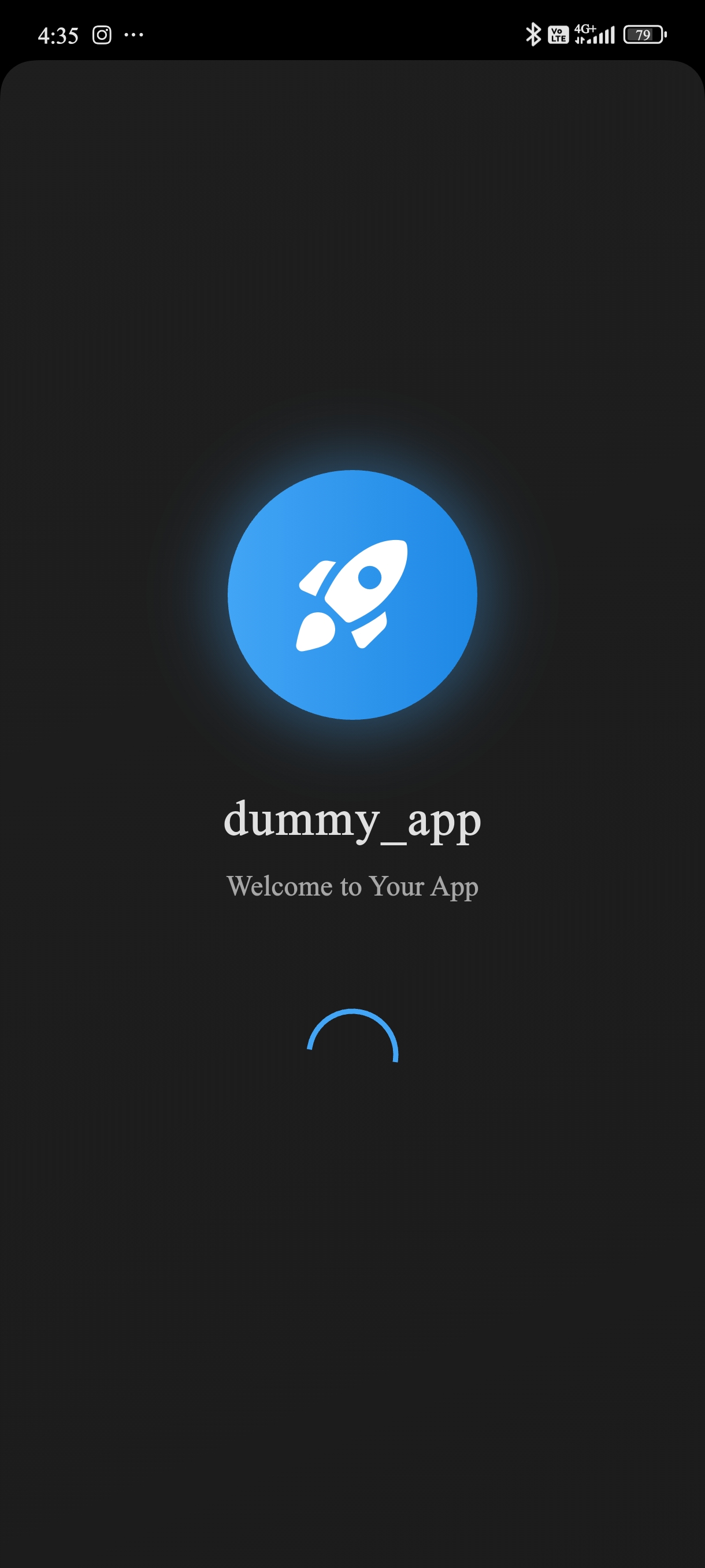
- Splash Screen with animations
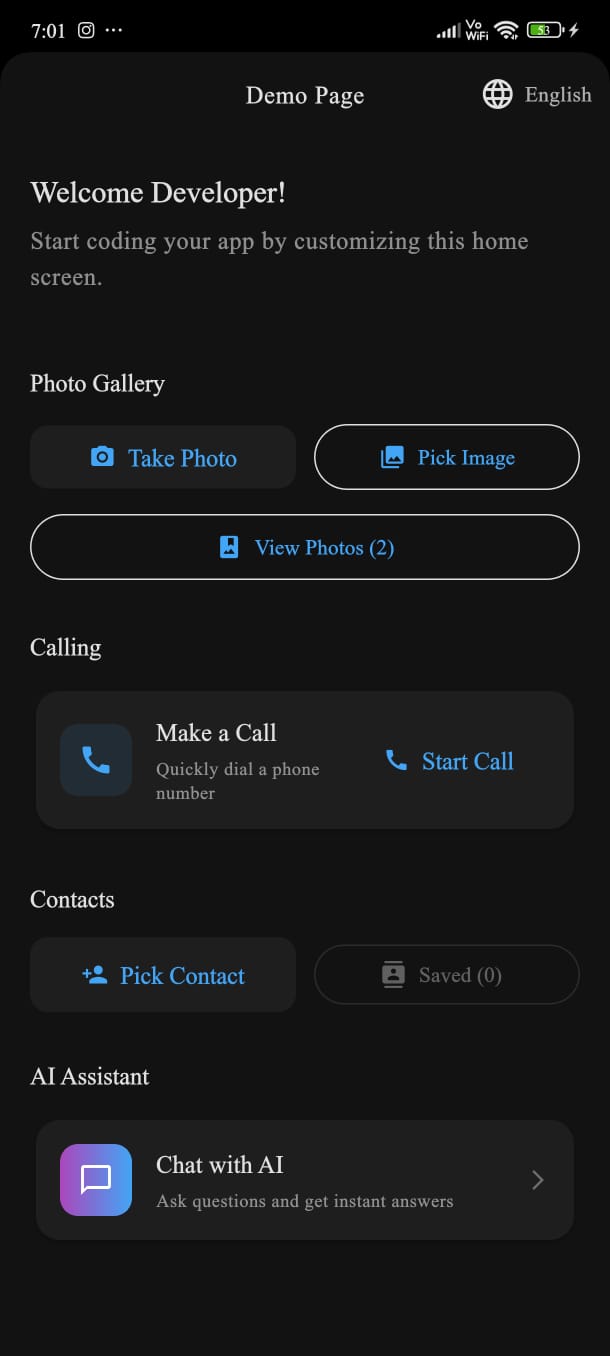
- Home Screen with stats and quick actions
- Profile Screen with settings
- Login/Signup screens (based on auth type)
- All screens are responsive and themed
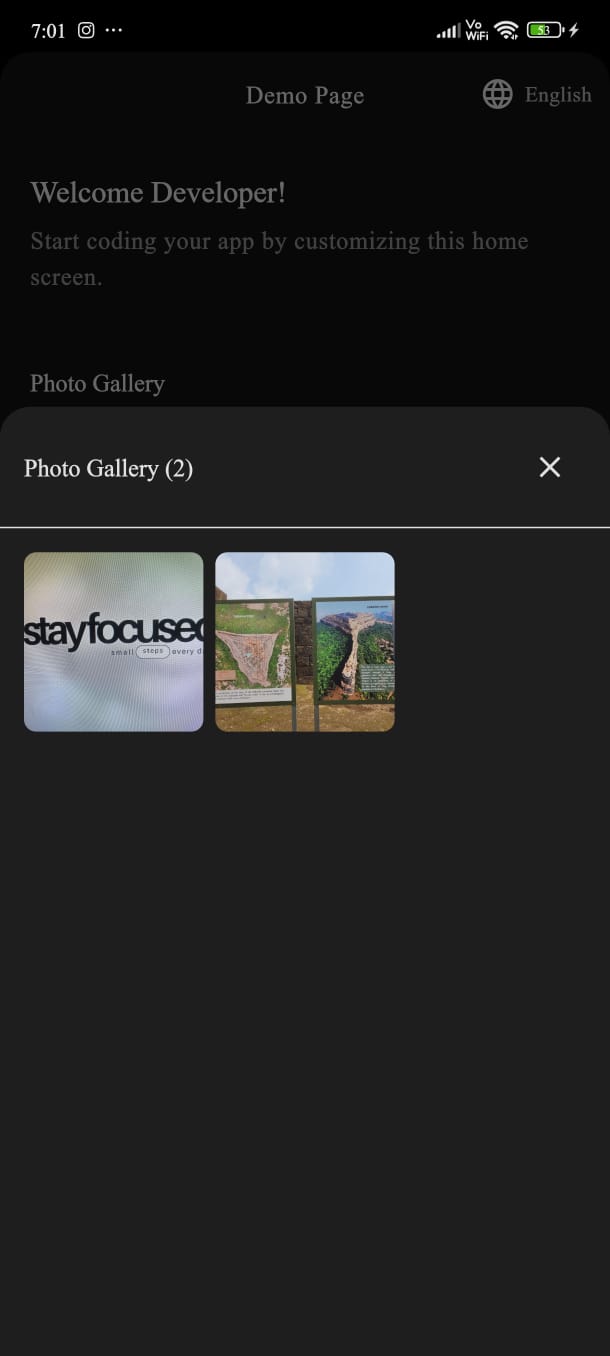
� Screenshots #
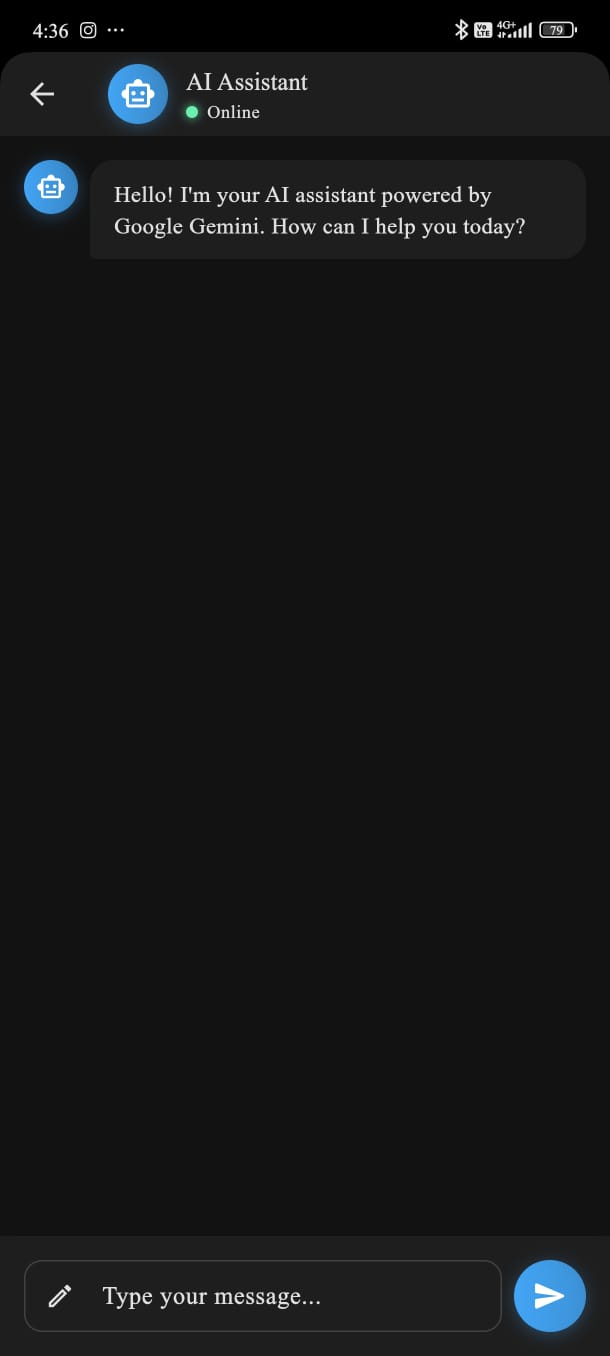
�📦 Installation #
Prerequisites #
- Dart SDK (>=3.5.0)
- Flutter SDK
- Firebase CLI (optional, for Firebase features)
Install from pub.dev #
dart pub global activate appforge_cli
Or install from source #
git clone https://github.com/appforge-cli/appforge_cli.git
cd appforge_cli
dart pub get
dart pub global activate --source path .
Verify Installation #
After installation, verify that AppForge CLI is properly installed:
appforge --version
You should see:
appforge_cli version: 0.1.3
Or simply run:
appforge
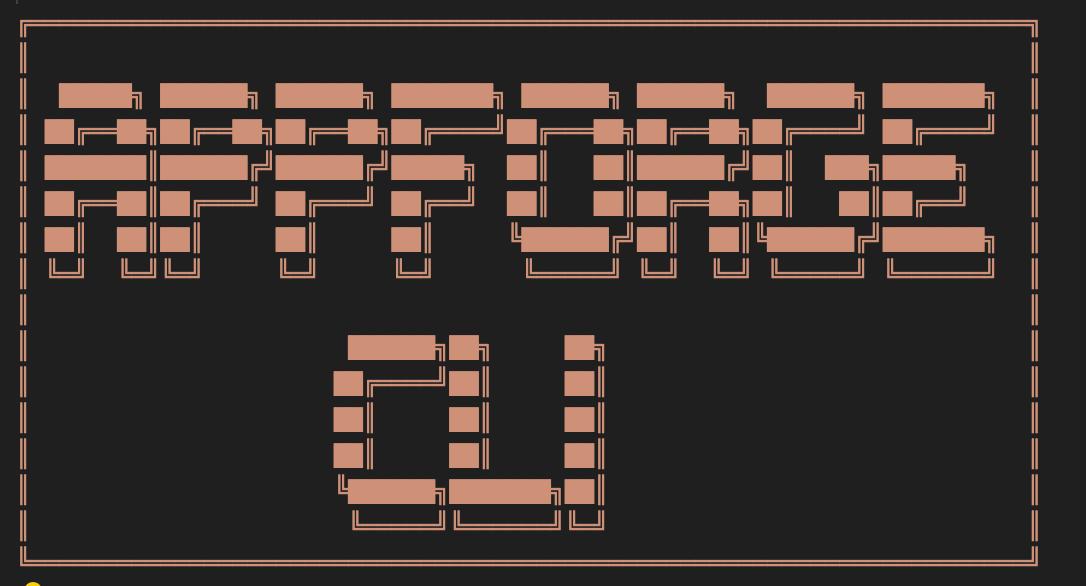
╔═════════════════════════════════════════════════════════════════════╗
║                                                                     ║
║  █████╗ ██████╗ ██████╗ ███████╗ ██████╗ ██████╗  ██████╗ ███████╗  ║
║ ██╔══██╗██╔══██╗██╔══██╗██╔════╝██╔═══██╗██╔══██╗██╔════╝ ██╔════╝  ║
║ ███████║██████╔╝██████╔╝█████╗  ██║   ██║██████╔╝██║  ███╗█████╗    ║
║ ██╔══██║██╔═══╝ ██╔═══╝ ██╔══╝  ██║   ██║██╔══██╗██║   ██║██╔══╝    ║
║ ██║  ██║██║     ██║     ██║     ╚██████╔╝██║  ██║╚██████╔╝███████╗  ║
║ ╚═╝  ╚═╝╚═╝     ╚═╝     ╚═╝      ╚═════╝ ╚═╝  ╚═╝ ╚═════╝ ╚══════╝  ║
║                                                                     ║
║                      ██████╗██╗     ██╗                             ║
║                     ██╔════╝██║     ██║                             ║
║                     ██║     ██║     ██║                             ║
║                     ██║     ██║     ██║                             ║
║                     ╚██████╗███████╗██║                             ║
║                      ╚═════╝╚══════╝╚═╝                             ║
╚═════════════════════════════════════════════════════════════════════╝
If you see this, your installation is complete! 🎉
Troubleshooting:
- If
appforgecommand is not found, make sure Dart's global bin directory is in your PATH - Run
dart pub global listto verify appforge_cli is activated - Restart your terminal after installation
🚀 Quick Start #
Interactive Mode #
appforge create
Follow the prompts to configure your app:
- Project Name - Enter your app name
- State Management - Choose between Provider, Riverpod, or Bloc
- Theme Color - Select from 5 beautiful themes
- Authentication Type - Pick your auth method
- Firebase - Enable and select Firebase modules
Non-Interactive Mode #
appforge create \
  --name my_awesome_app \
  --org com.mycompany \
  --state riverpod \
  --theme blue \
  --firebase
With Flags #
# Short flags
appforge create -n my_app -s bloc -t coffee -f

# Full options
appforge create \
  --name my_app \
  --org com.example \
  --state provider \
  --theme purple \
  --firebase \
  --yes
🎯 Usage Examples #
Example 1: E-commerce App with Firebase #
appforge create

# Selections:
# Name: shop_app
# State: riverpod
# Theme: blue
# Auth: email_password
# Firebase: Yes
#   - auth
#   - firestore
#   - storage
Generated structure:
shop_app/
├── lib/
│   ├── app/
│   │   ├── router/
│   │   └── theme/
│   ├── features/
│   │   ├── auth/
│   │   ├── home/
│   │   └── profile/
│   ├── shared/
│   │   └── widgets/        # 12+ reusable widgets
│   ├── core/
│   │   └── firebase/       # Complete Firebase CRUD
│   └── main.dart
└── pubspec.yaml
Example 2: Social Media App #
appforge create -n social_app -s bloc -t purple
# Auth: all (email, username, phone, social)
# Firebase: Yes (all modules)
Example 3: Simple Utility App #
appforge create -n util_app -s provider -t green
# Auth: email_password
# Firebase: No
📁 Generated Project Structure #
your_app/
├── lib/
│   ├── app/
│   │   ├── router/
│   │   │   └── app_router.dart           # Go Router configuration
│   │   ├── theme/
│   │   │   └── app_theme.dart            # Light & Dark themes
│   │   └── di/                            # Dependency injection
│   ├── features/
│   │   ├── app/
│   │   │   └── screens/
│   │   │       └── splash_screen.dart
│   │   ├── auth/
│   │   │   ├── screens/
│   │   │   │   ├── login_screen.dart
│   │   │   │   ├── signup_screen.dart
│   │   │   │   └── otp_verification_screen.dart
│   │   │   ├── widgets/
│   │   │   └── services/
│   │   ├── home/
│   │   │   └── screens/
│   │   │       └── home_screen.dart
│   │   └── profile/
│   │       └── screens/
│   │           └── profile_screen.dart
│   ├── shared/
│   │   ├── widgets/
│   │   │   ├── widgets.dart              # Barrel file
│   │   │   ├── custom_app_bar.dart
│   │   │   ├── custom_bottom_nav_bar.dart
│   │   │   ├── loading_indicators.dart
│   │   │   ├── custom_cards.dart
│   │   │   ├── custom_buttons.dart
│   │   │   ├── empty_states.dart
│   │   │   ├── custom_input_fields.dart
│   │   │   ├── dialog_helper.dart
│   │   │   ├── snackbar_helper.dart
│   │   │   ├── custom_list_tiles.dart
│   │   │   ├── custom_avatar.dart
│   │   │   └── custom_badge.dart
│   │   ├── services/
│   │   ├── utils/
│   │   └── constants/
│   ├── core/
│   │   ├── firebase/
│   │   │   └── firebase_operations.dart  # Complete Firebase CRUD
│   │   ├── errors/
│   │   ├── network/
│   │   └── storage/
│   └── main.dart
├── test/
│   └── widget_test.dart
├── pubspec.yaml
└── README.md
🎨 Available Themes #
| Theme | Primary Color | Use Case |
|---|---|---|
| 💙 Blue | #2196F3 | Professional apps |
| 💚 Green | #4CAF50 | Health & Fitness |
| ☕ Coffee | #795548 | Lifestyle apps |
| 💜 Purple | #9C27B0 | Creative apps |
| 🧡 Orange | #FF9800 | Food & Delivery |
🔐 Authentication Types #
Email & Password #
await FirebaseOperations.signUpWithEmail(
  email: 'user@example.com',
  password: 'password123',
);
Phone & OTP #
// Send OTP
context.push('/otp-verification', extra: phoneNumber);

// Verify OTP
await FirebaseOperations.verifyOTP(code: '123456');
Social Auth #
await FirebaseOperations.signInWithGoogle();
await FirebaseOperations.signInWithApple();
🔥 Firebase Operations #
Firestore CRUD #
// Create
final docId = await FirebaseOperations.createDocument(
  collection: 'users',
  data: {'name': 'John', 'age': 30},
);

// Read
final data = await FirebaseOperations.readDocument(
  collection: 'users',
  documentId: docId,
);

// Update
await FirebaseOperations.updateDocument(
  collection: 'users',
  documentId: docId,
  data: {'age': 31},
);

// Delete
await FirebaseOperations.deleteDocument(
  collection: 'users',
  documentId: docId,
);

// Real-time Stream
StreamBuilder(
  stream: FirebaseOperations.streamCollection(
    collection: 'messages',
    orderBy: 'timestamp',
  ),
  builder: (context, snapshot) {
    // Build your UI
  },
)
Storage Operations #
// Upload file
final url = await FirebaseOperations.uploadFile(
  file: imageFile,
  path: 'users/$userId/profile.jpg',
  onProgress: (progress) {
    print('Upload: ${(progress * 100).toInt()}%');
  },
);

// Download file
final file = await FirebaseOperations.downloadFile(
  path: 'users/$userId/profile.jpg',
  localPath: '/path/to/save/image.jpg',
);

// Delete file
await FirebaseOperations.deleteFile(
  path: 'users/$userId/old_profile.jpg',
);
Cloud Messaging #
// Initialize
await FirebaseOperations.initializeFCM();

// Get token
final token = await FirebaseOperations.getFCMToken();

// Subscribe to topic
await FirebaseOperations.subscribeToTopic(topic: 'news');

// Handle messages
FirebaseOperations.handleForegroundMessages((message) {
  print('New message: ${message.notification?.title}');
});
🧩 Using Reusable Widgets #
Import #
import 'package:your_app/shared/widgets/widgets.dart';
Examples #
// Custom App Bar
CustomAppBar(
  title: 'My Screen',
  actions: [
    IconButtonCustom(icon: Icons.search, onPressed: () {}),
  ],
)

// Info Card
InfoCard(
  title: 'Total Sales',
  value: '\$12,345',
  icon: Icons.attach_money,
  color: Colors.green,
)

// Primary Button
PrimaryButton(
  text: 'Submit',
  isLoading: isLoading,
  onPressed: () {},
)

// Snackbar
SnackBarHelper.showSuccess(context, 'Saved successfully!');

// Dialog
await DialogHelper.showConfirmDialog(
  context,
  title: 'Delete',
  message: 'Are you sure?',
);
🛠️ CLI Options #
| Option | Short | Description | Values |
|---|---|---|---|
--name |
-n |
Project name | my_app |
--org |
-o |
Organization | com.example |
--state |
-s |
State management | provider, riverpod, bloc |
--theme |
-t |
Theme color | blue, green, coffee, purple, orange |
--firebase |
-f |
Include Firebase | Flag (boolean) |
--yes |
-y |
Non-interactive | Flag (boolean) |
📝 State Management Options #
Riverpod (Recommended) #
final counterProvider = StateProvider((ref) => 0);

Consumer(
  builder: (context, ref, child) {
    final count = ref.watch(counterProvider);
    return Text('Count: $count');
  },
)
Provider #
ChangeNotifierProvider(
  create: (_) => CounterModel(),
  child: MyApp(),
)
Bloc #
BlocProvider(
  create: (_) => CounterBloc(),
  child: MyApp(),
)
🤝 Contributing #
Contributions are welcome! Please feel free to submit a Pull Request.
- Fork the repository
- Create your feature branch (
git checkout -b feature/AmazingFeature) - Commit your changes (
git commit -m 'Add some AmazingFeature') - Push to the branch (
git push origin feature/AmazingFeature) - Open a Pull Request
📄 License #
This project is licensed under the MIT License - see the LICENSE file for details.
🙏 Acknowledgments #
- Flutter Team for the amazing framework
- Firebase for backend services
- The Dart community for excellent packages
📧 Contact #
- Ajay Chikshetty • GitHub: https://github.com/ajaychikshetty | LinkedIn: https://www.linkedin.com/in/ajaychikshetty
- Saksham Khare • GitHub: https://github.com/SakshamVK | LinkedIn: https://www.linkedin.com/in/sakshamvinodkhare/
Metadata
Publisher
Weekly Downloads
Metadata
A powerful CLI to generate production-ready Flutter apps with Firebase, localization, Docker, and modular architecture.
Repository (GitHub)
View/report issues
Topics
#cli #flutter #generator #firebase #scaffold
Documentation
License
 MIT (license)
Dependencies
args, http, interact, mason_logger, meta, path, recase, watcher, yaml

