
add_to_gallery 0.1.2  add_to_gallery: ^0.1.2 copied to clipboard
 oodavid.com
Saves a copy of images and videos to the Android Gallery and iOS Photos
Add to Gallery #
Adds images and videos to the Android Gallery and iOS Photos
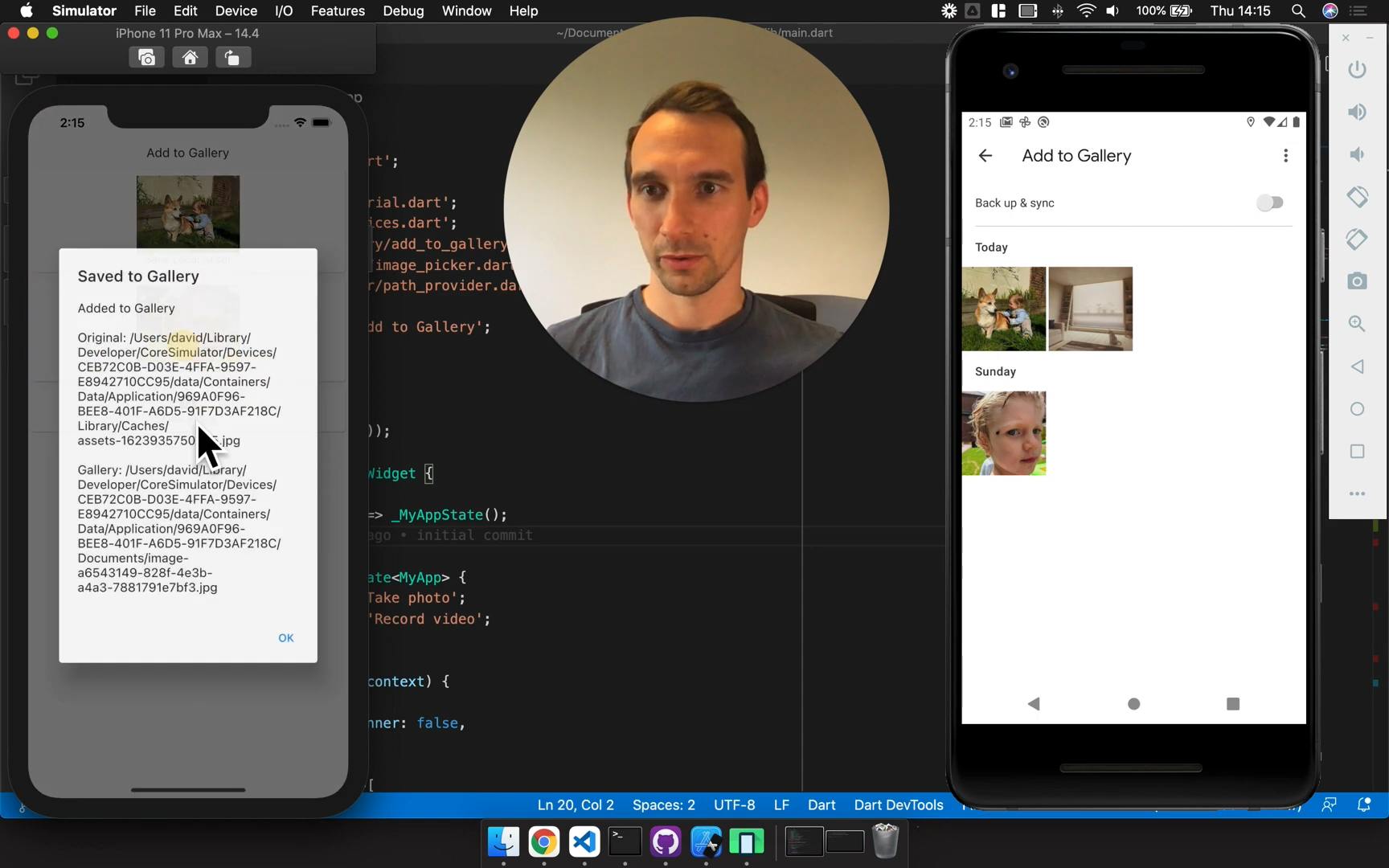
View example app
Installation #
Add add_to_gallery as a dependency in your pubspec.yaml file.
iOS #
Add the following keys to your Info.plist file, located in <project root>/ios/Runner/Info.plist:
NSPhotoLibraryUsageDescription- describe why your app needs permission for the photo library. This is called Privacy - Photo Library Usage Description in the visual editor.
Android #
android.permission.WRITE_EXTERNAL_STORAGE- Permission for usage of external storage
Usage #
There's only one method. It copies the source file to the gallery and returns the new path.
String path = await AddToGallery.addToGallery(
  originalFile: File('/Some/Media/Path.jpg'),
  albumName: 'My Awesome App',
  deleteOriginalFile: false,
);
print(path);
An Important Note about Google photos #
Google Photos has a built-in feature to remove exact duplicates. It can be confusing to see your media disappearing like this. I considered addressing this behaviour in the plugin, but decided against it. I expect plugin users to be creating unique images with the camera or other methods.
Credits & Comparison #
Add to Gallery is based on gallery_saver with some notable differences. Enough to warrant a new package rather than a pull-request. Generally speaking, I've simplified the package somewhat and unified the behaviour on iOS and Android.
| Feature |
gallery_saver
original package |
add_to_gallery
this package |
|---|---|---|
| General Behaviour |
Android
|
Android and iOS
|
| Return Value | Returns bool for the success of the operation
|
Returns the path of the file in the gallery |
| Remote Files | Automatically downloads files that start with http | Does not download files that start with http |
| Album Name | Optional with default values | Is required |
| Image Manipulation |
Android
|
Does not manipulate images |
Metadata
Publisher
Weekly Downloads
Metadata
Saves a copy of images and videos to the Android Gallery and iOS Photos
Repository (GitHub)
View/report issues
License
 unknown (license)
Dependencies
flutter, http, path, path_provider, uuid
More
Packages that depend on add_to_gallery
Packages that implement add_to_gallery

