
Point Glass
A Flutter package for 3D point cloud visualization with interactive features including grid, axis, polygons, and annual sectors.
Features
- 🎯 3D Point Cloud Visualization: Display and interact with point cloud data
- ⬜ Interactive Grid: Customizable 3D grid with labels
- 🧭 Axis Display: Configurable coordinate axes
- 🔷 Polygon Support: Create and edit 3D polygons
- 🍕 Annual Sectors: Display annular sectors with customizable angles and radii
- 🎮 Multiple Interaction Modes: Rotate, translate, spin, and edit modes
- 🎨 Customizable Styling: Colors, transparency, and visual properties
- 📱 Cross-Platform: Works on mobile, desktop, and web
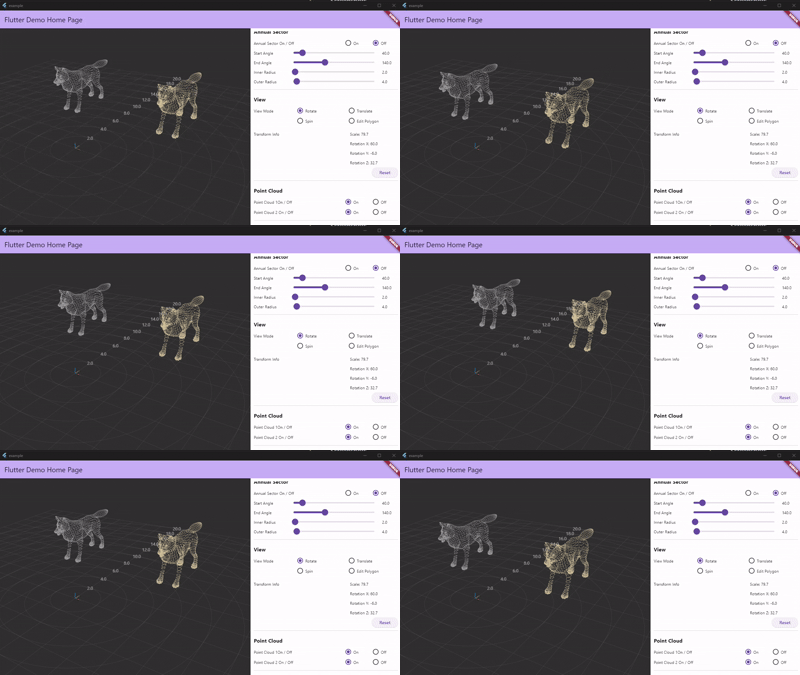
Screenshots
Basic Usage
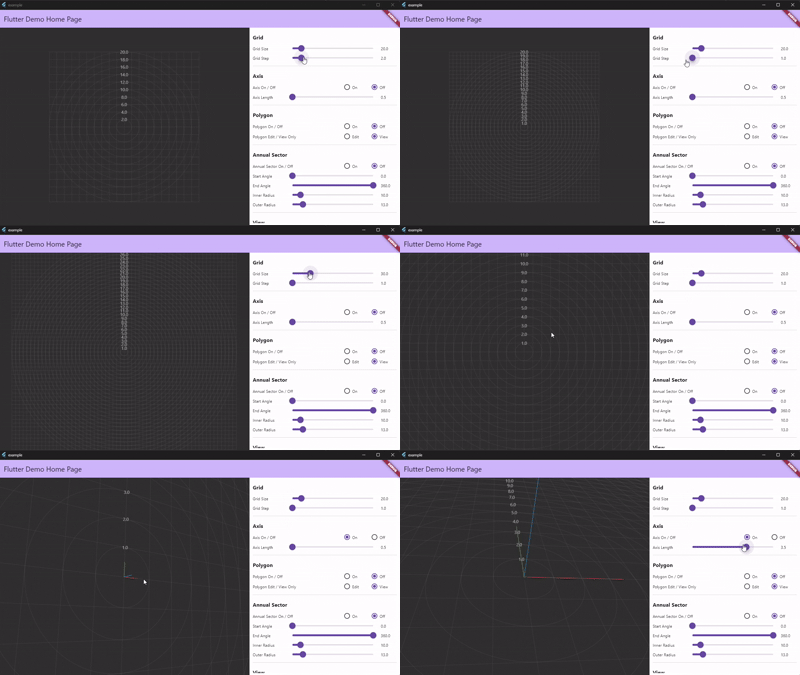
Interactive Grid
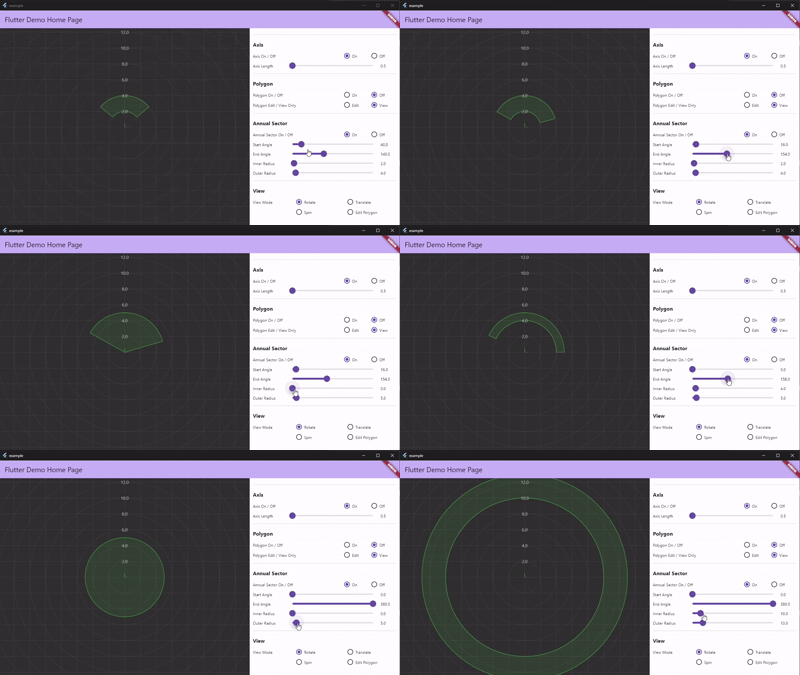
Annual Sector
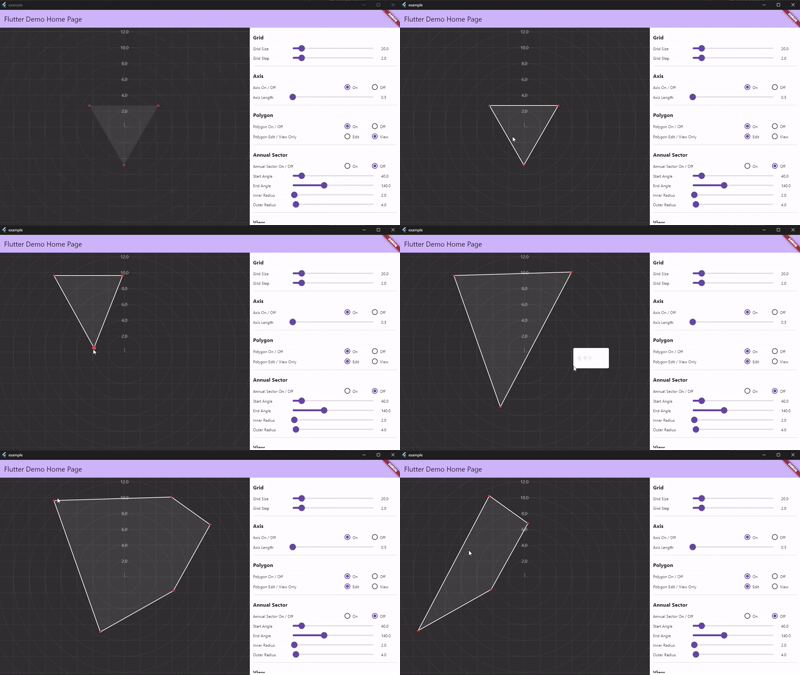
Polygon Editing
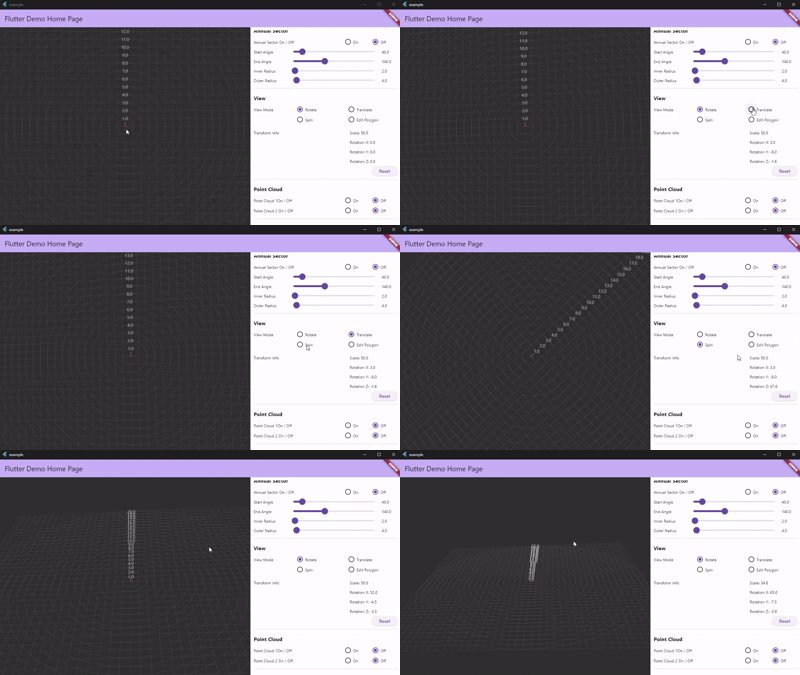
Point Cloud Visualization
Installation
Add this to your package's pubspec.yaml file:
dependencies:
  point_glass: ^1.1.0
Usage
import 'package:point_glass/point_glass.dart';
import 'package:flutter/material.dart';
import 'package:vector_math/vector_math.dart' as vm;

// ViewContext 초기화
final viewContext = ValueNotifier(
  ViewContext(
    model: ModelTransform(),
    camera: PinholeCamera(cameraZ: 10),
    proj: PinholeProjection(focalPx: 800, near: 1, far: 20000),
    canvasCenter: Offset(0, 0),
  ),
);

// PointGlassViewer 사용
PointGlassViewer(
  viewContext: viewContext,
  mode: PointGlassViewerMode.rotate,
  grid: PointGlassGrid(
    enable: true,
    gridSize: 20,
    gridStep: 1,
    enableLabel: true,
    labelStyle: TextStyle(color: Colors.white.withAlpha(150)),
  ),
  axis: PointGlassAxis(enable: true, axisLength: 0.5),
  polygons: [
    PointGlassPolygon(
      enable: true,
      points: [
        vm.Vector3(-15, -10, 0),
        vm.Vector3(-19.33, -2.5, 0),
        vm.Vector3(-10.67, -2.5, 0),
      ],
      pointSize: 3,
      pointColor: Colors.red,
      isEditable: false,
      lineColor: Colors.cyan,
      lineAlpha: 100,
    ),
  ],
  annualSectors: [
    PointGlassAnnualSector(
      enable: true,
      startAngle: 40,
      endAngle: 140,
      innerRadius: 2,
      outerRadius: 4,
      color: Colors.green,
      alpha: 30,
      showInnerLine: true,
      showOuterLine: false,
    ),
  ],
  pointsGroup: [
    PointGlassPoints(enable: true, points: []),
  ],
)
Interaction Guide
Platform-Specific Controls
Polygon Editing:
- Desktop: Right-click to select and edit polygons
- Web/Mobile: Long press to select and edit polygons
View Controls:
- Desktop: Mouse drag to rotate/translate, scroll to zoom
- Web/Mobile: Touch drag to rotate/translate, pinch to zoom
Migration Guide
From 0.0.x to 1.0.0
// Before (0.0.x)
final transform = ValueNotifier(
  Transform3D(scale: 50, rotationX: 0, rotationY: 0, rotationZ: 0),
);

PointGlassViewer(
  transform: transform,
  // ...
)

// After (1.0.0)
final viewContext = ValueNotifier(
  ViewContext(
    model: ModelTransform(),
    camera: PinholeCamera(cameraZ: 10),
    proj: PinholeProjection(focalPx: 800, near: 1, far: 20000),
    canvasCenter: Offset(0, 0),
  ),
);

PointGlassViewer(
  viewContext: viewContext,
  // ...
)
Examples
Check out the example folder for complete working examples.
Running the Example
cd example
flutter pub get
flutter run
Additional information
Libraries
- point_glass
- Point Glass는 Flutter용 3D 포인트 클라우드 시각화 패키지입니다.