
Lucky Navigation Bar





This Flutter package allows you to use a iOS 26 (codenamed lucky) inspired navigation bar. You can even add a widget to the right also.
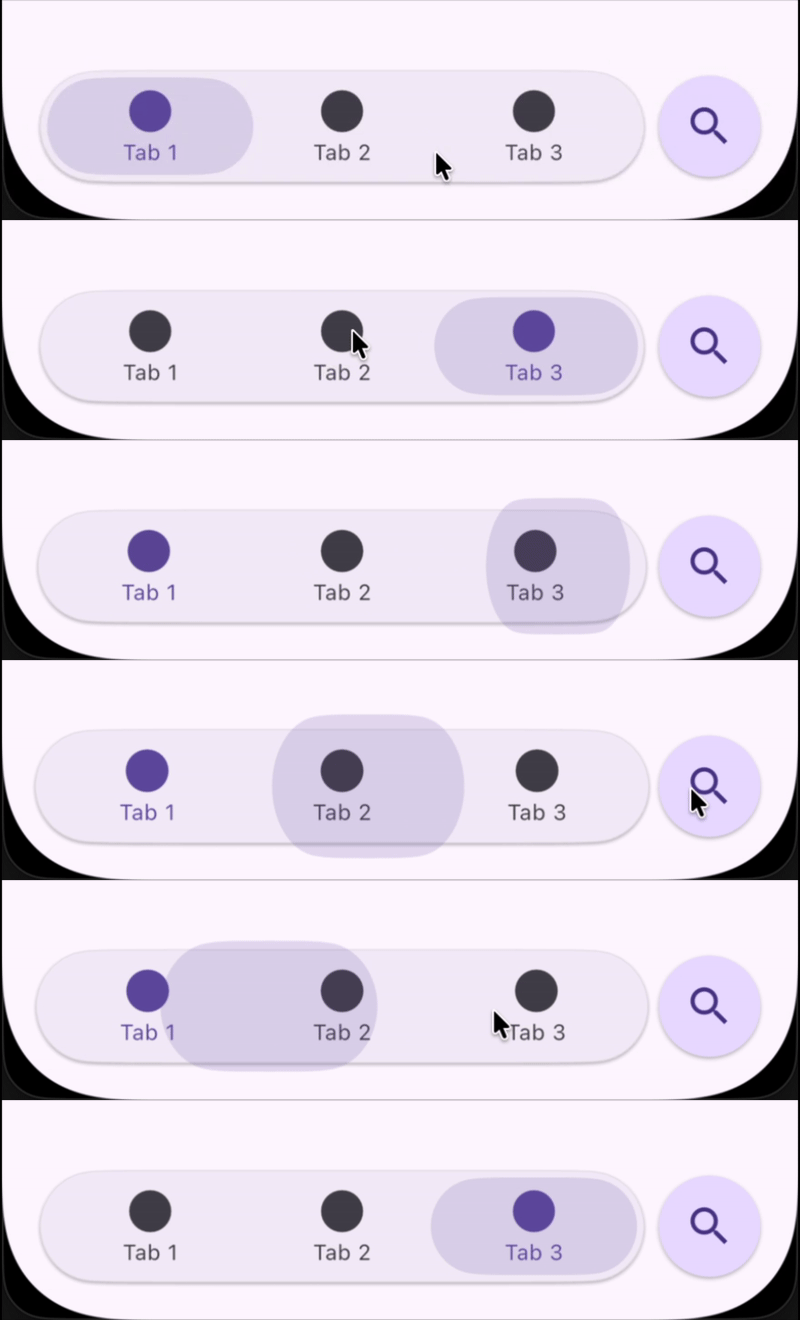
Features
- Flexible Destinations: Add 2–6 navigation destinations with icons and labels using regular
NavigationDestinationclass. - Custom Trailing Widget: Add widgets (e.g.,
FloatingActionButton) to the end of the navigation bar, to mimick iOS. - Stateful Selection: Easily manage and update the selected destination.
- Adaptive Layout: Handles different numbers of destinations and orientations gracefully.
- Easy Integration: Drop into any Scaffold as a bottom navigation bar, no complicated setup required.
Example
Here is an example of a simple use of this package, featuring the ExpandChild & ExpandText widgets.
If you want to take a deeper look at the example, take a look at the example folder provided with the project.
LuckyNavigationBar(
  destinations: const [
    NavigationDestination(icon: Icon(Icons.home), label: 'Home'),
    NavigationDestination(icon: Icon(Icons.search), label: 'Search'),
    NavigationDestination(icon: Icon(Icons.person), label: 'Profile'),
  ],
  selectedIndex: selectedIndex,
  onDestinationSelected: (i) => setState(() => selectedIndex = i),
  trailing: FloatingActionButton(
    onPressed: () {},
    child: Icon(Icons.search),
  ),
)
Getting Started
This project is a starting point for a Dart package, a library module containing code that can be shared easily across multiple Flutter or Dart projects.
For help getting started with Flutter, view our online documentation, which offers tutorials, samples, guidance on mobile development, and a full API reference.
Built with
- Flutter - Beatiful native apps in record time.
- Android Studio - Tools for building apps on every type of Android device.
- Visual Studio Code - Code editing. Redefined.
Authors
License
This project is licensed under the GNU GPL v3 License - see the LICENSE file for details.