
input_calculator
With Input Calculator widget you can add functionality of calculation to a TextField.
Themes
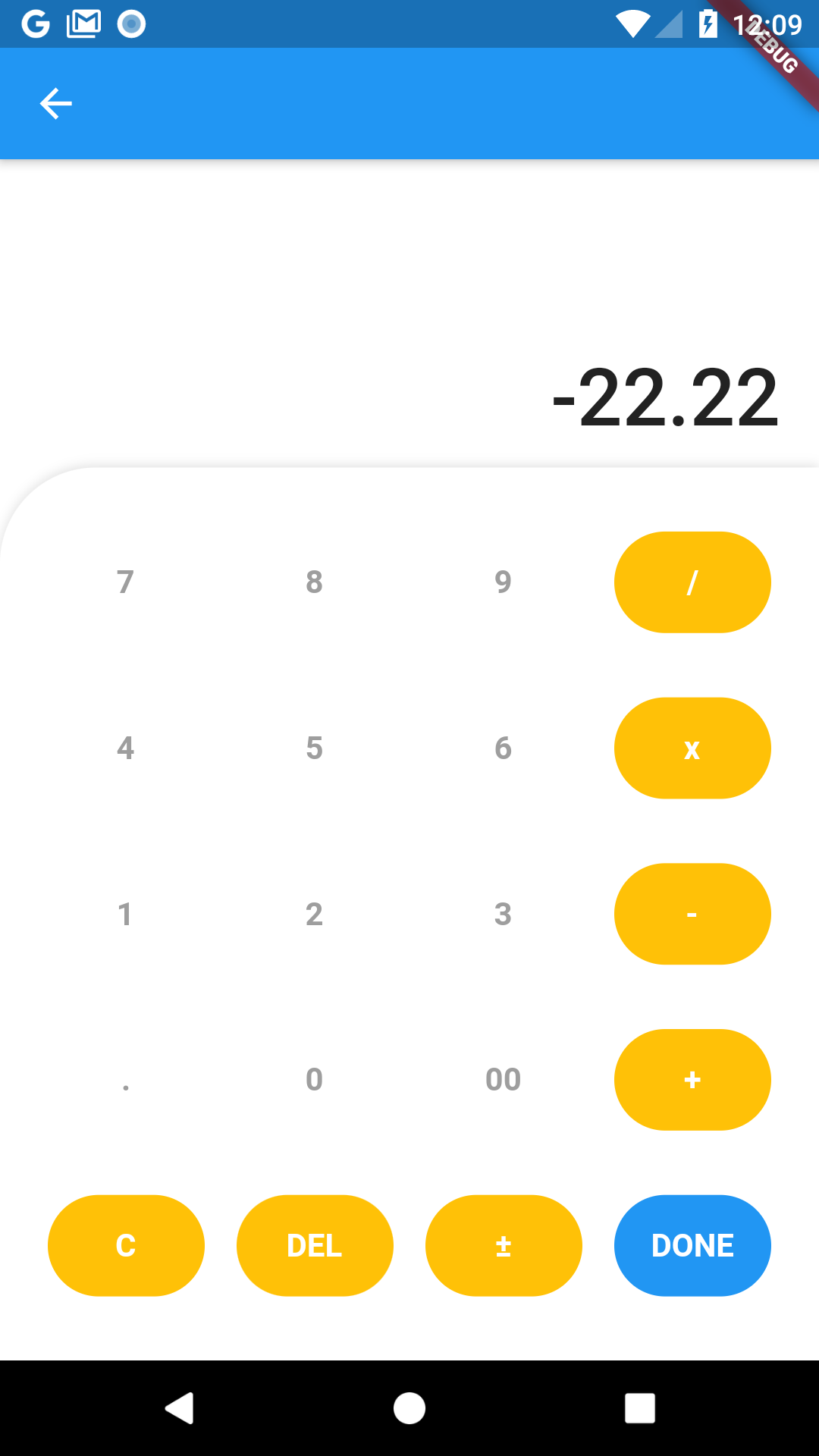
curve theme
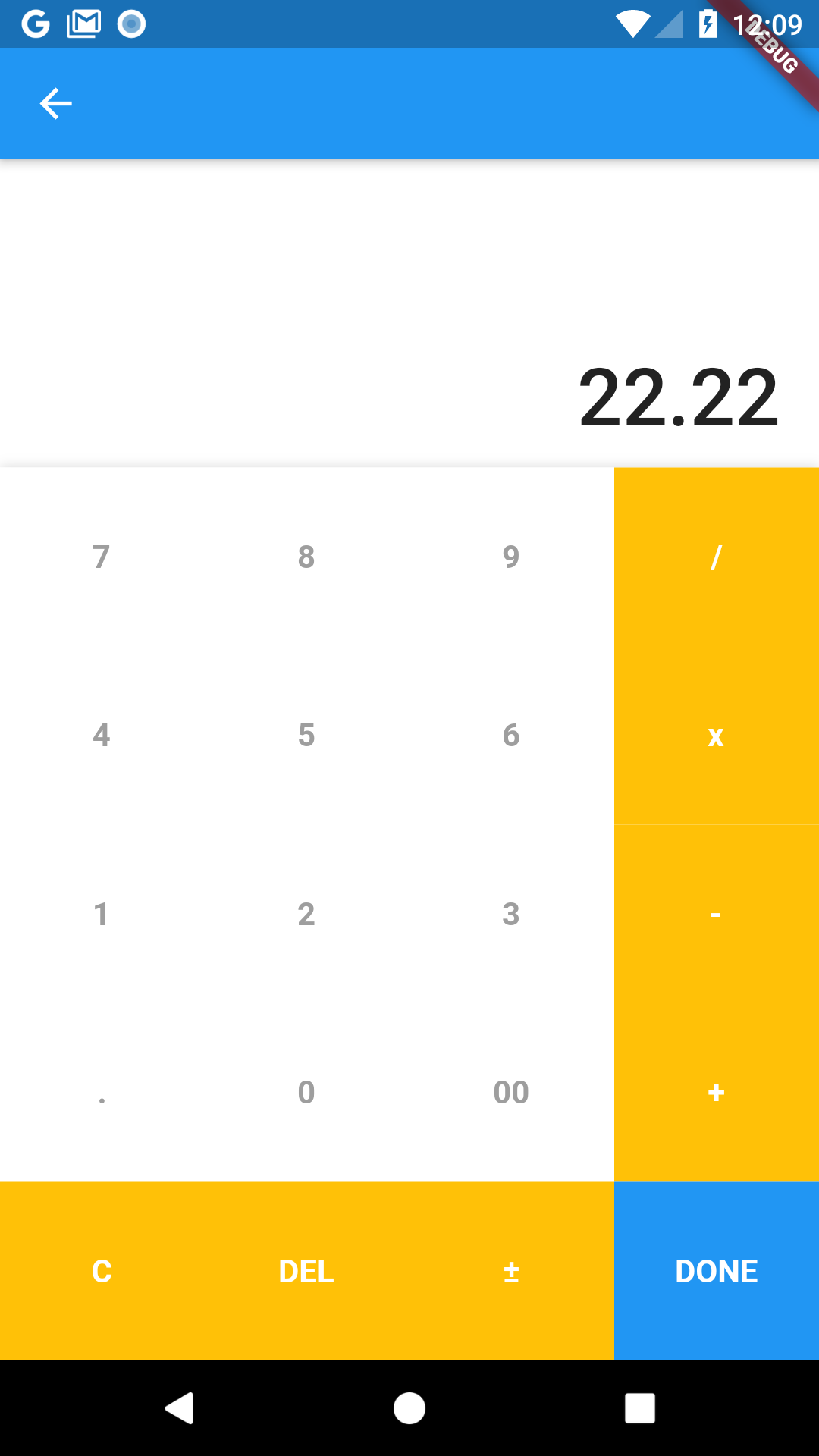
flat theme
Usage
CalculatorTextField
...

CalculatorTextField(
  initialValue: _value,
  onSubmitted: (value) {
    _value = value;
    print('value: $_value');
  },
)

...
CalculatorTextFormField
...

CalculatorTextFormField(
  initialValue: _value,
  validator: (value) {
    if (value.isEmpty) {
      return 'Madatory field';
    }
    return null;
  },
  onSubmitted: (value) {
    _value = value;
    print('value: $_value');
  },
)

...
Let's customize it !
Calculator
-
title: title to show on appbar. -
appBarBackgroundColor: appbar color. -
theme: allows two themes`CalculatorThemes.curve` | `CalculatorThemes.flat`(default: curve). -
operatorButtonColor: color operator button. -
operatorTextButtonColor: color text of operator button. -
normalButtonColor: color normal button. -
normalTextButtonColor: color text of normal button. -
doneButtonColor: color done button. -
doneTextButtonColor: color text of done button. -
allowNegativeResult: allow negative result (default: true).
TextField
-
initialValue: initial value to show. -
inputDecoration: decotation of textField. -
valueFormat: format value of textField.