
fly_to_target
A Flutter package for animating multiple widgets flying to target positions simultaneously with customizable paths and effects.

Features
- Animate multiple widgets simultaneously to one or more targets
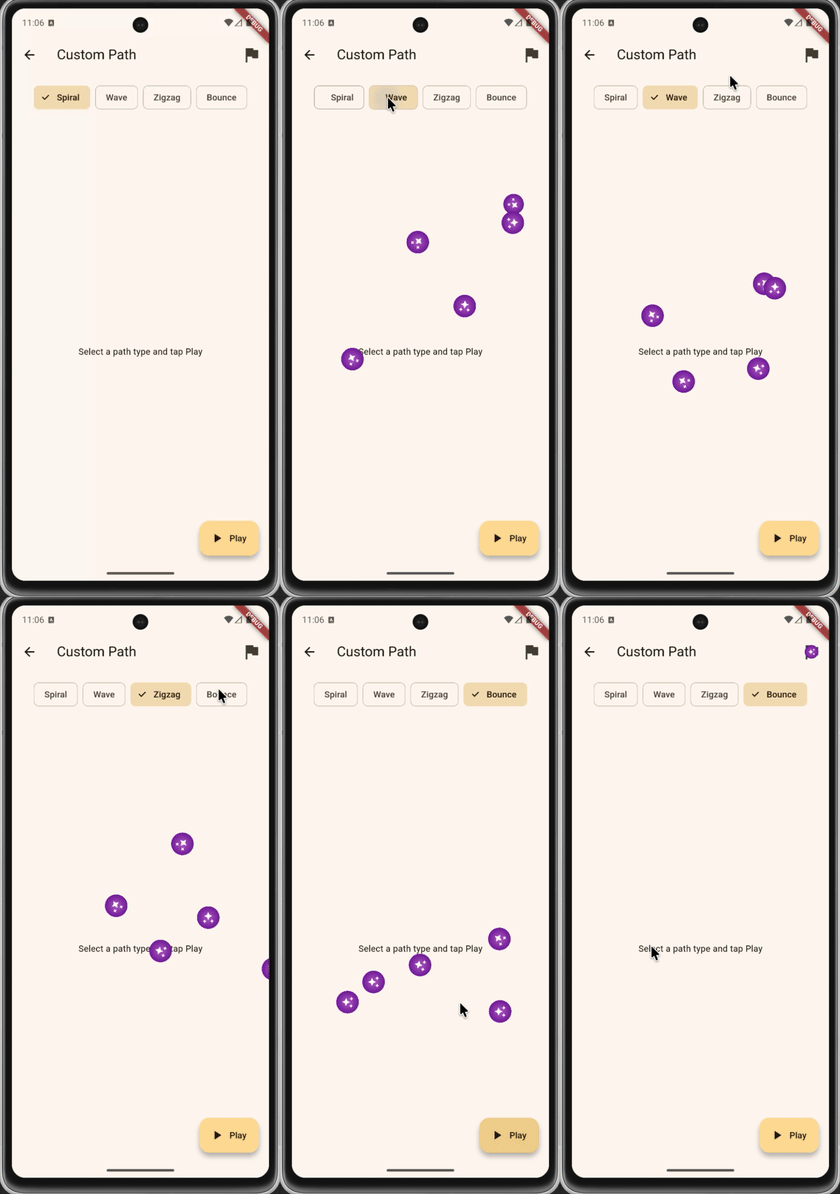
- Support for various animation paths (linear, parabolic, bezier curve)
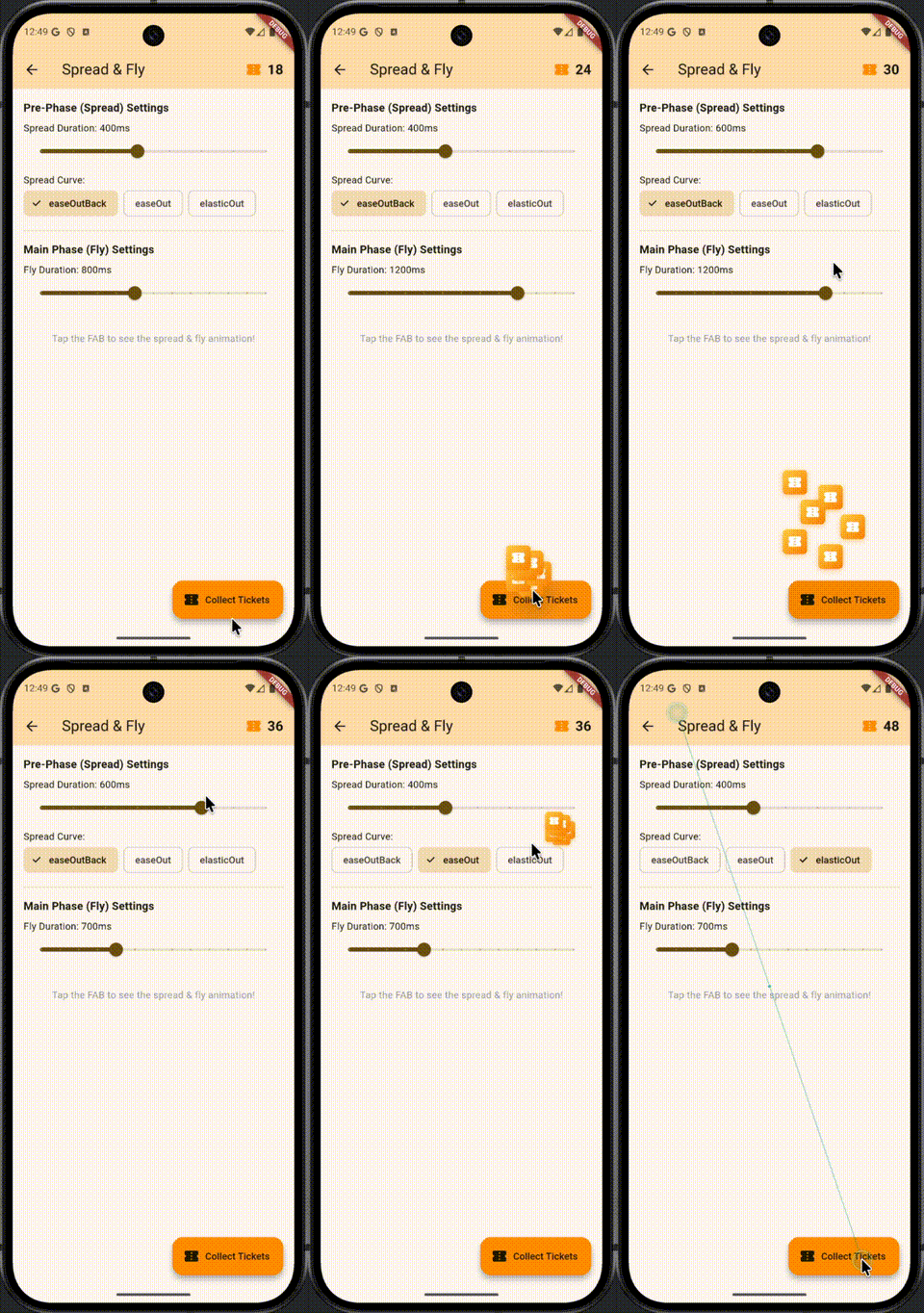
- Pre-phase animations (e.g., spread from a point before flying to target)
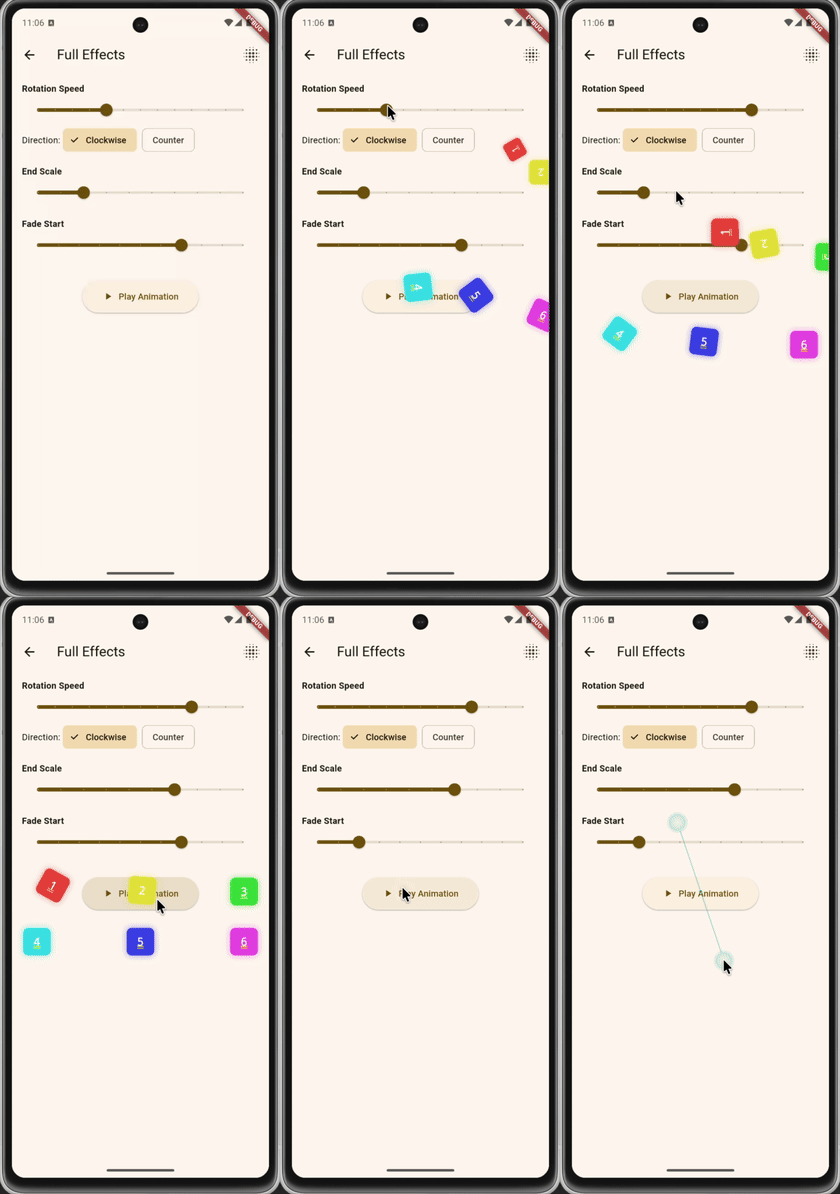
- Built-in effects (rotation, scale, fade, trail)
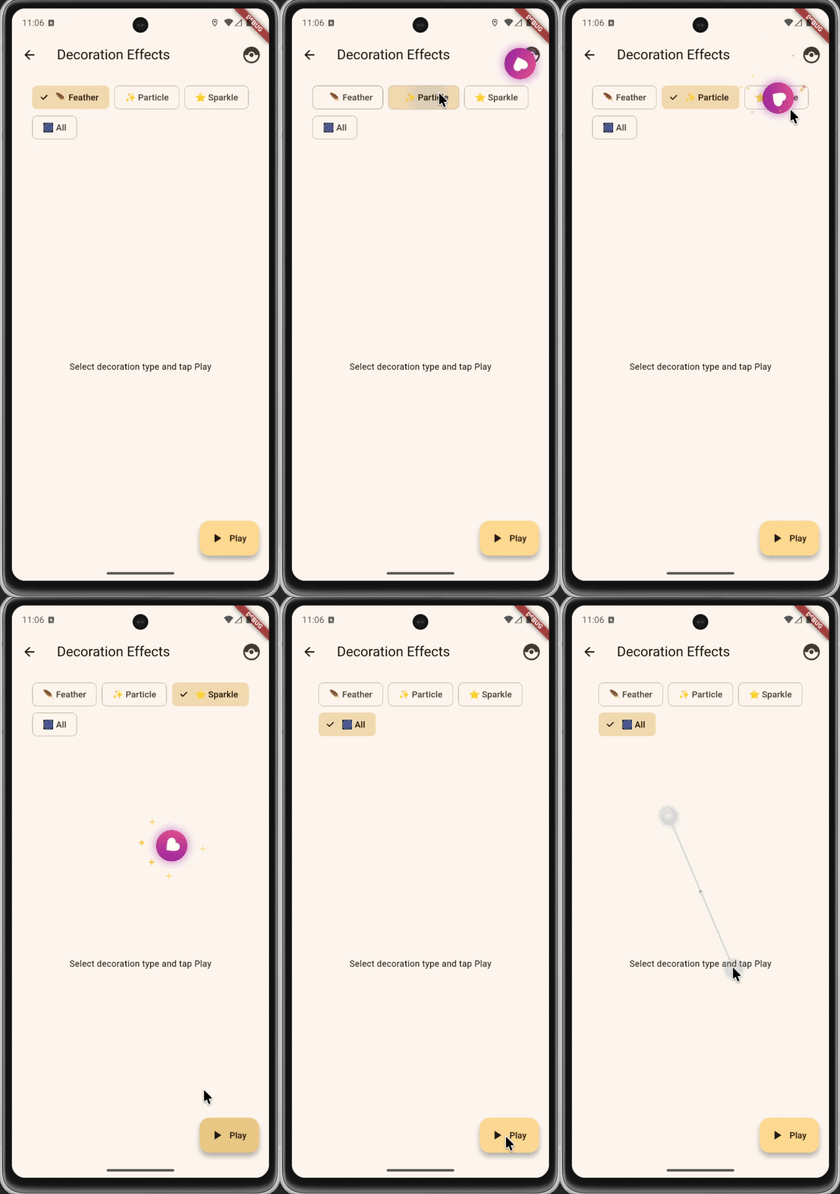
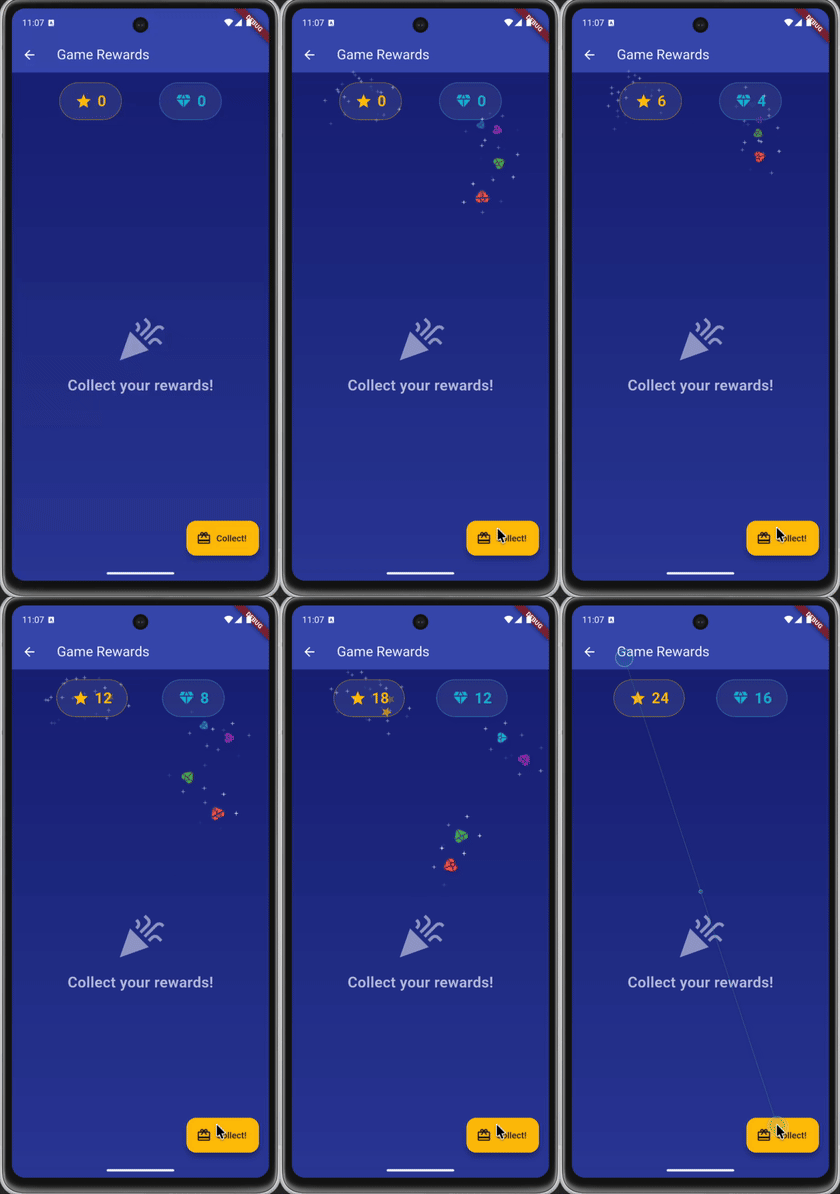
- Decorative effects (feathers, particles, sparkles, star trails)
- Stagger effect for sequential animation starts
- Fully customizable animation timing and curves
- Easy-to-use API with factory methods and presets
Example
| Basic | Coin | Cart | Multiple |
|---|---|---|---|
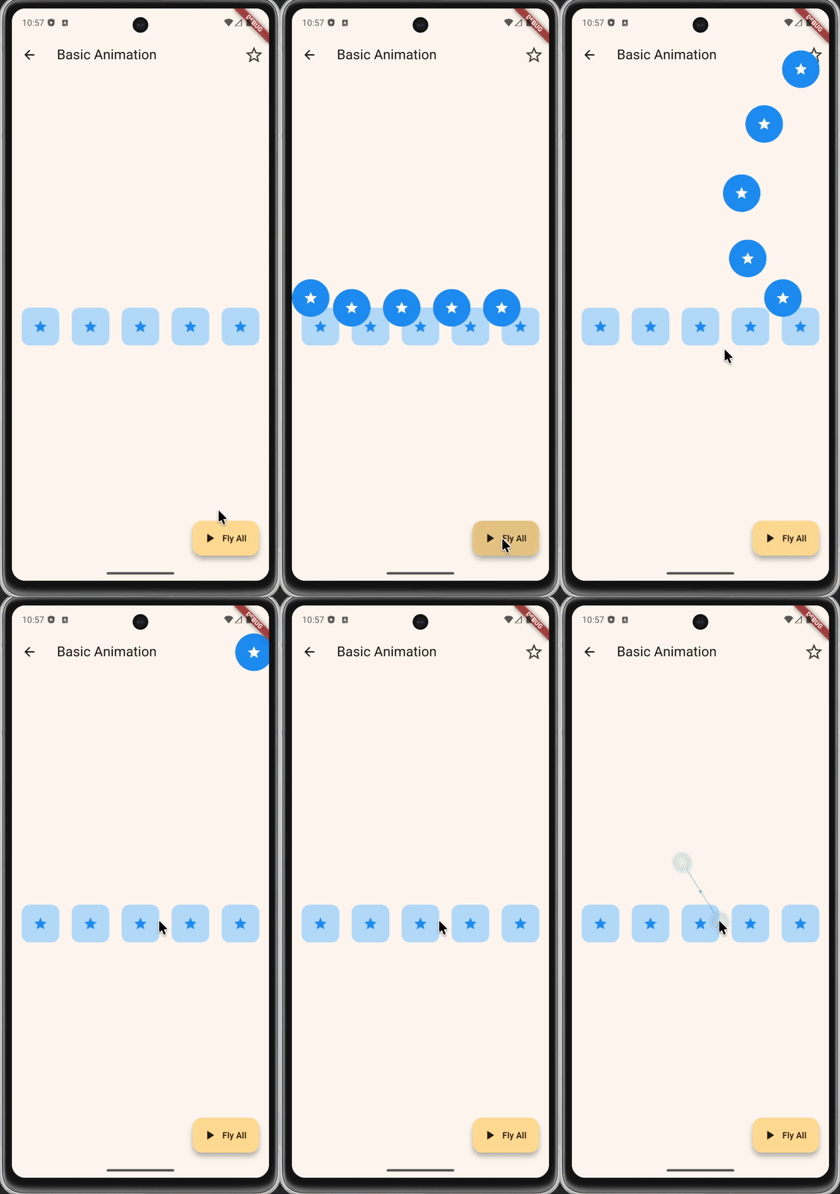 |
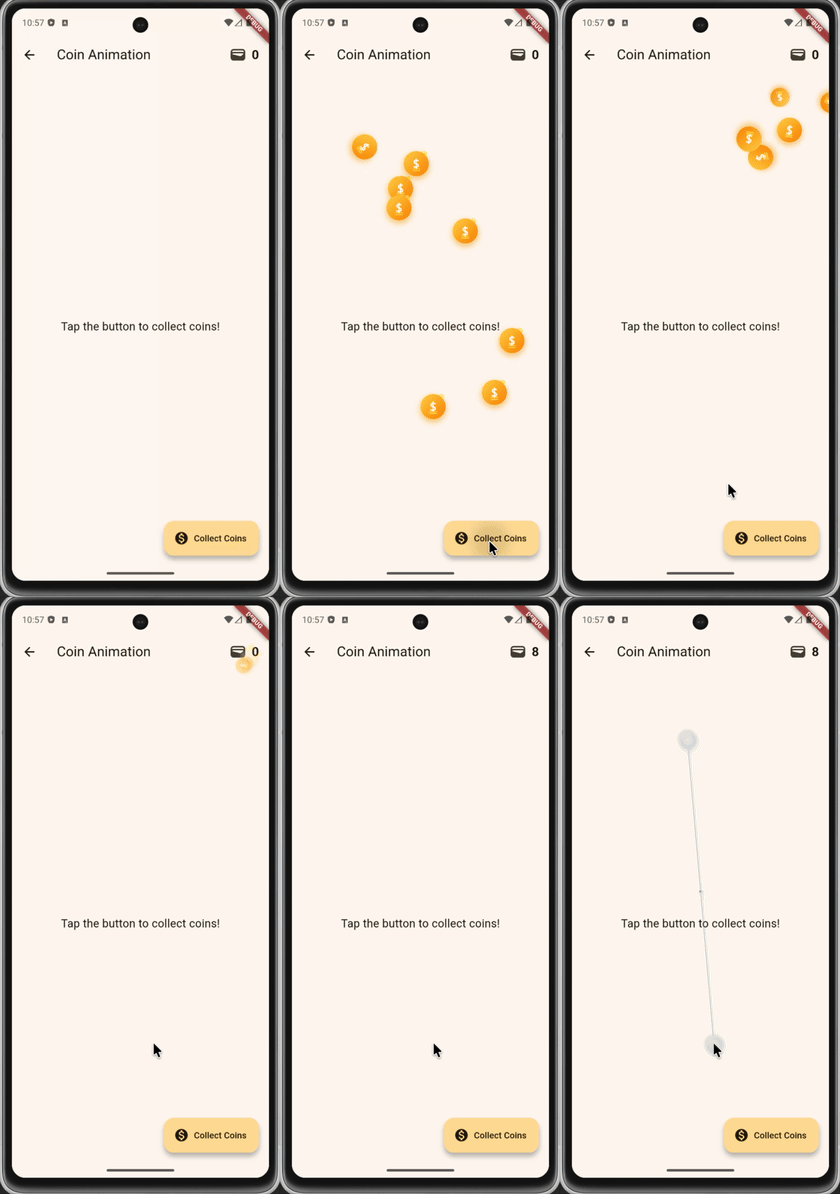 |
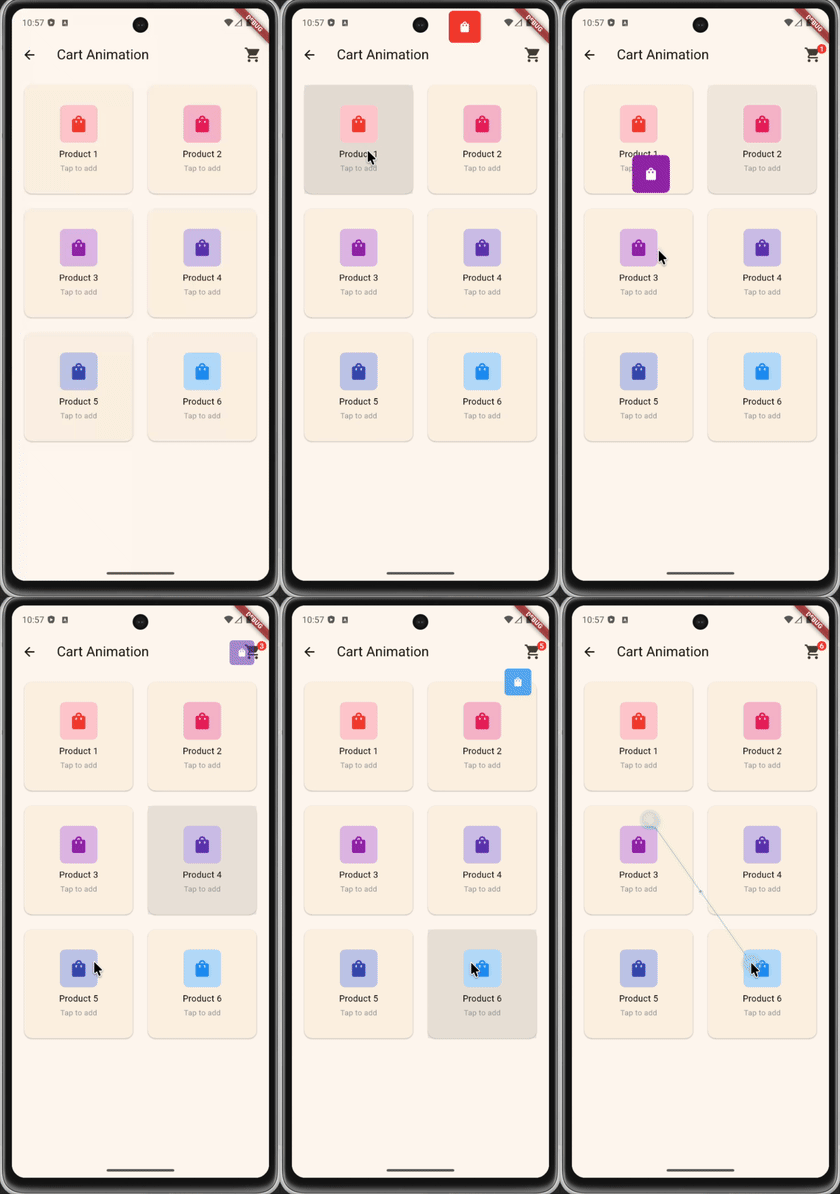 |
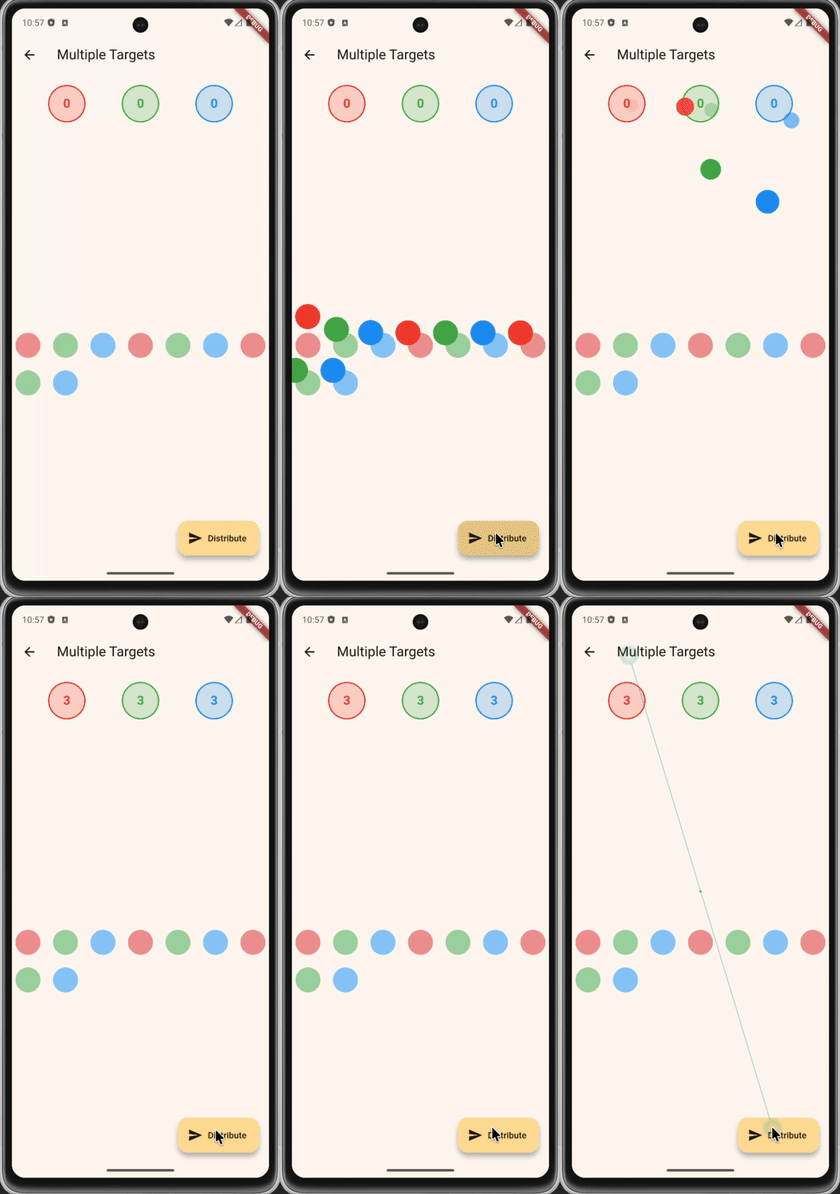 |
Any Customise is available
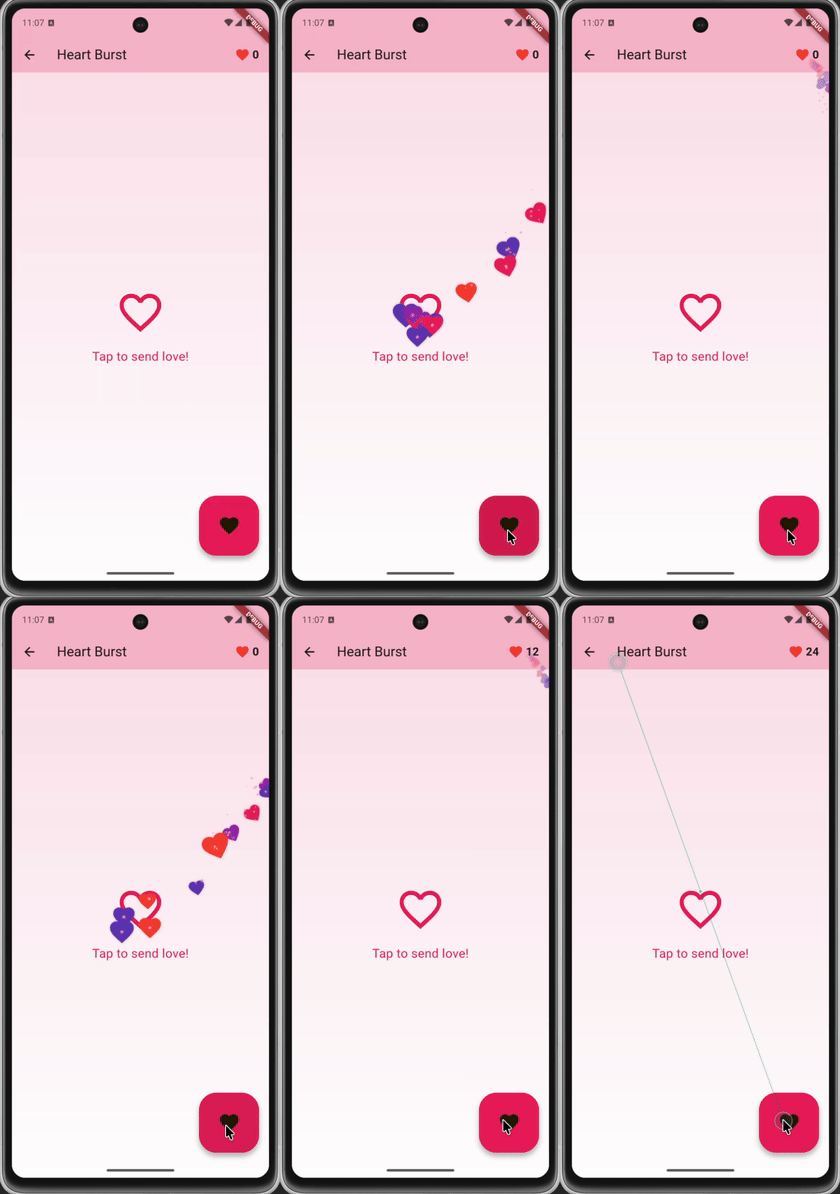
| Custom Path | Decoration Effects | Full Effects | Heart Burst | Game Rewards | Spread & Fly |
|---|---|---|---|---|---|
 |
 |
 |
 |
 |
 |
Getting Started
Add this to your pubspec.yaml:
dependencies:
  fly_to_target: ^1.0.0
Usage
Basic Usage
class MyWidget extends StatefulWidget {
  @override
  State<MyWidget> createState() => _MyWidgetState();
}

class _MyWidgetState extends State<MyWidget>
    with TickerProviderStateMixin {
  final _controller = FlyToTargetController();
  final _targetKey = GlobalKey();
  final List<GlobalKey> _itemKeys = List.generate(5, (_) => GlobalKey());

  @override
  void didChangeDependencies() {
    super.didChangeDependencies();
    if (!_controller.isAttached) {
      _controller.attach(context, this);
    }
  }

  @override
  void dispose() {
    _controller.dispose();
    super.dispose();
  }

  Future<void> _flyAll() async {
    final items = _itemKeys.map((key) {
      return FlyItem.fromKey(
        child: Icon(Icons.star),
        key: key,
      );
    }).toList();

    await _controller.flyAll(
      items: items,
      target: FlyTargetFromKey(_targetKey),
    );
  }

  @override
  Widget build(BuildContext context) {
    // Build your UI with _targetKey and _itemKeys
  }
}
Coin Animation with Effects
await _controller.flyAll(
  items: items,
  target: FlyTargetFromKey(_walletKey),
  config: FlyAnimationConfig.coin(
    duration: Duration(milliseconds: 1000),
    staggerDelay: Duration(milliseconds: 60),
  ),
);
Multiple Targets
final itemsWithTargets = [
  FlyItemWithTarget(
    item: FlyItem.fromKey(child: widget1, key: key1),
    target: FlyTargetFromKey(target1Key),
  ),
  FlyItemWithTarget(
    item: FlyItem.fromKey(child: widget2, key: key2),
    target: FlyTargetFromKey(target2Key),
  ),
];

await _controller.flyToTargets(
  itemsWithTargets: itemsWithTargets,
  config: FlyAnimationConfig(
    pathConfig: BezierPathConfig.auto(curvature: 0.4),
  ),
);
Custom Animation Config
FlyAnimationConfig(
  duration: Duration(milliseconds: 800),
  curve: Curves.easeOut,
  staggerDelay: Duration(milliseconds: 80),
  pathConfig: BezierPathConfig.auto(
    curvature: 0.6,
    randomness: 0.2,
  ),
  effects: FlyEffects(
    rotation: RotationEffect(rotations: 4 * pi),
    scale: ScaleEffect(endScale: 0.5),
    fade: FadeEffect(startAt: 0.8),
  ),
  decorations: [
    FeatherDecorationConfig(count: 3),
    SparkleDecorationConfig(count: 5),
  ],
)
Pre-Phase Animation (Spread & Fly)
Add a pre-phase animation where items first spread from a gather point before flying to the target:
// Simple: using factory method
await _controller.flyAll(
  items: items,
  target: FlyTargetFromKey(_targetKey),
  config: FlyAnimationConfig.spreadAndFly(
    gatherPoint: Offset(centerX, centerY),
  ),
);

// Custom: with full configuration
await _controller.flyAll(
  items: items,
  target: FlyTargetFromKey(_targetKey),
  config: FlyAnimationConfig.spreadAndFly(
    gatherPoint: Offset(centerX, centerY),
    spreadDuration: Duration(milliseconds: 400),
    spreadCurve: Curves.easeOutBack,
    flyDuration: Duration(milliseconds: 800),
    flyCurve: Curves.easeIn,
  ),
);
API Reference
FlyToTargetController
Main controller for managing animations.
// Fly multiple items to a single target
Future<void> flyAll({
  required List<FlyItem> items,
  required FlyTarget target,
  FlyAnimationConfig? config,
});

// Fly items to different targets
Future<void> flyToTargets({
  required List<FlyItemWithTarget> itemsWithTargets,
  FlyAnimationConfig? config,
});

// Fly a single item
Future<void> fly({
  required FlyItem item,
  required FlyTarget target,
  FlyAnimationConfig? config,
});
FlyItem
Defines the widget and starting position.
// From GlobalKey (gets position from widget)
FlyItem.fromKey(child: widget, key: globalKey)

// From Offset (explicit position)
FlyItem.fromOffset(child: widget, offset: Offset(100, 200), size: Size(40, 40))
FlyTarget
Defines the destination.
// From GlobalKey
FlyTargetFromKey(globalKey)

// From Offset
FlyTargetFromOffset(Offset(300, 50))
Path Configurations
| Path | Description |
|---|---|
LinearPathConfig |
Straight line (default) |
ParabolicPathConfig |
Arc/parabola trajectory |
BezierPathConfig |
Smooth bezier curve |
CustomPathConfig |
Custom path function |
Effects
| Effect | Description |
|---|---|
RotationEffect |
Rotate during flight |
ScaleEffect |
Scale up/down |
FadeEffect |
Fade in/out |
TrailEffect |
Leave a trail |
Decorations
| Decoration | Description |
|---|---|
FeatherDecorationConfig |
Floating feathers |
ParticleDecorationConfig |
Particle effects |
SparkleDecorationConfig |
Sparkling stars |
StarTrailDecorationConfig |
Stars trailing behind items |
CustomDecorationConfig |
Custom widget builder |
Star Trail Decoration
Stars that follow behind items during flight, like game effects:
StarTrailDecorationConfig(
  count: 12,              // Number of stars
  color: Colors.amber,    // Star color
  size: 12.0,             // Maximum star size
  minSize: 4.0,           // Minimum star size (at tail)
  trailLength: 60.0,      // Trail length behind item
  startDistance: 20.0,    // Distance from item to first star
  spreadWidth: 30.0,      // Horizontal spread width
  tailOpacity: 0.2,       // Opacity at the tail
  twinkle: true,          // Enable twinkle effect
  twinkleSpeed: 3.0,      // Twinkle animation speed
)
Pre-Phase Configurations
| Pre-Phase | Description |
|---|---|
SpreadPhaseConfig |
Items gather at a point and spread to their start positions before flying |
SpreadPhaseConfig(
  gatherPoint: Offset(x, y),  // Center point where items gather
  duration: Duration(milliseconds: 400),
  curve: Curves.easeOutBack,
)
Callbacks with Progress Triggers
You can trigger callbacks at specific animation progress points (not just at completion):
await _controller.flyAll(
  items: items,
  target: FlyTargetFromKey(_targetKey),
  config: config,
  onSpreadComplete: (index) {
    // Triggered when spread reaches 50%
    HapticFeedback.lightImpact();
  },
  onItemComplete: (index) {
    // Triggered when fly reaches 80%
    HapticFeedback.lightImpact();
  },
  spreadTriggerAt: 0.5,  // Trigger at 50% of spread animation (default: 1.0)
  flyTriggerAt: 0.8,     // Trigger at 80% of fly animation (default: 1.0)
);
| Parameter | Description |
|---|---|
onSpreadComplete |
Callback for each item's spread phase |
onItemComplete |
Callback for each item's fly phase |
spreadTriggerAt |
Progress (0.0-1.0) at which to trigger spread callback |
flyTriggerAt |
Progress (0.0-1.0) at which to trigger fly callback |
Presets
FlyAnimationConfig.simple()        // Linear with fade
FlyAnimationConfig.parabolic()     // Arc trajectory
FlyAnimationConfig.bezier()        // Smooth curve
FlyAnimationConfig.coin()          // Full effects for coins
FlyAnimationConfig.cart()          // Add to cart (parabolic + scale + fade)
FlyAnimationConfig.heart()         // Like/burst (bezier + rotation + particles)
FlyAnimationConfig.gameReward()    // Game rewards (bezier + rotation + sparkles)
FlyAnimationConfig.spreadAndFly()  // Spread from point then fly to target
Example
Check the example folder for a complete demo app with:
- Basic Animation
- Coin Collection
- Add to Cart
- Multiple Targets
- Spread & Fly (Pre-phase animation)
- Star Trail (Stars following behind items)
License
MIT License - see LICENSE for details.
Libraries
- fly_to_target
- A Flutter package for animating multiple widgets flying to target positions simultaneously with customizable paths and effects.