
CloudBase Flutter SDK


腾讯云开发 Flutter SDK,提供认证、云函数、云托管、API 网关等云开发能力。
功能特性
- 用户认证 - 支持邮箱/手机号密码登录、验证码登录、匿名登录、OAuth 登录等多种认证方式
- 云函数 - 调用云函数,支持普通函数和 HTTP 触发器
- 云托管 - 调用云托管服务
- API 网关 - 调用 HTTP API
- 验证码 - 内置验证码支持,自动处理验证码挑战
- 会话管理 - 自动管理用户会话,支持持久化存储
支持平台
- Android
- iOS
- Web
- macOS
- Linux
- Windows
安装
在 pubspec.yaml 中添加依赖:
dependencies:
  cloudbase_flutter: ^1.0.0
然后运行:
flutter pub get
快速开始
初始化
import 'package:cloudbase_flutter/cloudbase_flutter.dart';

// 初始化 CloudBase 应用
final app = await CloudBase.init(
  env: 'your-env-id',        // TCB 环境 ID(必填)
  region: 'ap-shanghai',     // 地域,默认 ap-shanghai
  accessKey: 'your-key',     // 可选,Publishable Key
);
用户认证
邮箱/手机号密码登录
// 邮箱登录
final result = await app.auth.signInWithPassword(
  SignInWithPasswordReq(
    email: 'user@example.com',
    password: 'your-password',
  ),
);
print('登录成功: ${result.data?.user?.email}');

// 手机号登录(自动添加 +86 前缀)
final result = await app.auth.signInWithPassword(
  SignInWithPasswordReq(
    phone: '13800138000',
    password: 'your-password',
  ),
);

// 用户名登录
final result = await app.auth.signInWithPassword(
  SignInWithPasswordReq(
    username: 'myusername',
    password: 'your-password',
  ),
);
OTP 验证码登录
// 1. 发起 OTP 登录,获取 verifyOtp 回调
final otpResult = await app.auth.signInWithOtp(
  SignInWithOtpReq(email: 'user@example.com'),
  // 或使用手机号: SignInWithOtpReq(phone: '13800138000'),
);

// 2. 用户收到验证码后,调用 verifyOtp 完成登录
final session = await otpResult.data!.verifyOtp(
  VerifyOtpParams(token: '123456'),
);
匿名登录
final result = await app.auth.signInAnonymously();
print('匿名用户: ${result.data?.user?.uid}');
OAuth 第三方登录
// 1. 获取 OAuth 授权 URL
final oauthResult = await app.auth.signInWithOAuth(
  SignInWithOAuthReq(
    provider: 'wechat',  // 微信、QQ、GitHub 等
    options: SignInWithOAuthOptions(
      redirectTo: 'https://your-app.com/callback',
    ),
  ),
);

// 2. 跳转到授权页面
// launchUrl(Uri.parse(oauthResult.data!.url));

// 3. 回调后验证 OAuth
final verifyResult = await app.auth.verifyOAuth(
  VerifyOAuthReq(code: 'auth-code', state: 'state'),
);
自定义票据登录
final result = await app.auth.signInWithCustomTicket(() async {
  // 从你的服务器获取自定义票据
  return 'your-custom-ticket';
});
用户注册
// 1. 发起注册,获取 verifyOtp 回调
final signUpResult = await app.auth.signUp(
  SignUpReq(
    email: 'newuser@example.com',
    password: 'your-password',
    nickname: '昵称',
    // 可选字段: username, avatarUrl, gender
  ),
);

// 2. 用户收到验证码后,调用 verifyOtp 完成注册
final session = await signUpResult.data!.verifyOtp(
  VerifyOtpParams(token: '123456'),
);
会话管理
// 获取当前会话
final sessionResult = await app.auth.getSession();
if (sessionResult.data?.session != null) {
  print('已登录: ${sessionResult.data?.user?.id}');
}

// 刷新会话
await app.auth.refreshSession();

// 退出登录
await app.auth.signOut();
用户信息
// 获取当前用户
final userResult = await app.auth.getUser();
if (userResult.data?.user != null) {
  print('当前用户: ${userResult.data!.user!.email ?? userResult.data!.user!.phone ?? userResult.data!.user!.id}');
}

// 更新用户信息
final updateResult = await app.auth.updateUser(
  UpdateUserReq(
    nickname: '新昵称',
    avatarUrl: 'https://example.com/avatar.png',
    // 更新邮箱/手机号需要验证码
  ),
);

// 刷新用户信息
await app.auth.refreshUser();
密码管理
// 通过邮箱/手机号重置密码
final resetResult = await app.auth.resetPasswordForEmail('user@example.com');
// 收到验证码后
await resetResult.data!.updateUser(
  UpdateUserAttributes(nonce: '123456', password: 'new-password'),
);

// 通过旧密码重置密码
await app.auth.resetPasswordForOld(
  ResetPasswordForOldReq(
    oldPassword: 'old-password',
    newPassword: 'new-password',
  ),
);
身份源管理
// 获取用户绑定的身份源
final identities = await app.auth.getUserIdentities();

// 绑定新身份源
await app.auth.linkIdentity(LinkIdentityReq(provider: 'github'));

// 解绑身份源
await app.auth.unlinkIdentity(UnlinkIdentityReq(provider: 'github'));
监听认证状态
final result = app.auth.onAuthStateChange((event, session, info) {
  switch (event) {
    case AuthStateChangeEvent.signedIn:
      print('用户登录');
      break;
    case AuthStateChangeEvent.signedOut:
      print('用户退出');
      break;
    case AuthStateChangeEvent.tokenRefreshed:
      print('Token 已刷新');
      break;
    case AuthStateChangeEvent.userUpdated:
      print('用户信息已更新');
      break;
    default:
      break;
  }
});

// 取消监听
result.data?.subscription.unsubscribe();
调用云函数
// 普通云函数
final result = await app.callFunction(
  name: 'myFunction',
  data: {'key': 'value'},
);
print('返回结果: ${result.data}');

// HTTP 触发器
final httpResult = await app.callFunction(
  name: 'myHttpFunction',
  type: FunctionType.httpTrigger,
  method: HttpMethod.post,
  path: '/api/users',
  data: {'name': 'test'},
);
调用云托管
final response = await app.callContainer(
  name: 'my-service',
  path: '/api/hello',
  method: HttpMethod.get,
);
print('响应: ${response.data}');

// POST 请求
final postResponse = await app.callContainer(
  name: 'my-service',
  path: '/api/users',
  method: HttpMethod.post,
  data: {'name': 'test', 'age': 18},
);
调用 API 网关
// GET 请求
final result = await app.apis['myApi'].get(
  query: {'page': '1', 'limit': '10'},
);

// POST 请求
final postResult = await app.apis['myApi'].post(
  body: {'title': 'Hello', 'content': 'World'},
);

// 带路径参数
final userResult = await app.apis['users'].get(
  path: '/123',
);
配置选项
CloudBase.init 参数
| 参数 | 类型 | 必填 | 说明 |
|---|---|---|---|
env |
String | ✅ | TCB 环境 ID |
region |
String | ❌ | 地域,默认 ap-shanghai,可选 ap-guangzhou、ap-singapore |
lang |
String | ❌ | 语言,默认 zh-CN,可选 en-US |
accessKey |
String | ❌ | Publishable Key,用于匿名访问 |
authConfig |
AuthConfig | ❌ | 认证配置 |
captchaConfig |
CaptchaConfig | ❌ | 验证码配置 |
验证码配置
如果需要使用内置验证码弹窗,需要配置 navigatorKey:
final navigatorKey = GlobalKey<NavigatorState>();

final app = await CloudBase.init(
  env: 'your-env-id',
  captchaConfig: CaptchaConfig(
    navigatorKey: navigatorKey,
  ),
);

// 在 MaterialApp 中使用
MaterialApp(
  navigatorKey: navigatorKey,
  // ...
);
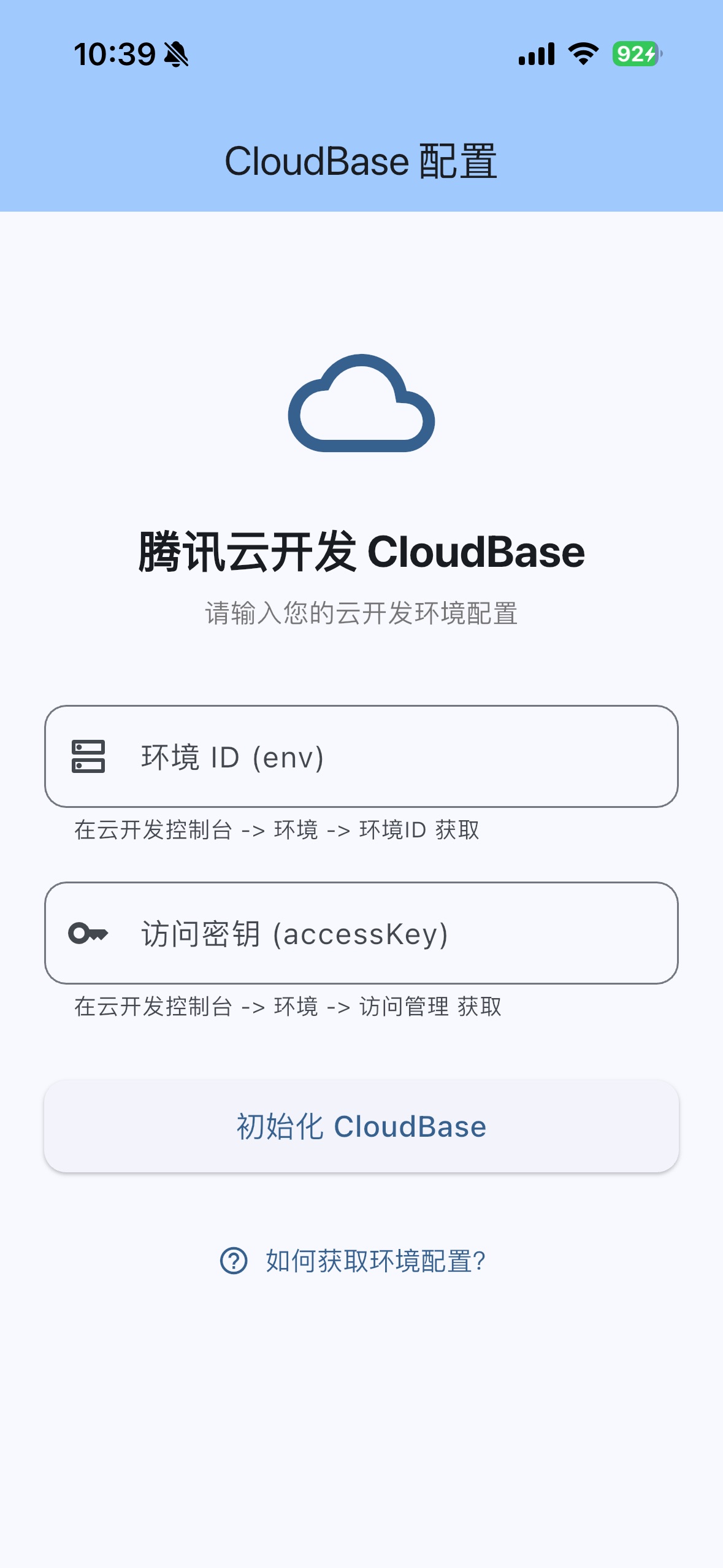
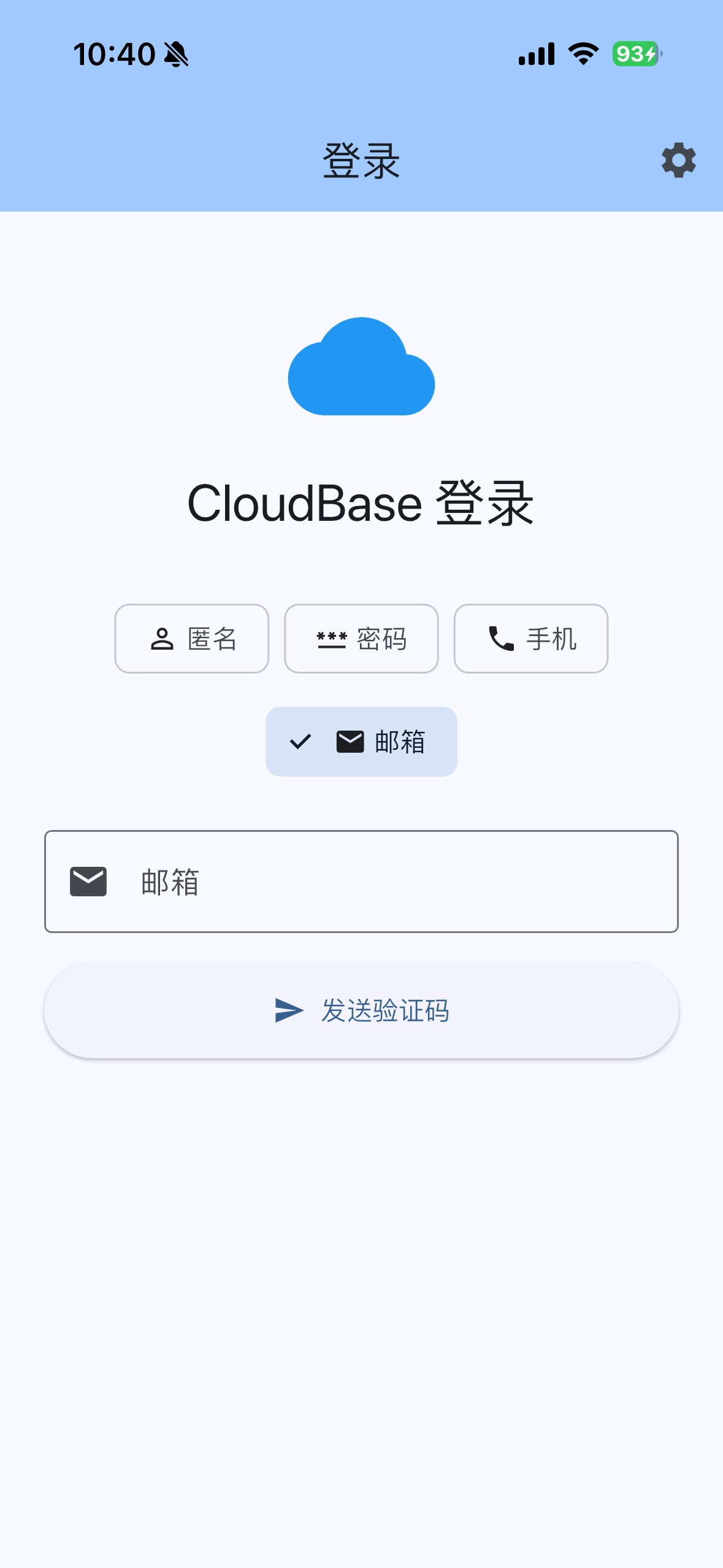
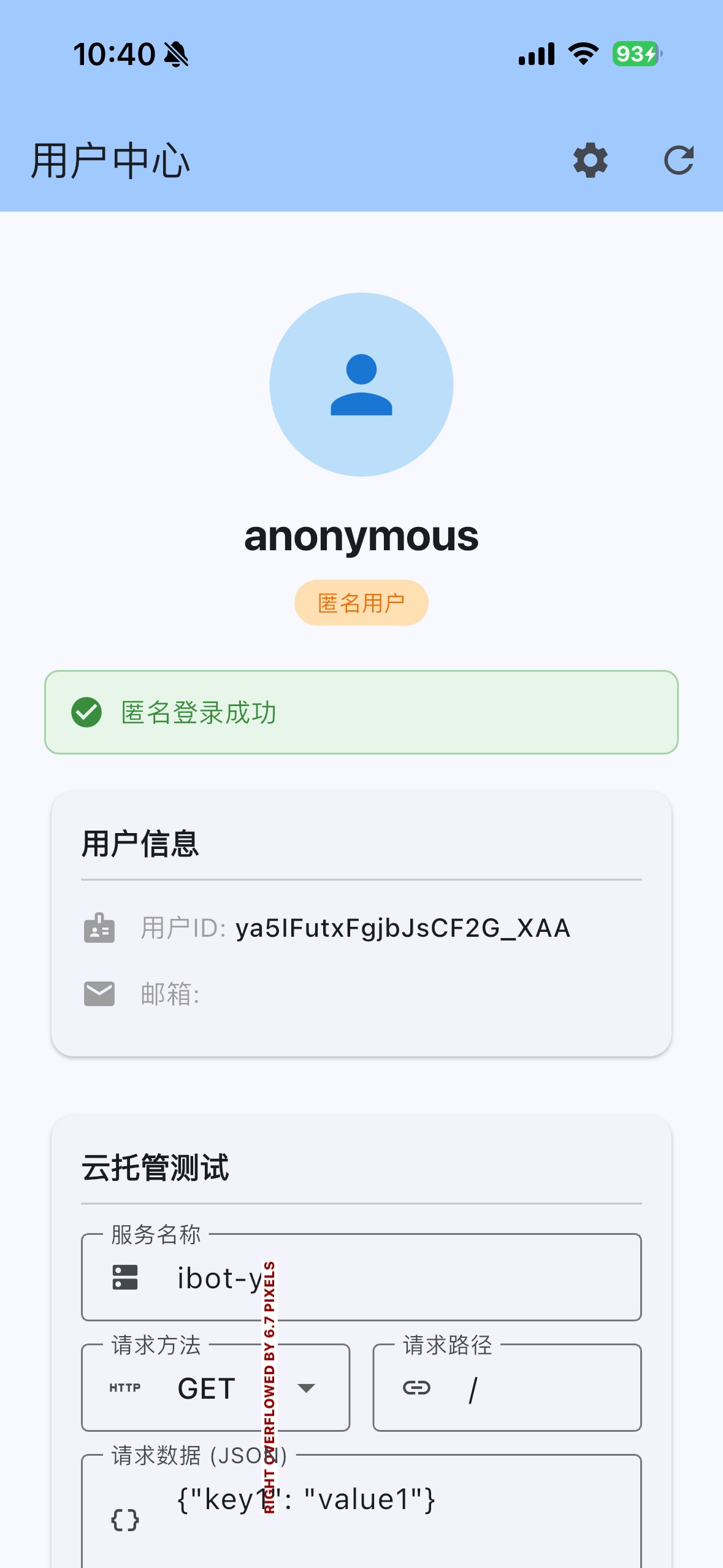
效果展示
CloudBase Flutter示例请参考 示例代码
错误处理
SDK 会抛出 CloudBaseException 异常:
try {
  await app.auth.signInWithPassword(
    SignInWithPasswordReq(
      email: 'user@example.com',
      password: 'wrong-password',
    ),
  );
} on CloudBaseException catch (e) {
  print('错误码: ${e.code}');
  print('错误信息: ${e.message}');
}
相关链接
许可证
MIT License - 详见 LICENSE 文件
Libraries
- cloudbase_flutter
- CloudBase Flutter SDK 腾讯云开发 Flutter SDK - 提供认证、云函数、云托管、API 网关等云开发能力