

Background animated
Add cool effects, with plenty of customization!
Installation
1. Depend on it
Add this to your package's pubspec.yaml file:
dependencies:
    background_animated: ^0.4.0
2. Install it
You can install packages from the command line:
$ pub get background_animated
Alternatively, your editor might support pub. Check the docs for your editor to learn more.
3. Import it
Now in your Flutter code, you can use:
import 'package:background_animated/background_animated.dart';
Usage
If you want to give YourWidget a 3D rain background, simply wrap it with the ParallaxRain widget, with YourWidget as the child parameter. You can also have the rain effect in the foreground, use multiple drop colors, adjust the speed, add trails to your drops and lots more!

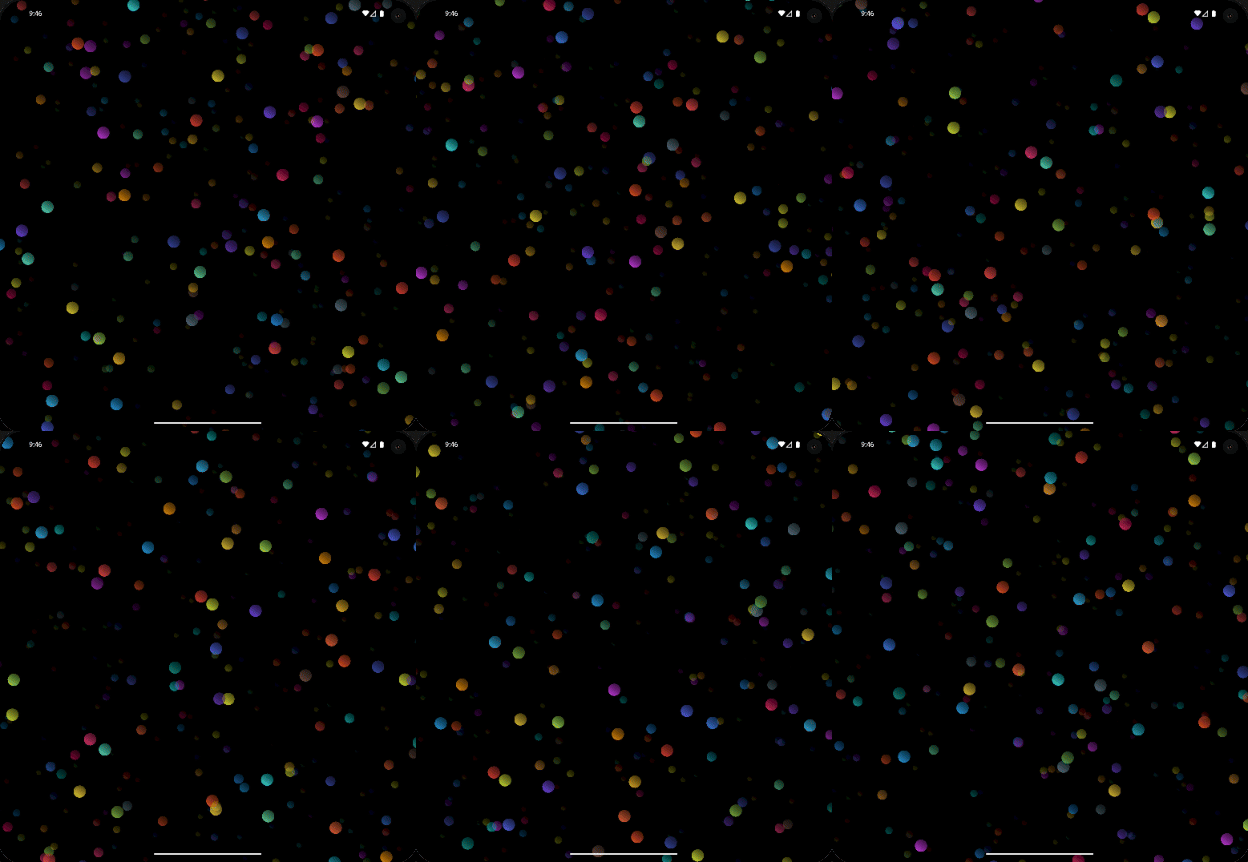
For example:
ParallaxRain(
    dropColors: [
        ...Colors.primaries,
        ...Colors.accents,
    ],
    child: Text(
        "Text Here",
    ),
),
If you want to give YourWidget a 3D starfield background, just wrap it with the Starfield widget, with YourWidget as the child parameter. You can also have the Starfield effect in the foreground, use multiple colors, adjust the speed, add trails to your shapes and more!
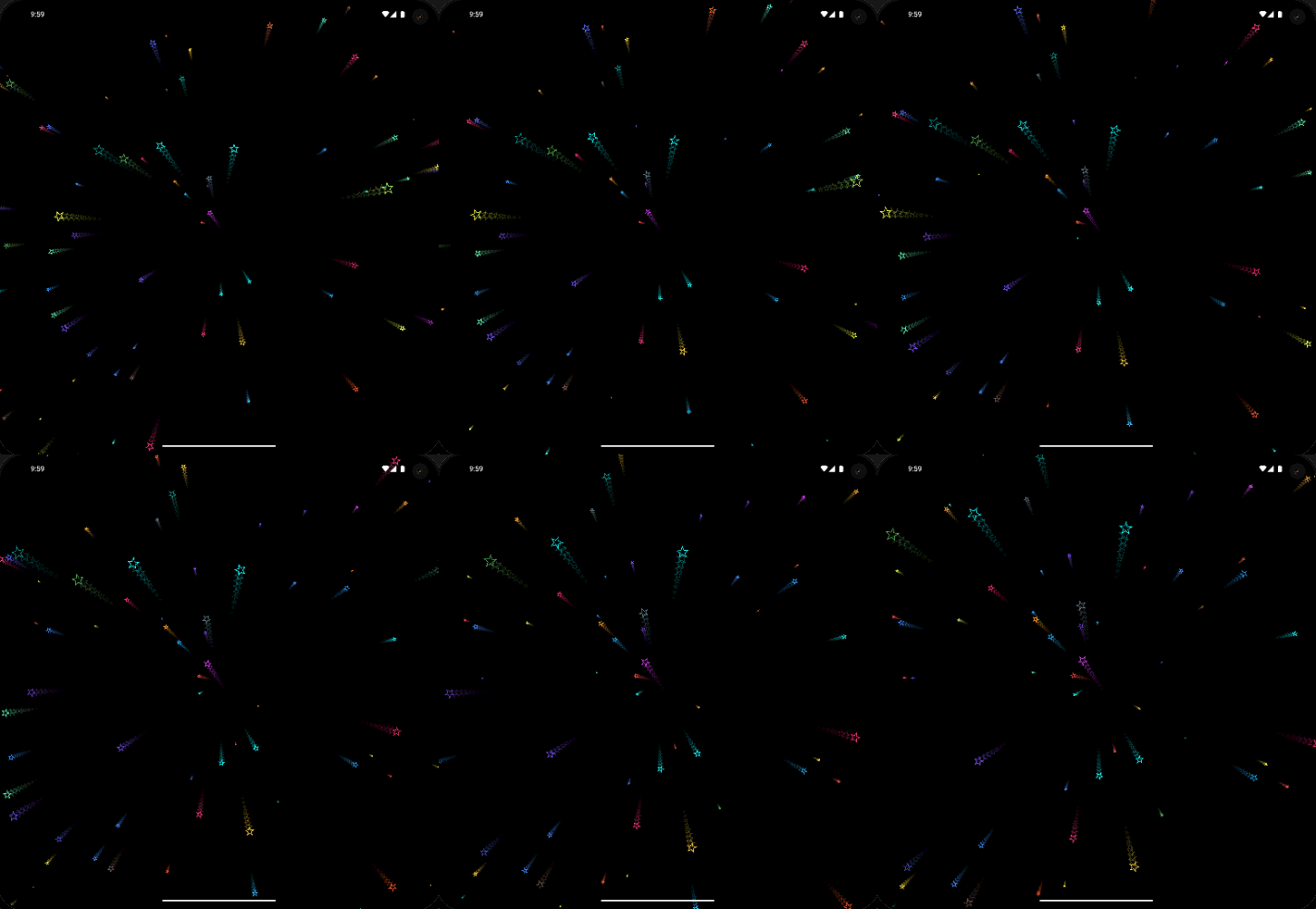
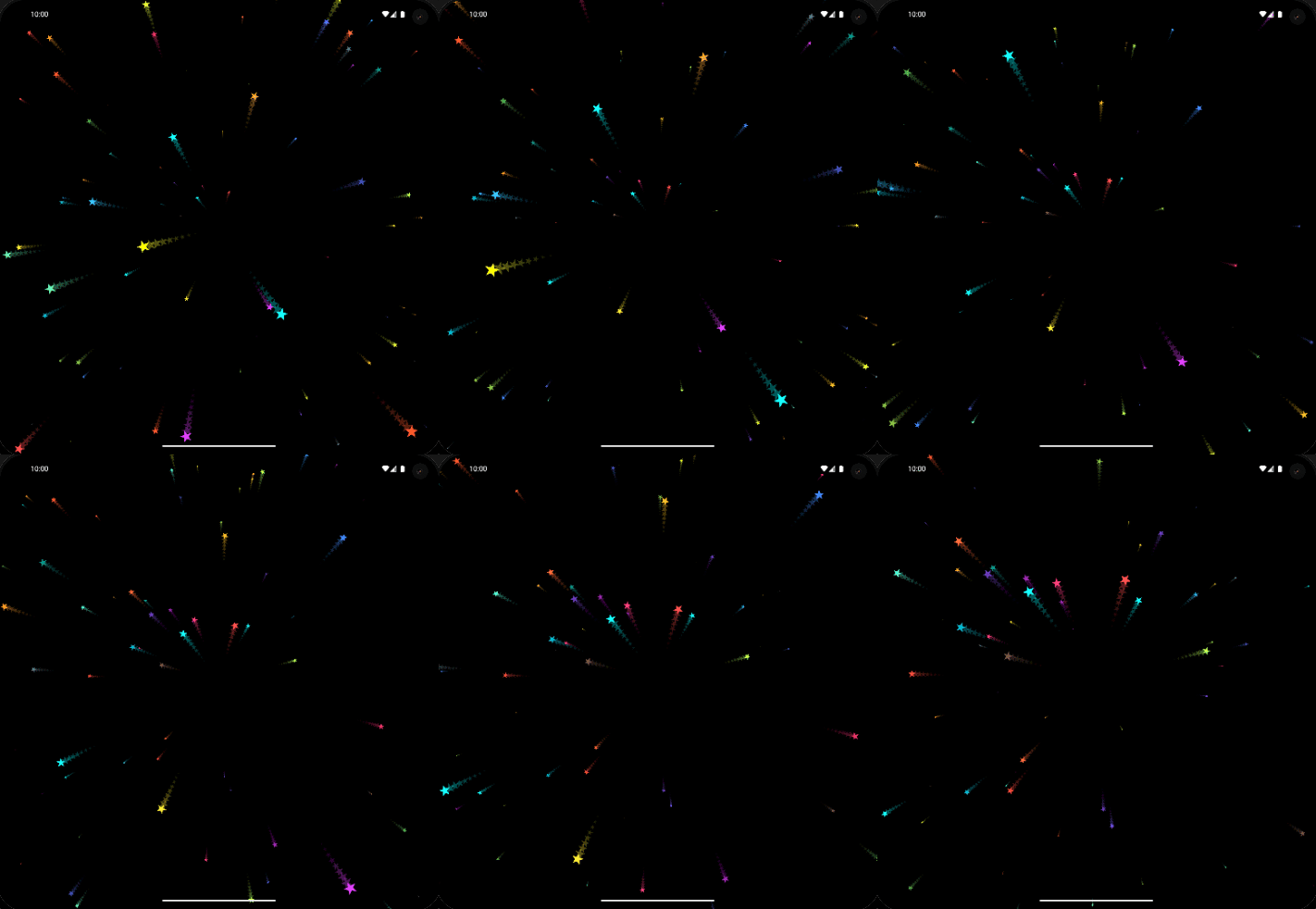
For example:
Starfield(
    colors: [
        ...Colors.primaries,
        ...Colors.accents,
    ],
    child: Text(
        "Text Here",
    ),
),
If you want to give YourWidget a fireworks background, just wrap it with the Fireworks widget, with YourWidget as the child parameter. You can also have the fireworks effect in the foreground, use multiple colors shapes and more!
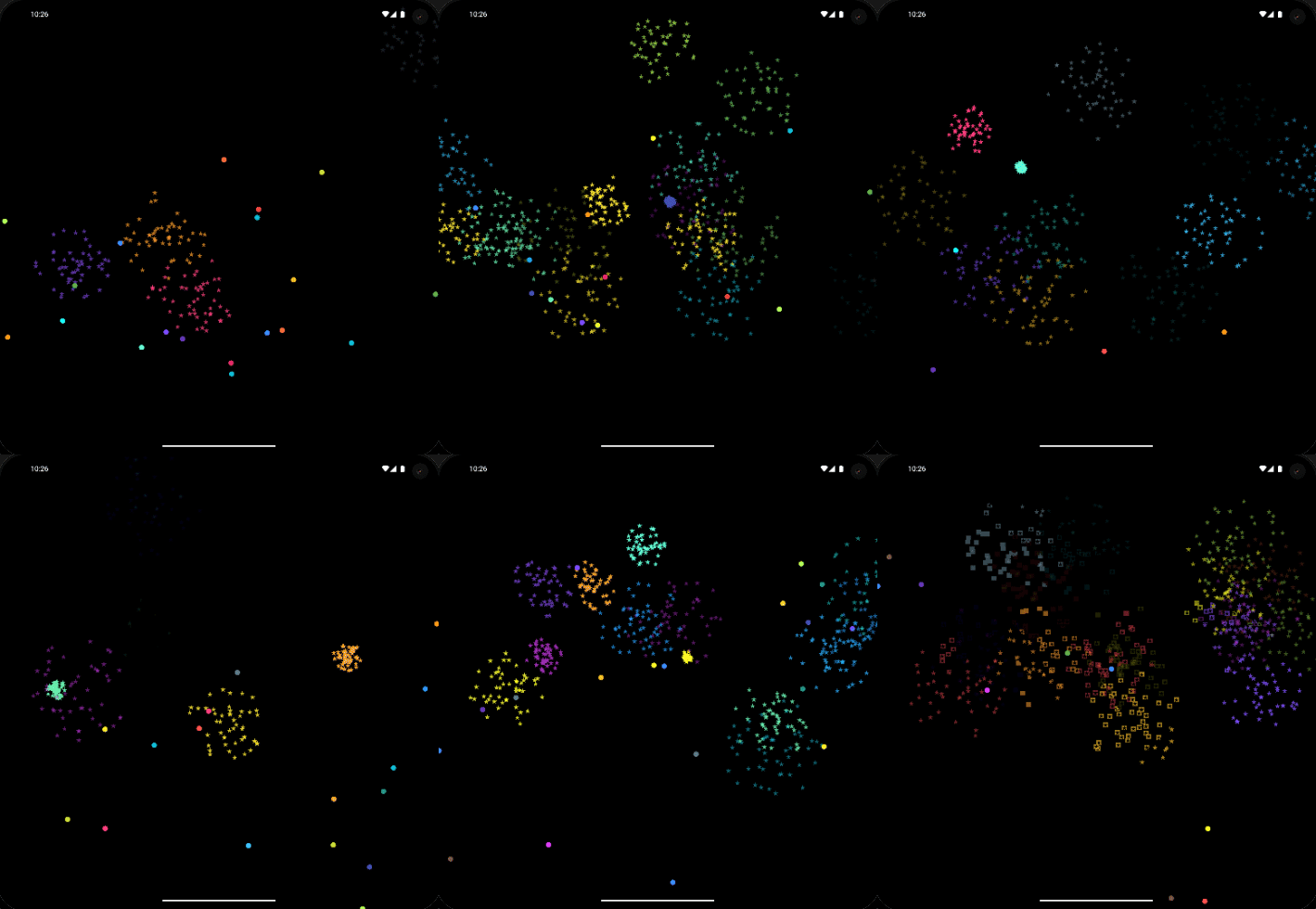
For example:
Fireworks(
    shapeColors: [
        ...Colors.primaries,
        ...Colors.accents,
    ],
    particleColors: [
        ...Colors.primaries,
        ...Colors.accents,
    ],
    child: Text(
        "Text Here",
    ),
),
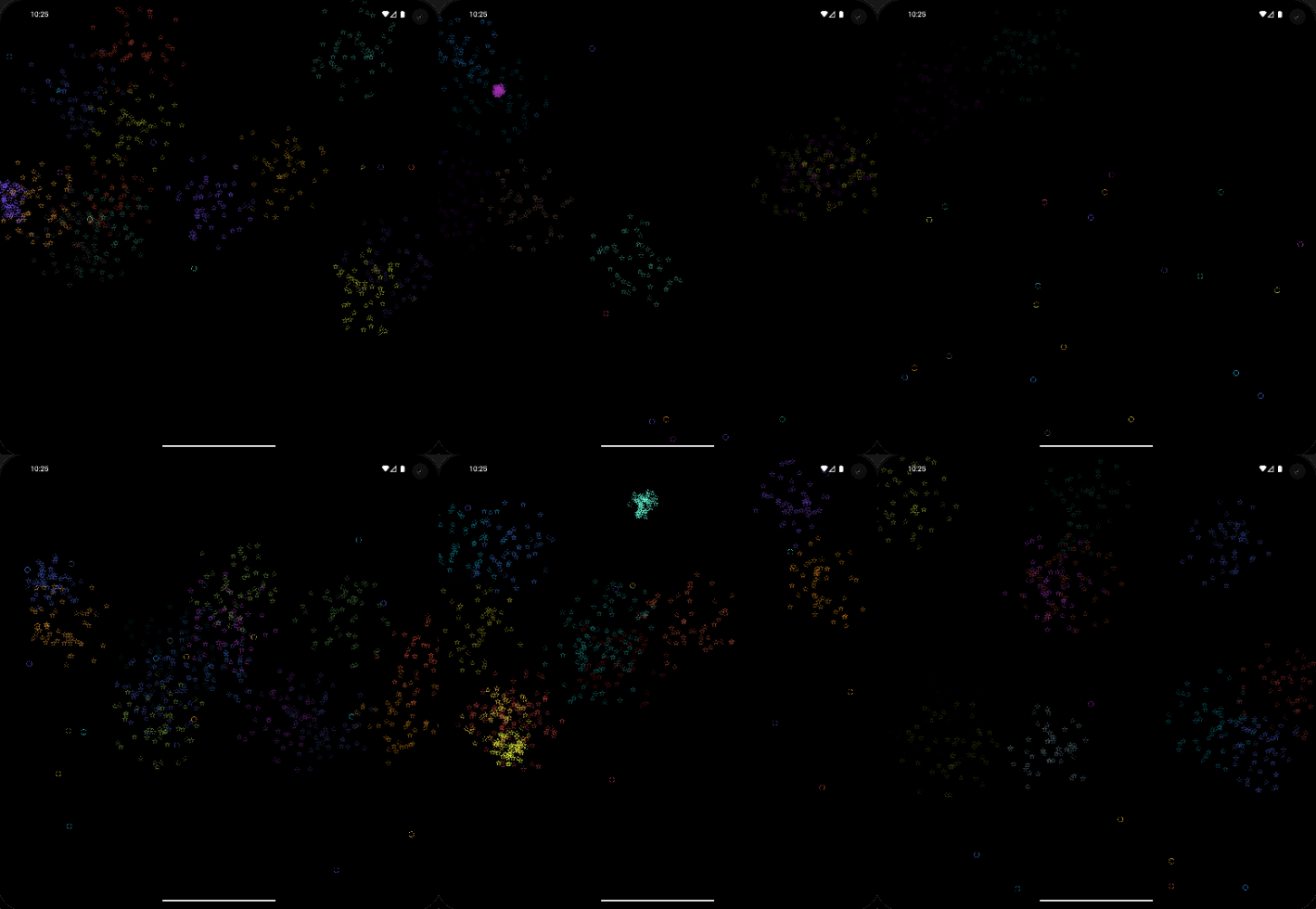
If you want to give YourWidget a perlin noise background, just wrap it with the PerlinNoise widget, with YourWidget as the child parameter. You can also have the perlin noise effect in the foreground, use multiple colors, widths, numbers, and more!
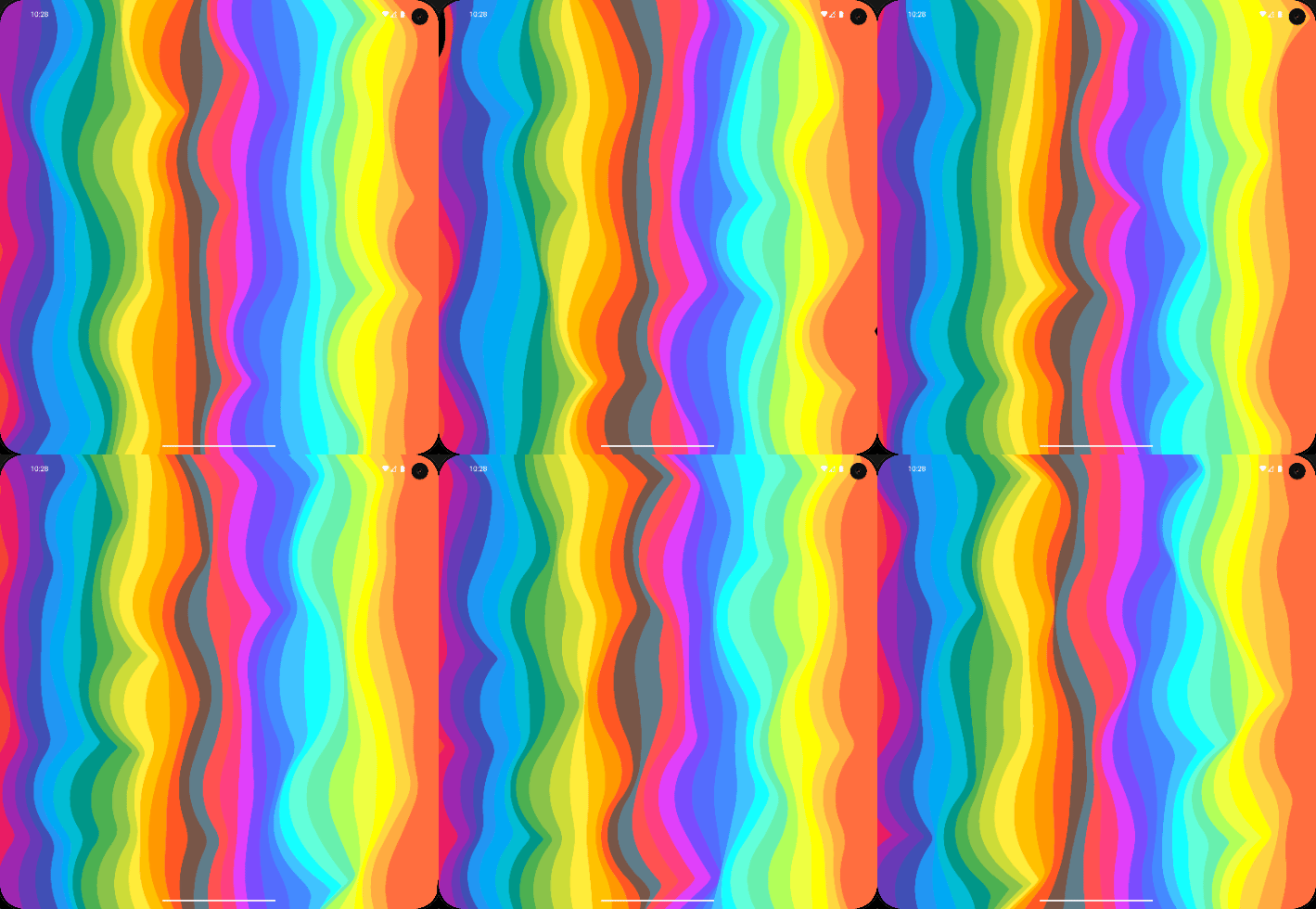

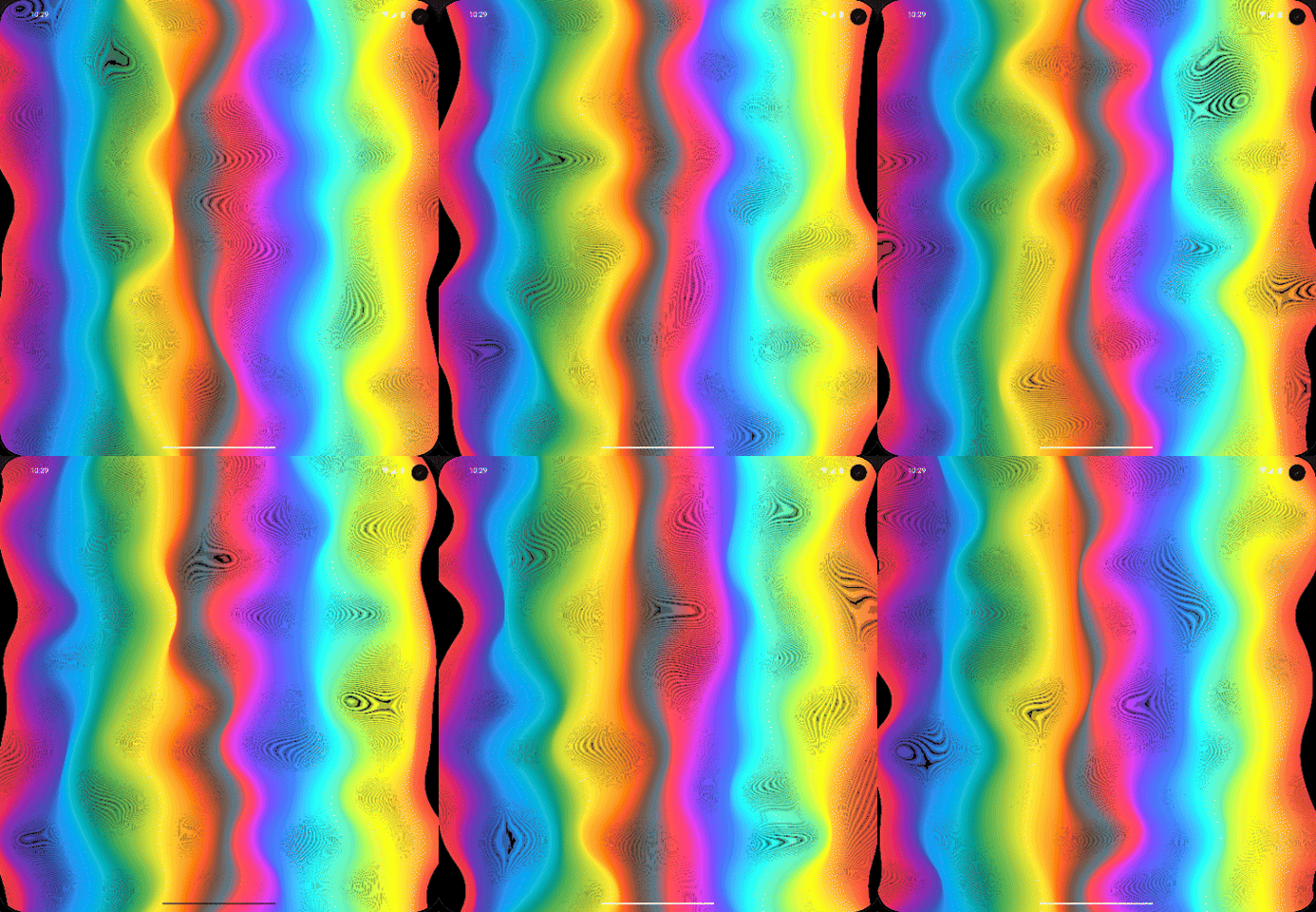
For example:
PerlinNoise(
    colors: [
        ...Colors.primaries,
        ...Colors.accents,
    ],
    child: Text(
        "Text Here",
    ),
),
Ideas???
Please feel free to suggest new animations / ideas and I will do my best implementing them and also don't forget to submit your suggestions for code / performance improvements
About me
Visit my LinkedIn at https://www.linkedin.com/in/amr-elbasuony or Add me on discord via https://discord.com/users/zerstoria or Contact me by email: amrahmedelbasuony@gmail.com or Use whatsapp: https://wa.link/myun5k
Libraries
- algorithms/perlin_noise_algorithm
- background_animated
- extensions/offset_addition
- extensions/offset_multiplication
- fireworks/firework_model
- fireworks/fireworks_painter
- fireworks/particle_model
- parallax_rain/drop_model
- parallax_rain/parallax_rain_painter
- perlin_noise/perlin_noise_painter
- starfield/star_model
- starfield/starfield_painter