Animated Count Text
A lightweight Flutter widget that smoothly animates numeric text whenever the value changes.
Supports integers, decimals, currency symbols, percentages, custom curves, configurable precision, and safe string parsing.
Preview
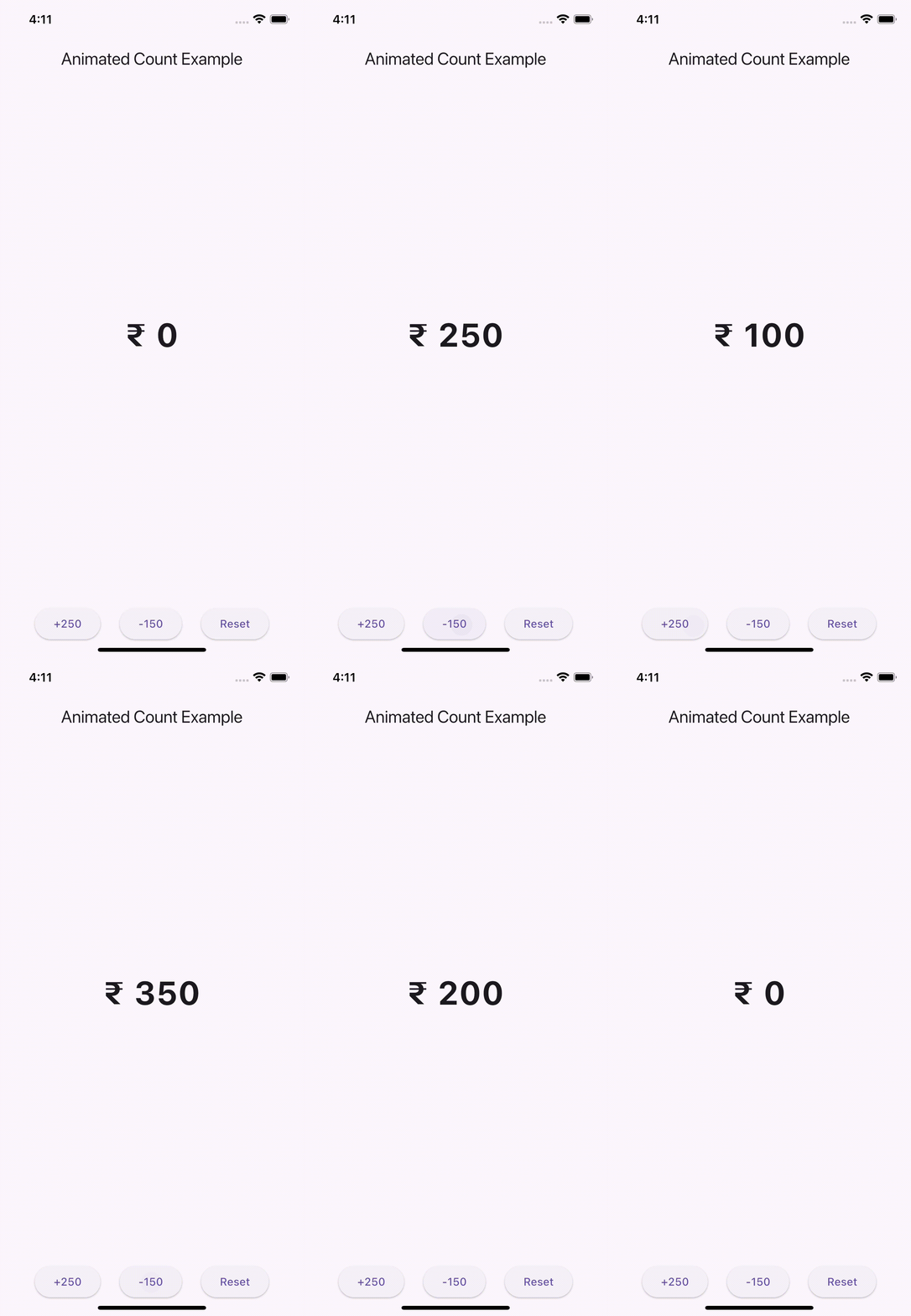
Use this package as a library
Depend on it
Run this command:
With Flutter:
flutter pub add animated_count_text
This will add a line like this to your package's pubspec.yaml:
dependencies:
  animated_count_text: ^latest_version
Alternatively, you can manually add it to your pubspec.yaml and run:
flutter pub get
Import it
Now in your Dart code, you can use:
import 'package:animated_count_text/animated_count_text.dart';
Usage
Basic Example
AnimatedCount(
  value: 30,
)
With Currency
AnimatedCount(
  value: 2500,
  prefix: "₹ ",
  duration: Duration(milliseconds: 800),
)
With Decimal Precision
AnimatedCount(
  value: 12.3456,
  fractionDigits: 2,
)
With Percentage
AnimatedCount(
  value: 87.5,
  suffix: "%",
  fractionDigits: 1,
)
🆕 Safe String Parsing Extension
The package also includes a helpful string extension for safely converting strings to numbers without crashes.
Example
final intValue = "1200".toInt();        // 1200
final doubleValue = "45.75".toDouble(); // 45.75
final invalid = "abc".toInt();          // 0
Perfect for dynamic animations where input may come from APIs or text fields.
Properties
| Property | Type | Description |
|---|---|---|
value |
num |
The number to animate to |
fractionDigits |
int |
Decimal precision (default: 0) |
prefix |
String? |
Text before the number |
suffix |
String? |
Text after the number |
duration |
Duration |
Animation duration |
curve |
Curve |
Animation curve |
style |
TextStyle? |
Text styling |
textAlign |
TextAlign? |
Text alignment |
📘 Documentation

Read the full guide and implementation details on Medium:
This keeps design consistent with your top badges.
☕ Support

🌐 Connect With Me